

101ブランドのムードボード一枚
店名、業種、雰囲気から写真、素材、配色、文字、ロゴの場所を一枚にまとめます。
受け取れるもの
- 写真と素材を中心にしたムードボード一枚
- 四つの色と店名の文字見本
- 小さなオリジナルシンボルの場所
ChatGPT 無料 OK
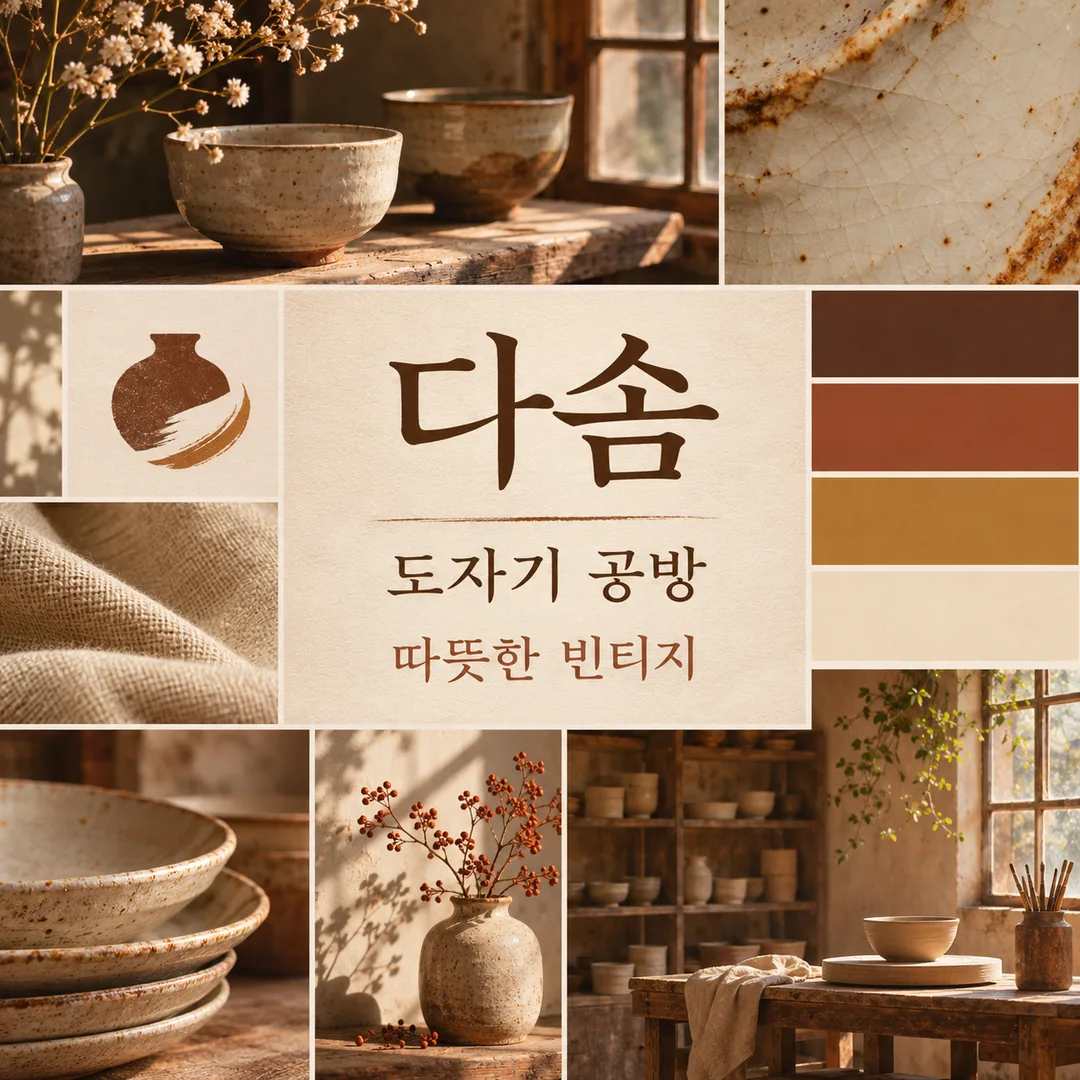
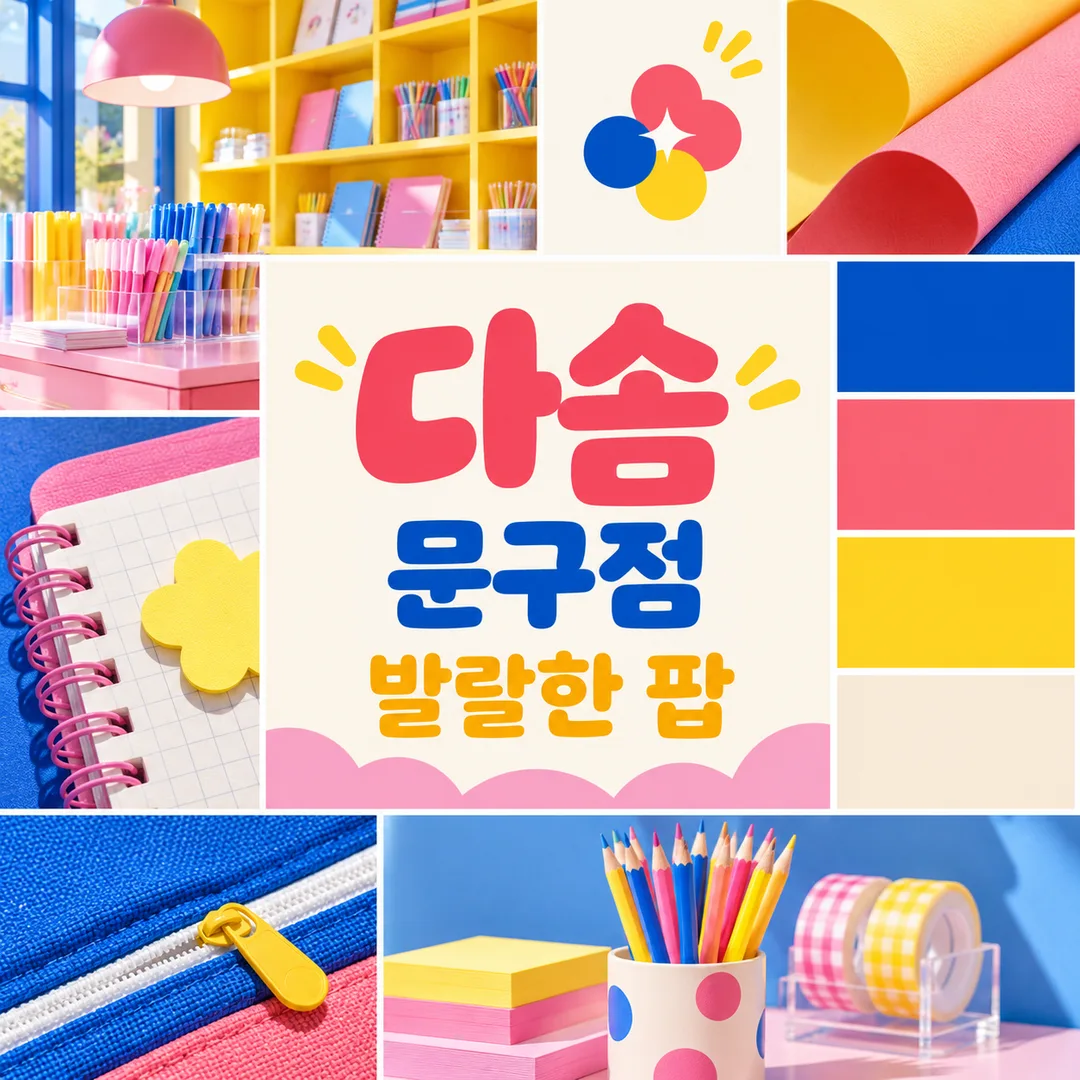
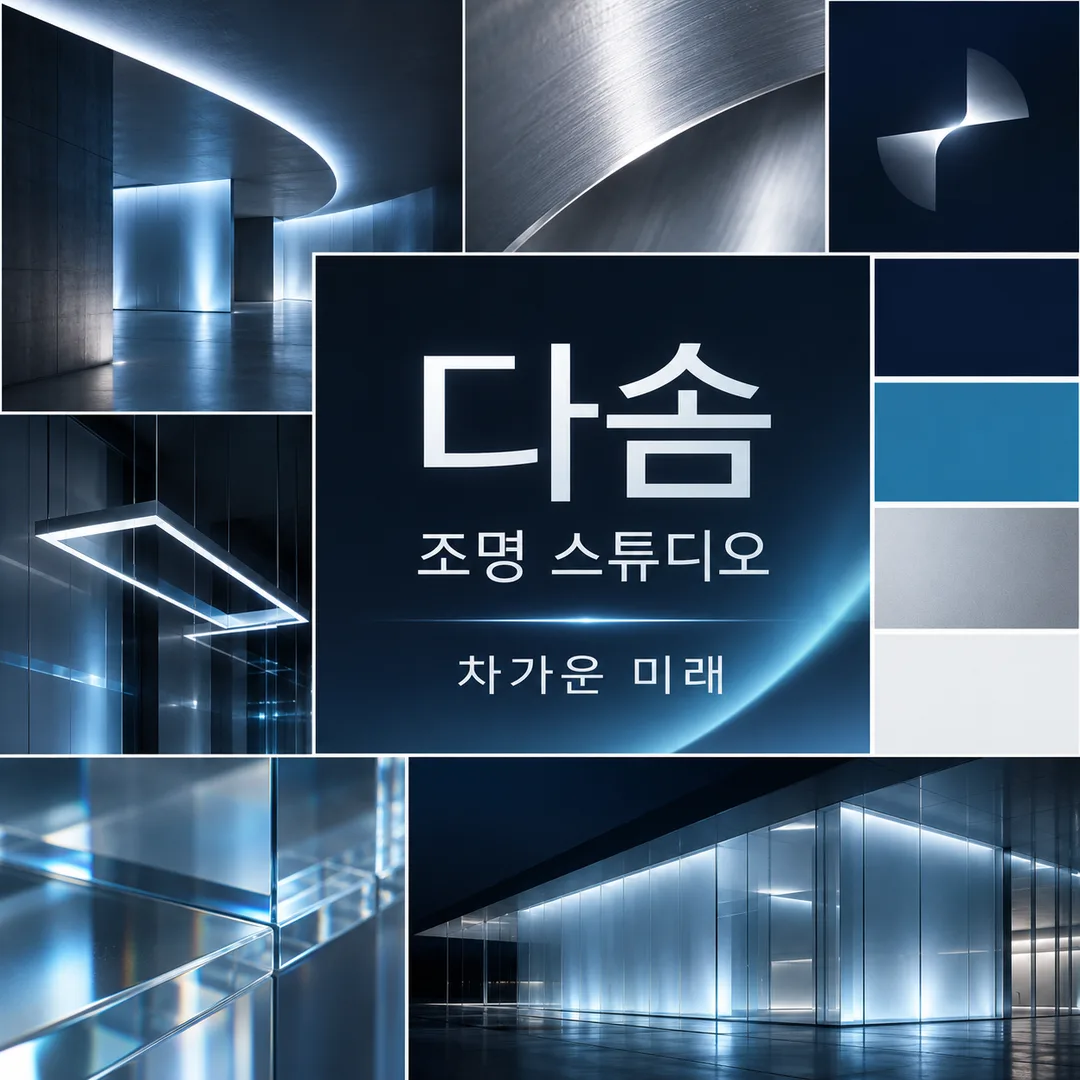
項目を入力
- 1項目を入力します
- 2コピーを押します
- 3GPTのチャットに貼り付けます
- 4そのまま送ると、サムネイルの例のような画像になります
- 5カードに合う実際の写真を一緒に入れると反映されます。背景カードなら背景の写真、人物・料理カードならその写真 任意
プロンプト全文を見る 3,406文字
Generate this image now. Return exactly ONE finished image itself, without explanation or questions.
出力サイズは1080×1080ピクセル、1:1の正方形にしてください。文字を読みやすく配置してください。
Create one premium brand moodboard, default square 1:1. The board fills the canvas edge to edge without a desk, device frame or surrounding blank margin. Use a dense asymmetric editorial collage with varied aligned cell sizes and fine gutters. Include three original atmosphere photographs suited to BUSINESS, two tactile material closeups, exactly four large unlabelled color swatches, one modest original abstract emblem in a dedicated logo cell and one large NAME typography specimen. Photographs and materials occupy about 60 percent; the emblem is supporting, not a hero logo presentation. No packaging mockup collection or alternative boards.
NAME: "【店名】"
BUSINESS: "【業種】"
MOOD: "【雰囲気】"
Preserve each supplied string exactly, including script, spelling and spaces. Show NAME once, BUSINESS once and MOOD once, all clearly readable. Reserve a central typography cell with three separate readable lines: large NAME on top, BUSINESS below it, and MOOD on a third line below BUSINESS. MOOD must be printed as text as well as expressed visually. Before delivery, verify that all three supplied strings appear, not just NAME and BUSINESS. These are the only permitted text strings. No digits, color codes, font-file names, captions or extra headings. Use the brand name as the type specimen, with typography that expresses the mood. The four swatches must match the photographs and materials. Place essential text within the central 73 percent height, adapting gracefully to the selected ratio.
Interpret the selected mood only:
- 静かな自然: natural daylight, botanical material references, forest green/sage/ivory/brown, elegant serif
- 温かなヴィンテージ: warm analog photography, earthy handmade materials, rust/ochre/cream/espresso, classic serif
- 陽気なポップ: high-key hard-flash photography, bold flat geometric cells, cobalt/coral/butter/ivory, chunky rounded lettering
- クールな未来: dramatic blue architectural light, aluminum and glass, cyan/navy/silver/white, crisp sans serif
For other free-text moods, infer a coherent palette, photographic lighting, textures and type treatment from the input while preserving the same moodboard structure. Do not imitate an artist or existing brand.
If NAME is empty, omit its lettering and keep the abstract emblem. If BUSINESS is empty, use a fictional craft studio as design context without printing a replacement business label. If MOOD is empty, use the first listed mood visually without printing a replacement mood label. Never print placeholders or instructions.
All objects and designs must be original fictional concepts. No real brands, identifiable commercial product shapes, existing logos, characters, signatures, watermarks or people. No numerical claims or invented contact information. Before returning, inspect every letter at enlarged scale and correct spelling while keeping the design coherent. Deliver the image in one step, without requiring scripts, assembly or postprocessing.

[Final output format]
出力サイズは1080×1080ピクセル、1:1の正方形にしてください。文字を読みやすく配置してください。
This selected output format takes priority over any fixed canvas size or aspect ratio elsewhere in this template. Adapt the composition, text zones and margins to the selected canvas without stretching or cropping essential content. Device safe areas apply only when a device is selected. Never print these format instructions on the image.
結果はどうでしたか?
同じ分類のほかのカード
使い方・よくある質問
開店前に内装や看板の担当者へ、お店の目指す印象を伝えるための一枚です。大きなロゴを発表する資料とは違い、写真と素材を中心に構成します。四つの色見本、店名の文字見本、小さなオリジナルのシンボルを合わせて方向性を共有できます。写真の添付は不要です。欄を埋めたプロンプトを画像AIに一度貼り付けると、一枚の完成画像を作ります。
必須欄は店名と業種の二つです。店名は表示したい綴りと空白を正確に書き、業種は花のアトリエなど具体的に指定します。雰囲気は静かな自然、温かなヴィンテージ、陽気なポップ、クールな未来から選ぶか、自由に書けます。選択に合わせて写真の光、素材、色、文字の印象が変わります。雰囲気が空欄なら自然な色調を使い、雰囲気の文字は省きます。店名が空欄なら文字を省いてシンボルを残します。業種が空欄なら架空の工房を想定し、業種名は表示しません。
表紙は静かな花のアトリエです。作例は温かな陶芸工房、陽気な文具店、未来的な照明スタジオで、それぞれの言語に対応する架空の名前Dasomを使います。標準の出力は正方形で、一覧表紙は別に作った縦長構成です。比率は共通のサイズ選択で変更できます。色見本に数値コードは付けず、文字見本は店名そのものを使います。
出力を拡大し、店名、業種、雰囲気の文字を一字ずつ照合してください。色見本が四つあり、写真と素材が同じ方向性を示しているかも確認します。印象が違う場合は雰囲気を具体的にして再生成します。誤字は正しい文字列を引用して修正を依頼してください。この画像は制作方針を相談する資料であり、編集できるロゴ原稿やフォントファイル、印刷用の測色値ではありません。実際に製作や商標登録に使うシンボルは別途確認してください。
最終確認日 · 公開