

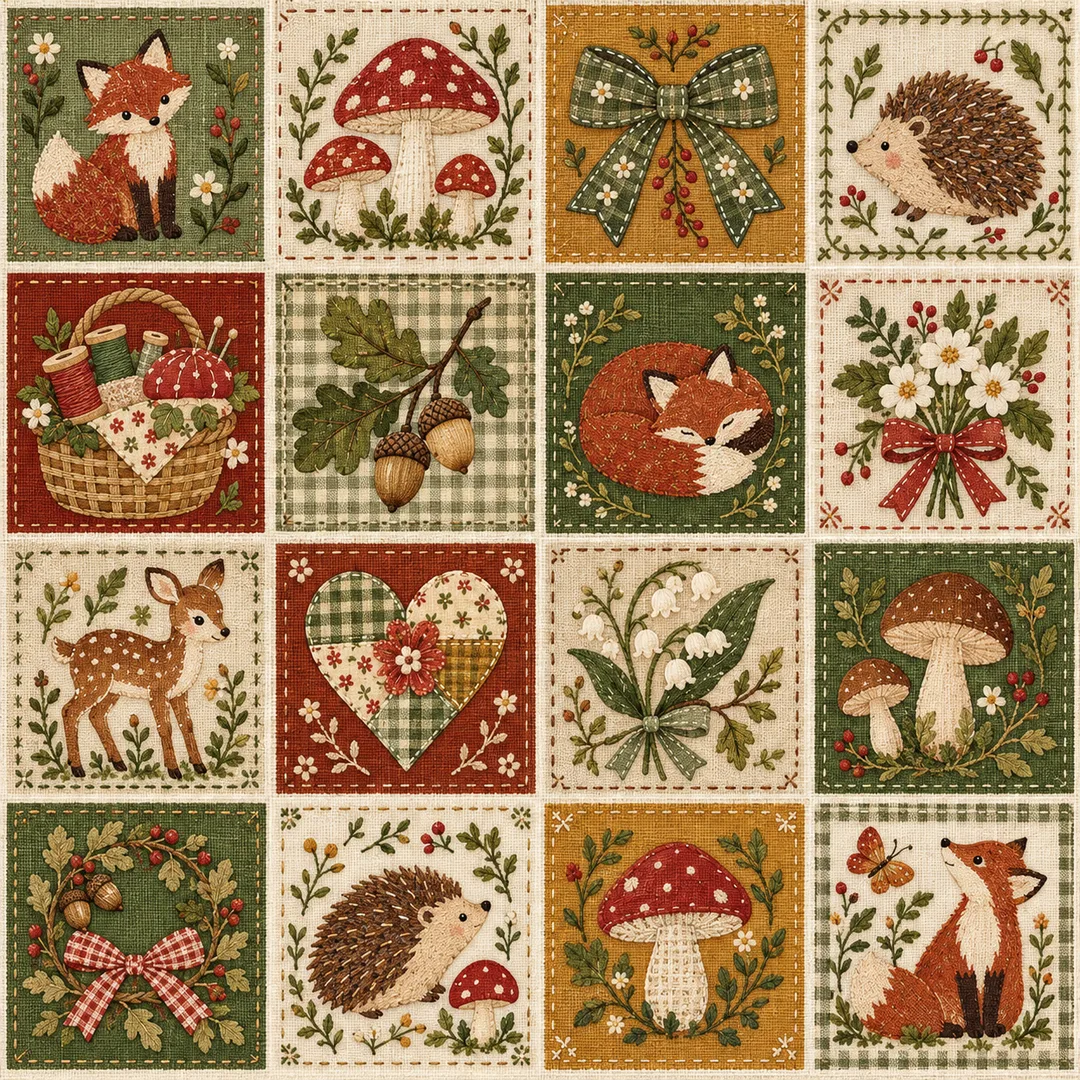
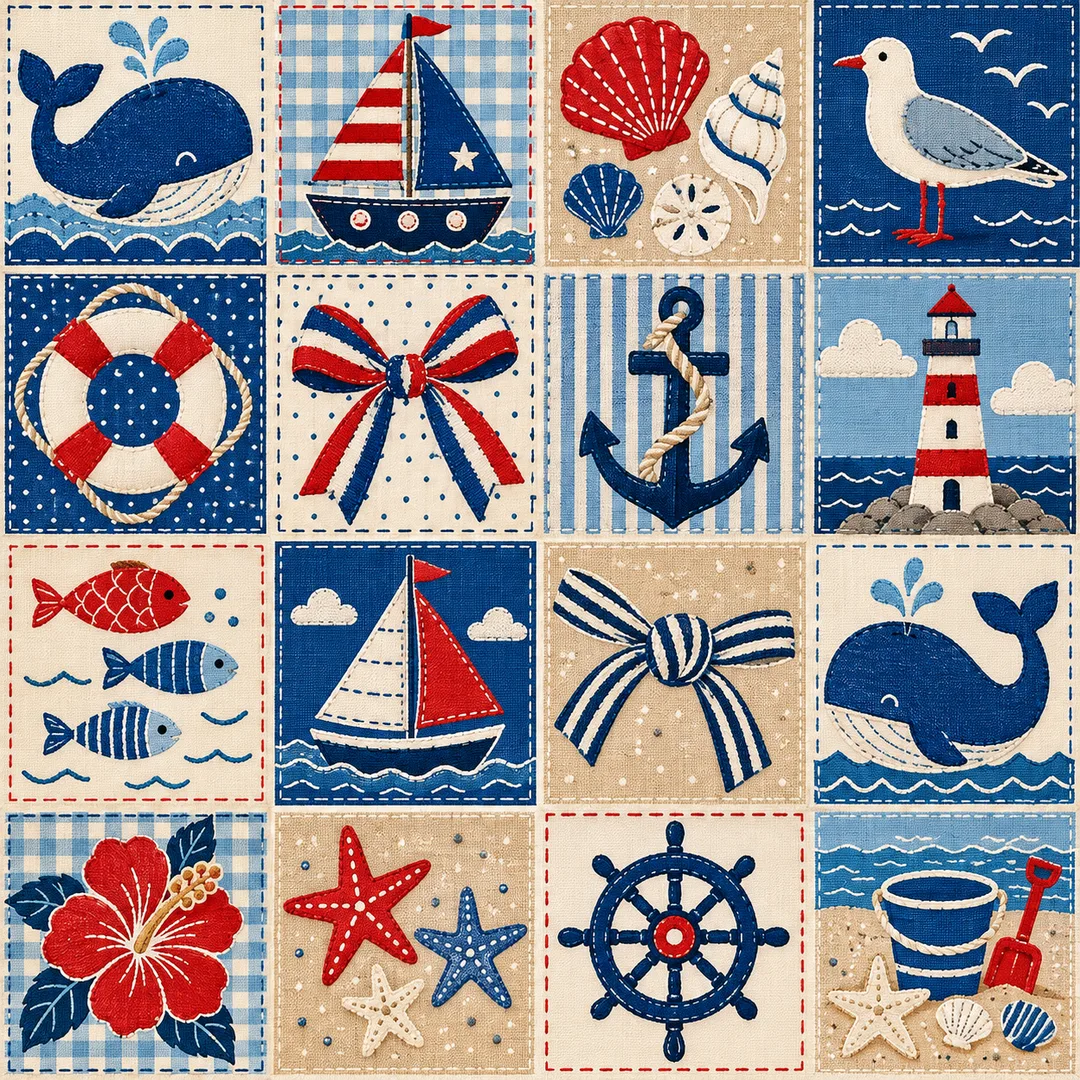
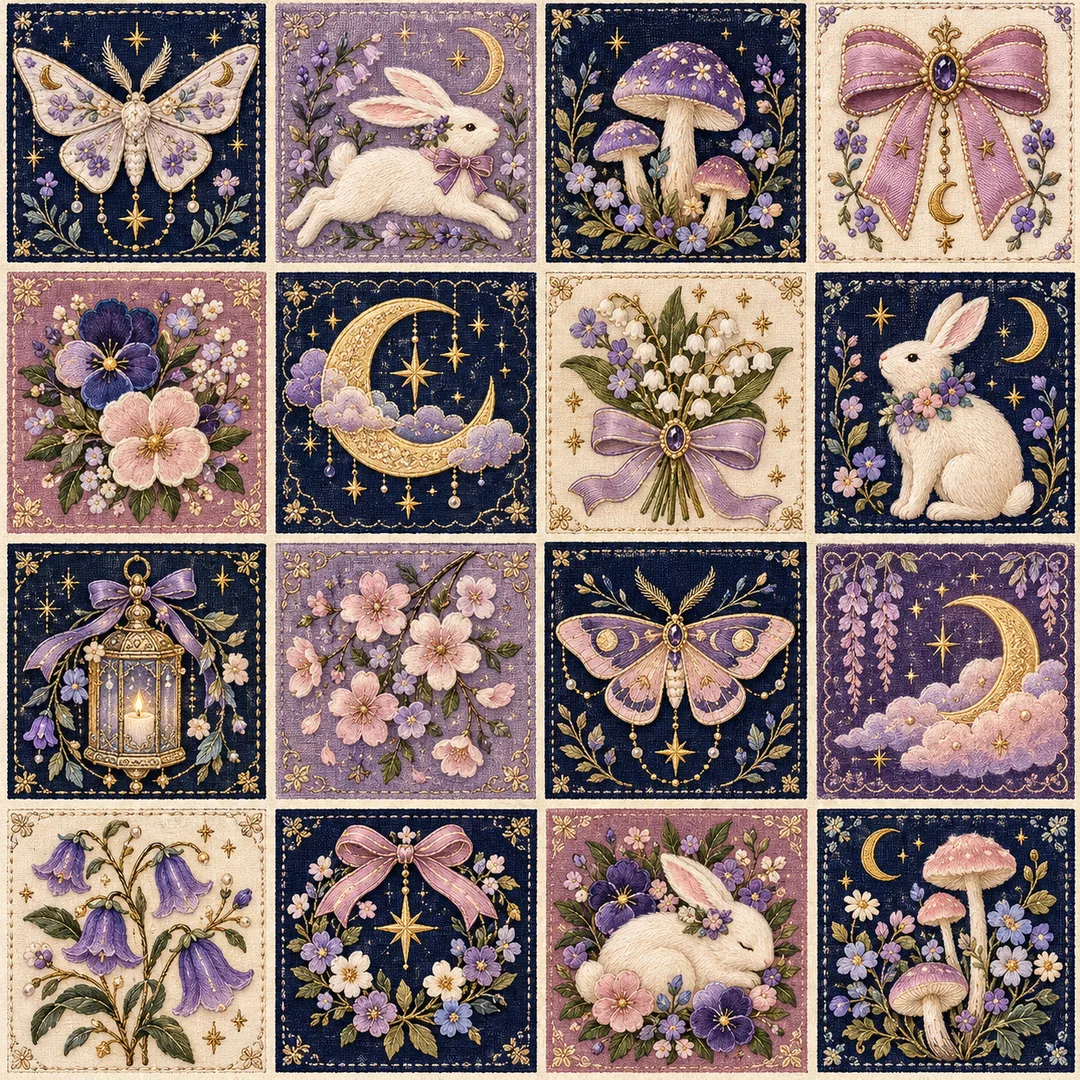
項目を入力
- 1項目を入力します
- 2コピーを押します
- 3GPTのチャットに貼り付けます
- 4そのまま送ると、サムネイルの例のような画像になります
- 5カードに合う実際の写真を一緒に入れると反映されます。背景カードなら背景の写真、人物・料理カードならその写真 任意
プロンプト全文を見る 2,331文字
Generate this image now. Draw it directly; do not explain or ask questions.
出力サイズは1080×1080ピクセル、1:1の正方形にしてください。文字を読みやすく配置してください。
Create ONE original cute patchwork fabric fussy-cut sheet as flat full-bleed finished artwork.
Theme: 【テーマ】
Colors: 【色】
If the theme is blank, use a whimsical sky picnic with hot air balloons, bows, clouds, rabbits and kites. If colors are blank, use butter yellow, cornflower blue, warm coral and cream. Names guide motif selection only and must never be printed.
Arrange four columns by four rows: sixteen neatly aligned rectangular textile picture patches, square on a square canvas. Fill the canvas edge to edge with this single sheet, not a sheet placed on a desk. Narrow continuous clean cream gutters separate all neighboring patches. Each patch has a sewn frame and a distinct complete motif or tiny related cluster. Keep all ears, tails, ribbons and other details inside the frame, leaving visible cutting room. No overlap, clipped motifs or copied cells. Balance large readable shapes with tiny decorative details and varied complementary patch backgrounds.
Keep one coherent tactile patchwork textile illustration throughout. Let the theme guide its finish: woodland sewing feels like delicate printed linen; seaside holiday like crisp graphic screenprinted cotton; midnight garden like softly luminous embroidered applique; sky picnic like softly pieced cotton applique. Preserve the same sixteen-patch format in every case. Use subtle woven fibers, fine running stitches, charming rounded original animals and carefully finished fabric edges. Cute but refined, dense craft detail, clear silhouettes, no plastic shine or photographic mockup shadows.
No text, lettering, digits, dates, labels, names, logos, signatures or watermarks anywhere. No real brands, existing characters, recognizable product designs or people. Invent all motifs. Do not copy a reference image. Output only one complete usable sheet, not separate files, a collage of samples or instructions.

[Final output format]
出力サイズは1080×1080ピクセル、1:1の正方形にしてください。文字を読みやすく配置してください。
This selected output format takes priority over any fixed canvas size or aspect ratio elsewhere in this template. Adapt the composition, text zones and margins to the selected canvas without stretching or cropping essential content. Device safe areas apply only when a device is selected. Never print these format instructions on the image.
結果はどうでしたか?
こちらのカードも人気です
使い方・よくある質問
壁紙、手帳の飾り、クラフトの試し刷りに使える正方形のデジタルパッチワークシートです。横4列・縦4段の16区画に、布目と縫い目のある小さな絵を並べます。机の上に置いた紙の写真ではなく、画面全体を満たす完成画像1枚を作ります。
必須項目はテーマと色の2個です。「Haruの森の裁縫 — キノコ、リボン、キツネ、ハリネズミ、ドングリ」と「苔の緑、赤茶、蜂蜜色、オートミール色」などを指定します。名前は素材選びにだけ使い、絵には印字しません。テーマが空欄なら気球・リボン・雲・ウサギ・凧の空のピクニック、色が空欄ならバターイエロー・青・コーラル・クリームを使います。森の裁縫は繊細なリネンプリント、海辺の休暇はくっきりした綿のプリント、真夜中の庭はほのかに光る刺繍の風合いになります。シート形式は共通で、画風を選ぶ独立項目はありません。基本比率は1:1で、変更は共通の比率選択を使います。
横4区画・縦4段を数え、隣接するすべての区画の間にクリーム色の通路が続いているか確認してください。耳、尾、リボンの先が縫い枠の内側に収まり、切り抜く余裕が必要です。触れたり欠けたりした場合は、モチーフを小さくし内側の余白を広げて再生成します。小さな飾りを組み合わせても構いませんが、区画全体のコピーは避けます。文字・数字・日付は入れません。偶然の文字や商標のような模様が出たら削除して再生成してください。
実物の布、裁縫用型紙、個別透過画像、印刷所用カットラインは含みません。シート全体を保存してそのまま背景に使えます。切り抜きは後から選べる用途であり、生成に必要な手順ではありません。印刷時は小さく試して布目と色を確認し、商用利用は生成サービスの規約と実際の出力を確認してください。
独立した表紙はHaruの空のピクニックです。作例1はHaruの森の裁縫、作例2はHaruの海辺の休暇、作例3はHaruの真夜中の庭で、素材・配色・布の風合いを変えています。表紙の使い回しはありません。