
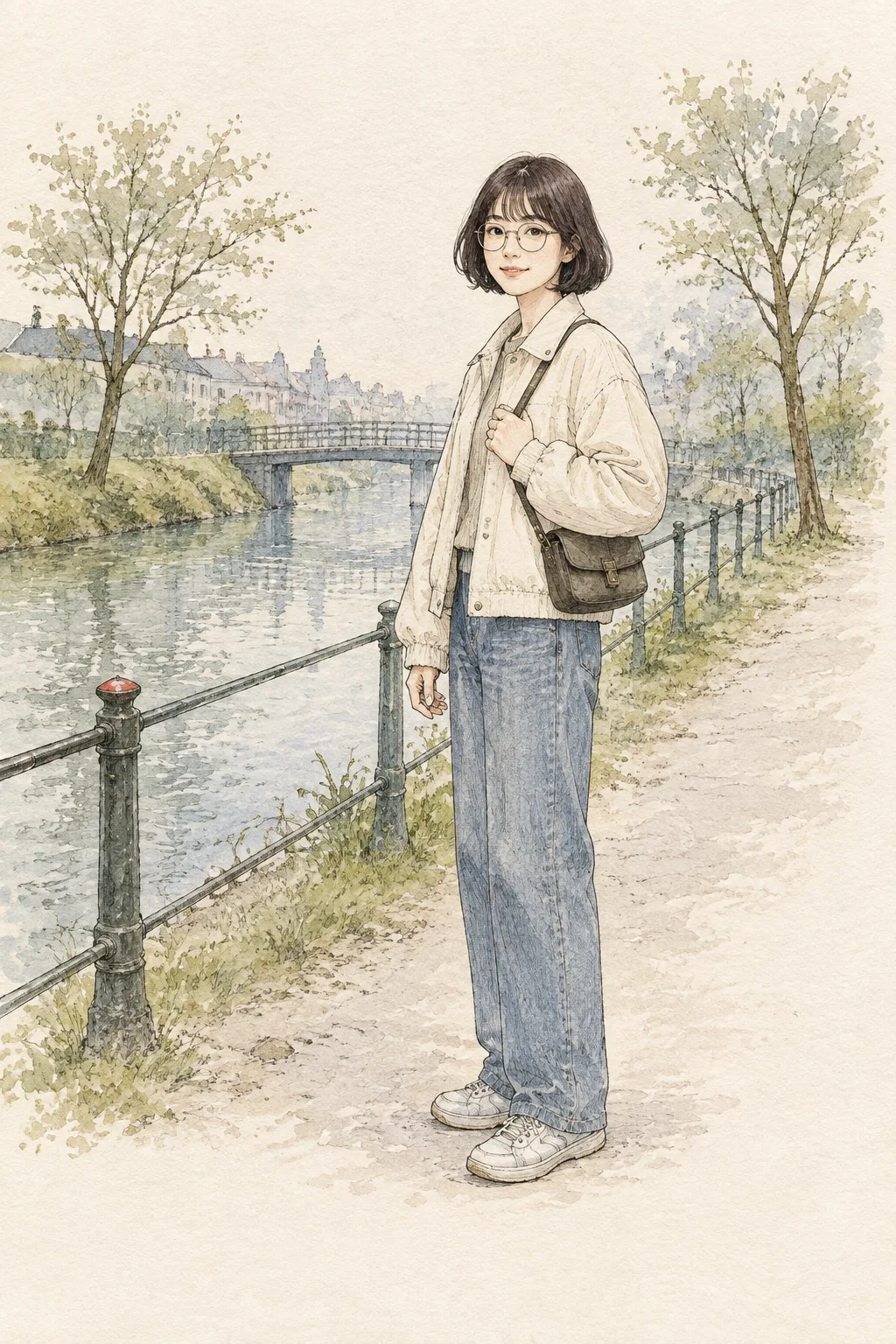
項目を入力
- 1項目を入力します
- 2プロンプトをコピーします
- 3GPTのチャットに本人の顔写真一枚とプロンプトを一緒に送ります
- 4写真と文章の両方が入っていることを確認します
プロンプト全文を見る 1,498文字
Generate this image now. Draw it directly - do not describe it, explain it, or ask questions.
出力サイズは2480×3508ピクセル、A4縦、300dpiの印刷用ポスターにしてください。
Transform ONE personal face photo attached in this same message into exactly ONE complete vertical full-body pen-and-light-watercolor portrait. The fixed image has ONE recognizable person beside a quiet canal footpath on warm cream sketchbook paper. Preserve actual facial structure, age impression, skin tone, hair and glasses. Follow "【顔で残したい特徴】" only when visible in the photo. Show the person from head to shoes slightly right of center, with a three-quarter face still clear enough to recognize.

"【小さな動作】" changes only a natural gesture. If it says "おまかせ", choose a quiet pause with a hand on a bag strap. "【表情】" changes only the expression; for "おまかせ", choose a gentle look. Neither field may alter the layout, background or art medium. Use simple unbranded everyday clothing. Suggest a low railing, a few trees and a distant narrow bridge in pale washes. Leave broad upper and lower paper space, with the person mostly from 28–77% image height.

Use fine dark-sepia pen lines, varied pressure, light crosshatching and transparent muted-blue, warm-gray and moss-green watercolor. Let unpainted paper remain visible. Make hands, fingers, shoes and ground shadow believable. No caption, title, date, fake signature, Japanese letters, comic panels, photo pasted into a painting, 3D figure, known film or artist style, watermark, code, crop or later step. Return only the finished illustration.
こちらのカードも人気です
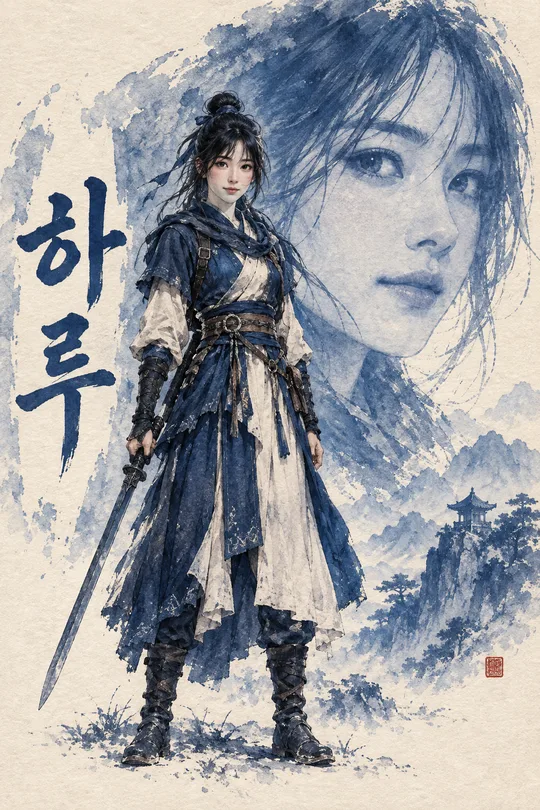
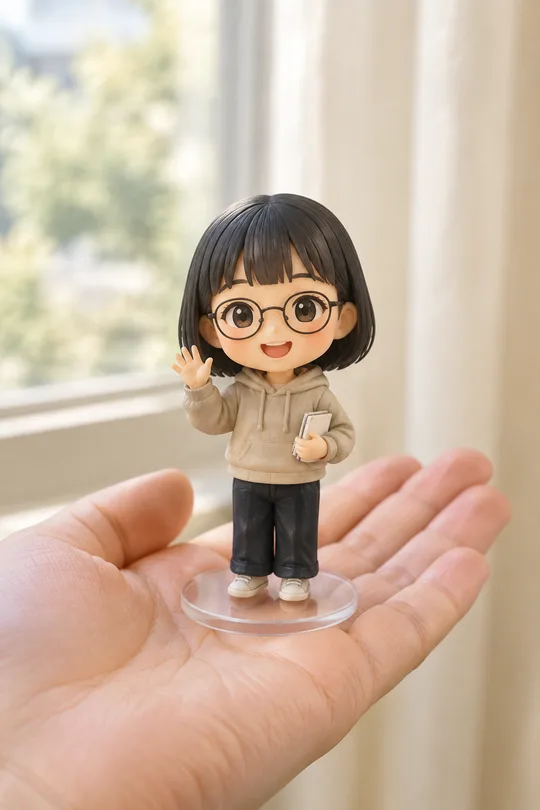
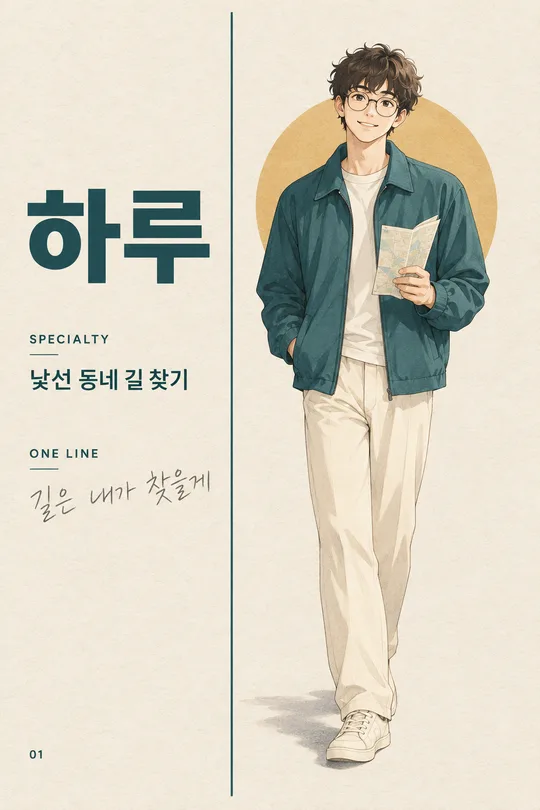
使い方・よくある質問
使う場面
普段の自撮りをそのまま載せる代わりに、散歩中の自分をスケッチブックの一枚にしたい時に使います。細いペン線と淡い水彩で描かれた全身の人物画です。日付や日記文のある絵日記でも、複数コマの漫画でもありません。
入力と送信
写真で確認できる髪、眼鏡、目元などを短く書きます。動作と表情が思い浮かばなければ「おまかせ」を選べます。背景と画材は固定です。本人か写真利用の許可を得た人の写真を一枚アップロードし、まだ送らず、同じ入力欄にプロンプトを貼って一回で送信してください。
仕上がり確認
顔や髪が元写真と似ているか、手足が自然で靴が道に接しているかを見ます。背景が濃すぎて人物を隠していないかも確かめてください。顔が分かりにくければもっと明瞭な写真を使い、動作を単純にして完成した一枚を作り直します。