
項目を入力
- 1項目を入力します
- 2プロンプトをコピーします
- 3GPTのチャットに本人の顔写真一枚とプロンプトを一緒に送ります
- 4写真と文章の両方が入っていることを確認します
プロンプト全文を見る 1,694文字
Generate this image now. Draw it directly - do not describe it, explain it, or ask questions.
出力サイズは2480×3508ピクセル、A4縦、300dpiの印刷用ポスターにしてください。
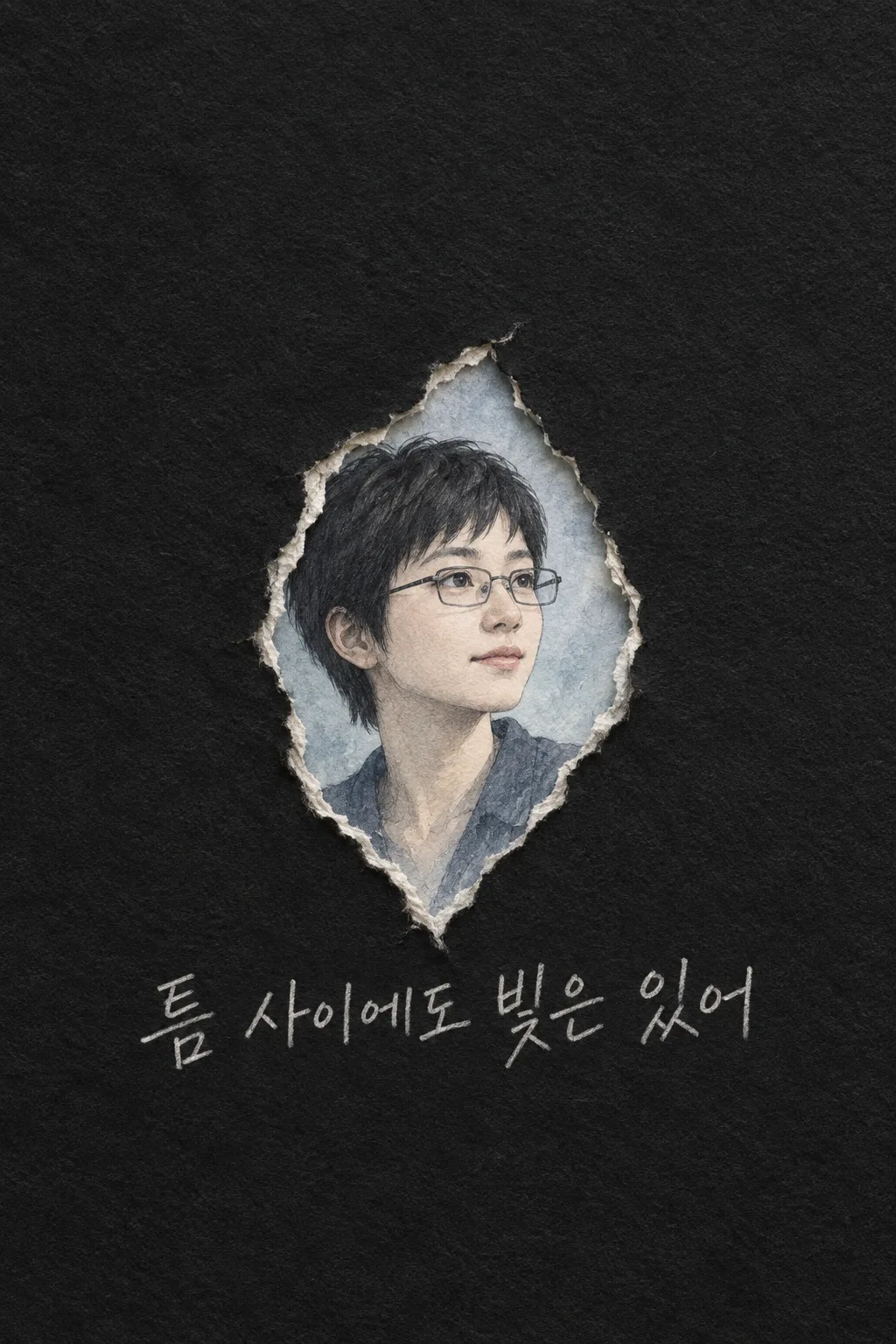
Create exactly ONE finished PERSONAL TORN-PAPER PHONE LOCK-SCREEN WALLPAPER from ONE face photo attached in this same message. A matte charcoal handmade-paper sheet opens in a SINGLE vertical tear, revealing one recognizable portrait drawn in graphite and pale indigo watercolor. Preserve the person's real face structure, age impression, skin tone, hair and glasses. "【写真で残す特徴】" is an emphasis only if actually visible. Draw one calm three-quarter face and shoulders, not a pasted photo, glamorous substitute, famous character or second person.

Keep the upper 0–30% almost uniformly black for the REAL phone clock and widgets; draw no clock, notification or phone border. The one irregular slit begins around 35% height, widens from 41–69% so the whole face is visible, and narrows before 72%. Exposed pale paper fibers and a modest cast shadow show the paper's real thickness. Inside the opening is a quiet pale-indigo watercolor sky. Keep black paper, blue-gray pigment and dry graphite, without a neon portal, multiple cracks, weapon, wings, urban photograph or brand.

At 74–81% below the tear, write ONE large legible Japanese sentence from "【鉛筆で書く一言】" in hand-drawn PALE GRAPHITE PENCIL, with varying pressure and slightly uneven baseline. If it says "おまかせ", compose one short hopeful line and never print the instruction. Leave the bottom 15% empty and dark for real lock-screen controls. The phrase changes only words, not the single-tear shape, fixed palette or medium. No extra slogan, logo, watermark, second image, code, crop or later step. Return the one complete wallpaper now.
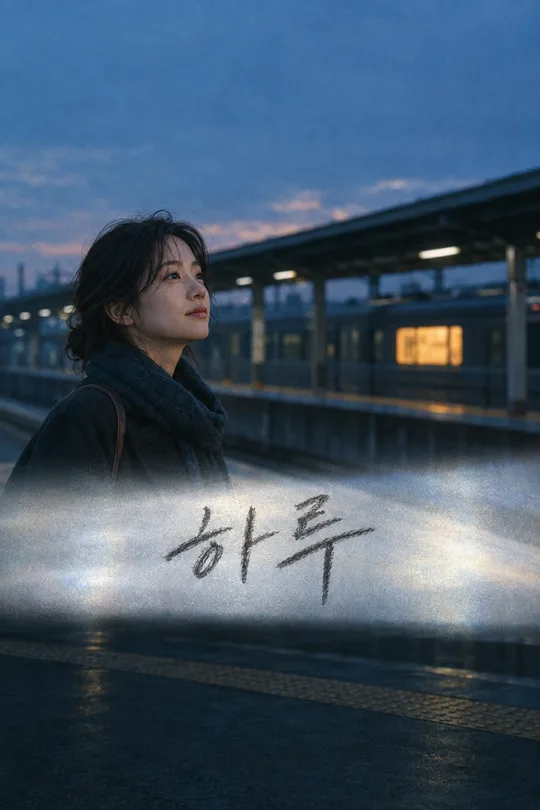
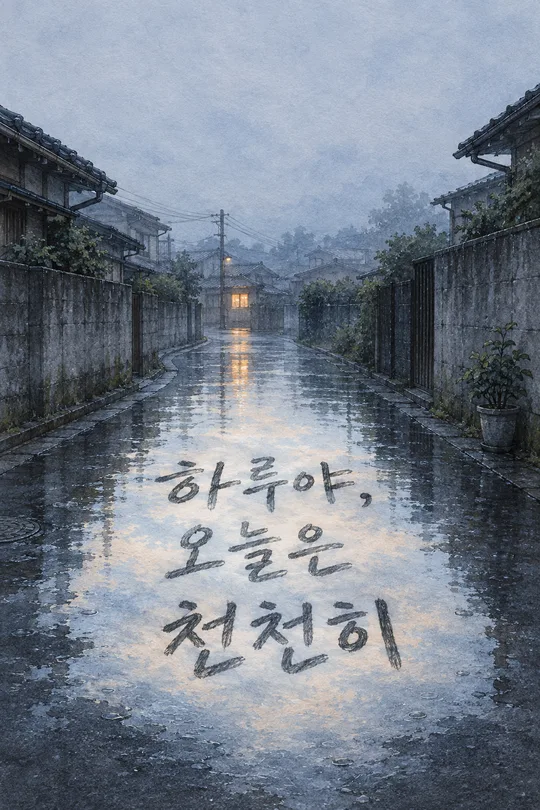
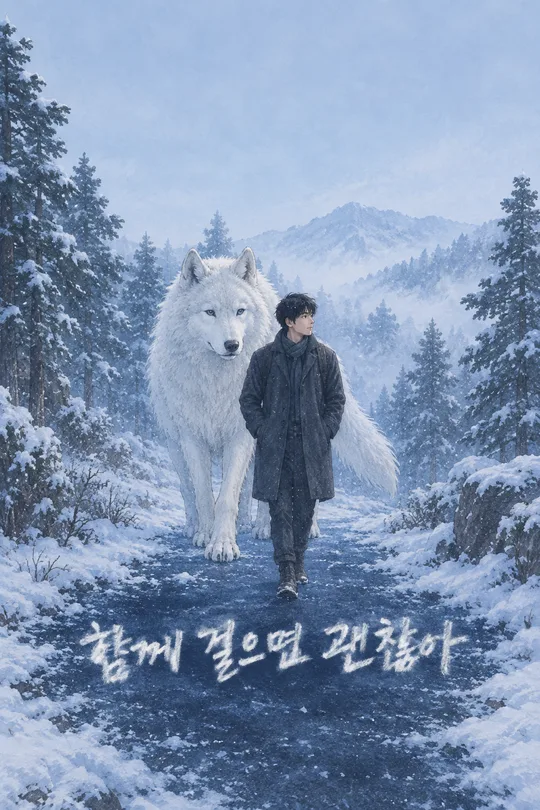
こちらのカードも人気です
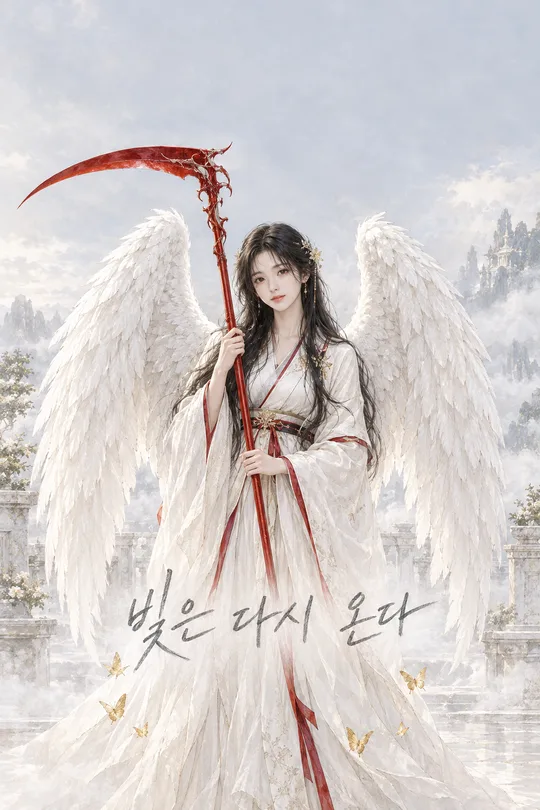
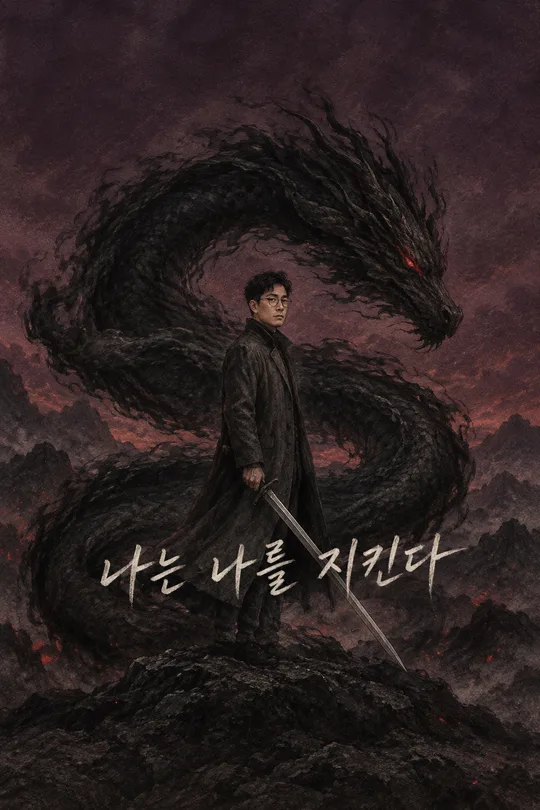
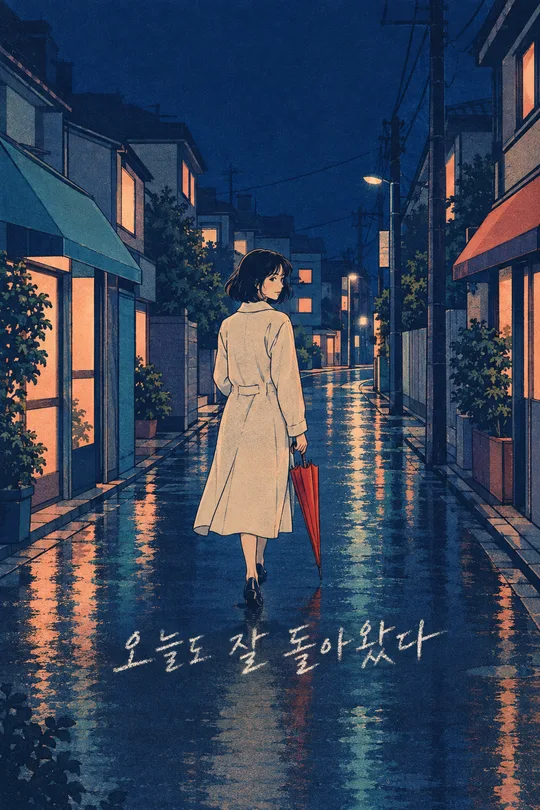
使い方・よくある質問
使う場面
自分の写真を、黒い紙の裂け目からのぞく鉛筆画のロック画面にできます。上には本物のスマホ時計のための余白があります。
131番の駅を舞台にした映画風の写真壁紙とは違い、こちらは黒い紙の破れ目と淡い青い水彩だけで画面を組み立てます。裂け目の内側に本人に似た顔を描き、短い手書きの一言を下に添えます。
入力と送信
写真に見える特徴を選び、短い一言を書くか「おまかせ」にします。使用許可のある顔写真を入力欄に置き、まだ送らず、同じ欄にプロンプトを貼って一度だけ送ってください。
確認と修正
顔が元写真に似ているか、紙の縁が顔を隠していないか、鉛筆文字が読めるか確認します。時計や通知が絵に描かれていたら使わず、より鮮明な写真と短い言葉で一枚を作り直します。
仕上がった画像を端末に設定し、本物の時計や通知が目や言葉を隠さないか試してください。文字が長すぎると細い鉛筆線が読めなくなるので、一言を短くして写真とともに再生成するのが確実です。