

346크리스마스 재질 바꾸기
내 물건의 모양과 글자를 살려 쿠키, 유리, 눈 재질의 크리스마스 사진으로 바꿔요.
받는 것
- 물건의 윤곽을 유지한 크리스마스 재질 사진 한 장
- 선택한 재질에 맞춘 조명과 배경
- 원본 글자와 숫자를 보존하도록 요청하는 프롬프트
ChatGPT 무료 OK
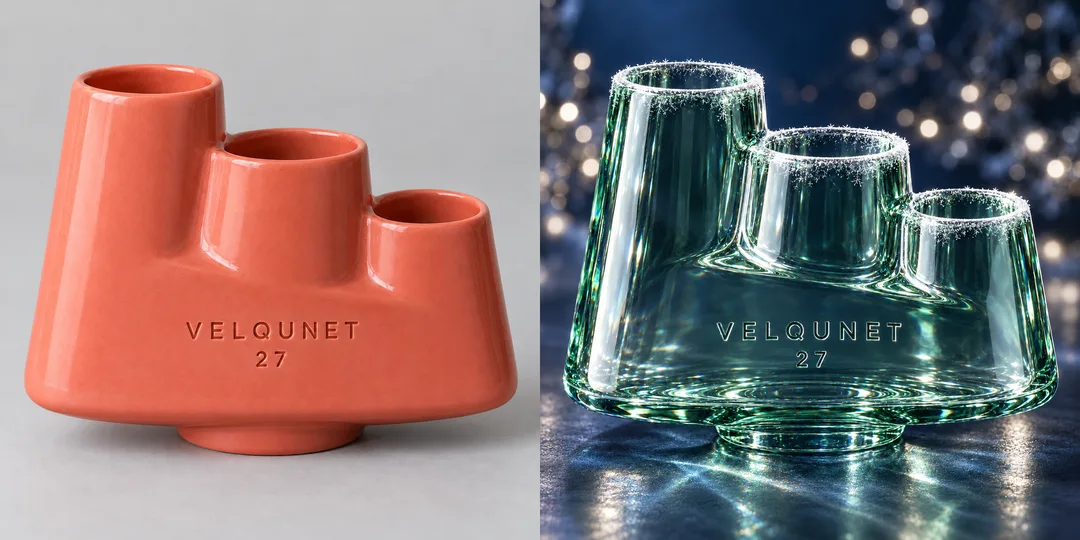
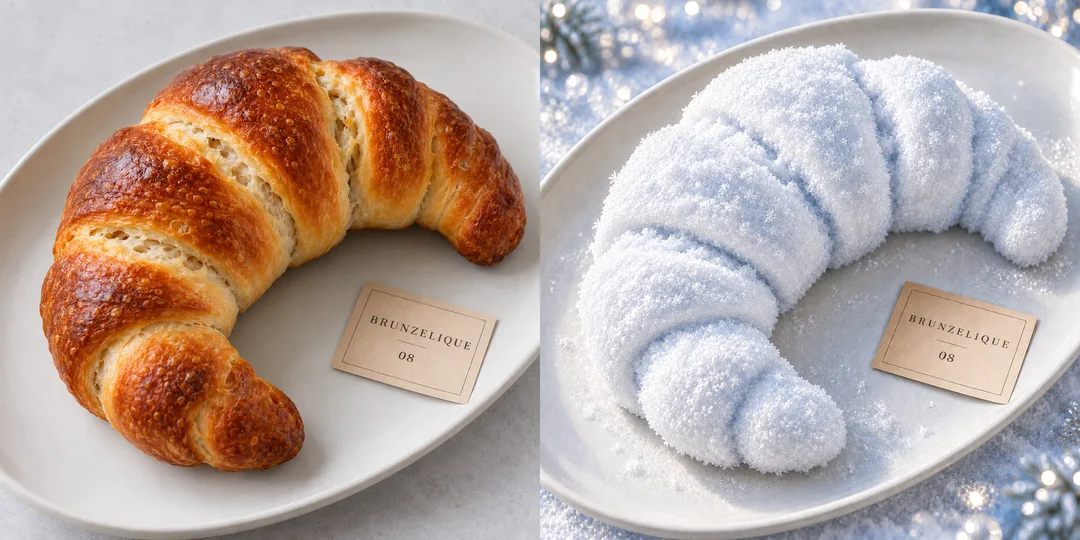
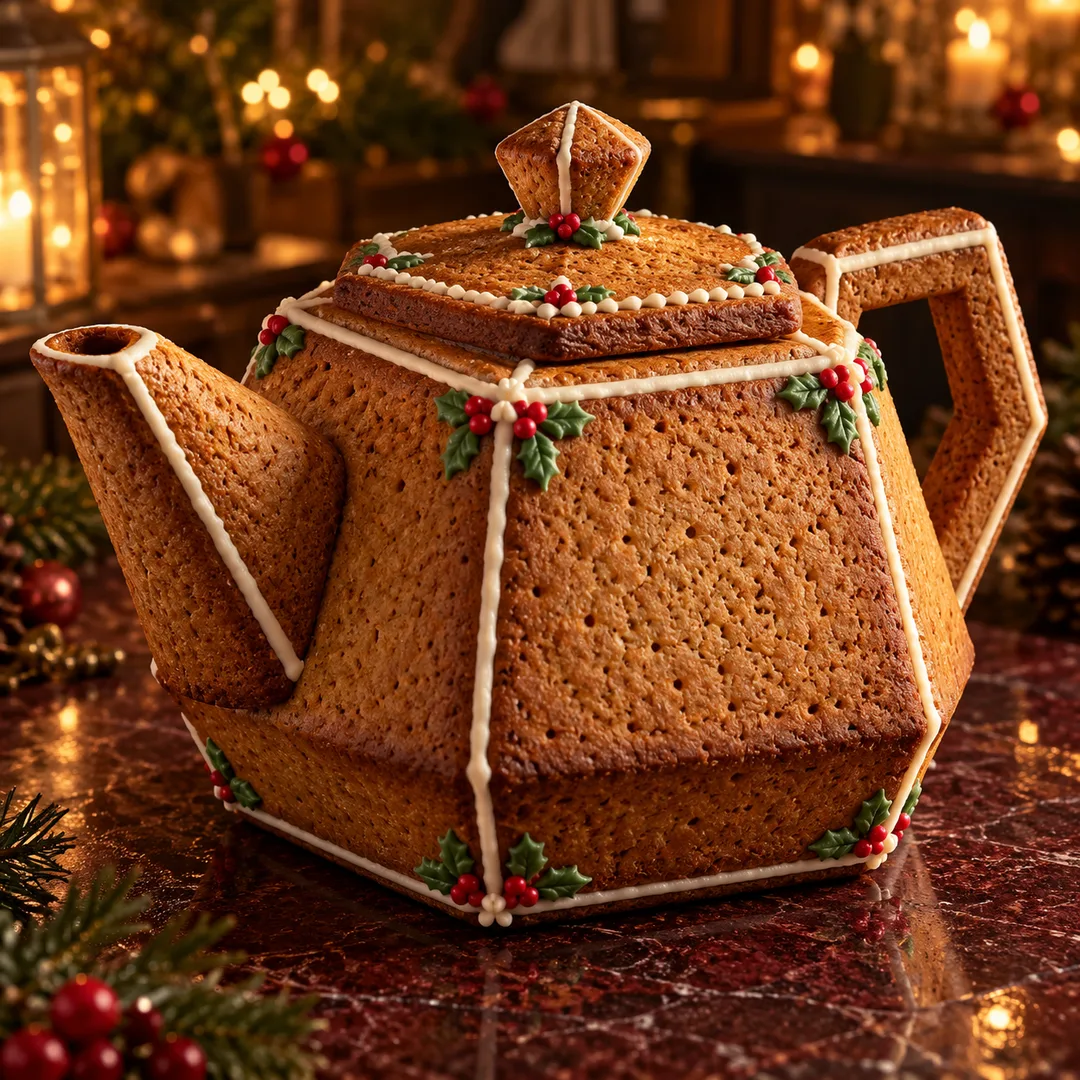
칸 채우기
- 1칸을 채워요
- 2복사 버튼을 눌러요
- 3GPT 채팅창에 붙여넣어요
- 4그대로 보내면 썸네일 예시처럼 나와요
- 5카드에 맞는 실제 사진을 같이 넣으면 그 사진이 반영돼요 — 배경 카드는 배경 사진, 인물 · 음식 카드는 그 사진 선택
프롬프트 원문 보기 3,128자
Generate this image now. Return only ONE finished full-bleed premium Christmas product photograph, not instructions or a comparison sheet.
Output size 1080x1080 pixels, 1:1 square card. Keep the same top-to-bottom order but compress the zones to fit the square: the illustration becomes smaller and every text line stays fully readable.
Default square 1:1 unless the shared size instruction specifies otherwise.
PHOTO: 【사진】. Attach the corresponding photo with this prompt. If absent, invent an unbranded angular six-sided teapot with trapezoidal handle, a short triangular spout and a faceted lid, no text. Never recreate a recognizable commercial design.
MATERIAL: 【재질】. Empty means Christmas gingerbread cookie. Interpret cookie as baked gingerbread with irregular pores, caramelized edges, restrained white icing and tiny holly motifs; glass as transparent pale emerald optical glass with refraction, caustics and delicate frost; snow as densely compacted white snow with individually resolved crystals and softly blue recesses. Other input must describe one physically coherent Christmas material, never a style menu or a multi-result sheet.
Transform the main object's material completely, including body, lid, handles and attached structural parts. Preserve EXACT outer silhouette, proportions, openings, piece count, viewpoint, recognizable grooves and construction. Do not turn the object into a tree, character or ornament. Decoration follows existing edges and must not hide the contour or lettering. Preserve all existing visible text and numerals character for character, in their original language, position, order and line breaks. Never translate, correct, replace or invent label copy. Inspect small lettering at magnified scale and compare each glyph to the supplied photo before output. If source letters are unreadable, do not guess. Keep detached paper labels, plates and food wrappers unchanged. Do not add prices, dates, weekdays or advertising headlines.
Use one coherent photorealistic material treatment. Cookie gets amber Christmas workshop light and burgundy bokeh; glass gets midnight-blue studio light and tiny silver background lights; snow gets airy winter daylight and a pale icy-blue backdrop. Keep the supplied camera angle and object placement; adapt only lighting and background to the selected material. Hero object occupies about 80 percent of the canvas, clear contact shadow, rich tactile detail, optically coherent highlights, no empty inset frame. For food, keep the original lobes, folds, cracks and irregularities; depict a clearly imaginary material sculpture, not a claim about edible ingredients. No people, real brands, logos, famous characters, named-artist imitation, copied reference composition, signature or watermark. Only use fictional original product designs and invented example identities. Output one photograph, no original-versus-result panels, captions, arrows, code or follow-up questions.

[Final output format]
Output size 1080x1080 pixels, 1:1 square card. Keep the same top-to-bottom order but compress the zones to fit the square: the illustration becomes smaller and every text line stays fully readable.
This selected output format takes priority over any fixed canvas size or aspect ratio elsewhere in this template. Adapt the composition, text zones and margins to the selected canvas without stretching or cropping essential content. Device safe areas apply only when a device is selected. Never print these format instructions on the image.
결과 어땠어요?
같은 분류의 다른 카드
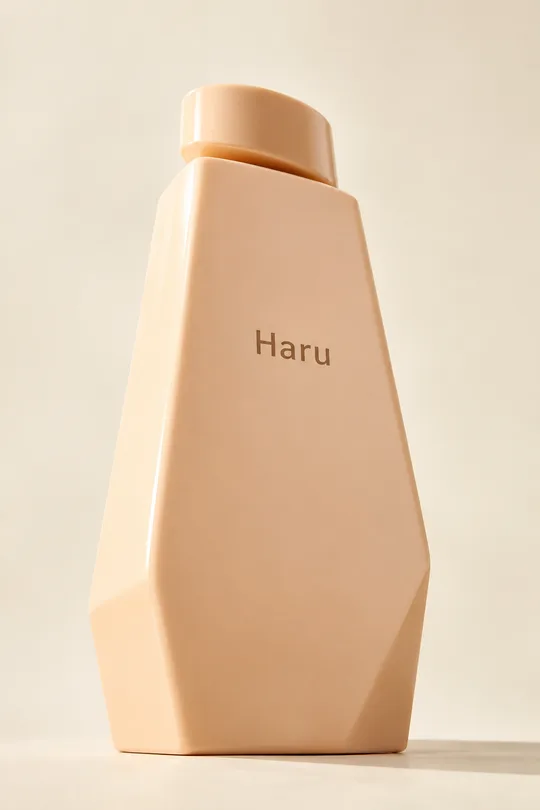
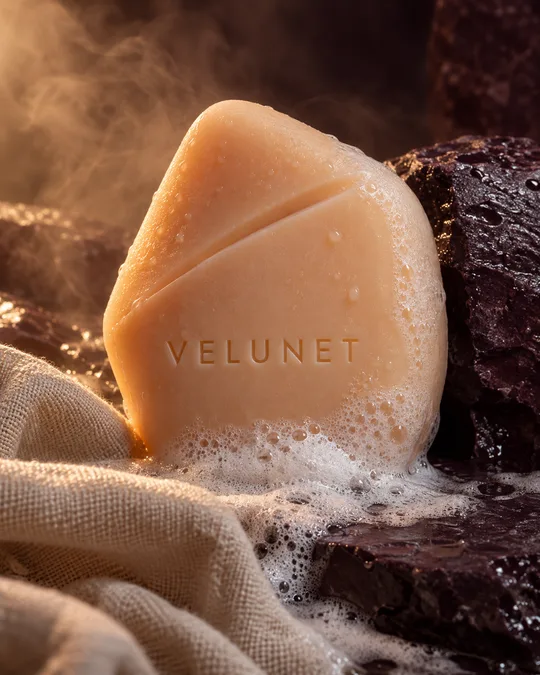
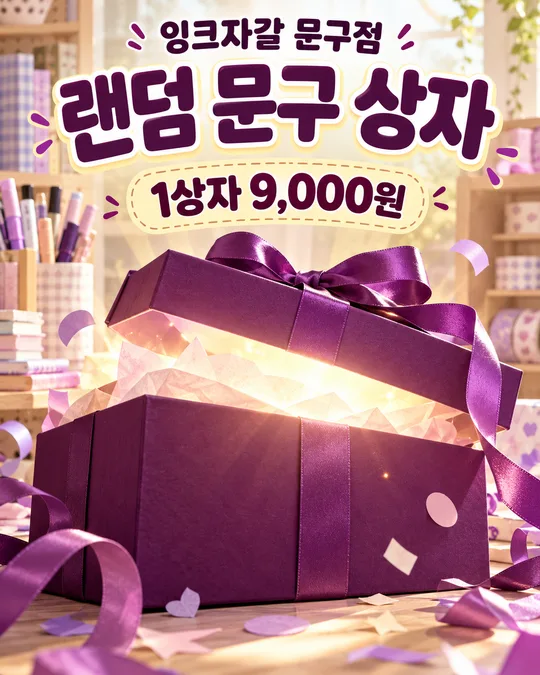
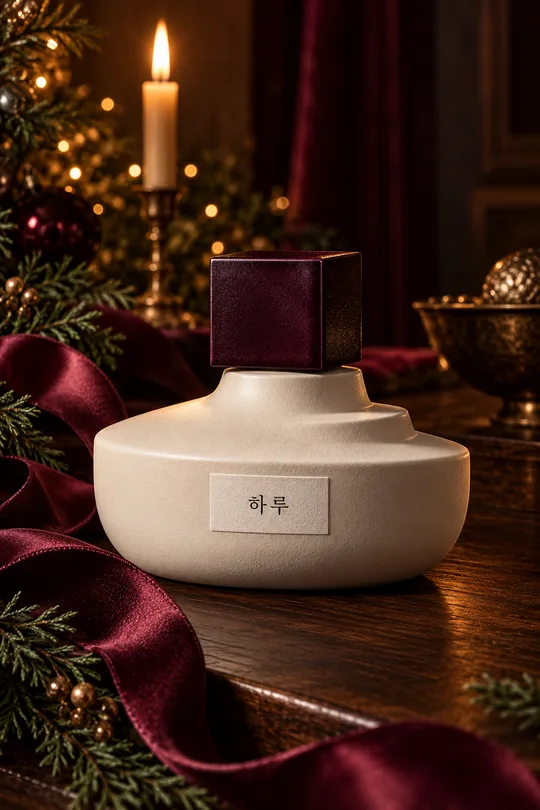
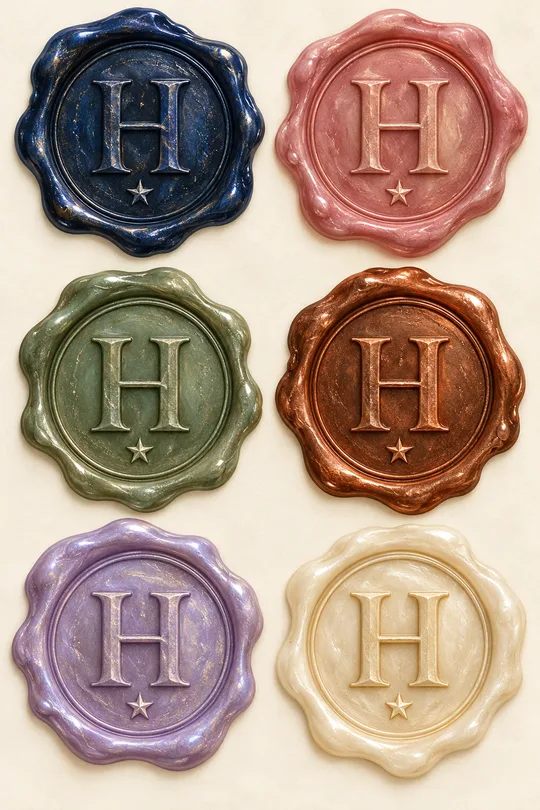
쓰는 법 · 자주 묻는 것
모양은 그대로, 재질만 크리스마스로
내 물건을 연말 신상품 이미지나 시즌 광고용 사진으로 바꾸고 싶을 때 쓰는 카드예요. 물건 자체를 다른 장식으로 바꾸는 대신 주둥이, 손잡이, 구멍과 굴곡은 남기고 표면과 내부의 재질을 크리스마스 분위기로 바꿔요. 사진 한 장마다 결과 사진 한 장을 요청하며, 비교판이나 여러 상품이 모인 시트는 만들지 않아요. 기본은 정사각형 1:1이며 비율은 사이트 공통 크기 메뉴에서 바꿀 수 있어요.
사진과 재질 두 칸이에요
사진에는 사용할 물건을 짧게 적고, 복사한 프롬프트와 해당 사진 파일을 그림 AI에 함께 첨부하세요. 사진 칸에 파일명을 적는 것만으로 사진이 전달되지는 않아요. 대상 전체가 보이고 글자가 또렷한 사진을 권해요. 사진을 첨부하지 않으면 각진 육각 주전자를 새로 만들어요. 두 칸 모두 선택이에요. 재질은 크리스마스 진저브레드 쿠키, 투명한 초록 유리, 단단하게 뭉친 하얀 눈 중에서 골라요. 쿠키는 따뜻한 호박빛과 버건디 배경, 유리는 짙은 파랑과 은빛 조명, 눈은 밝은 겨울빛으로 달라져요. 재질만 달라지고 사진 속 물건의 정체는 유지하도록 요청해요.
시험해 본 조합은 꽃병과 쿠키예요
2026년 11월 1일에 구멍이 세 개인 꽃병 사진을 붙이고 재질을 진저브레드 쿠키로 해서 한 번 만들었더니 첫 시도에 통과했어요. 꽃병의 세 구멍과 높낮이 배치, 이어진 몸체와 둥근 받침이 그대로 남았고 앞면의 상표 글자와 아래 줄의 숫자도 철자와 순서, 줄 배치가 같았어요. 몸체와 구멍 안쪽, 받침이 갈색 쿠키로 바뀌며 기공과 구운 가장자리, 흰 아이싱, 작은 호랑가시나무 장식이 보였어요. 비교판이나 추가 문구 없이 사진 한 장으로 나왔어요. 유리와 눈 재질, 다른 사진은 이번 시험에 포함하지 않았어요.
표지와 예시의 짝
표지는 가상 주전자의 쿠키 재질 결과예요. 예시는 가상 생활소품의 세 구멍 꽃병을 유리로, 별도의 가상 베이커리의 빵을 눈으로 바꾼 원본과 결과 짝이에요. 빵은 실제 먹는 신메뉴의 성분을 보여 주는 사진이 아니라 상상 속 재질 연출이에요. 갤러리의 비교판은 변환을 설명하기 위한 것이며 실제 복사 결과에는 한 장의 완성 사진만 나와요. 마지막 정사각형 예시는 사진 없이 만든 쿠키 주전자의 순수 결과이며 목록 표지와 별도로 생성했어요.
완성 후 외곽선, 구멍 수, 손잡이와 받침의 모양을 원본과 대조하세요. 작은 글자도 확대해서 한 글자씩, 숫자는 자릿수와 순서까지 확인하세요. 글자 보존은 생성 결과마다 달라질 수 있어 게시 전 확인이 필요해요. 다르면 같은 원본을 첨부하고 틀린 글자와 보존할 윤곽을 짚어 다시 요청하세요.
재질 바꾸기에 자주 오는 물음
글자를 새로 넣나요? 아니요, 원본에 있는 글자만 유지해요. 사진이 꼭 필요한가요? 내 물건을 바꾸려면 필요하지만 사진 없이 가상 주전자를 만들 수도 있어요. 실존 상표나 유명 제품 디자인 대신 직접 만든 가상 제품을 사용하세요. 외부 서비스의 요금과 이용 조건은 해당 서비스에서 확인하세요.
마지막 확인일 · 공개