
전체 · 만화/일러스트 · 캐릭터
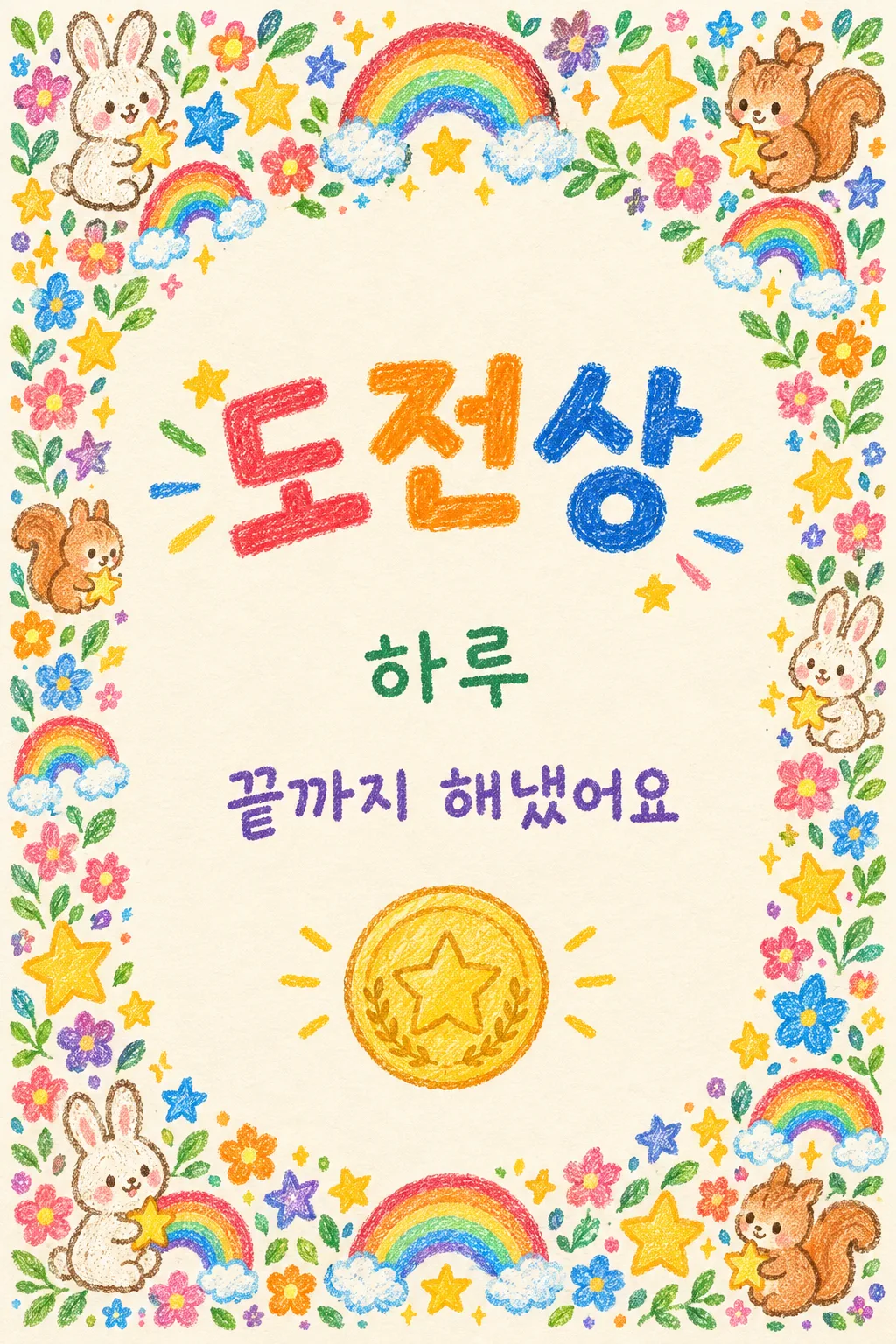
343우리 아이 상장 — 크레용 토끼 · 무지개 테두리에 상 이름 · 칭찬 한 줄
상 이름 · 아이 이름 · 칭찬 한 줄을 적으면 크레용 토끼 · 다람쥐 · 무지개 · 꽃이 빽빽한 아기자기한 상장 한 장이 나와요.
받는 것
- 세로 상장 한 장(인쇄용)
- 크레용 동물 , 무지개 테두리와 금색 메달
- 글자는 상 이름 , 아이 이름 , 칭찬 한 줄만
ChatGPT 무료 OK
칸 채우기
- 1칸을 채워요
- 2복사 버튼을 눌러요
- 3GPT 채팅창에 붙여넣어요
- 4그대로 보내면 썸네일 예시처럼 나와요
- 5카드에 맞는 실제 사진을 같이 넣으면 그 사진이 반영돼요 — 배경 카드는 배경 사진, 인물 · 음식 카드는 그 사진 선택
프롬프트 원문 보기 3,451자
Generate this image now. Draw it directly - do not describe it, explain it, or ask questions.
Output exactly one finished 2:3 portrait image, 1024x1536 pixels. Keep all important text inside the central 73% of image height: leave the top 12% and bottom 15% free of essential lettering.
The intended card format is 2:3; use the requested canvas size.

Create one richly decorated personal child's award certificate on warm ivory paper, viewed straight-on and filling the canvas. Use one playful handmade crayon-and-colored-pencil style with visible wax texture and pencil strokes. Densely fill all four borders with sticker-like small flowers, stars, original little animals and miniature rainbows, with leaves and sparkles filling gaps. Build clusters in every corner and repeated motifs along every edge, occupying approximately the outer 15–20 percent on each side. Keep the central text area readable. Avoid a thin empty outline with only a few corner ornaments.

Print exactly three Korean text elements, once each: a large award title in the upper middle, the child's name below it, and a short praise sentence beneath the name. Below the praise, add a round stamp-like gold medal with a colored-pencil gold rim and a star pictogram, without lettering. The title is the strongest visual element. No date, institution, signature, certificate number or seal text. This is a playful personal award.

SELECTION selected: "【상 이름】"
Interpret only the selected choice:
- 도전상: Print exactly "도전상" as the large title.
- 친절상: Print exactly "친절상" as the large title.
- 정리상: Print exactly "정리상" as the large title.
If missing or empty, use 도전상 only.

SELECTION selected: "【아이 이름】"
Print the supplied child's name exactly once, smaller than the title. If missing or empty, print "하루". Never print the field label or placeholder braces.

SELECTION selected: "【칭찬 한 줄】"
Print the supplied short praise sentence exactly once on one readable line. If missing or empty, print "끝까지 해냈어요". Never print the field label or placeholder braces.

SELECTION selected: "【꾸밈】"
Interpret only the selected choice, keeping flowers, stars, little animals and rainbows in every version:
- 별과 무지개: Stars and miniature rainbows dominate the dense border, mixed with flowers and little animals.
- 꽃과 나비: Flowers and butterflies dominate the dense border, mixed with stars, little animals and rainbows.
- 숲속 동물: Original little rabbits, squirrels and birds dominate the dense border, mixed with flowers, stars and rainbows.
If missing or empty, use 별과 무지개 only.

[Attached photo]
If a child's photo is attached, add one tiny colored-pencil portrait sticker within the lower border, preserving likeness, age, skin tone and hairstyle without obstructing text or replacing the medal. Never infer a name from a photo or copy source writing. Without a photo, never ask or stop: use original little animals and decorative stickers without a child portrait.

Produce exactly one finished image. All artwork is original and unbranded. No company references, logos, recognizable commercial designs, existing fictional characters, watermarks or interface elements. Selection labels are instructions only. Render only the visible text explicitly authorized above. Keep hands, posture and animal anatomy natural.

[Final output format]
Output exactly one finished 2:3 portrait image, 1024x1536 pixels. Keep all important text inside the central 73% of image height: leave the top 12% and bottom 15% free of essential lettering.
This selected output format takes priority over any fixed canvas size or aspect ratio elsewhere in this template. Adapt the composition, text zones and margins to the selected canvas without stretching or cropping essential content. Device safe areas apply only when a device is selected. Never print these format instructions on the image.
결과 어땠어요?
이 카드도 많이 사용해요
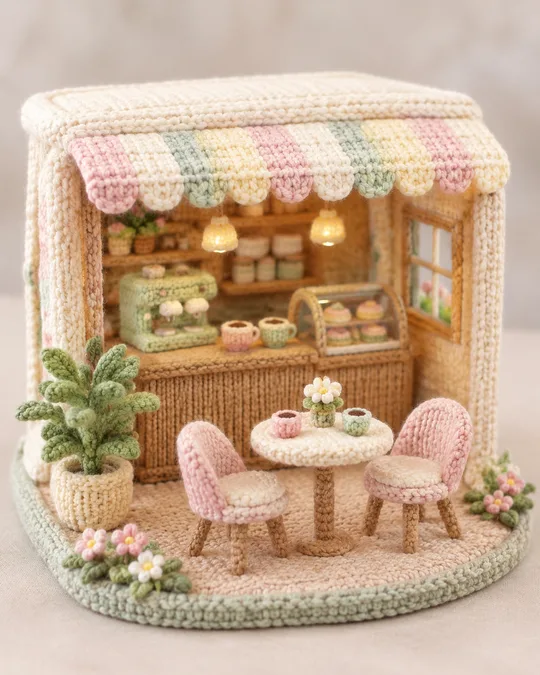
- 338뜨개 미니어처 장면 — 털실로 뜬 작은 카페 · 방 · 동물 피크닉
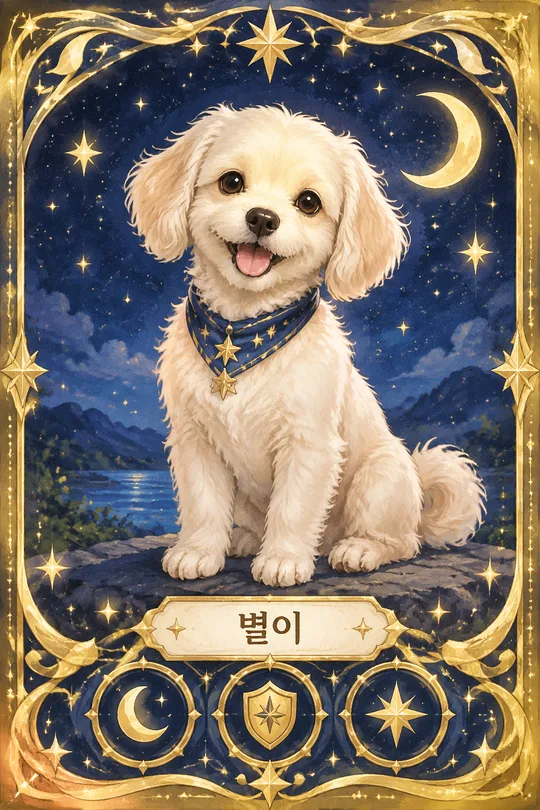
- 336우리 반려동물 트레이딩 카드 — 반짝이 테두리 · 이름 한 줄 · 속성 아이콘
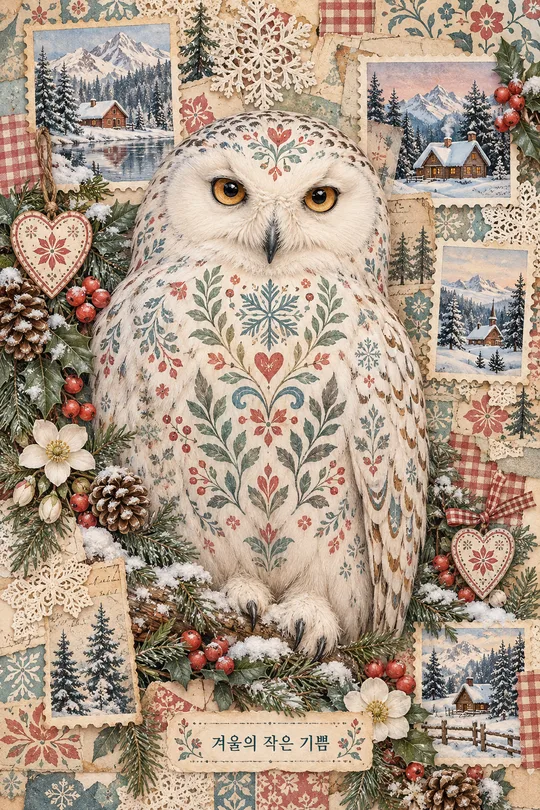
- 333크리스마스 파스텔 다꾸 페이지 — 북유럽 무늬 부엉이 · 다람쥐와 우표 콜라주 정크저널
- 332종이인형 옷 입히기 — 토끼 · 곰 · 아이 인형과 옷 · 모자 · 가방 10여 개 오려 노는 한 장 (한복 · 크리스마스)
- 327플래너 스티커 시트 — 체크리스트 · 습관 트래커 · 응원 문구 다꾸 스티커 한 장 (공부 · 운동 · 가계부 · 육아)
- 326크리스마스 어드벤트 캘린더 — 1~24 번호 창문 24칸 빈티지 인쇄용 달력 (산타 · 눈사람 · 우리 강아지)
쓰는 법 · 자주 묻는 것
이런 때 쓰세요
아이를 칭찬할 일이 생겼을 때 진짜 상장처럼 주고 싶을 때 쓰세요. 해외 프롬프트 판매 사이트의 어린이 상장 형식이에요.
칸 채우는 법
상 이름 · 아이 이름을 적어요. 칭찬 한 줄은 10자 안쪽일수록 글자가 깨끗해요.
그림이 나오면 꼭 볼 것
- 글자가 하나라도 틀리면 「글자는 ○○ 그대로」라고 다시 말하세요.
예시 보는 법
목록 표지는 사진 없이 프롬프트만으로 낸 결과예요.