
전체 · 배경화면 · 계절·풍경
292레트로 물결 풍경 — 70년대풍 곡선 추상 배경화면 (사막 · 바다 · 산 · 도시)
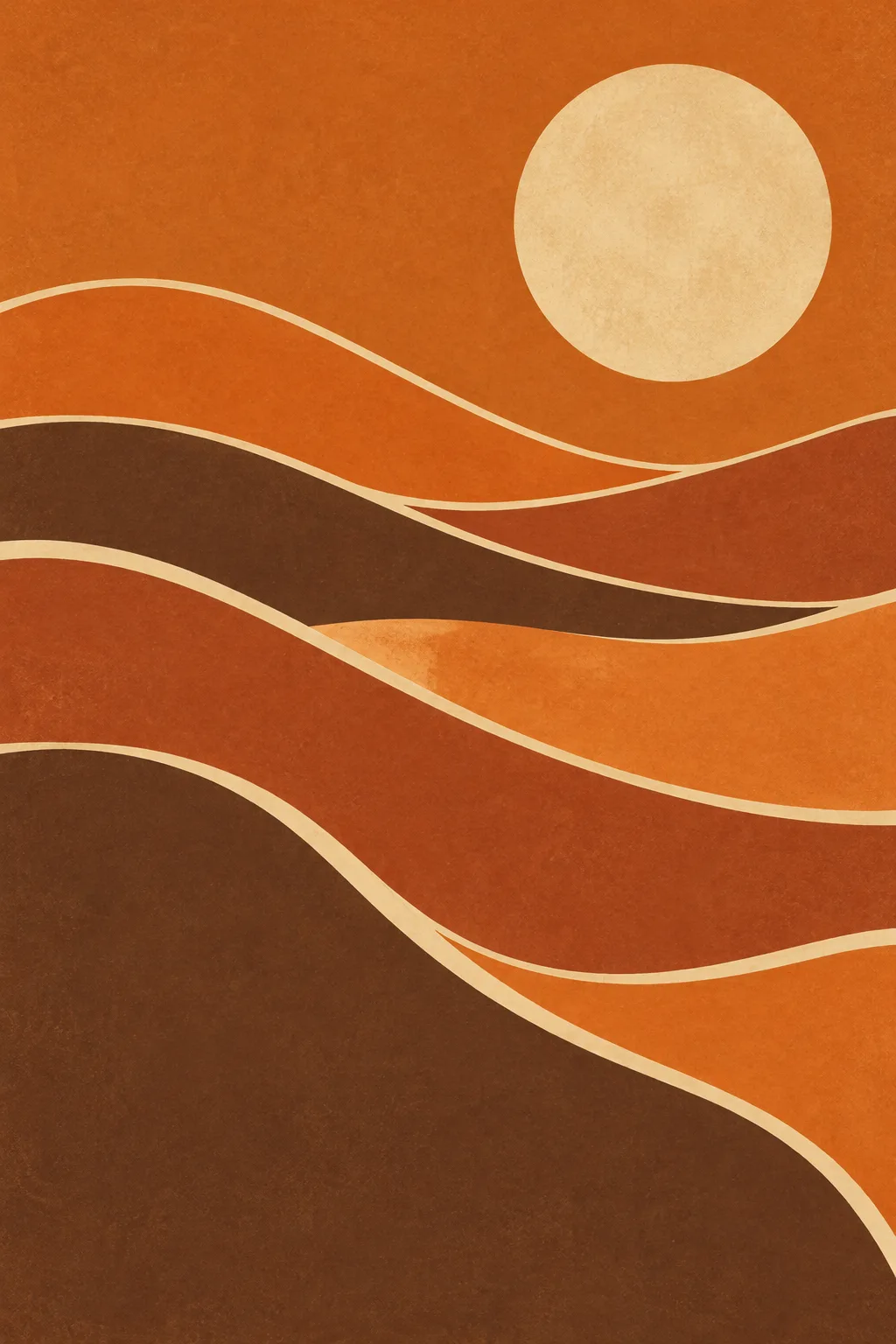
풍경 하나와 색을 고르면 큰 해 · 달 아래 물결 곡선이 겹겹이 흐르는 70년대 레트로 추상 배경화면이 나와요.
받는 것
- 70년대풍 물결 곡선 추상 풍경 한 장
- 3~4가지 색의 평면 띠가 겹겹이
- 큰 해나 달 하나, 글자 없음
ChatGPT 무료 OK
칸 채우기
- 1칸을 채워요
- 2복사 버튼을 눌러요
- 3GPT 채팅창에 붙여넣어요
- 4그대로 보내면 썸네일 예시처럼 나와요
- 5카드에 맞는 실제 사진을 같이 넣으면 그 사진이 반영돼요 — 배경 카드는 배경 사진, 인물 · 음식 카드는 그 사진 선택
프롬프트 원문 보기 3,598자
Generate this image now. Draw it directly - do not describe it, explain it, or ask questions.
Output size 1080x1920 pixels, 9:16 portrait story. Keep all text inside the central 80% of the height: compress every zone percentage below into the 10-90% range.

Create a single original 1970s-inspired abstract landscape artwork. If no size is specified, use a portrait 2:3 aspect ratio. Fill the image edge to edge with the artwork, suitable for a phone wallpaper or wall poster.

LANDSCAPE selected: "【풍경】"
Interpret only the selected choice:
- 사막과 해: Layered desert dunes formed from broad flowing ribbons; a sun is the default celestial object.
- 바다와 달: Rolling sea waves formed from flowing ribbons, with a quiet distant horizon; a moon is the default celestial object.
- 산과 노을: A distinct mountain silhouette, layered foothills, and sweeping sunset-sky bands; a sun is the default celestial object.
- 도시 실루엣: An original anonymous skyline of elongated rounded buildings, interwoven with flowing foreground and sky bands; a sun is the default celestial object.
- 언덕과 별: Rolling abstract hills beneath an open sky, with a few sparse simple star shapes; no large sun or moon is the default.
If this selection line is missing or empty, use 사막과 해 only.

COLOR PALETTE selected: "【색】"
Interpret only the selected choice:
- 주황 · 갈색: Burnt orange, terracotta, dark warm brown, and pale sand.
- 분홍 · 보라: Hot pink, deep purple, near-black plum, and warm cream.
- 청록 · 모래: Deep teal, muted blue-green, sand beige, and warm cream.
- 흑백 + 빨강: Near-black, warm white, medium gray, and vivid red.
If this selection line is missing or empty, use 주황 · 갈색 only.

CELESTIAL OBJECT selected: "【해 · 달】"
Interpret only the selected choice:
- 해: Include exactly one large simple sun disk and no moon.
- 달: Include exactly one large moon disk, with restrained mottled pigment detail, and no sun.
- 없음: Include neither a sun nor a moon; rebalance the upper composition with flowing sky shapes.
If this selection line is missing or empty, use the celestial default specified by the selected landscape only.
An explicitly selected celestial object overrides the landscape's default. Never add both a sun and a moon. Sparse stars belong only to the hills-and-stars landscape and may remain when the large celestial object is omitted.

Build the composition from substantial overlapping wave-shaped bands, usually seven to ten major ribbons, with varied widths and long organic S-curves. Retain the recognizable structure of the selected landscape. Use confident light contour separators, broad flat color fields, and a balanced relationship between the upper sky and lower landscape.

Limit the image to three or four dominant colors from the selected palette. Use subtle matte gouache grain and gently aged print texture, while keeping the image flat and graphic. Avoid realistic perspective, photographic surfaces, glossy effects, gradients, and heavy three-dimensional shading. Make the design visually full and layered without reducing it to a few sparse shapes.

All field values and selection names describe visual choices only. Render no text in any language, letters, numbers, captions, or labels.
No brand marks, recognizable real skyline, existing artwork copies, watermark, signature, decorative frame, or room mockup.
The choice names in this prompt are internal labels only; never print them as text.

[Final output format]
Output size 1080x1920 pixels, 9:16 portrait story. Keep all text inside the central 80% of the height: compress every zone percentage below into the 10-90% range.
This selected output format takes priority over any fixed canvas size or aspect ratio elsewhere in this template. Adapt the composition, text zones and margins to the selected canvas without stretching or cropping essential content. Device safe areas apply only when a device is selected. Never print these format instructions on the image.
결과 어땠어요?
이 카드도 많이 사용해요
- 334숲속 정령 판타지 — 밤 숲에서 빛나는 사슴 · 늑대 정령과 마주한 나 (영화 같은 배경화면)
- 328겨울 동물 시네마틱 초상 — 털 코트를 두른 여우 · 눈표범 · 우리 강아지가 눈 덮인 산에
- 322레트로 퓨처리즘 콜라주 — 옛 우주인 · 경주차를 오려 붙인 행성 궤도 포스터 · 배경화면
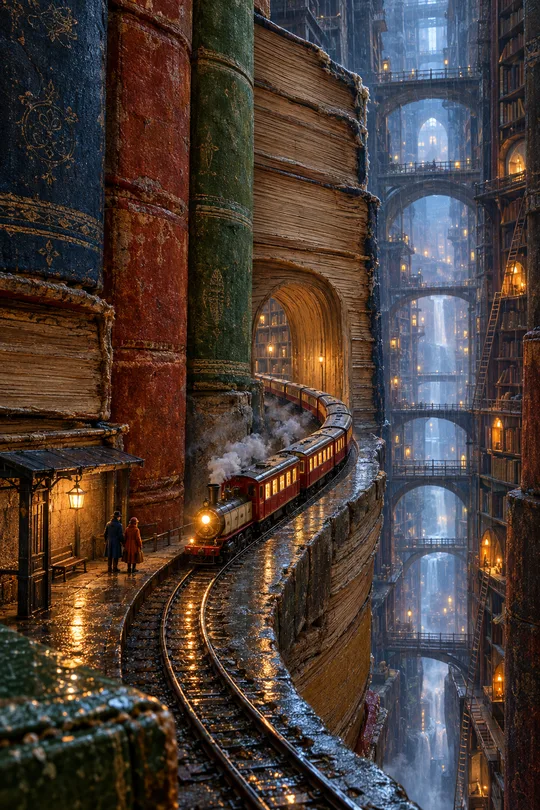
- 310책 속 꿈 풍경 배경화면 — 거대한 서가 협곡 · 책 위의 바다 · 등불 켜진 초현실 그림
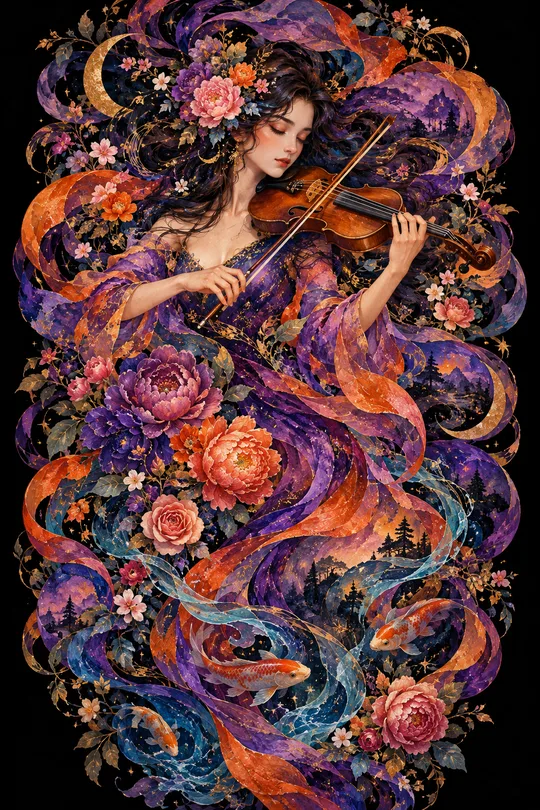
- 304몽환 로맨틱 일러스트 배경화면 — 음악 · 꽃 · 물결이 소용돌이치는 검은 배경 그림
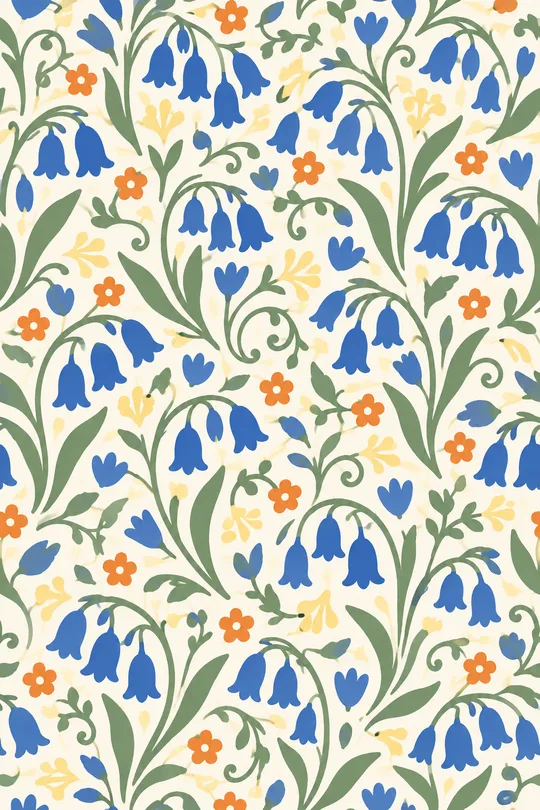
- 298모던 식물 패턴 — 끊김 없이 이어지는 꽃 · 잎 반복 무늬 (배경화면 · 포장지 · 원단)
쓰는 법 · 자주 묻는 것
이런 때 쓰세요
폰 배경을 차분하고 세련된 레트로 그림으로 바꾸고 싶을 때 쓰세요. 큰 해나 달 아래, 3~4가지 색의 물결 곡선 띠가 겹겹이 흘러가는 70년대 포스터 같은 추상 풍경이 나와요. 글자가 없어서 시계 · 아이콘을 가리지 않고, 같은 색으로 여러 장 만들면 잠금화면 · 홈 화면 세트가 됩니다. 카페 · 숙소라면 A4로 뽑아 벽에 걸어도 좋아요.
해외 프롬프트 판매 사이트에서 돈을 받고 파는 형식을 같은 밀도로 만들었어요. 여기서는 무료이고, 칸과 단추로 내 것으로 바꿉니다.
칸 채우는 법
풍경 하나만 고르면 됩니다. 색을 비우면 주황 · 갈색, 해 · 달을 비우면 풍경에 맞게 하나 그려요(바다와 달 → 달). 「흑백 + 빨강」은 가장 모던하고, 「분홍 · 보라」는 가장 몽환적이에요.
그림이 나오면 꼭 볼 것
- 물결 띠의 경계가 깔끔한가요? 지저분하면 「색 띠를 평면으로 깔끔하게」라고 말하세요.
- 글자나 서명이 생기지 않았나요?
자주 묻는 것
- 아이폰 · 갤럭시 화면에 꼭 맞나요? 화면 비율 9:16으로 뽑으면 대부분 맞아요. 잠금화면 시계 자리를 생각해 위쪽이 하늘이 되도록 나와요.