
All · Social posts · Memes
132Which Dinosaur Am I?
Turn your portrait into a playful dinosaur result on one illustrated museum ticket.
Fill in the fields
- 1Fill in the fields
- 2Copy the prompt
- 3Upload One portrait photo and paste the prompt into your GPT chat
- 4Check that both the photo and prompt are attached, then send
Full prompt 1,957 characters
Generate this image now. Draw it directly - do not describe it, explain it, or ask questions.
Output size 2480x3508 pixels, A4 portrait, 300dpi, print-ready poster.
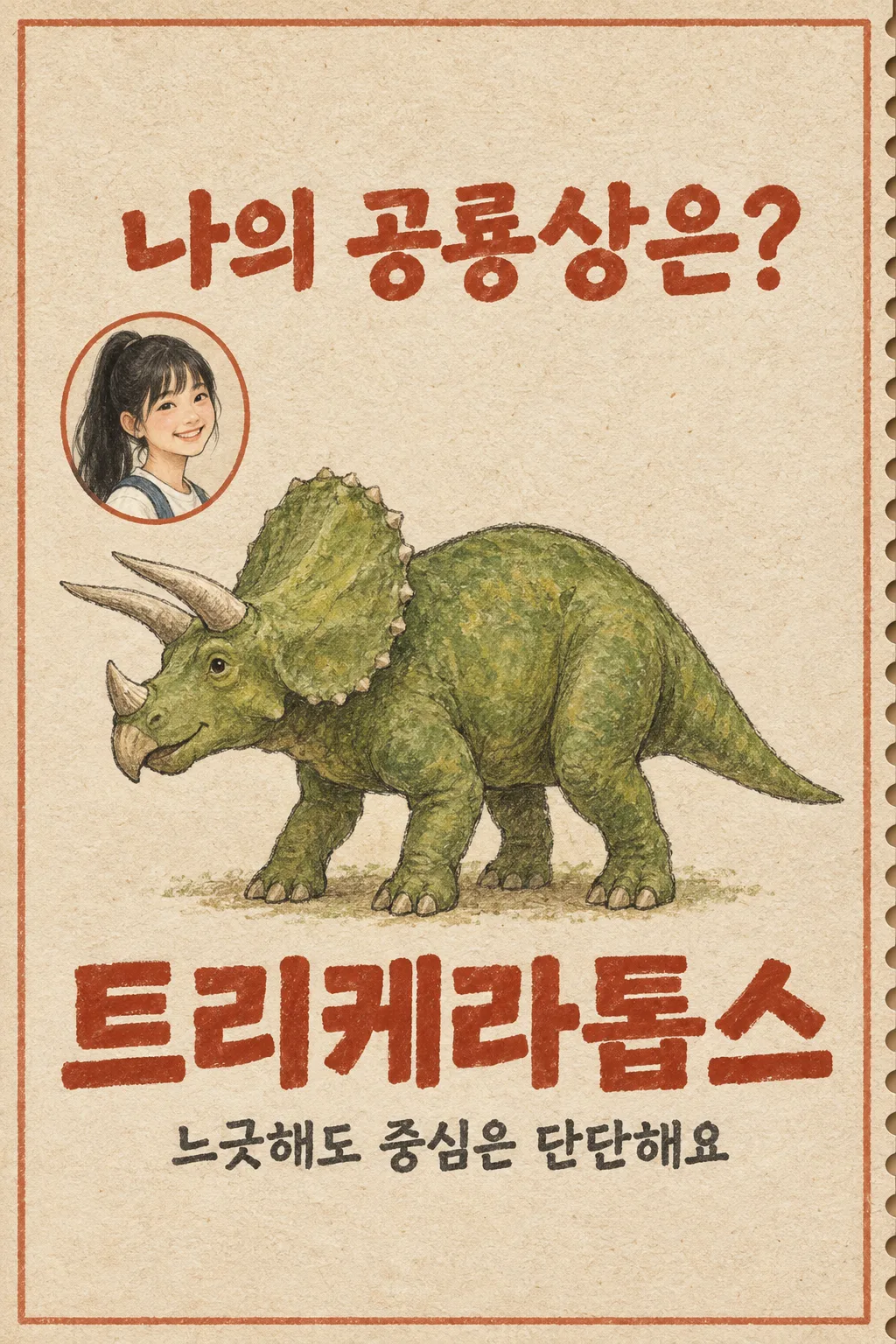
Create ONE finished English social result image with the large question "Which Dinosaur Am I?". The owner supplies ONE face photo in the same message. This is a playful metaphor for an Instagram Story or Threads post, not a biological or psychological diagnosis. Preserve the subject's recognizable actual face, age impression, skin tone, hair and glasses. Emphasize "【Visible feature to keep】" only if the photo supports it. Treat "【My current mood】" as the owner's own playful hint. Select exactly ONE dinosaur from triceratops, stegosaurus, brachiosaurus or tyrannosaurus, and make the picture and printed result agree. Keep basic anatomy recognizable: a three-horned frilled triceratops, plated stegosaurus, long-necked four-legged brachiosaurus or large-headed two-legged tyrannosaurus. Do not mix species or infer ability or character from a face.

Every output has the SAME single tall museum admission ticket design: warm bone paper, terracotta border, one perforated right edge, flat moss-green gouache dinosaur and dry pencil outlines. Leave the upper 12% and lower 15% free of essential text. Put the question at 18–27%, a modest oval faithful portrait toward the upper left, and one large original dinosaur in the center at 32–69%. Print the one chosen dinosaur name in big terracotta letters at 69–76%, with one brief friendly line beneath it. The image is one ticket rather than two comparison frames. "【Explanation tone】" changes only that line; if it reads "Pick for me", write a warm witty line and do not print the instruction. Do not add a museum name, fake price, barcode, date, specimen number, facts about extinction, score, logo, watermark, app interface, extra dinosaur or additional panel. Keep the question and answer readable in a small thumbnail. Return just one finished image, with no code, crop, follow-up or list of options.
You may also like

How to use it · FAQ
Use it for
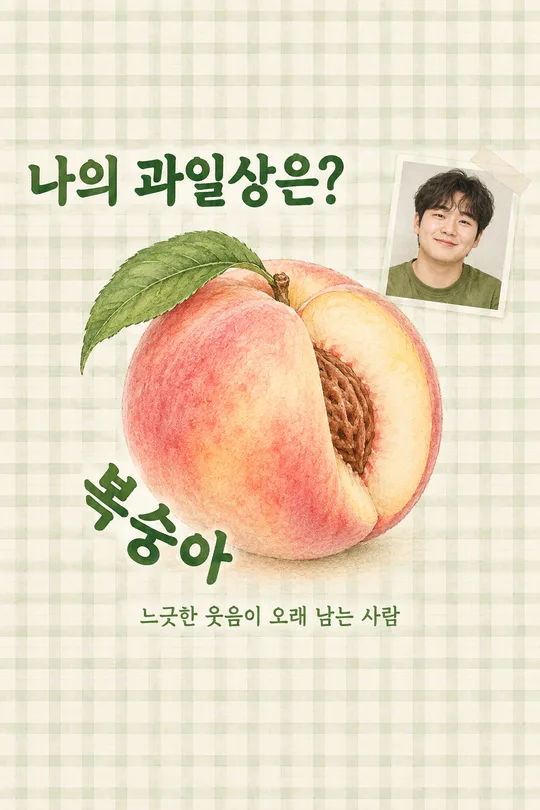
Post a lighthearted “my dinosaur vibe” result to a Story or Threads. A small portrait and one large gouache dinosaur share a museum-ticket page. It is a creative comparison, not a judgment of facial traits or personality.
Fill and send
Mention only a feature visible in your photo. Your mood note is a playful hint. The tone changes only the last sentence; keep “Pick for me” if you would like the sentence written for you. Upload a photo you own or have permission to use, leave the message unsent, paste the filled prompt into that same message, then send both once.
Check and fix
Compare the portrait with the source photo. The dinosaur body and result name must name the same species. Check the spelling and remove results that invent ticket prices or museum claims. If the face or anatomy is wrong, start a new generation with a clearer photo and the same filled prompt rather than cropping pieces together.