
項目を入力
- 1項目を入力します
- 2コピーを押します
- 3GPTのチャットに貼り付けます
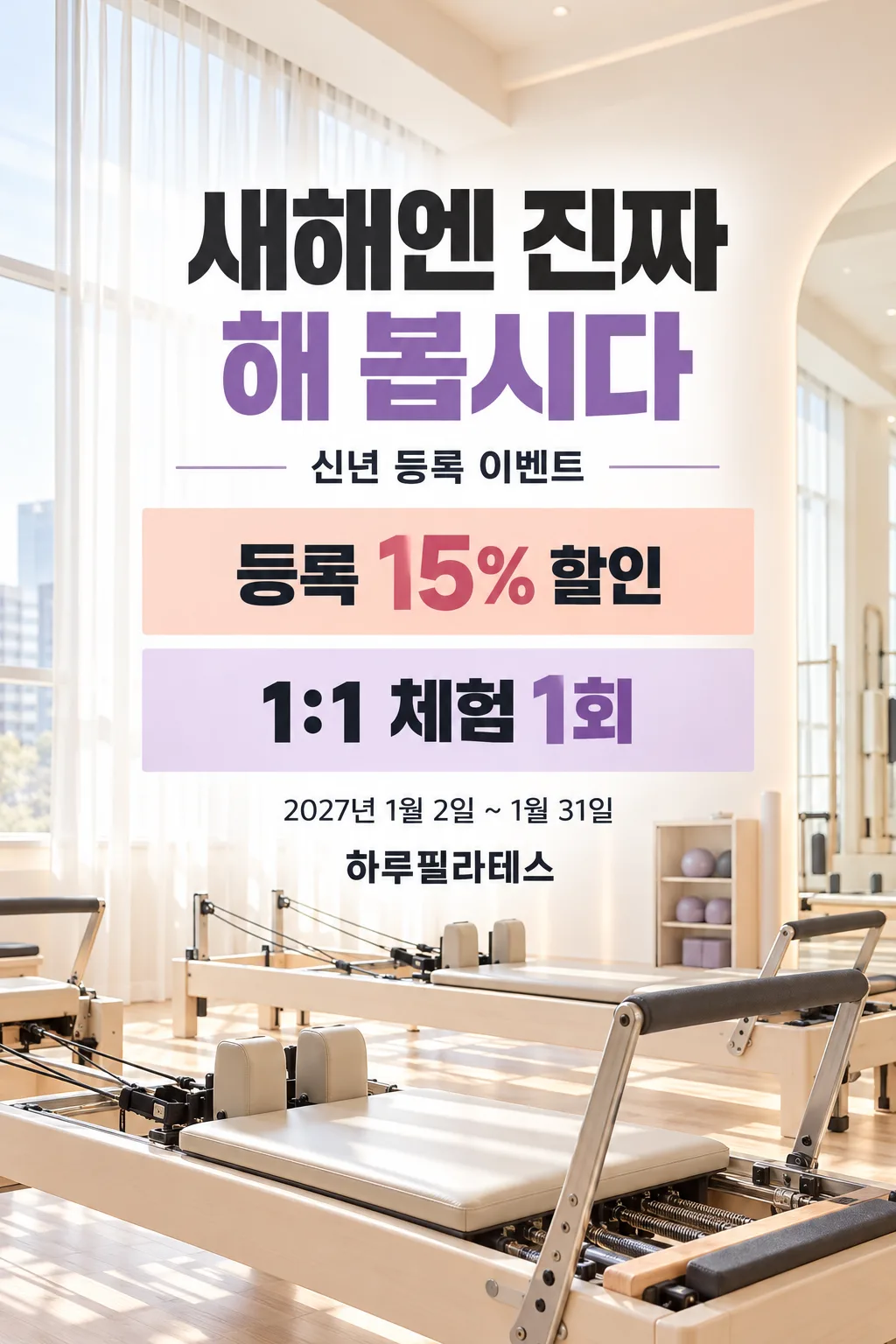
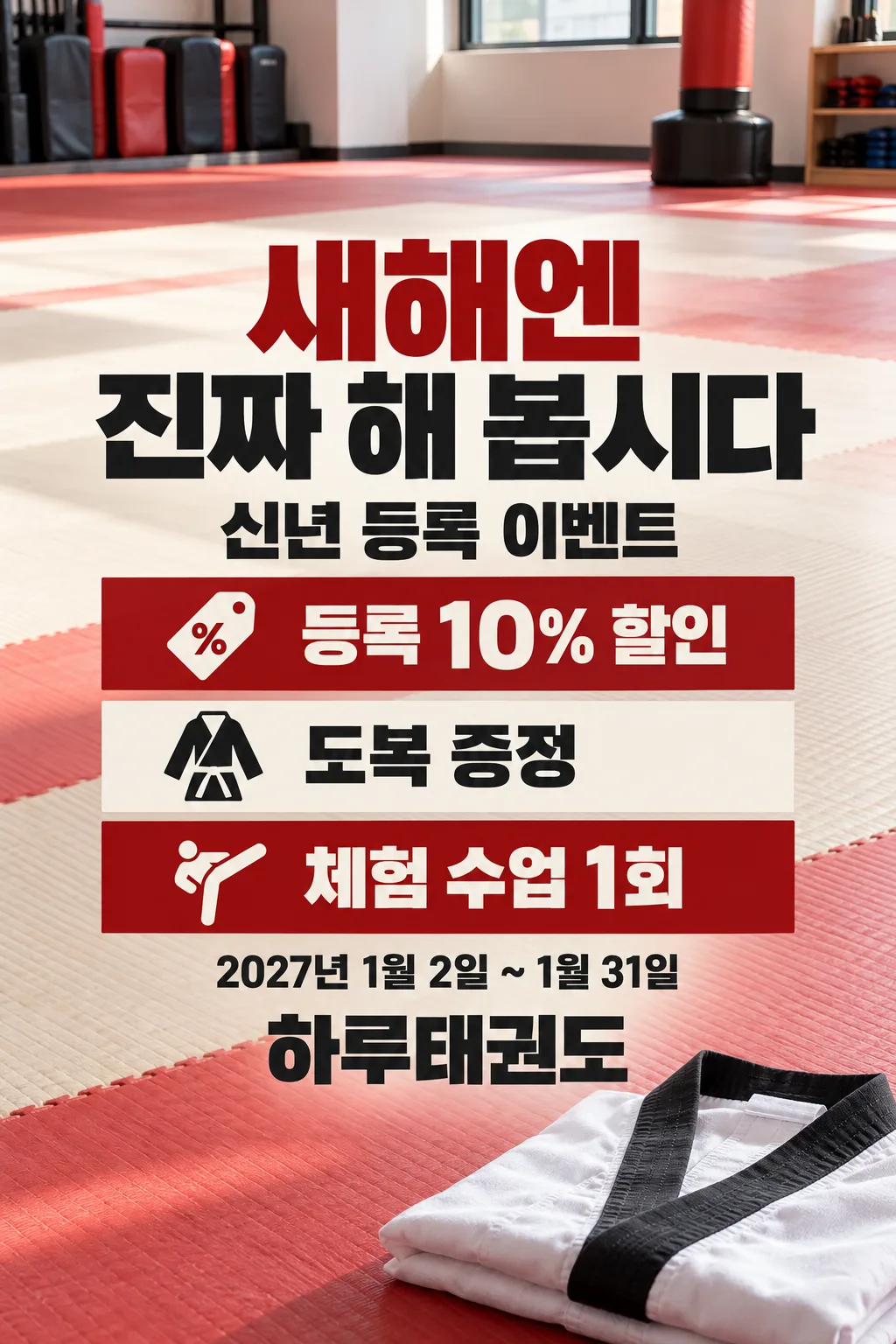
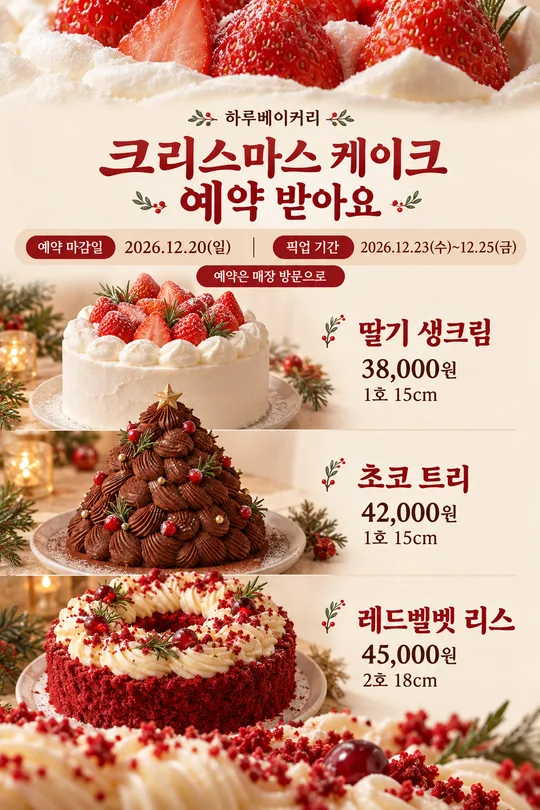
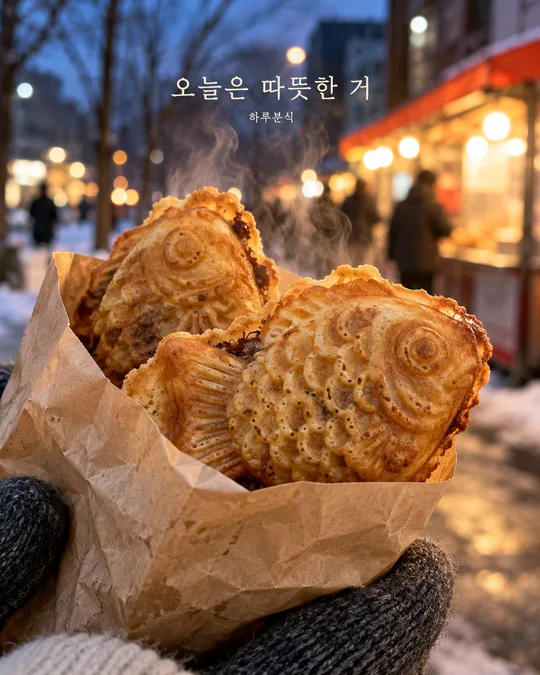
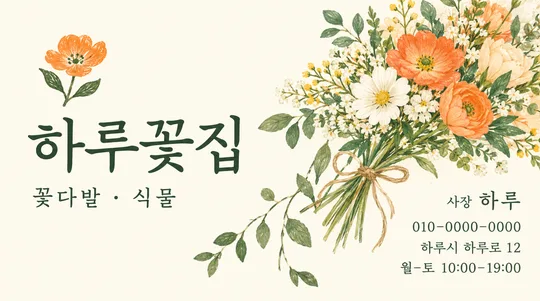
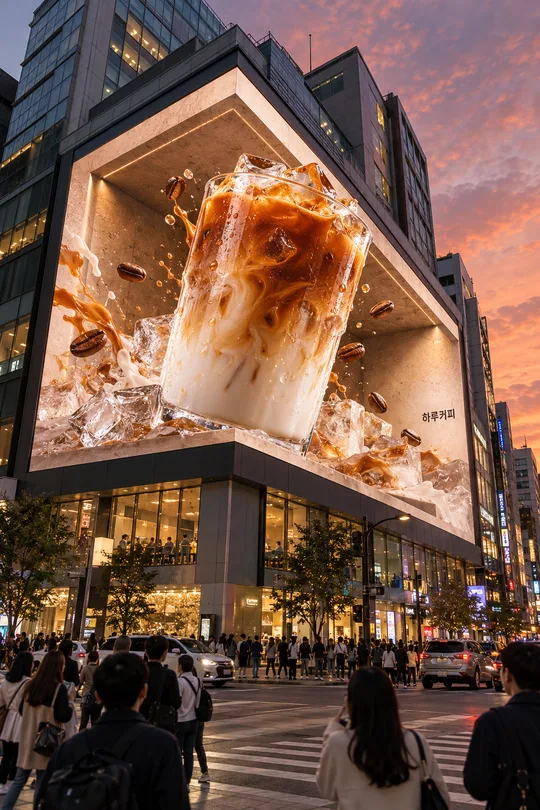
- 4そのまま送ると、サムネイルの例のような画像になります
- 5カードに合う実際の写真を一緒に入れると反映されます。背景カードなら背景の写真、人物・料理カードならその写真 任意
プロンプト全文を見る 3,454文字
Generate this image now. Draw it directly; do not describe it or ask questions.
完成した2:3の縦型画像を1枚、1024×1536ピクセルで出力してください。重要な文字は上12%と下15%に置かないでください。
Create ONE finished full-bleed photographic New Year fitness enrollment poster. Default portrait 2:3. No collage, paper mockup, frame, or extra output. Preserve this one editorial layout across every mood: big headline, campaign subtitle, supplied offer rows, dates, facility name. No uploaded photo is required or used.
Facility type: "【施設の種類】"
Facility name, exact visible text: "【施設名】"
Offers, exact visible text: "【特典】"
Dates, exact visible text: "【期間】"
Mood: "【雰囲気】"
Render all visible text in Japanese. Fixed headline: "今年こそ、始めよう". Fixed subtitle: "新年入会キャンペーン". Do not print facility type or mood as labels. Separate supplied offers at middle dots into individual clear rows; preserve every word, number, eligibility condition and unit. Use only supplied offers, even if there is just one. Empty/missing offers: omit all offer rows and their boxes. Empty/missing dates: omit the date line. Never invent replacement benefits, deadlines, free trials, prices, scarcity, contact information or claims. Required facility name and type must be supplied before using the prompt; never print placeholders. Empty mood defaults to "力強いブラック".
Use a realistic, original, unbranded equipment photograph appropriate to the selected type: gym dumbbells and stable bench; Pilates reformer with credible frame and springs; yoga mats and blocks; Taekwondo floor mats and folded plain uniform. Photograph fills the whole frame, not a small inset. No people. Every object is a fictional generic design, with no distinctive commercial product imitation, logos or text on equipment.
Four mood choices in table order: black/charcoal with lime accent and dramatic light; pastel peach/ivory/lavender with bright daylight; off-white/charcoal with soft restrained daylight; vermilion/ivory/charcoal with New Year energy. Change palette and light only, retaining the same information hierarchy and photographic medium. Use bold high-contrast sans serif, with clean readable characters; no distressed texture inside small glyphs.
Keep ALL important text within the central vertical zone 14%-80%, with at least 7% horizontal safe margin. Top 12% and bottom 15% contain only photographic background. Headline is largest, followed by benefit figures; dates and facility name stay large enough for a phone thumbnail. Rebalance absent optional rows without leaving empty boxes. Paint canvas edge to edge. No tiny fine print, watermark, QR, signatures, badges claiming verification or production notes.
Dates must use dates only, never add weekdays. Preserve the supplied date text; if calendar validation or other factual verification is needed, verify with web sources before drawing rather than guessing. Check each character, digit, percent sign, trial count, date and name before finishing. Never add weight-loss results, treatment, body transformation or guaranteed exercise outcomes; do not render such promises even if an offer requests them. No actual brand, real person, celebrity likeness or copyrighted character.

[Final output format]
完成した2:3の縦型画像を1枚、1024×1536ピクセルで出力してください。重要な文字は上12%と下15%に置かないでください。
This selected output format takes priority over any fixed canvas size or aspect ratio elsewhere in this template. Adapt the composition, text zones and margins to the selected canvas without stretching or cropping essential content. Device safe areas apply only when a device is selected. Never print these format instructions on the image.
結果はどうでしたか?
こちらのカードも人気です
使い方・よくある質問
ジム、ピラティススタジオ、ヨガ教室、テコンドー道場の新年入会告知に使う一枚のポスターです。固定の見出しに、入力した特典・期間・施設名を組み合わせ、施設に合った器具の写真を背景にします。運動手順を説明する資料ではありません。写真の添付は不要で、人物ではなく器具やマットを描きます。
必須項目は施設の種類と施設名の二つです。特典は二、三項目を中点で区切ると別々の行に表示します。対象者や適用条件がある場合は、その特典と一緒に記入してください。特典を空欄にすると特典欄全体が消え、別の特典を作りません。期間は開始日と終了日を曜日なしで指定し、空欄なら日付行を省きます。雰囲気は力強いブラック・明るいパステル・ミニマル・新年のレッドから選べます。色と光を変え、情報の順序は維持します。空欄ならブラックになります。
プロンプトを画像AIに一度貼り付けます。基本は縦2:3で、共通のサイズ選択から比率を変更できます。完成した画像を拡大し、割引率、体験回数、プレゼント名、日付、施設名を一文字ずつ照合してください。印刷する場合は実際の用紙サイズで小さな文字を確認します。修正は同じ会話で、誤った行と正しい文字列を指定してください。減量数値、治療、運動効果の保証は載せません。掲載前に実際の施設の条件と特典が一致するか確認してください。ギャラリーはブラックのジム表紙、パステルのピラティス、レッドのテコンドーという別々の生成結果です。