

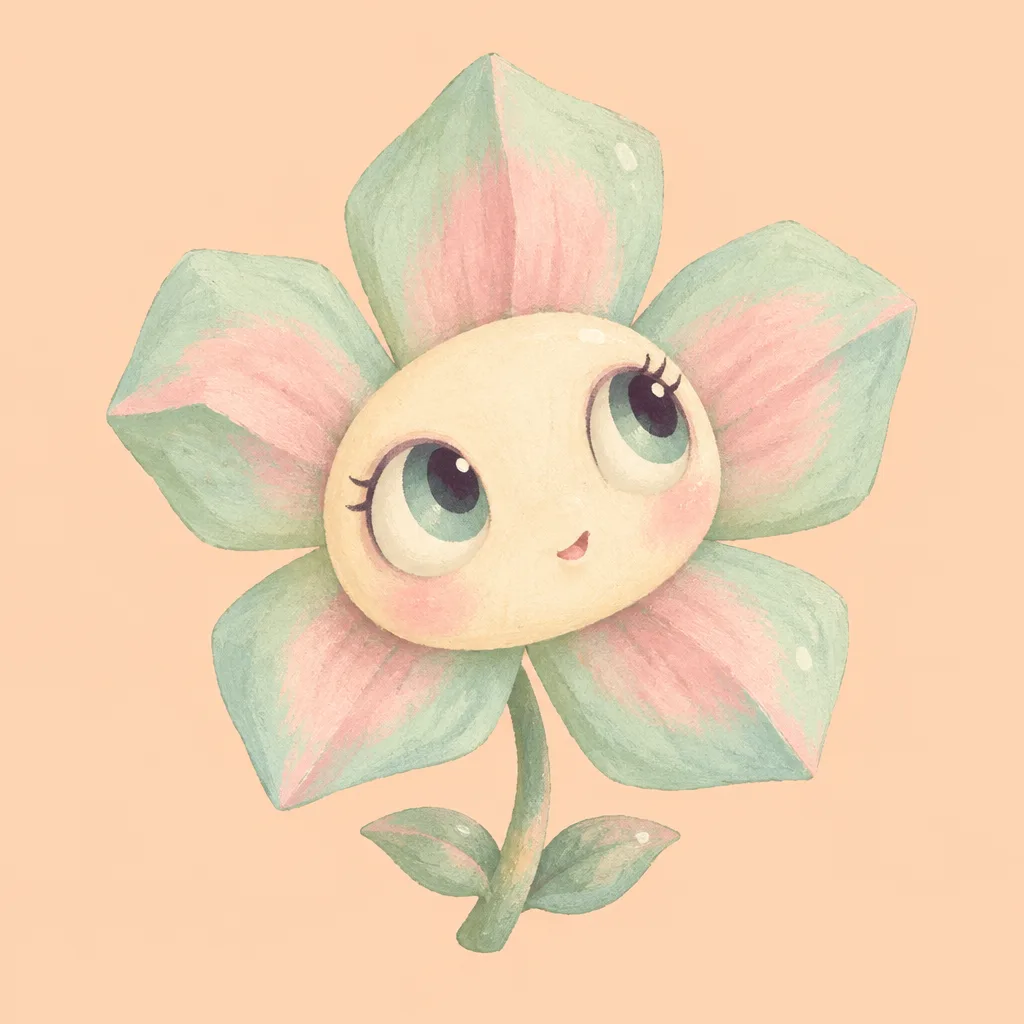
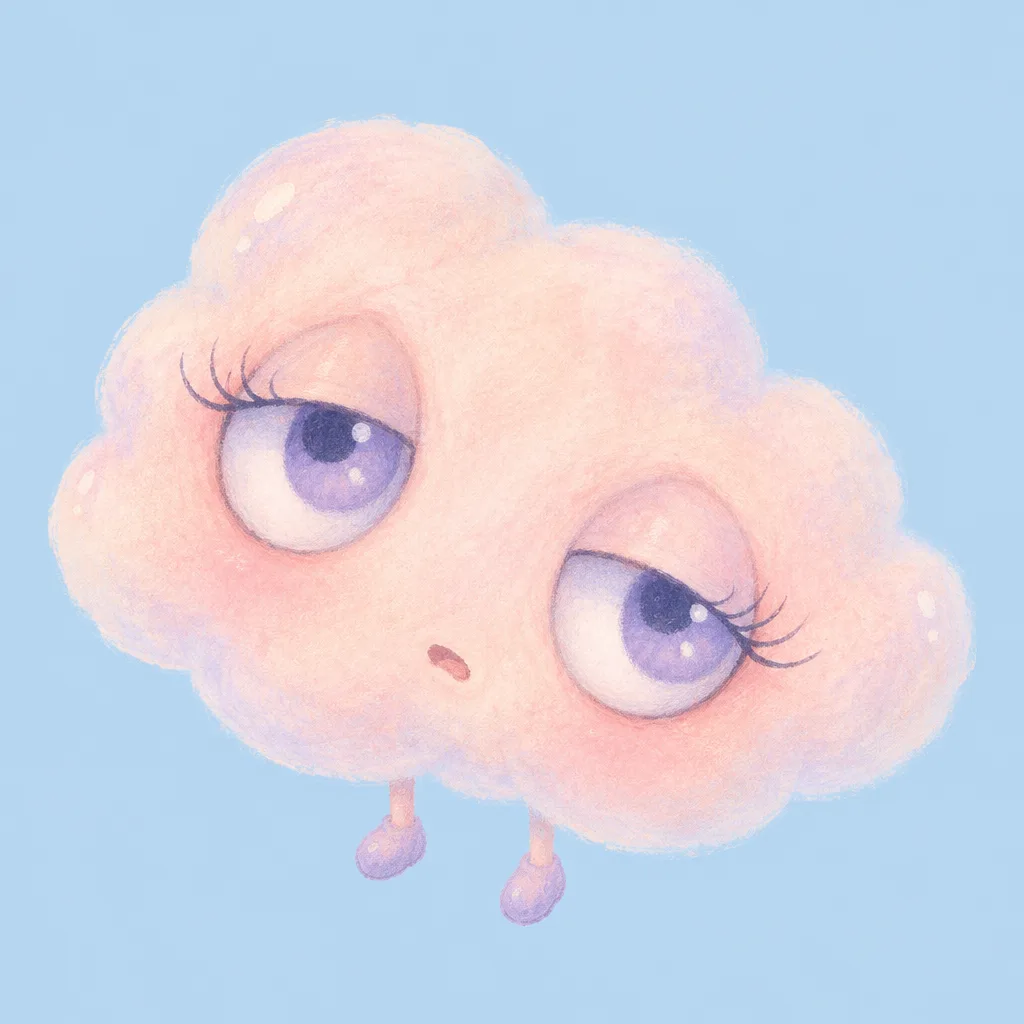
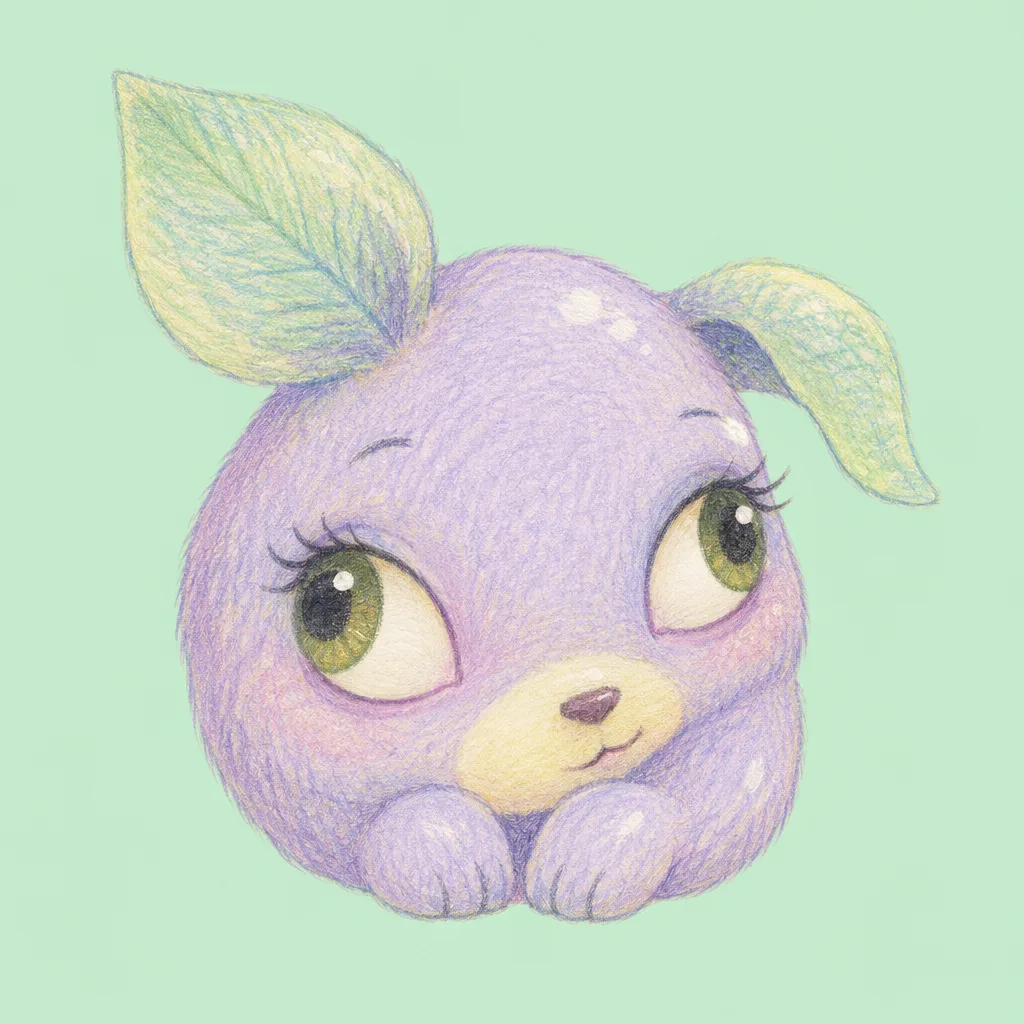
項目を入力
- 1項目を入力します
- 2コピーを押します
- 3GPTのチャットに貼り付けます
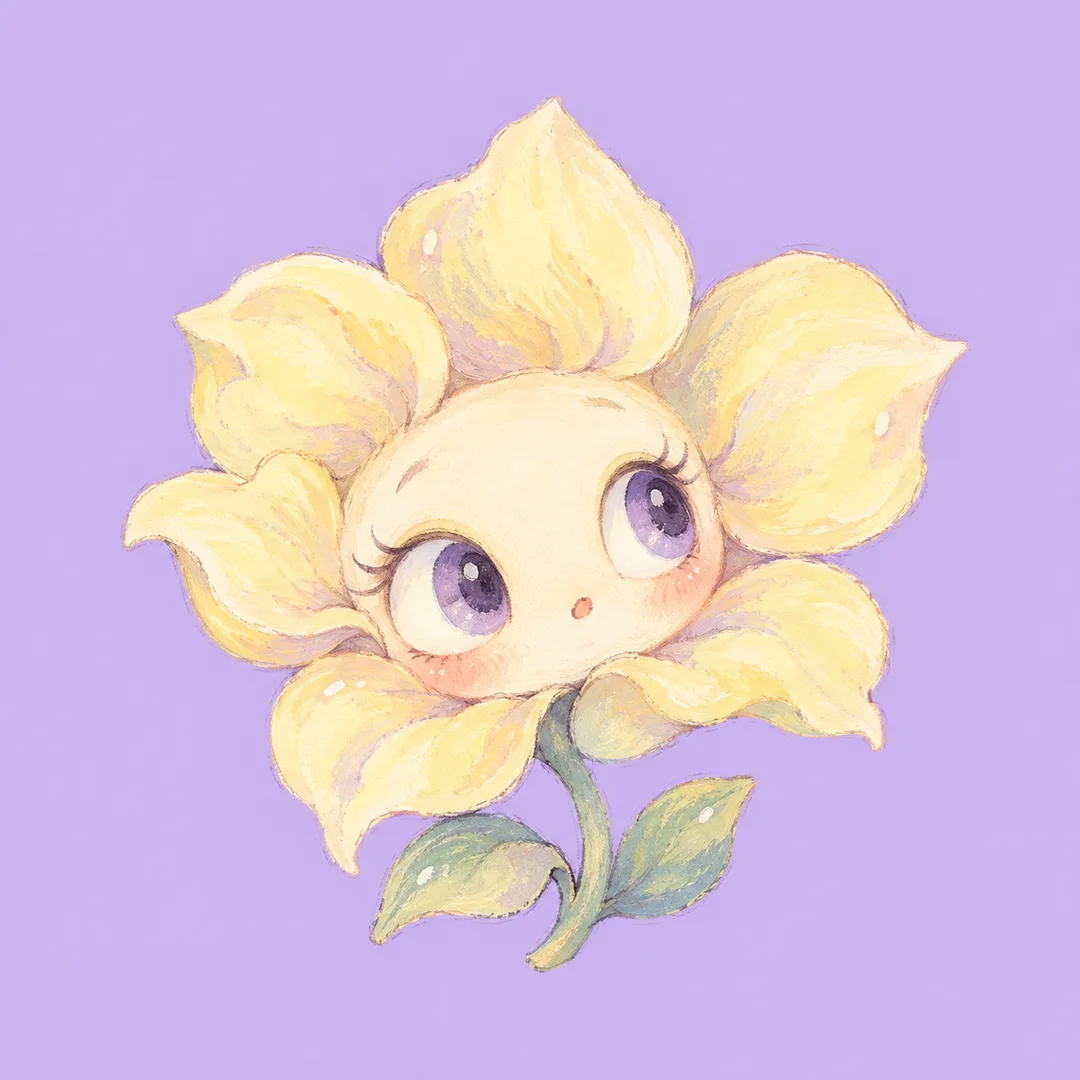
- 4そのまま送ると、サムネイルの例のような画像になります
- 5カードに合う実際の写真を一緒に入れると反映されます。背景カードなら背景の写真、人物・料理カードならその写真 任意
実際に試しました
- 試験日
- 2026-10-29
- ツール
- ChatGPT画像モデル(Codex経由で実行) — 内蔵のimage_genを使用。無料版ChatGPTとのモデル同一性は実行情報から確認不可
- 結果
- 合格
- できたこと
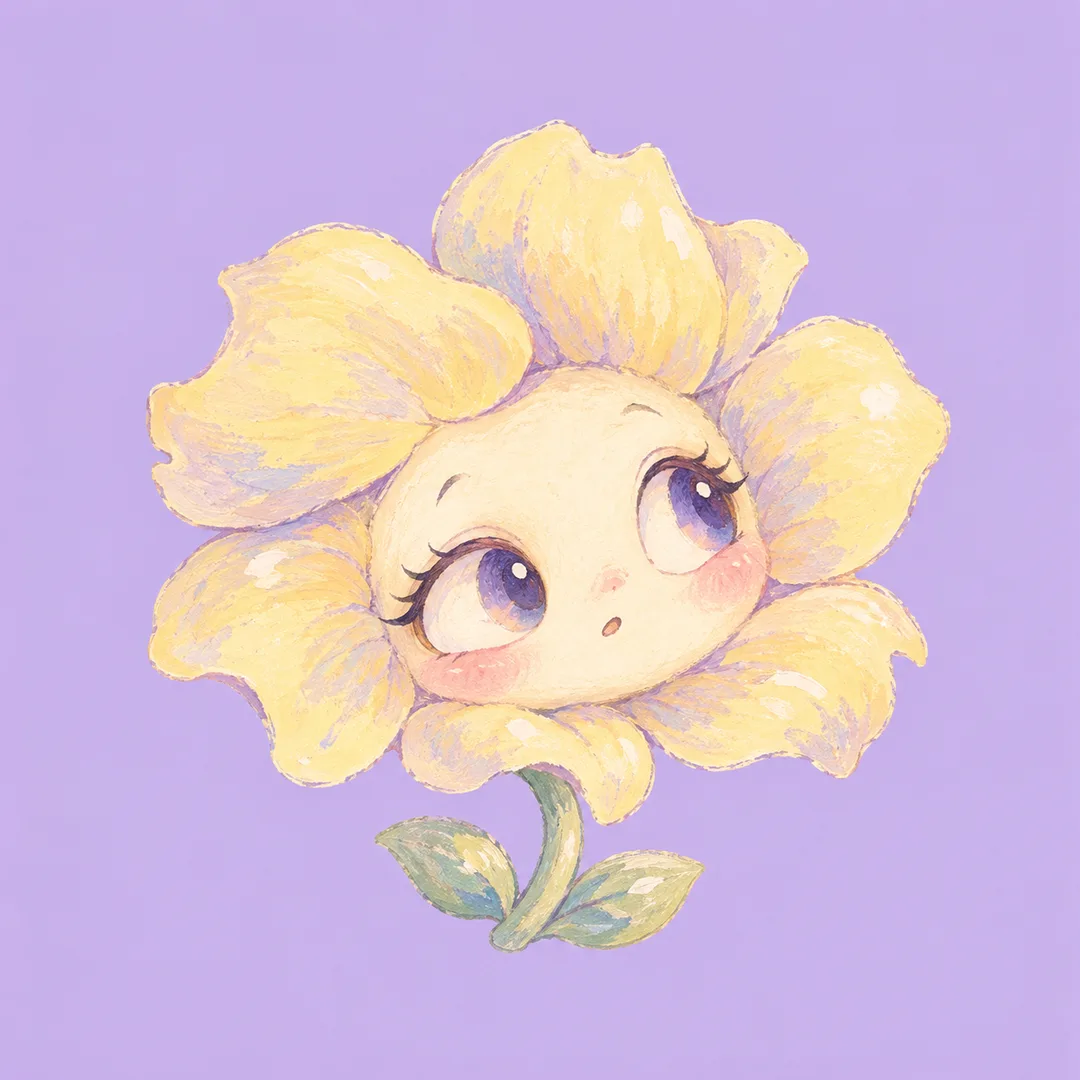
- 修正後の2回とも、一輪の花、大きな丸い目(それぞれの瞳とハイライト)、小さな口、曲がった短い茎と2枚の葉、ガッシュ風の筆目が現れました。花びらは薄い黄色、顔はクリーム色で、ラベンダー色の背景と区別されています。文字・数字・署名は見当たりません。正方形であり、中央の円形プロフィール範囲内に花びらと目が収まっています。
- できなかったこと
- なし
- 改善のヒント
- ラベンダー色の背景に対して花びらを淡いバターイエロー、顔をクリーム色と具体化したことで、両方の回で色の区別が良くなりました。全体幅82%の指示をなくし、キャラクター全体を中央64%以内に収めるように変更したところ、両方の回で輪郭のサイズが小さくなりましたが、指定数値までは守られませんでした。正確な余白・単色・ピクセル数を保証する方法は、今回の試験では確認できませんでした。
プロンプト全文を見る 3,434文字
Generate this image now. Draw one complete image directly, without explanations or questions.
出力サイズは1080×1080ピクセル、1:1の正方形にしてください。文字を読みやすく配置してください。
Create ONE original pastel dreamcore character illustration for a profile avatar. Character category: 【キャラクター】. Main pastel color: 【色】. If character is empty use flower; if color is empty use pastel lavender. Interpret translated category names equivalently.
Keep the result a single character portrait, never a character sheet, collage, poster, logo or photograph. Use a solid, edge-to-edge pastel background in the chosen hue; give the subject a lighter complementary pastel so its silhouette remains clear at avatar size. For a lavender background, make the flower petals pale buttery yellow and the face warm cream; reserve lavender for the background rather than the petals. No scenery or background pattern.
The fixed visual language is an eccentric, tender hand-drawn pastel cartoon with enormous expressive eyes, small off-center mouth, gently irregular contours and finely controlled matte pigment grain. For a flower, use an asymmetrical petal halo around an oversized face, a bent short stem and two small leaves; use velvety opaque gouache, slightly angular petal contours and an alert, curious expression. For a cloud, use a lopsided scalloped body, long curved lashes and tiny dangling feet; use translucent chalky pastel edges and a sleepy, wistful expression. For an animal, invent a small rounded creature with two unequal leaf-shaped ears, a bean-shaped muzzle and short paws; use fine colored-pencil hatching and a shy, mischievous sideways glance. These are subject-specific treatments within the same pastel dreamcore illustration family, not selectable output formats. Never combine the three categories in one image.
Each eye has one dark pupil, a softly colored iris and a crisp small highlight; direct both pupils coherently. A slight playful asymmetry is intentional, but avoid duplicate faces, extra eyes or malformed limbs. Add only a few tiny painted glints on the character itself, no floating decorations.
Place the face at the canvas center. Fit the ENTIRE character, including every petal, leaf, stem, ear and foot, inside the central 64% of canvas width and height. Leave at least 18% completely empty background on EACH of the four sides. Keep the entire silhouette inside a centered circle of diameter 90% of the canvas, so a circular avatar crop removes no part of the character. Use a compact portrait with a large face relative to its small body, no detached frame. Adapt the margins naturally to the requested aspect ratio without stretching. Keep the background perfectly flat in color while allowing pigment texture on the character. Carefully finished edges, tactile detail and readable large shapes, no empty poster header.
Invent the design from scratch. No recognizable existing characters, real brands, logos, products, celebrity likenesses, artist signatures or watermarks. Render NO letters, numbers, words or captions anywhere. Do not add a name. Output only the finished illustration, no code or assembly steps.

[Final output format]
出力サイズは1080×1080ピクセル、1:1の正方形にしてください。文字を読みやすく配置してください。
This selected output format takes priority over any fixed canvas size or aspect ratio elsewhere in this template. Adapt the composition, text zones and margins to the selected canvas without stretching or cropping essential content. Device safe areas apply only when a device is selected. Never print these format instructions on the image.
結果はどうでしたか?
こちらのカードも人気です
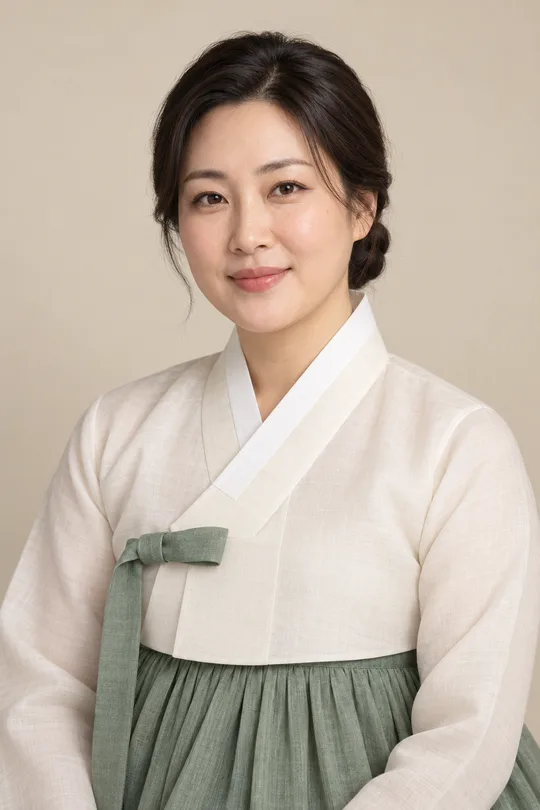
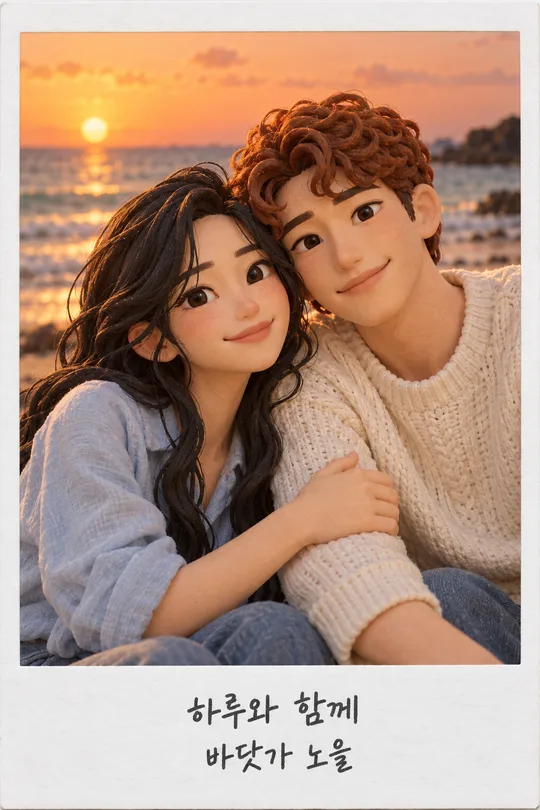
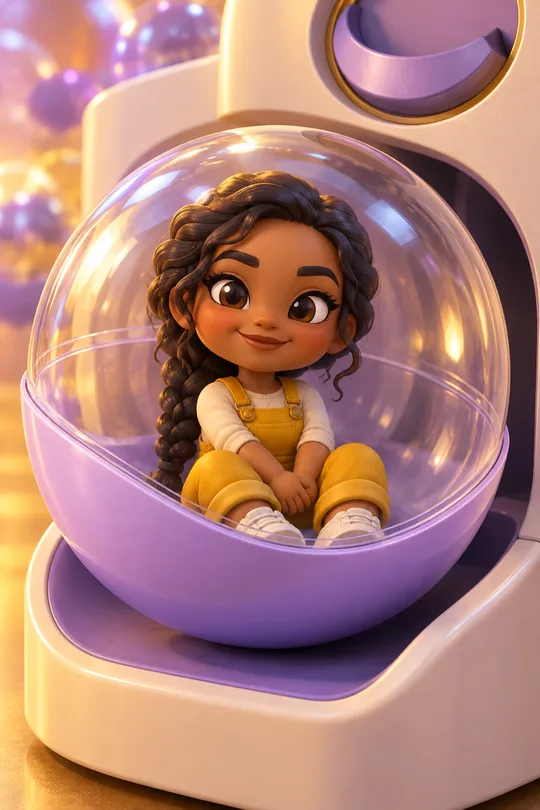
使い方・よくある質問
こんなときに
少し不思議でかわいいパステルのキャラクターをプロフィール画像にしたいときに使えます。大きな目、小さな口、少し非対称の輪郭で、小さく表示しても顔が伝わるイラストを目指します。キャラクターと色を選び、コピーしたプロンプトを画像AIに一度貼り付けると、完成イラスト一枚を依頼できます。写真の準備は不要です。
項目の選び方
必須項目は2つです。キャラクターは花、雲、動物から選びます。花は花びらの顔と短い茎、雲は丸い体と小さな足、動物は葉の形の耳と短い足になります。色は無地の背景の中心色です。キャラクターには明るい補色を使い、背景から輪郭を浮かび上がらせます。自由に色を書く場合も淡い一色がおすすめです。キャラクターが空欄なら花、色が空欄ならパステルラベンダーになります。比率は共通のサイズメニューで選び、初期設定は1:1です。
作例の違い
花は不透明なガッシュの質感と好奇心のある表情、雲はチョークのような透ける縁と眠そうな表情、動物は色鉛筆の線といたずらっぽい横目になります。同じパステルドリームコアの系統で、輪郭、手触り、気分を変えています。表紙は作例とは別の構図です。
できあがりの確認
瞳の向きと光が自然か、顔や目が増えていないかを確認します。丸いプロフィール枠でも両目と特徴的な花びらや耳が残る構図にしてください。背景に模様が出たら無地を、顔が小さければ中央の大きな顔を強調して、画像全体を作り直します。文字や数字は入れない設計なので、署名などが出た場合も文字なしで再生成してください。
よくある質問
名前は入れられますか? 名前欄はなく、画像にも名前を入れません。作例の利用者名はHaruです。写真は必要ですか? 写真なしで架空のキャラクターを作ります。集合絵になりますか? 選んだ種類のキャラクター一体だけです。既存キャラクターや実在人物に似せないでください。外部サービスの料金と利用条件は各サービスで確認してください。