

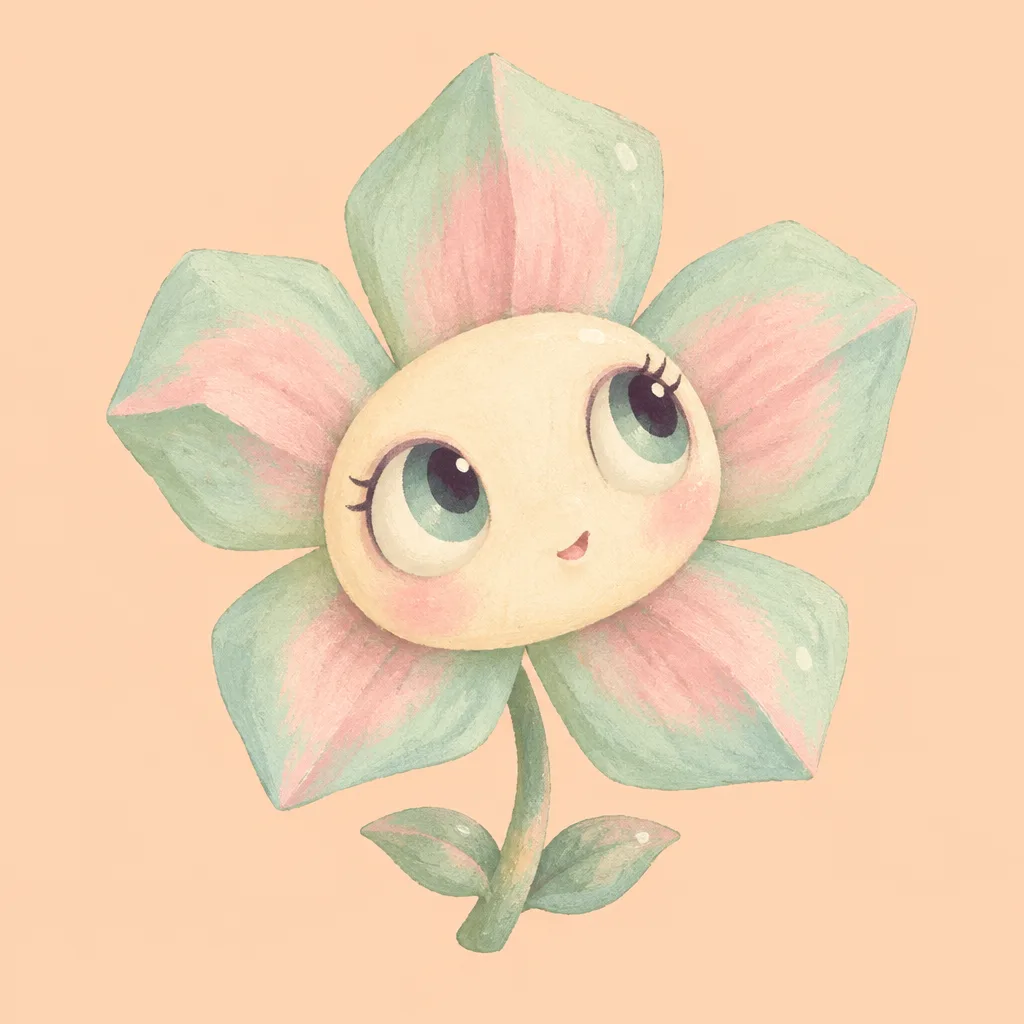
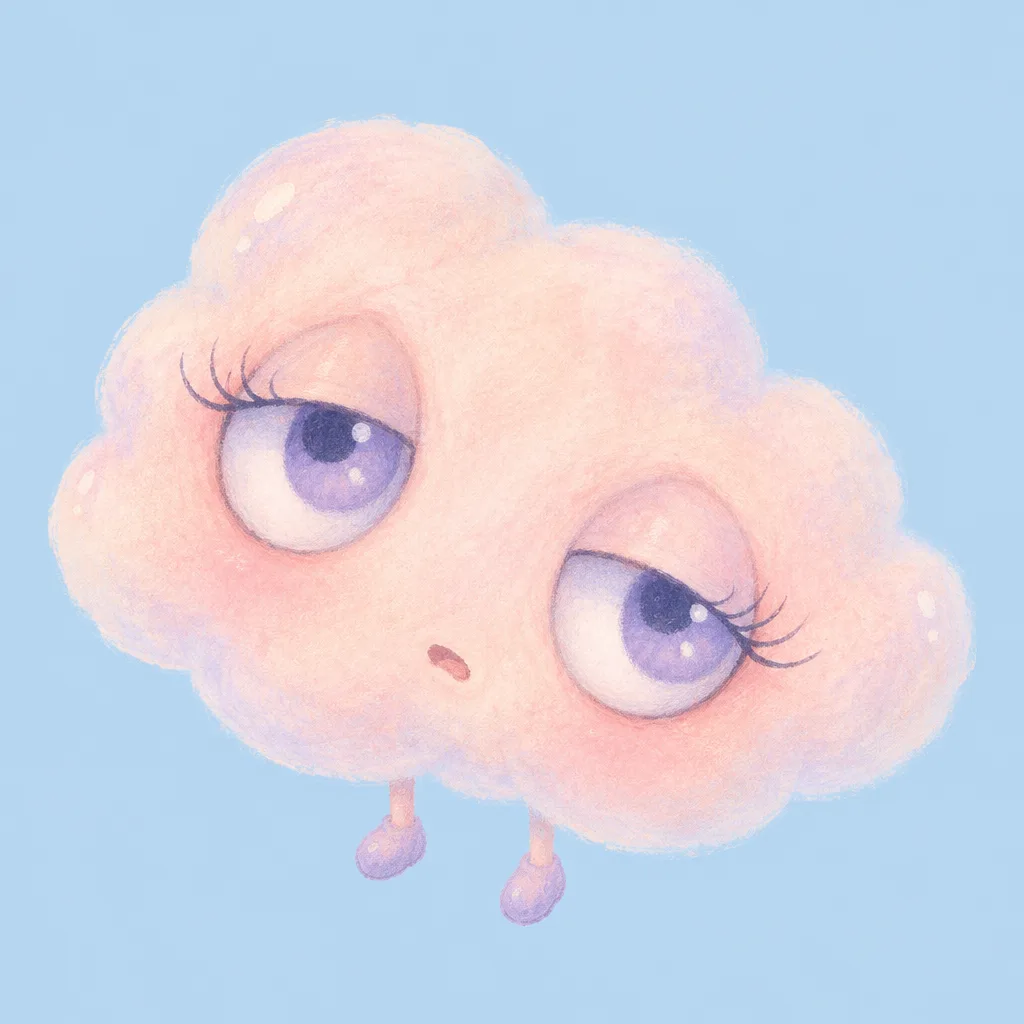
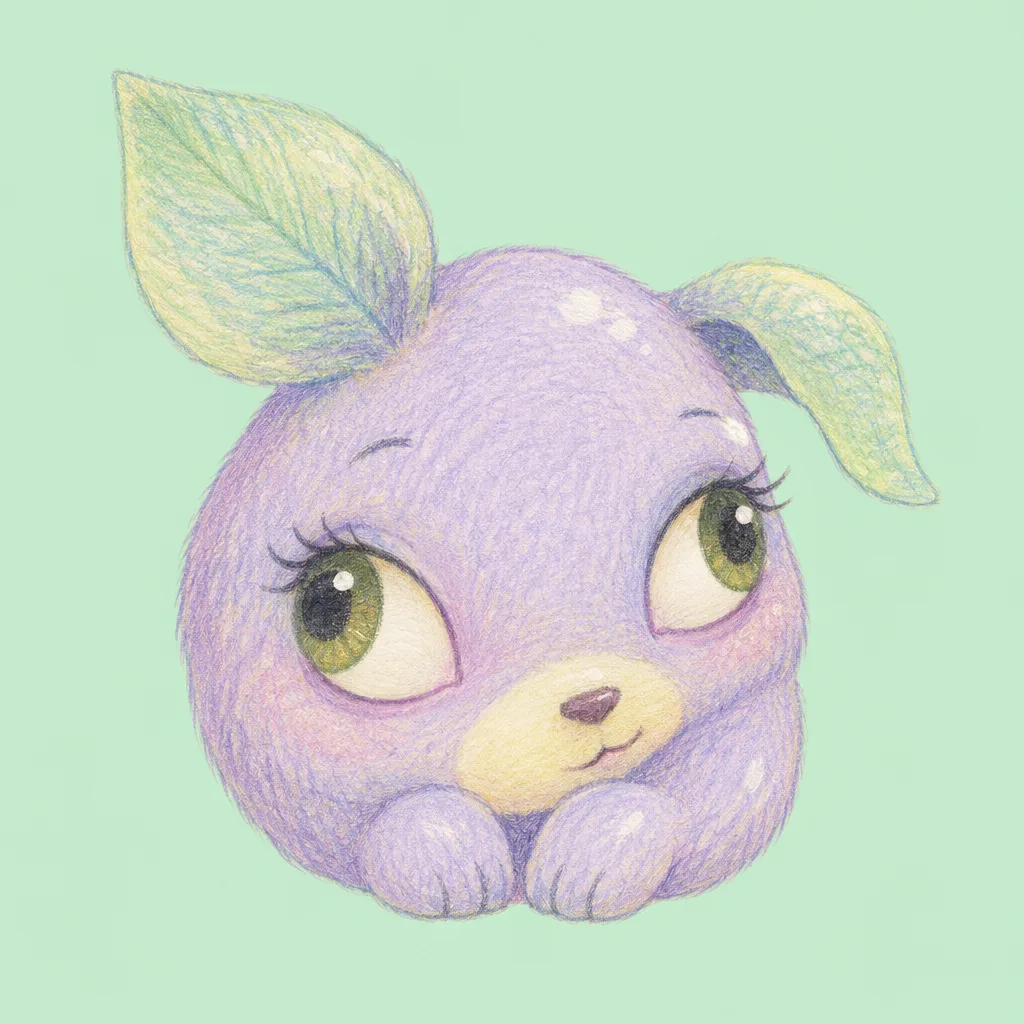
칸 채우기
- 1칸을 채워요
- 2복사 버튼을 눌러요
- 3GPT 채팅창에 붙여넣어요
- 4그대로 보내면 썸네일 예시처럼 나와요
- 5카드에 맞는 실제 사진을 같이 넣으면 그 사진이 반영돼요 — 배경 카드는 배경 사진, 인물 · 음식 카드는 그 사진 선택
직접 해 봤어요
- 시험일
- 2026-10-29
- 도구
- ChatGPT 이미지 모델(코덱스에서 실행) — 내장 image_gen 사용. 무료 ChatGPT와의 모델 동일성은 실행 정보로 확인할 수 없음
- 결과
- 통과
- 지켜진 것
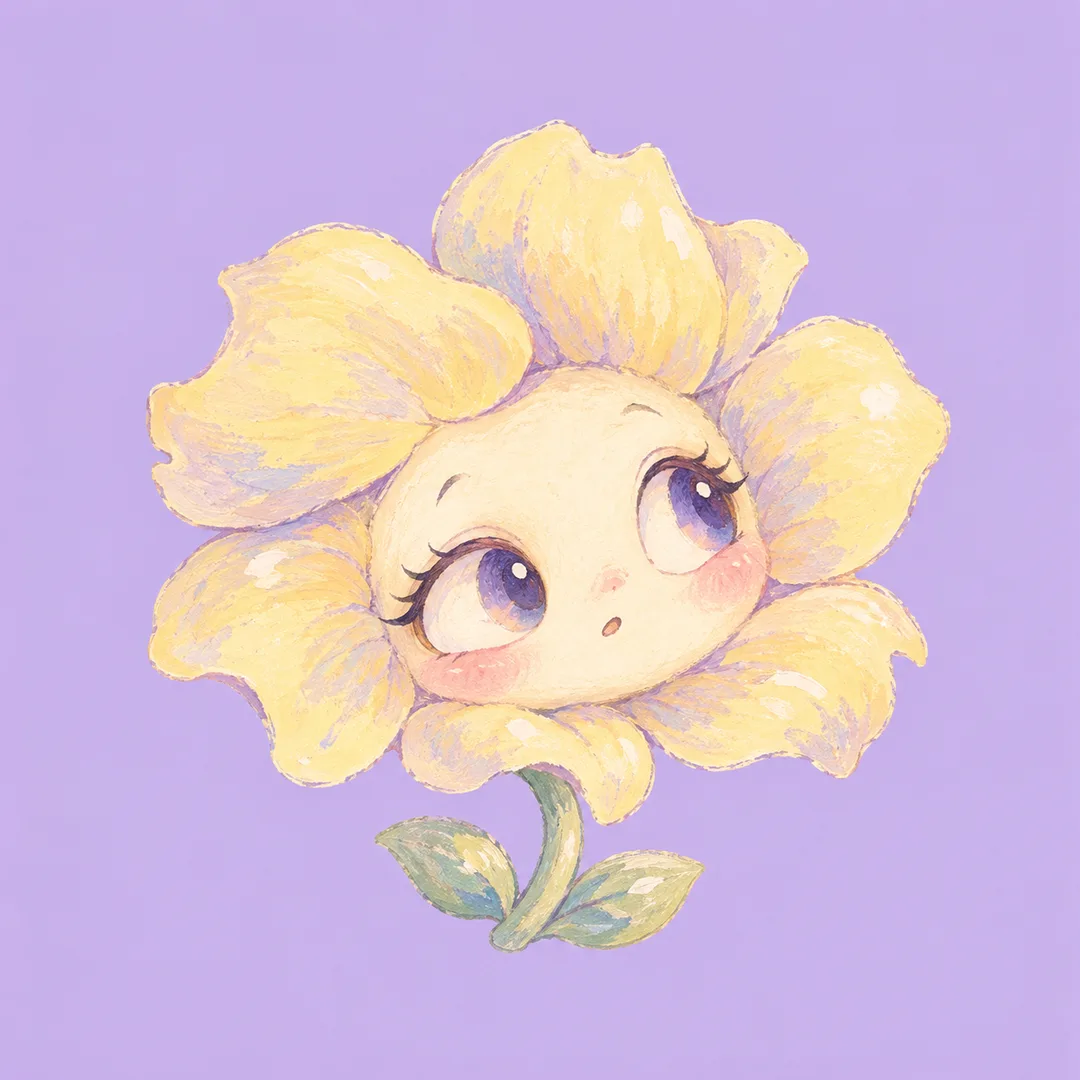
- 수정 후 두 번 모두 꽃 한 송이, 큰 두 눈과 각 눈의 동공·하이라이트, 작은 입, 구부러진 짧은 줄기와 잎 두 장, 과슈 같은 붓결이 나왔어요. 꽃잎은 연노랑, 얼굴은 크림색으로 라벤더 배경과 구분돼요. 글자·숫자·서명은 보이지 않아요. 정사각형이며 중앙 원형 프로필 범위 안에 꽃잎과 눈이 들어와요.
- 안 된 것
- 없음
- 이렇게 하면 나아요
- 라벤더 배경에서 꽃잎은 연한 버터 노랑, 얼굴은 크림색이라고 구체화하니 두 번 모두 색 구분이 좋아졌어요. 전체 폭 82% 지시를 없애고 캐릭터 전체를 중앙 64% 안에 넣도록 바꾸니 두 번 모두 윤곽 크기가 줄었지만 지정 수치까지는 지켜지지 않았어요. 정확한 여백·단색·픽셀 수를 보장하는 방법은 이번 시험에서 확인하지 못했어요.
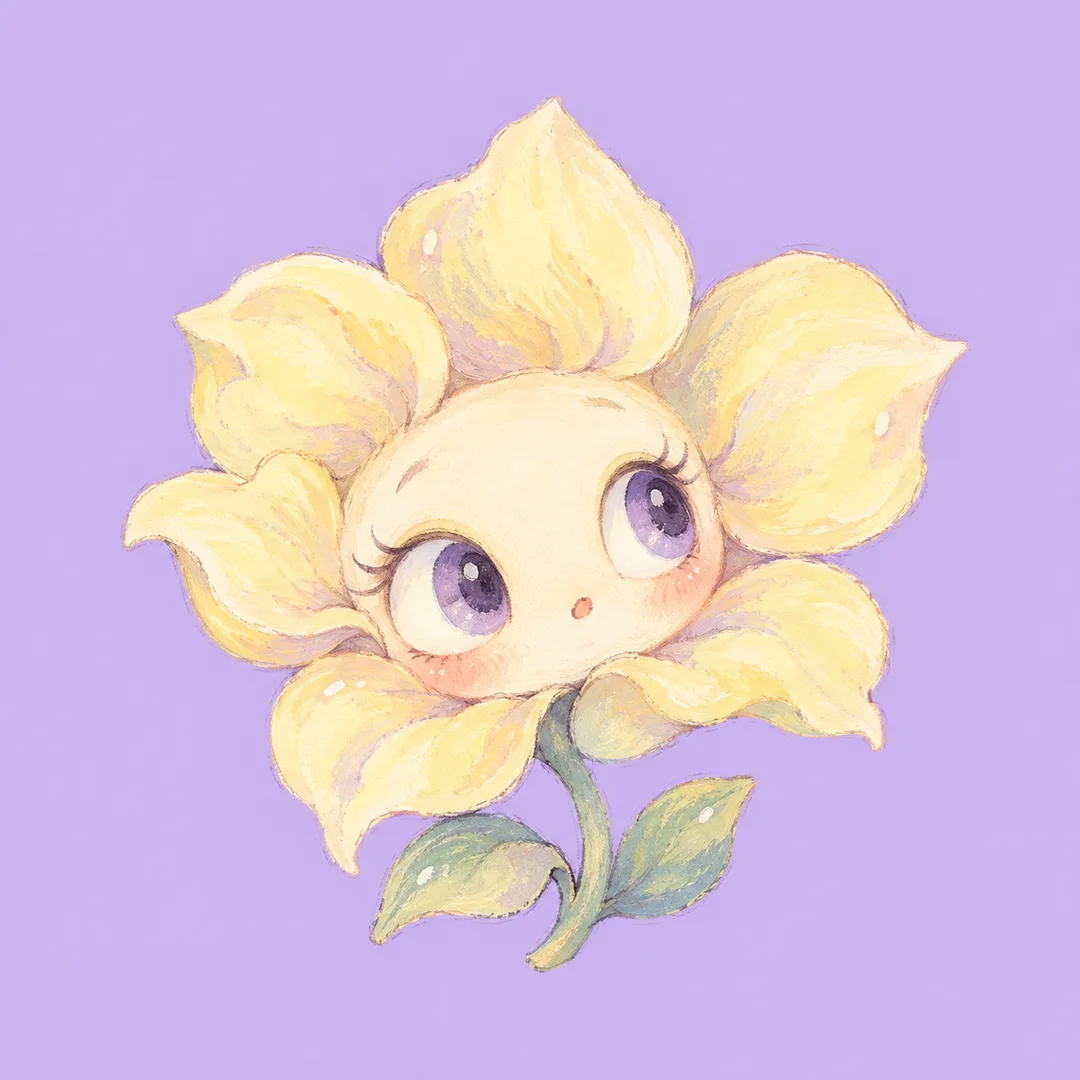
프롬프트 원문 보기 3,427자
Generate this image now. Draw one complete image directly, without explanations or questions.
Output size 1080x1080 pixels, 1:1 square card. Keep the same top-to-bottom order but compress the zones to fit the square: the illustration becomes smaller and every text line stays fully readable.
Create ONE original pastel dreamcore character illustration for a profile avatar. Character category: 【캐릭터】. Main pastel color: 【색】. If character is empty use flower; if color is empty use pastel lavender. Interpret translated category names equivalently.
Keep the result a single character portrait, never a character sheet, collage, poster, logo or photograph. Use a solid, edge-to-edge pastel background in the chosen hue; give the subject a lighter complementary pastel so its silhouette remains clear at avatar size. For a lavender background, make the flower petals pale buttery yellow and the face warm cream; reserve lavender for the background rather than the petals. No scenery or background pattern.
The fixed visual language is an eccentric, tender hand-drawn pastel cartoon with enormous expressive eyes, small off-center mouth, gently irregular contours and finely controlled matte pigment grain. For a flower, use an asymmetrical petal halo around an oversized face, a bent short stem and two small leaves; use velvety opaque gouache, slightly angular petal contours and an alert, curious expression. For a cloud, use a lopsided scalloped body, long curved lashes and tiny dangling feet; use translucent chalky pastel edges and a sleepy, wistful expression. For an animal, invent a small rounded creature with two unequal leaf-shaped ears, a bean-shaped muzzle and short paws; use fine colored-pencil hatching and a shy, mischievous sideways glance. These are subject-specific treatments within the same pastel dreamcore illustration family, not selectable output formats. Never combine the three categories in one image.
Each eye has one dark pupil, a softly colored iris and a crisp small highlight; direct both pupils coherently. A slight playful asymmetry is intentional, but avoid duplicate faces, extra eyes or malformed limbs. Add only a few tiny painted glints on the character itself, no floating decorations.
Place the face at the canvas center. Fit the ENTIRE character, including every petal, leaf, stem, ear and foot, inside the central 64% of canvas width and height. Leave at least 18% completely empty background on EACH of the four sides. Keep the entire silhouette inside a centered circle of diameter 90% of the canvas, so a circular avatar crop removes no part of the character. Use a compact portrait with a large face relative to its small body, no detached frame. Adapt the margins naturally to the requested aspect ratio without stretching. Keep the background perfectly flat in color while allowing pigment texture on the character. Carefully finished edges, tactile detail and readable large shapes, no empty poster header.
Invent the design from scratch. No recognizable existing characters, real brands, logos, products, celebrity likenesses, artist signatures or watermarks. Render NO letters, numbers, words or captions anywhere. Do not add a name. Output only the finished illustration, no code or assembly steps.

[Final output format]
Output size 1080x1080 pixels, 1:1 square card. Keep the same top-to-bottom order but compress the zones to fit the square: the illustration becomes smaller and every text line stays fully readable.
This selected output format takes priority over any fixed canvas size or aspect ratio elsewhere in this template. Adapt the composition, text zones and margins to the selected canvas without stretching or cropping essential content. Device safe areas apply only when a device is selected. Never print these format instructions on the image.
결과 어땠어요?
이 카드도 많이 사용해요
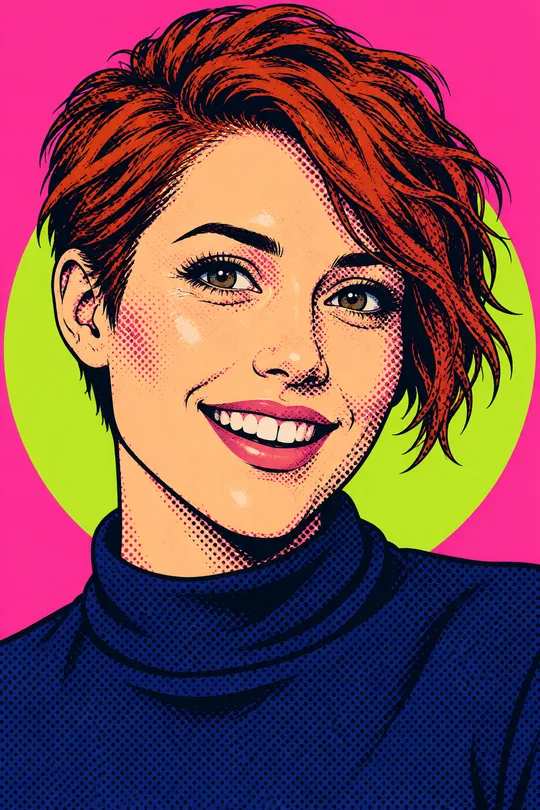
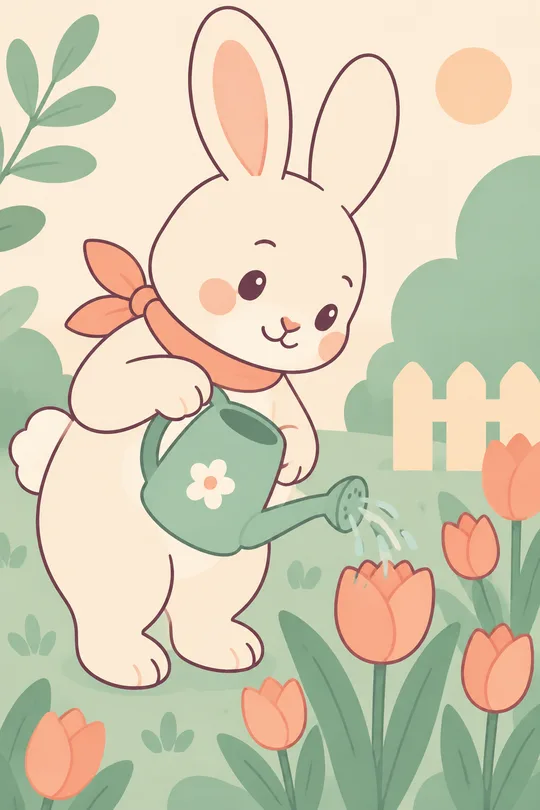
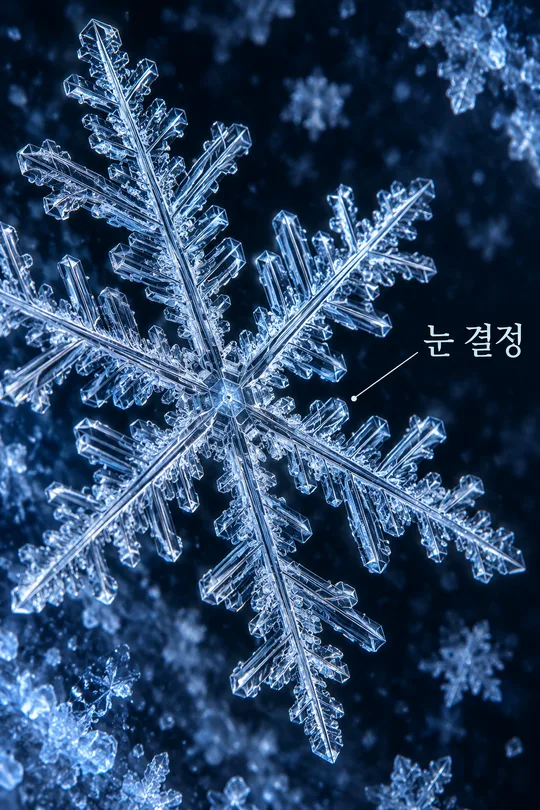
쓰는 법 · 자주 묻는 것
이런 때 쓰세요
꽃이나 구름처럼 낯설지만 귀여운 캐릭터를 프로필 사진으로 쓰고 싶을 때 골라요. 큰 눈과 작은 입, 살짝 비대칭인 형태를 한 화면에 담는 파스텔 드림코어 일러스트예요. 사진을 준비할 필요 없이 캐릭터와 색을 고른 뒤 복사한 프롬프트를 그림 AI에 한 번 붙여넣으면 완성 그림 한 장을 요청할 수 있어요.
칸 채우는 법
꼭 채울 칸은 2개예요. 캐릭터는 꽃, 구름, 동물 중 하나를 골라요. 꽃은 꽃잎 얼굴과 짧은 줄기, 구름은 둥근 몸과 작은 발, 동물은 잎 모양 귀와 짧은 발로 달라져요. 색은 단색 배경의 중심 색이에요. 캐릭터에는 배경과 구분되는 밝은 보색을 써서 작은 프로필에서도 눈과 윤곽이 보여요. 직접 색을 적을 때도 연한 색 하나를 권해요. 캐릭터를 비우면 꽃, 색을 비우면 파스텔 라벤더로 그리도록 정했어요. 크기는 공통 크기 메뉴에서 고르며 기본은 1:1이에요.
예시에서 볼 차이
꽃은 불투명한 과슈 질감과 호기심 많은 표정, 구름은 분필 같은 가장자리와 나른한 표정, 동물은 색연필 결과 장난스러운 곁눈질을 보여 줘요. 모두 같은 드림코어 계열이지만 형태와 촉감, 기분이 다르게 설계되어 있어요. 표지는 예시와 별도로 구성해요.
그림이 나오면 확인하세요
두 눈의 시선과 하이라이트가 자연스러운지, 눈이나 얼굴이 중복되지 않았는지 보세요. 원형 프로필로 미리 볼 때 두 눈과 특징적인 꽃잎 또는 귀가 잘리지 않아야 해요. 배경에 무늬가 생겼다면 단색 배경을, 얼굴이 작다면 중앙의 큰 얼굴을 강조해 전체 그림을 다시 요청하세요. 글자와 숫자는 넣지 않으므로 이름이나 서명이 생겼다면 글자 없이 다시 요청해요.
궁금한 점
이름을 넣나요? 이름 칸은 없고 그림에 이름도 넣지 않아요. 예시 사용자는 하루예요. 사진을 올려야 하나요? 사진 없이 만드는 가상 캐릭터 카드예요. 여러 캐릭터가 나오나요? 선택한 종류의 한 캐릭터만 나와요. 기존 캐릭터나 실존 인물을 닮게 요청하지 마세요. 외부 서비스의 요금과 이용 조건은 해당 서비스에서 확인하세요.