
項目を入力
- 1項目を入力します
- 2コピーを押します
- 3GPTのチャットに貼り付けます
- 4写真を使う場合は写真とプロンプトを一緒に送ります 任意
プロンプト全文を見る 1,459文字
Generate this image now. Draw it directly - do not describe it, explain it, or ask questions.
出力サイズは2480×3508ピクセル、A4縦、300dpiの印刷用ポスターにしてください。
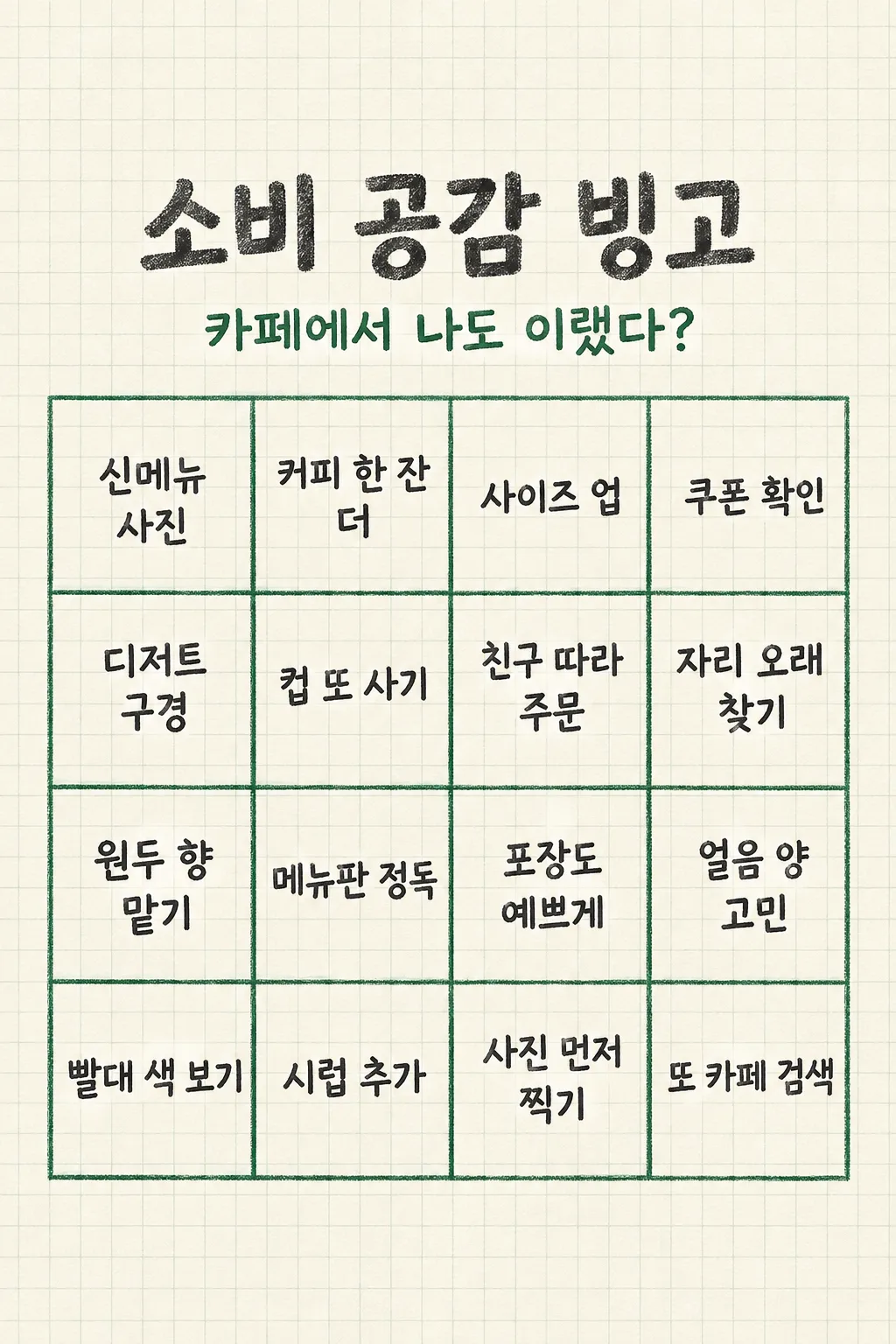
Create ONE complete Japanese 4-by-4 SHOPPING HABITS BINGO image to share directly on Stories or Threads. Use "【買い物のテーマ】" as the single theme. Include "【入れたい場面1】" and "【入れたい場面2】" once each, shortened while preserving their meaning. Write fourteen more short, distinct, broadly relatable imaginary examples about browsing, temptation, payment, excuses and aftermath. They are playfully possible situations, not claims about this person's actual purchases. Never invent prices, store names, brands, dates, debt or health claims.

Keep a FIXED cream graph-paper stationery design with charcoal hand lettering and forest-green pencil borders. The title "お買い物あるあるビンゴ" must be large at 17–25% of height. Put ONE short subtitle at 26–31% using "【見出しの下の一言】"; when it says "おまかせ", invent a natural invitation and do not print the instruction. The center from 34–82% holds exactly ONE 4-column by 4-row grid. Put one legible Japanese phrase, at most two short lines, in each of sixteen equal cells. Leave the top 12% and bottom 15% clear of important text. Do not make a free center, prefilled checkmarks, small icons in cells, a second board, app interface or multiple slides. The theme changes only the phrases, never the geometry or color. Check sixteen different cells and clear Japanese before returning one ready-to-post image with no code, cropping or follow-up.
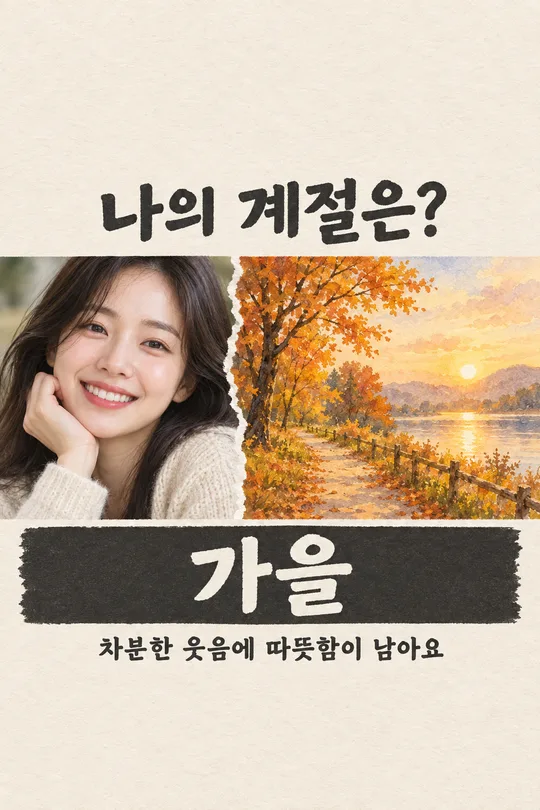
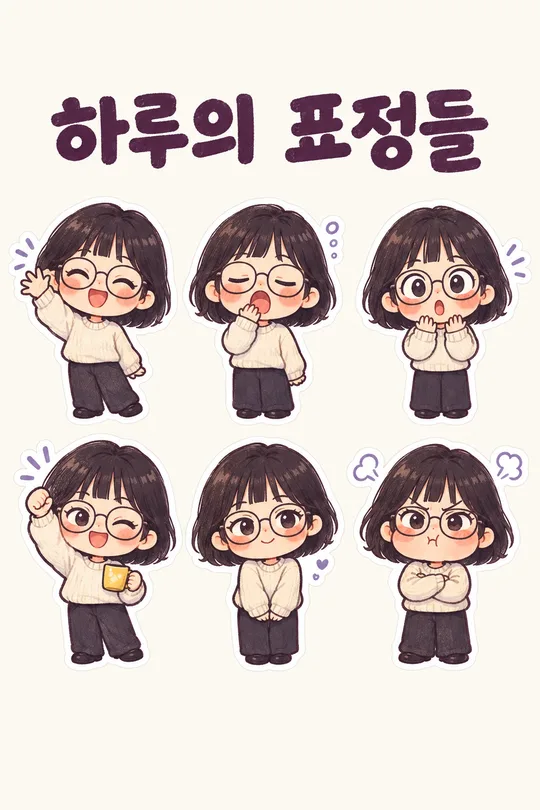
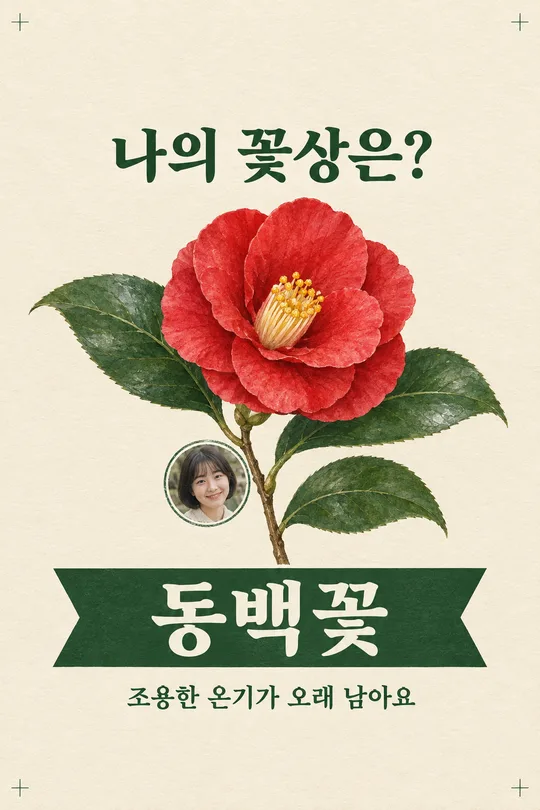
こちらのカードも人気です
使い方・よくある質問
使う場面
友達と「これ、私もやる」と笑い合える買い物ビンゴを一枚で投稿できます。個人の支出記録や家計診断ではありません。
27番の週間支出比較表は本人が入力した金額を大きさで比べますが、このカードは金額を集めません。「新商品を見に寄った」など共感できる行動を16マスに並べ、友達が自分で印を付けて会話を始めるための画像です。
入力と送信
カフェやコンビニなどテーマを絞り、自分が入れたい行動を二つ別々に書きます。「おまかせ」なら短い呼びかけを自動で作ります。埋めたプロンプトを画像生成ができるGPTに一度貼り付けて送ります。
確認と修正
4列と4行、合計16マスがあり、二つの入力が一回ずつ出ているか見ます。重複や誤字、長すぎる文字があれば入力を短くして、完成した一枚を新しく作ってください。
16マスが同じ言い換えで埋まっていないか、店名や商品の推薦と誤解される表現がないかも確認します。スマホのストーリー画面で小さく表示しても各マスの短い文が読めることを確かめてから共有してください。