
項目を入力
- 1項目を入力します
- 2プロンプトをコピーします
- 3GPTのチャットに次の動画の実際の場面写真一枚とプロンプトを一緒に送ります
- 4写真と文章の両方が入っていることを確認します
プロンプト全文を見る 1,872文字
Generate this image now. Draw it directly - do not describe it, explain it, or ask questions.
出力サイズは2480×3508ピクセル、A4縦、300dpiの印刷用ポスターにしてください。
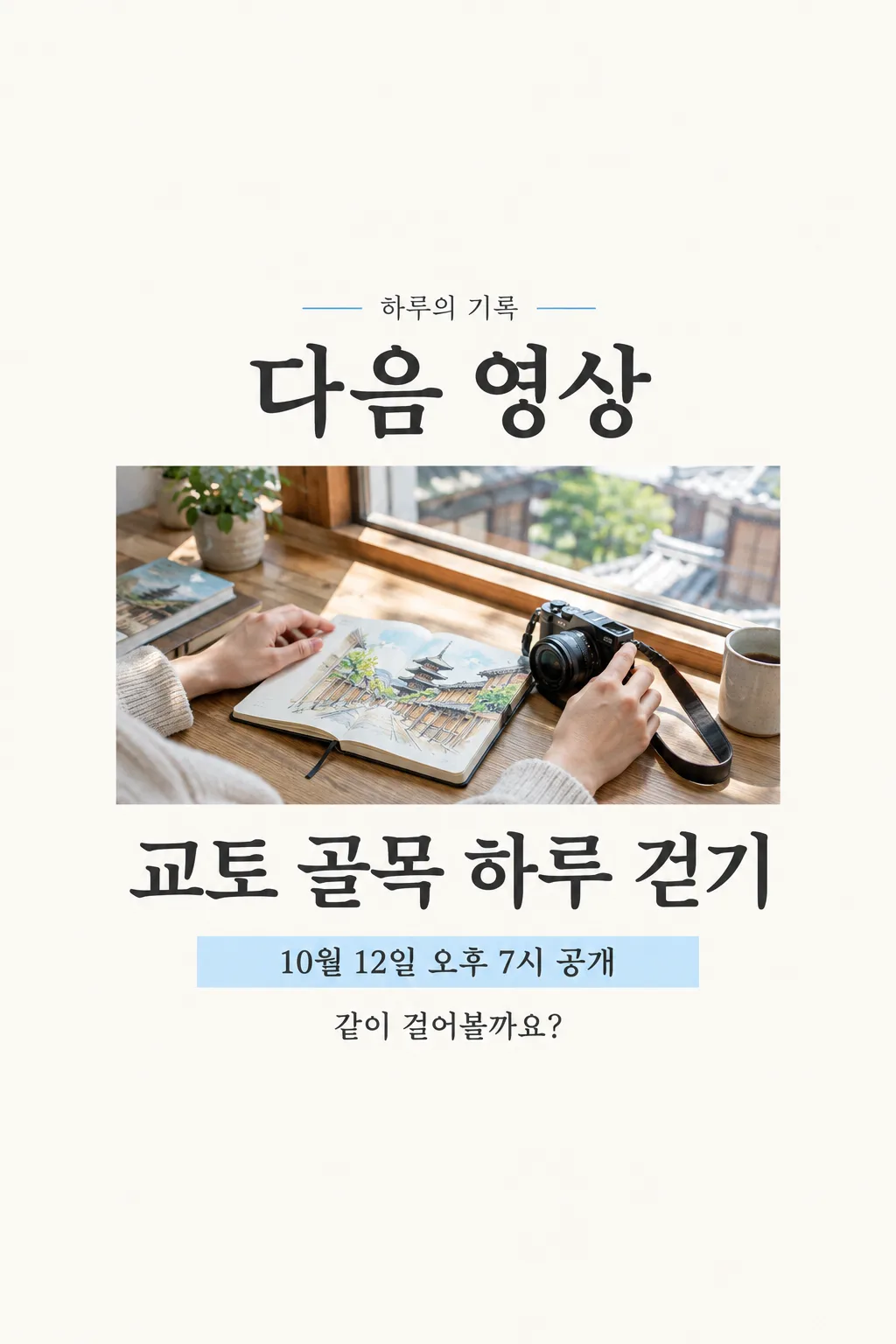
Make exactly ONE finished Japanese NEXT VIDEO ANNOUNCEMENT for a creator to post to a community page or Instagram Story. The owner attaches ONE authentic still from the actual upcoming video in this same message. Preserve visible people, objects and activity; do not invent a guest, place, product or dramatic event that the video lacks. This is a scheduled-video notice, not a clickable video thumbnail, channel banner, filmstrip, app screenshot, phone mockup or image set. If no real still is supplied, ask for it rather than inventing video content.

Fix the visual design as a single vertical editorial notice on off-white paper, with graphite Japanese typography and one thin sky-blue accent. Keep the top 12% and bottom 15% clear of essential lettering. At 17–22% print "【チャンネル名】" once. At 24–30% print the exact large Japanese heading "次の動画". At 32–64% place the attached still in ONE broad rectangular image window. Do not make secondary photo panels. At 66–74% print "【動画タイトル】" in dark, bold, legible Japanese, at most two lines. At 76–82% print "【公開日と時刻】" once on a pale-blue schedule strip. Add one short readable teaser. If "【一言予告】" is "おまかせで選んで", create a modest sentence based only on the actual video title and visible still; do not print the automatic-choice phrase. Otherwise preserve the given sentence without adding promises. The still and title are the most prominent elements in a small feed listing.

Keep owner-supplied characters and digits exact. Do not invent weekday, time zone, premiere, live chat, bonus, guest, link, giveaway, capacity, sale or an already-live claim. No copied platform logo, play-button graphic, fake engagement counts, app UI, code, crop instruction, extra image or second step. Return only the one finished announcement.
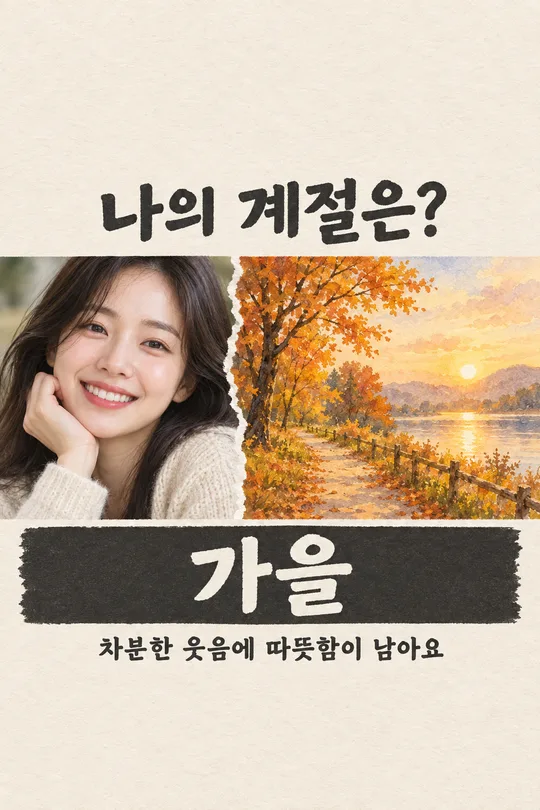
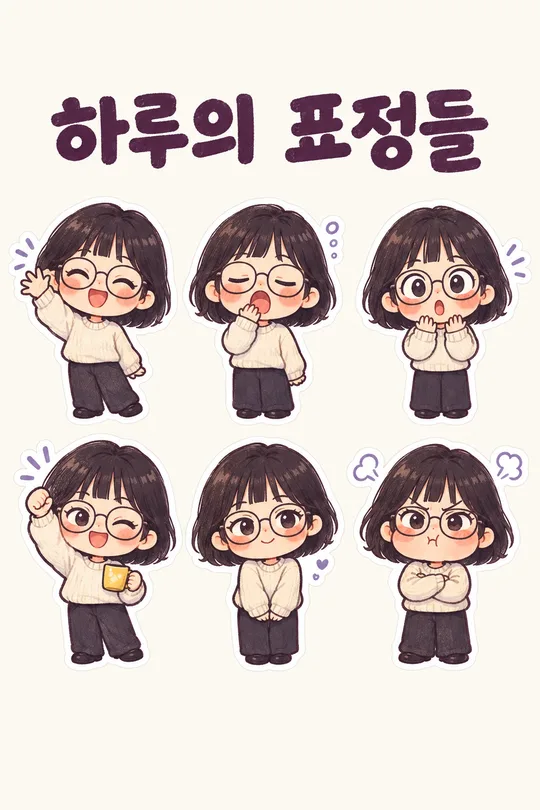
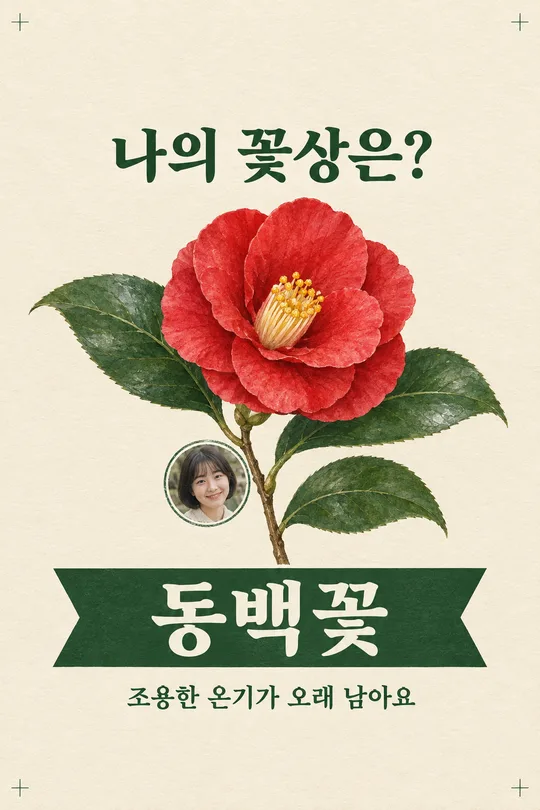
こちらのカードも人気です
使い方・よくある質問
使う場面
次の動画の公開予定をコミュニティ投稿やストーリーズで知らせるための一枚です。実際の場面写真を大きく置き、その下に題名と日時を読みやすく分けます。
入力と送信
チャンネル名と題名を正確に書き、予約画面で確定した日時を入力します。予告文は短く書くか、おまかせを選べます。実際の動画から一枚をアップロードし、まだ送信せず、同じ欄にプロンプトを貼って一度に送ってください。
投稿前に確認
写真の内容、題名、日時を予約情報と一文字ずつ照合します。存在しない出演者や特典が描かれた場合は使わず、元の写真と修正した文章を一度に送って完成画像を作り直します。