
전체 · 광고/포스터 · 학원·교육 · 명절·기념일
010수능 응원 포스터·카톡 카드
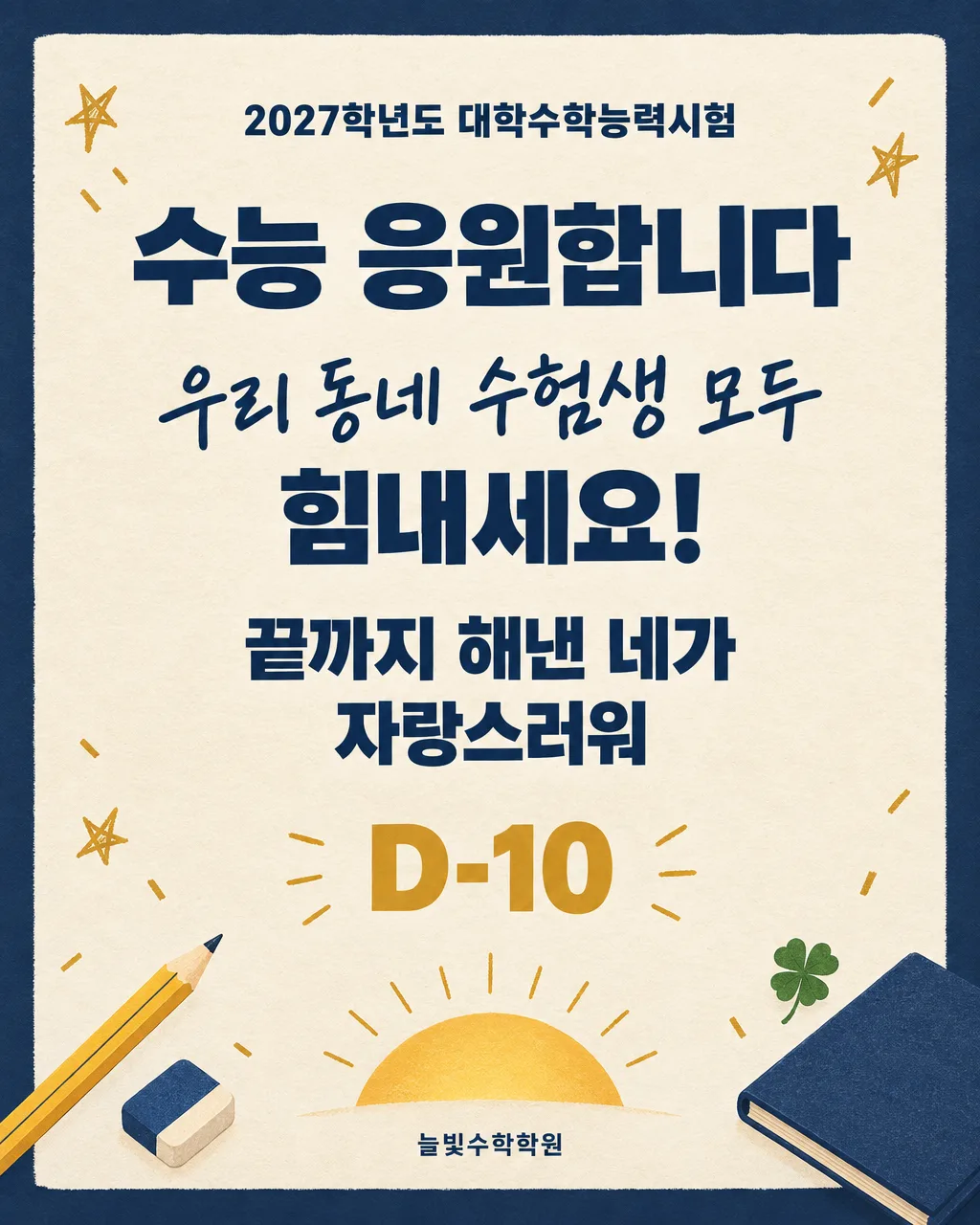
가게 출입문에 붙이거나 수험생에게 카톡으로 보내는 이름 맞춤 수능 응원 카드
칸 채우기
- 1칸을 채워요
- 2복사 버튼을 눌러요
- 3GPT 채팅창에 붙여넣어요
- 4제품·인물 사진을 쓰려면 사진과 프롬프트를 둘 다 넣은 뒤에 보내요 선택
프롬프트 원문 보기 5,188자
Generate this image now. Draw it directly - do not describe it, explain it, or ask questions.
Output size 2480x3508 pixels, A4 portrait, 300dpi, print-ready poster.

[Purpose]
Create one finished Korean CSAT encouragement poster. It must work both as a bold A4 print that a neighborhood shop, academy, cafe, or study room tapes to its entrance, readable from several steps away, and as an image saved on a phone and sent to a student by KakaoTalk. This is not a mockup and must not show the design inside a frame, phone, doorway, or room.

[Scene]
Midnight-navy fills the full canvas as an outer border. A large centered warm ivory paper-texture message field occupies roughly 10-88% of the canvas. Build an original exam-day motif from simple, non-branded objects: one sharpened pencil and a small eraser anchoring the lower-left corner, a closed navy notebook with no writing anchoring the lower-right corner, a tiny four-leaf clover, and a rising golden sun drawn as a clean semicircle near the lower edge. Add a few restrained gold confetti marks and hand-drawn star strokes, keeping a generous clear field behind every letter. Do not draw an answer sheet, school badge, university gate, official seal, government building, test booklet, institutional emblem, or any recognizable logo.

[Attached photo]
No attached photo is needed. If a photo is attached anyway, ignore its logos, uniforms, school marks, faces, and written text. Do not copy or reproduce them. Keep the original illustrated scene described here and do not introduce a real person, school, education office, institution, mascot, or trademark.

[Text layout]
Render these exact Korean strings, arranged top to bottom as percentages of canvas height. If a line below is missing, close the vertical gap naturally.
- 7-13%: "2027학년도 대학수학능력시험" in small, bold Korean sans-serif, navy, centered
- 16-25%: "수능 응원합니다" in very large, heavy Korean sans-serif, centered; this is the main title
- 30-40%: "【수험생 이름】" in large, friendly handwritten Korean lettering, centered
- 43-49%: "힘내세요!" in bold Korean sans-serif, centered
- 53-68%: "【응원 문구】" in bold Korean sans-serif, centered, using one or two balanced lines without changing the wording
- 72-79%: "D-【디데이】" as a large gold countdown with short gold sun-ray strokes on both sides and no box behind it, reproduced exactly
- 91-95%: "【보내는 사람/가게 이름】" in small bold Korean sans-serif, navy, centered, as a standalone signature line with no label in front of it

[Style]
Use a polished contemporary Korean editorial-poster style with a subtle handmade warmth. Combine flat screen-print shapes, fine paper grain, and a few imperfect pencil-like accents. Keep the palette disciplined: midnight navy, warm ivory, muted exam-pencil yellow, and a small amount of celebratory gold. Avoid childish school imagery and avoid the solemn look of an official government notice. The result should feel encouraging, trustworthy, and age-appropriate for a high-school senior. Use illustration only as support for the words.

[Visual hierarchy]
First read: the main title and the student's name. Second read: the custom encouragement sentence. Third read: the countdown, if present. Last read: the signature line, if present. Maintain wide breathing room around Korean characters. Prioritize distance readability, firm alignment, and strong navy-ivory contrast, while keeping the warmth of a personal card. Decorations must remain outside the text zones and may never touch syllable blocks, digits, or punctuation.

[Lighting and texture]
Keep lighting flat and print-like. Use only subtle paper fibers and very gentle ink variation. The rising sun may have one soft, contained color transition from muted yellow to gold, but it must not glow. No photorealistic lighting, lens effects, glossy plastic, metallic reflections, neon, or dramatic shadows. Preserve high contrast so every Korean line remains legible after phone compression or ordinary color printing.

[Text rules]
Render only the strings enclosed in double quotes in [Text layout]. Reproduce the student name and the encouragement sentence exactly, including spacing and punctuation. Draw complete Korean syllable blocks with clean strokes. Never correct, paraphrase, shorten, translate, repeat, or add text. Never invent a countdown number or a signature that is not written above. Keep all letters safely inside the canvas and away from decorative objects.

[Avoid]
any school, university, academy franchise, education office, government agency, or institution name not written in [Text layout]; any logo, seal, crest, flag, brand, copyrighted character, celebrity, real student, uniform, school building, university gate, official exam paper, answer sheet, barcode, QR code, or watermark; a label such as "보내는 사람" or "가게 이름"; a dangling "D-" without a number; invented countdown numbers; altered names or encouragement wording; extra slogans; fake tiny writing; English words; Chinese or Japanese characters; text behind objects; decorations touching letters; blank boxes, empty circles, frames, panels behind individual text lines, speech bubbles, mockups, phone screens, hands holding the design, strong glow, halo, neon, sparkles, 3D text, text outlines, drop shadows, clutter, low contrast
이 카드도 많이 사용해요



쓰는 법 · 자주 묻는 것
이런 때 쓰세요
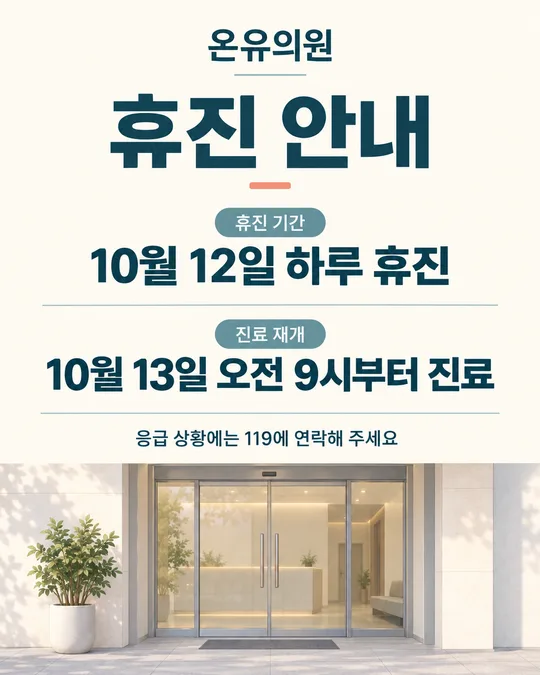
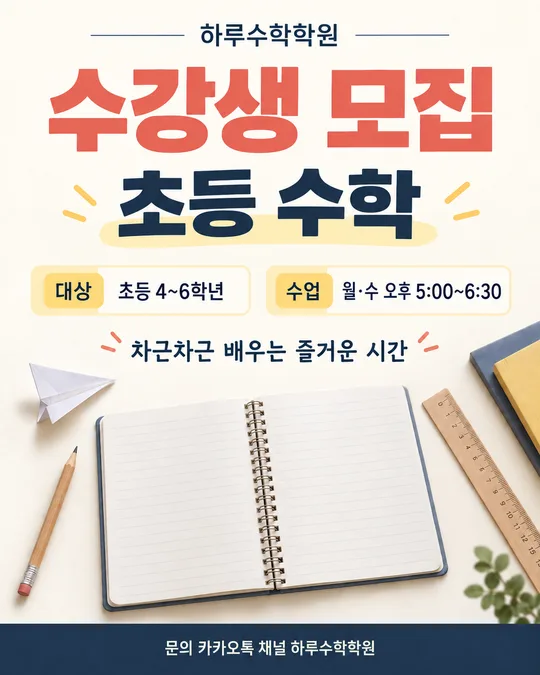
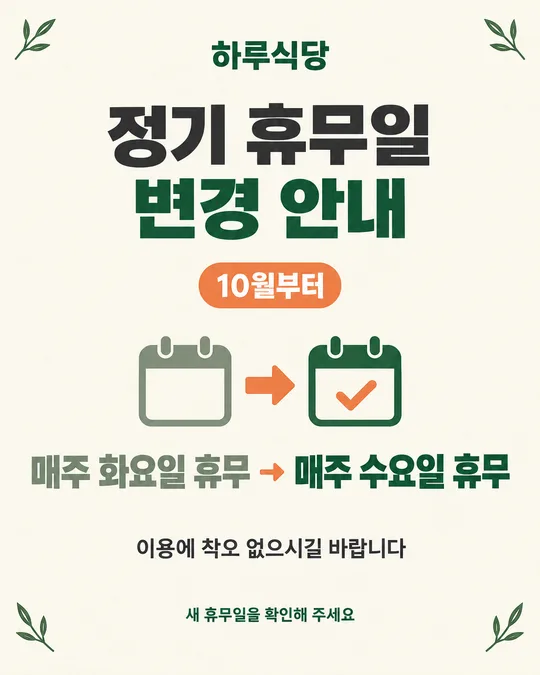
수능을 앞둔 학생에게 긴 조언보다 짧고 또렷한 응원을 전하고 싶을 때 쓰는 카드예요. 학원, 카페, 문구점, 식당처럼 동네 수험생을 응원하는 가게는 A4로 뽑아 출입문에 붙이면 멀리서도 이름과 응원 문구가 읽혀요. 가족이나 친구가 한 학생에게 보낼 때는 같은 그림을 휴대폰에 저장해 카톡으로 보내면 됩니다.
특정 학교나 기관을 대표하는 안내물이 아니라, 누구나 자기 이름과 문장으로 만드는 응원 그림이에요. 학교명, 교육청 이름, 로고는 넣지 않도록 프롬프트에도 막아 두었습니다.
칸 채우는 법
- 수험생 이름: 한 사람에게 보낼 때는 「민준아」처럼 부르는 말까지 적어도 좋아요. 여러 사람을 응원하는 포스터라면 「우리 동네 수험생 모두」처럼 적으세요.
- 응원 문구: 보기 중 하나를 누르거나 직접 적으세요. 너무 길면 글씨가 작아지므로 짧은 한 문장이 좋아요.
- 디데이: 칸 앞에 「D-」가 붙어 있어요. 수능까지 남은 날짜 숫자만 적으세요(예: 10 → D-10). 디데이를 넣고 싶지 않으면 비워 두세요. 비우면 디데이 줄이 통째로 빠져서 숫자 없는 「D-」가 남지 않아요.
- 보내는 사람/가게 이름: 선택 칸이에요. 가게라면 「늘빛수학학원」처럼 가게 이름을, 개인이라면 「엄마가」처럼 적으세요. 적은 그대로 맨 아래 작은 줄에 들어가요. 비우면 줄 전체가 빠져요.
- 화면 비율: 문에 붙일 포스터는 A4를 권해요. 카톡으로 보낼 때는 4:5나 9:16이 휴대폰에서 보기 편합니다.
적은 내용은 그림을 만들기 위한 프롬프트에만 들어가며 사이트에 저장되지 않아요. 페이지를 새로고침하면 처음 상태로 돌아갑니다.
우리 제품·인물 사진을 넣고 싶을 때
이 카드는 사진 없이 쓰도록 만든 일러스트 카드예요. 수험생 얼굴이나 교복 사진을 올리지 않아도 이름만으로 개인 카드가 됩니다. 특정 학교 교복, 학교 로고, 교육 기관 마크가 찍힌 사진은 넣지 않는 편이 안전해요. 실제 얼굴 대신 연필, 노트, 네잎클로버 같은 공통 소재로 응원 분위기를 냅니다.
그래도 개인 사진을 함께 참고시키고 싶다면 순서는 다음과 같아요. 다만 프롬프트는 얼굴과 로고를 재현하지 않고 원래 일러스트 구성을 유지하도록 되어 있습니다.
- GPT 채팅창에 사진을 올려요. 아직 보내지 마세요.
- 같은 칸에 이 페이지에서 복사한 프롬프트를 붙여넣어요.
- 사진과 프롬프트가 둘 다 들어간 것을 확인한 뒤 보내세요.
사진만 먼저 보냈다면 프롬프트를 붙이고 끝에 「위 사진은 로고나 얼굴을 옮기지 말고 분위기만 참고해 줘」라고 적어 주세요.
그림이 나오면 꼭 볼 것
AI는 한글과 숫자를 가끔 틀려요. 저장하기 전에 수험생 이름의 받침, 응원 문구의 띄어쓰기, 디데이 숫자를 한 글자씩 확인하세요. 디데이를 비웠다면 그림에 D-나 빈 숫자 자리가 전혀 없어야 해요. 맨 아래 이름 앞에 「가게 이름」 같은 꼬리표가 붙지 않았는지도 보세요. 출입문용은 휴대폰 화면에서만 보지 말고, 화면을 조금 멀리 두었을 때 제목과 이름이 읽히는지 확인하면 좋아요.
틀린 곳 고치는 법
같은 채팅창에서 잘못된 곳 하나만 짧게 알려 주세요.
민준이를 민준아로 고쳐줘. 다른 글자와 배치는 그대로 둬.
D-10 줄을 완전히 지워줘. 빈 자리도 자연스럽게 줄여줘.
여러 곳을 한꺼번에 고치면 잘 나온 글자까지 달라질 수 있어요. 한 번에 한 군데씩 고치고, 같은 글자가 세 번 이상 계속 틀리면 새 채팅창에서 프롬프트를 다시 보내는 편이 빠릅니다.
자주 묻는 것
- 가게와 개인이 같은 카드를 써도 되나요? 네. 가게는 A4로 뽑아 출입문에 붙이고, 개인은 4:5나 9:16으로 만들어 카톡으로 보내면 돼요. 맨 아래 줄에 가게 이름이나 「엄마가」처럼 보내는 사람을 적으세요.
- 디데이를 빼고 싶어요. 디데이 칸을 비워 두세요. D-만 남지 않도록 디데이 줄 전체가 빠져요.
- 디데이 숫자는 아무거나 넣어도 되나요? 네. 칸 앞에 D-가 붙어 있으니 숫자만 적으면 D-100, D-7처럼 원하는 날짜로 나와요.
- 학교 이름을 넣어도 되나요? 이 카드는 특정 학교나 기관을 대표하지 않는 응원용이에요. 학교명, 교육청 이름, 로고는 넣지 않는 것을 권합니다.
- 무료 GPT에서도 만들 수 있나요? 네. 무료 이용에는 생성 횟수 제한이 있을 수 있으니 이름, 문구, 디데이를 모두 확인한 뒤 한 번에 보내세요.
- 그림을 카톡으로 어떻게 보내나요? 완성된 그림을 휴대폰에 저장한 뒤 사진 보내기에서 고르면 돼요. 글자가 흐려지지 않게 가능하면 원본 화질로 보내세요.