

180오늘의 코디 착장
내 사진의 얼굴과 자세, 배경은 살리고 옷만 바꾼 자연스러운 착장 사진 한 장
받는 것
- 옷을 바꾼 착장 사진 한 장
칸 채우기
- 1칸을 채워요
- 2복사 버튼을 눌러요
- 3GPT 채팅창에 붙여넣어요
- 4그대로 보내면 썸네일 예시처럼 나와요
- 5인물 사진 한 장, 선택을 같이 넣으면 그 사진이 반영돼요 선택
프롬프트 원문 보기 2,874자
Generate this image now. Return exactly ONE finished photorealistic outfit photograph, no prose or comparison layout.
Canvas: Output size 1080x1350 pixels, 4:5 portrait, Instagram standard., default 4:5. Fill the frame with the photograph.
Photo note: 【사진】. Attachments take priority over this note. If a person photo is attached, edit that image: preserve the same face, eye spacing, nose, mouth, cheek details, expression, apparent age, skin tone, hair, glasses, facial hair, body shape, pose, hands, camera angle, framing, background and lighting. Change ONLY worn clothing and shoes. Do not beautify, slim, change ethnicity or redraw the setting. Preserve existing jewelry. Invent no new bag, hat or accessory. Keep visible skin and body proportions unchanged; sleeves may cover skin naturally.
Outfit style: 【옷 스타일】. Season: 【계절】. Create one coherent everyday outfit with believable fabric weight, seams, folds, fit, contact shadows and coverage. Style choices describe outfits, not image media: smart casual uses clean tailoring; relaxed knit uses soft layered knitwear; street casual uses functional overshirts and loose trousers. Spring uses light layers; summer breathable light fabric; autumn medium layers; winter a warm coat and trousers. Season is a styling brief, not a verified weather forecast. Respect custom style text. Empty style defaults to smart casual; empty season defaults to autumn.
If no image is attached, immediately invent one original fictional adult unrelated to any public figure, standing with hands at sides and head and shoes visible in a quiet courtyard with natural light. An empty photo note uses this fallback. Do not request a photo or imitate an actual person from a name.
If the source only shows part of the body, keep that crop and replace only visible clothes; do not invent legs or shoes outside the frame. If source ratio differs, extend background minimally for the requested ratio without stretching the person or changing the pose.
Every garment, shoe, fastening and visible product must be an original unbranded fictional design. Avoid recognizable signature shapes, brand stripes, monograms and logos. Preserve natural anatomy, facial asymmetry, skin and fabric texture.
No text, letters, digits, names, labels, captions, signatures, watermark, interface, border, collage, illustration, celebrity resemblance or artist imitation. Deliver the single photograph directly.
Input vocabulary: 단정한 캐주얼 = smart casual; 편안한 니트 = relaxed knit; 스트리트 캐주얼 = street casual. 봄 = spring; 여름 = summer; 가을 = autumn; 겨울 = winter.

[Final output format]
Output size 1080x1350 pixels, 4:5 portrait, Instagram standard.
This selected output format takes priority over any fixed canvas size or aspect ratio elsewhere in this template. Adapt the composition, text zones and margins to the selected canvas without stretching or cropping essential content. Device safe areas apply only when a device is selected. Never print these format instructions on the image.
결과 어땠어요?
같은 분류의 다른 카드
쓰는 법 · 자주 묻는 것
어디에 쓰나요?
내 사진 속 사람에게 다른 옷을 입혀 외출 전에 색 조합과 겉옷의 분위기를 살펴보는 카드예요. 얼굴과 머리, 체형, 표정, 자세, 손, 배경과 빛은 유지하고 입고 있는 옷과 신발만 바꾸도록 지시해요. 결과는 글자 없는 실사 착장 사진 한 장이며 기본 비율은 4:5예요. 그림체나 결과 종류를 고르는 카드가 아니에요.
세 칸 채우기
사진 칸은 함께 보낼 사진을 알아보기 위한 짧은 메모로, 비워도 돼요. 실제 파일은 그림 AI의 같은 메시지에 첨부해야 해요. 옷 스타일은 단정한 캐주얼, 편안한 니트, 스트리트 캐주얼 중 고르거나 원하는 색과 옷을 구체적으로 적으세요. 계절은 봄, 여름, 가을, 겨울 중 고르면 소재 두께와 겹쳐 입는 정도에 반영돼요. 꼭 채울 칸은 2개예요. 스타일을 비우면 단정한 캐주얼, 계절을 비우면 가을을 사용해요. 계절은 코디 방향이며 실제 날씨나 기온을 확인한 추천은 아니에요.
사진과 한 번에 보내기
본인 또는 사용 허락을 받은 성인의 선명한 사진 한 장을 준비하세요. 얼굴과 양손이 보이고 옷에 큰 가림이 없는 사진이 좋아요. 전신 착장을 원하면 머리부터 신발까지 나온 사진을 사용하세요. 복사한 프롬프트와 사진을 그림 AI에 같은 메시지로 한 번에 보내면 돼요. 사진 메모만 적어서는 파일이 전달되지 않아요. 사진 없이 보내면 실존 인물을 닮지 않은 가상 성인의 착장 사진을 바로 만들어요. 상반신 사진은 보이는 부분의 옷만 바꾸고 다리를 새로 만들지 않도록 했어요.
완성 뒤 확인하고 고치기
원본과 결과를 나란히 놓고 눈 간격, 코와 입, 턱선, 머리 모양, 피부색, 손과 체형이 유지됐는지 보세요. 벽의 무늬나 바닥선도 비교하면 배경 변화가 드러나요. 얼굴이 달라졌다면 원본을 다시 첨부하고 달라진 특징을 짚어 복원을 요청하세요. 옷만 마음에 들지 않으면 같은 사진에 옷 스타일의 색이나 소재를 바꿔 다시 보내세요. 실제 착용감이나 사이즈를 보장하는 기능은 아니므로 구매 전 치수를 따로 확인해야 해요. 글자와 상표, 익숙한 제품 무늬가 생기면 제거하거나 가상 디자인으로 바꿔 달라고 요청하세요.
예시는 어떻게 구성했나요?
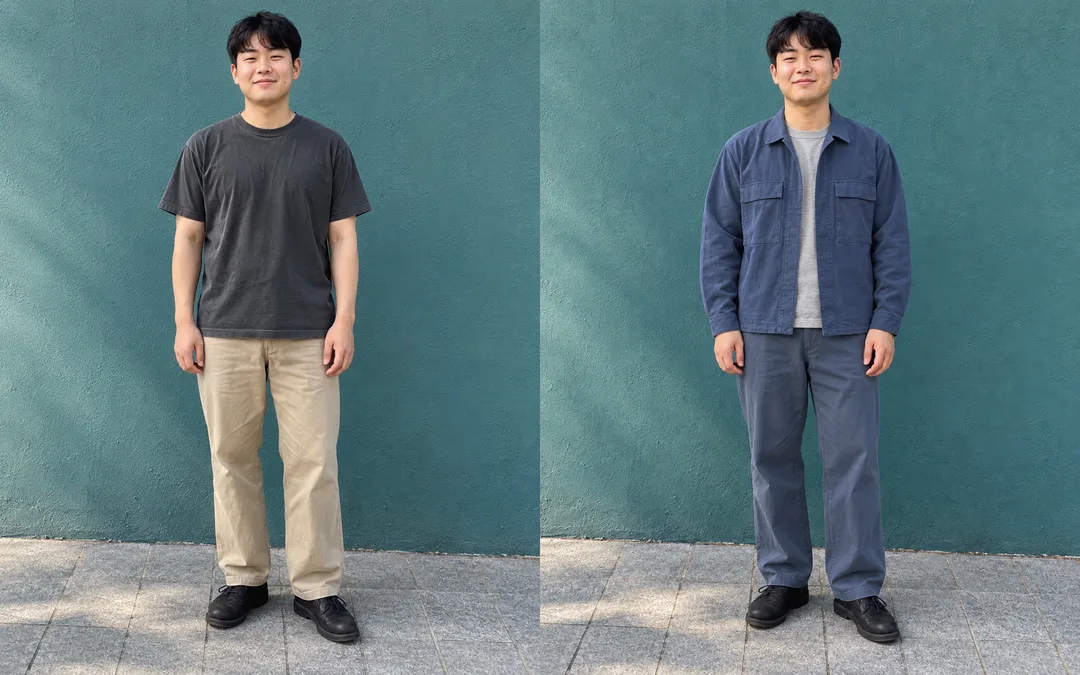
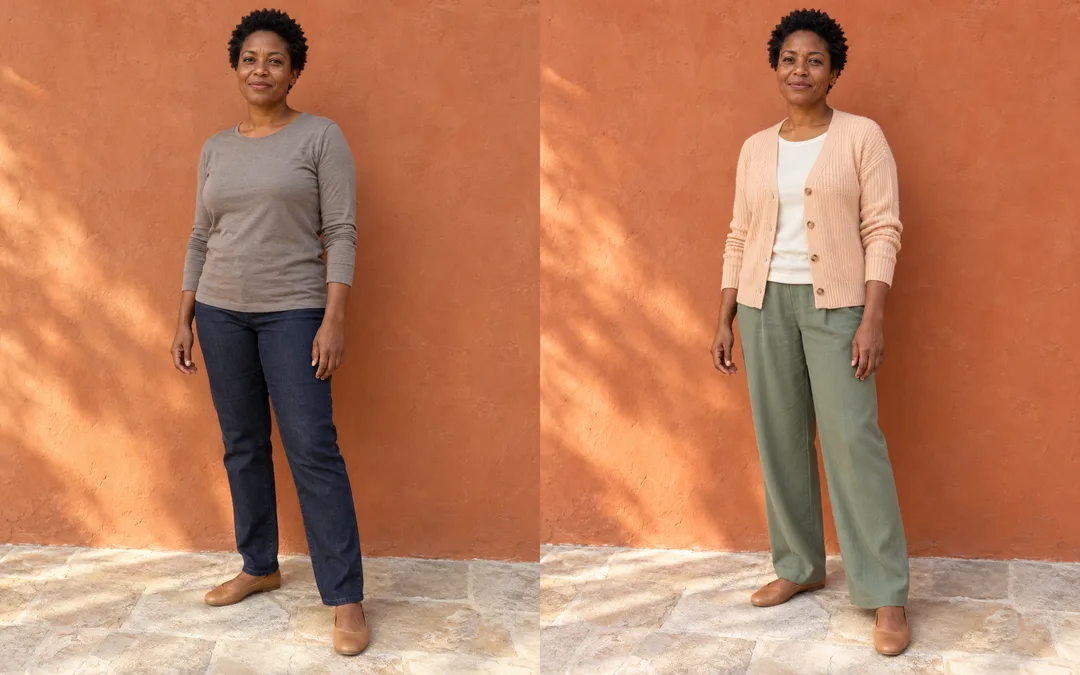
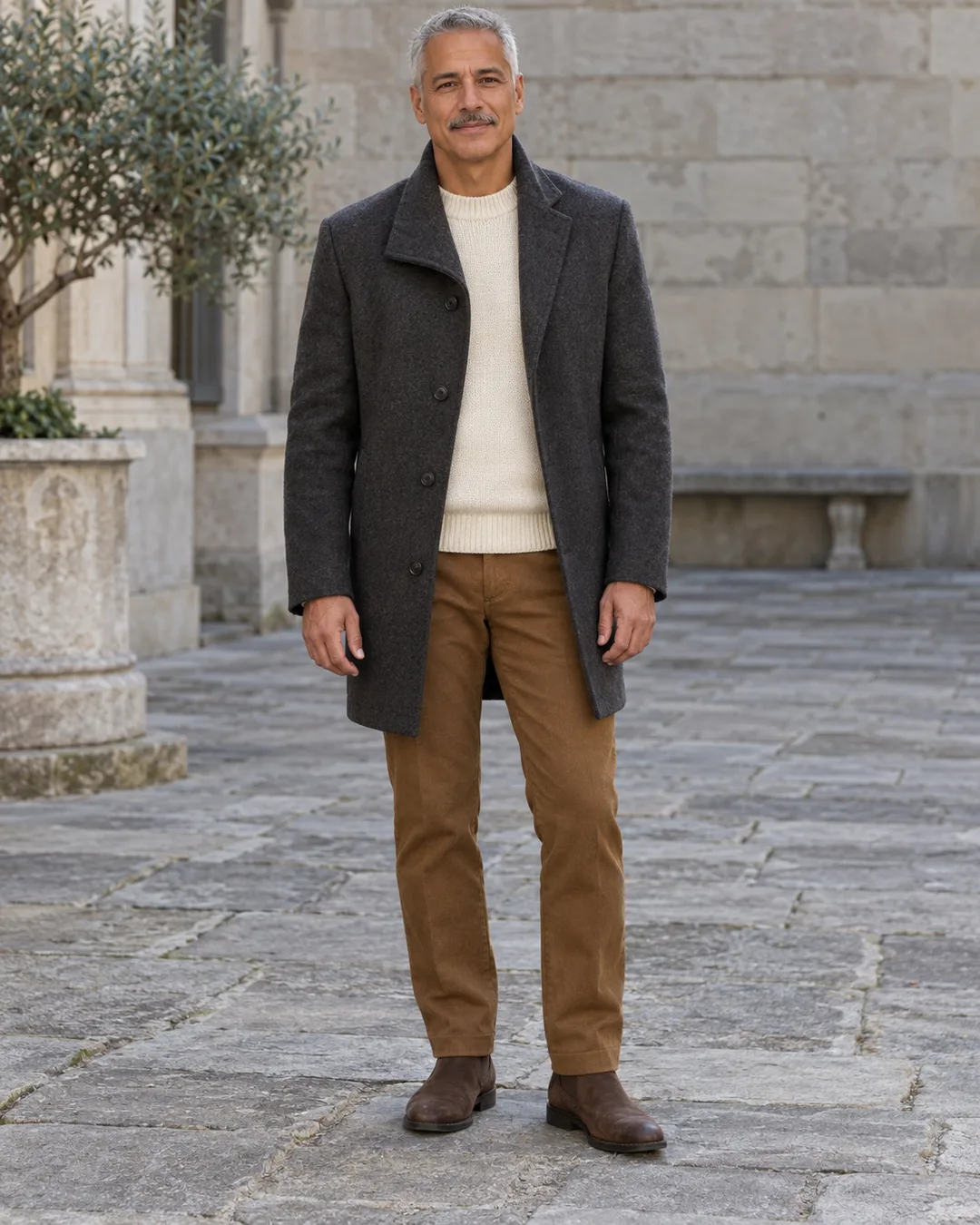
표지는 별도로 만든 가을 캐주얼 사진이에요. 갤러리에는 파란 봄 스트리트 착장과 살구색 가을 니트 착장의 서로 다른 가상 성인 비교판 두 장, 별도로 만든 겨울 착장 사진 한 장이 있어요. 비교판은 왼쪽이 원본, 오른쪽이 결과이며 안에 있는 결과를 갤러리에 다시 넣지 않았어요. 이 사이트는 프롬프트를 제공하고 실제 그림은 붙여 넣은 그림 AI에서 만들어져요.
마지막 확인일 · 공개