

619아이 파스텔 벡터 그림 — 동물, 탈것, 날씨 한 장
주제와 색으로 아이 방과 키즈 콘텐츠에 어울리는 파스텔 그림 한 장을 만들어요.
받는 것
- 주인공이 크게 보이는 파스텔 벡터풍 그림 한 장
- 글자 없는 동물, 탈것, 날씨 장면
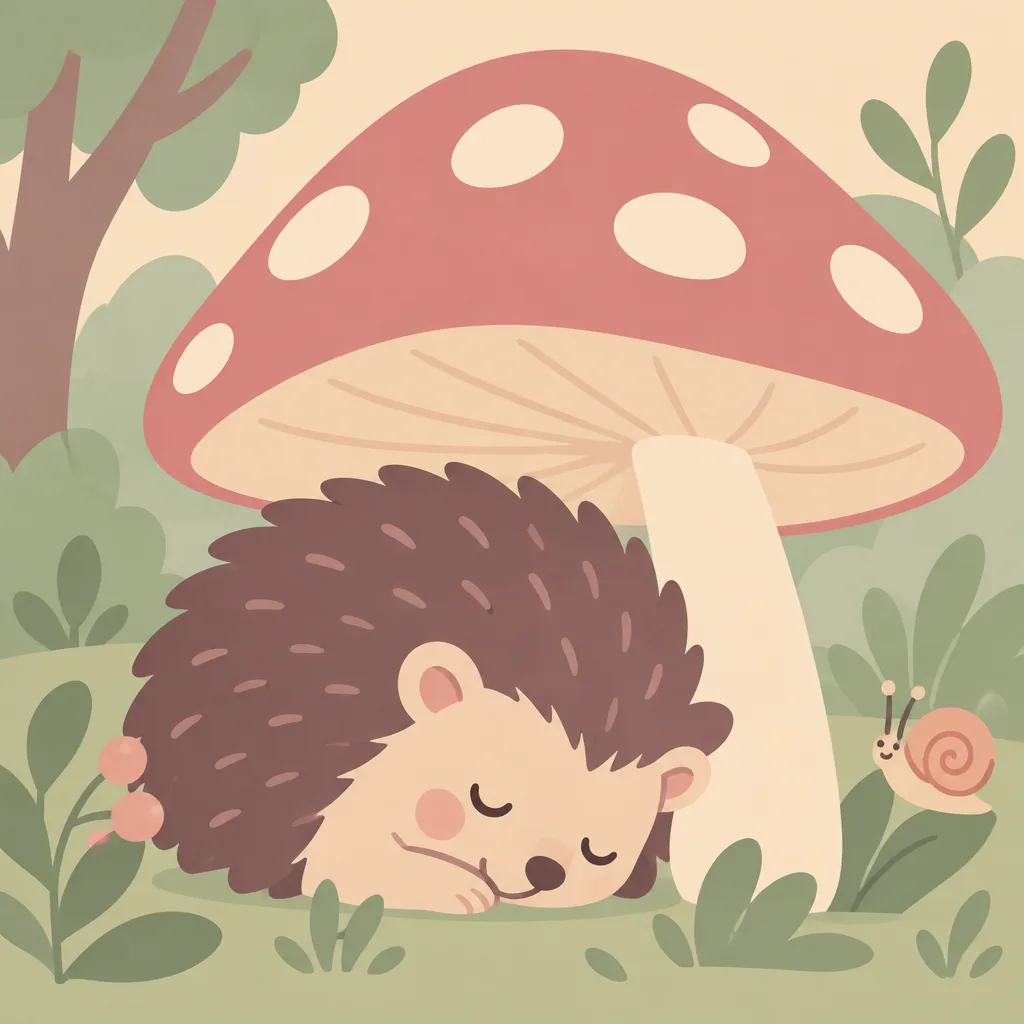
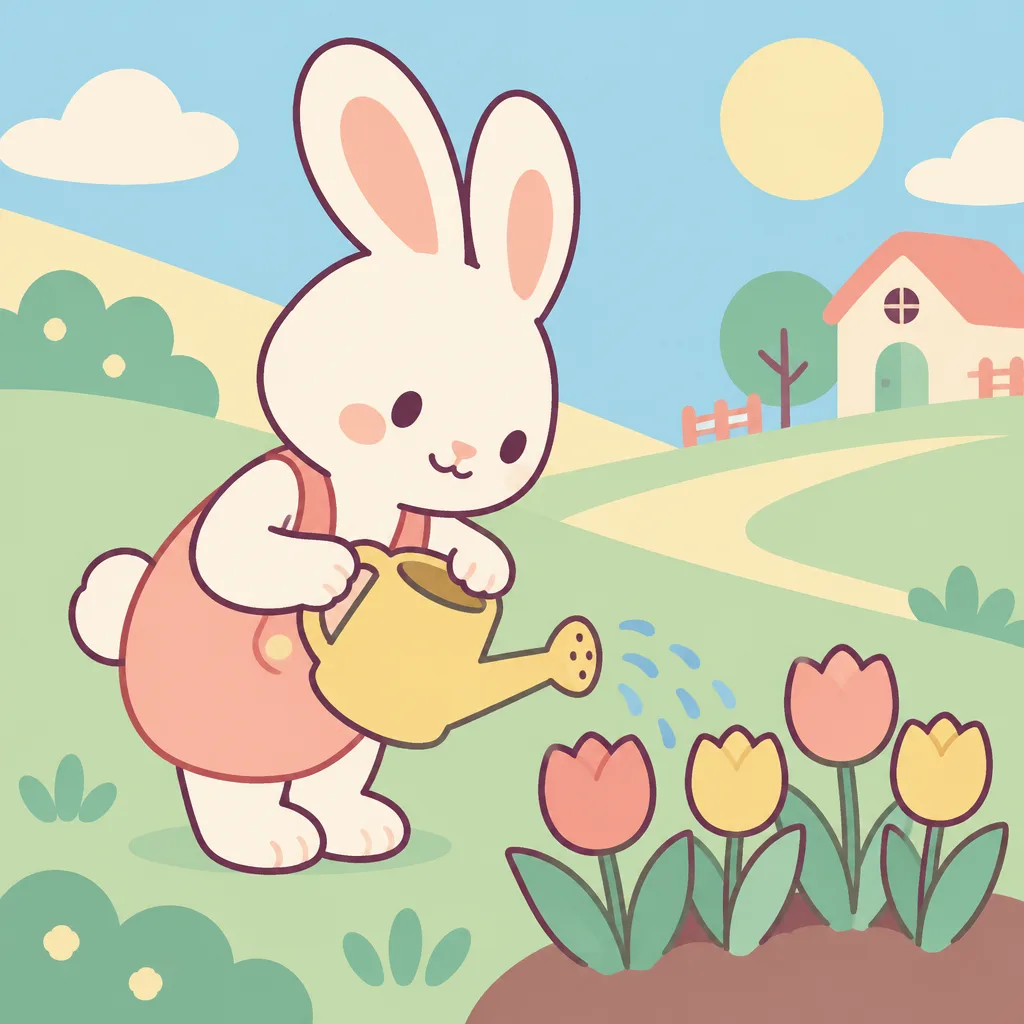
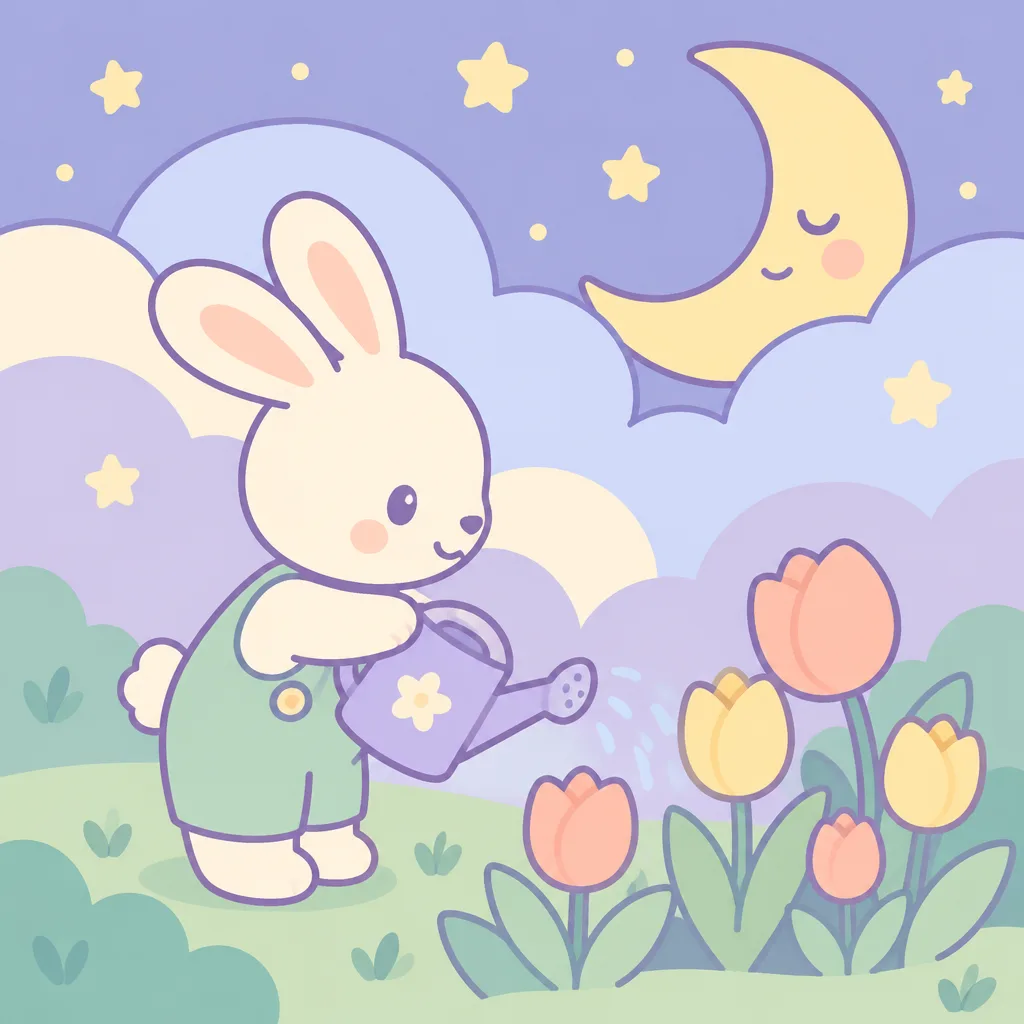
칸 채우기
- 1칸을 채워요
- 2복사 버튼을 눌러요
- 3GPT 채팅창에 붙여넣어요
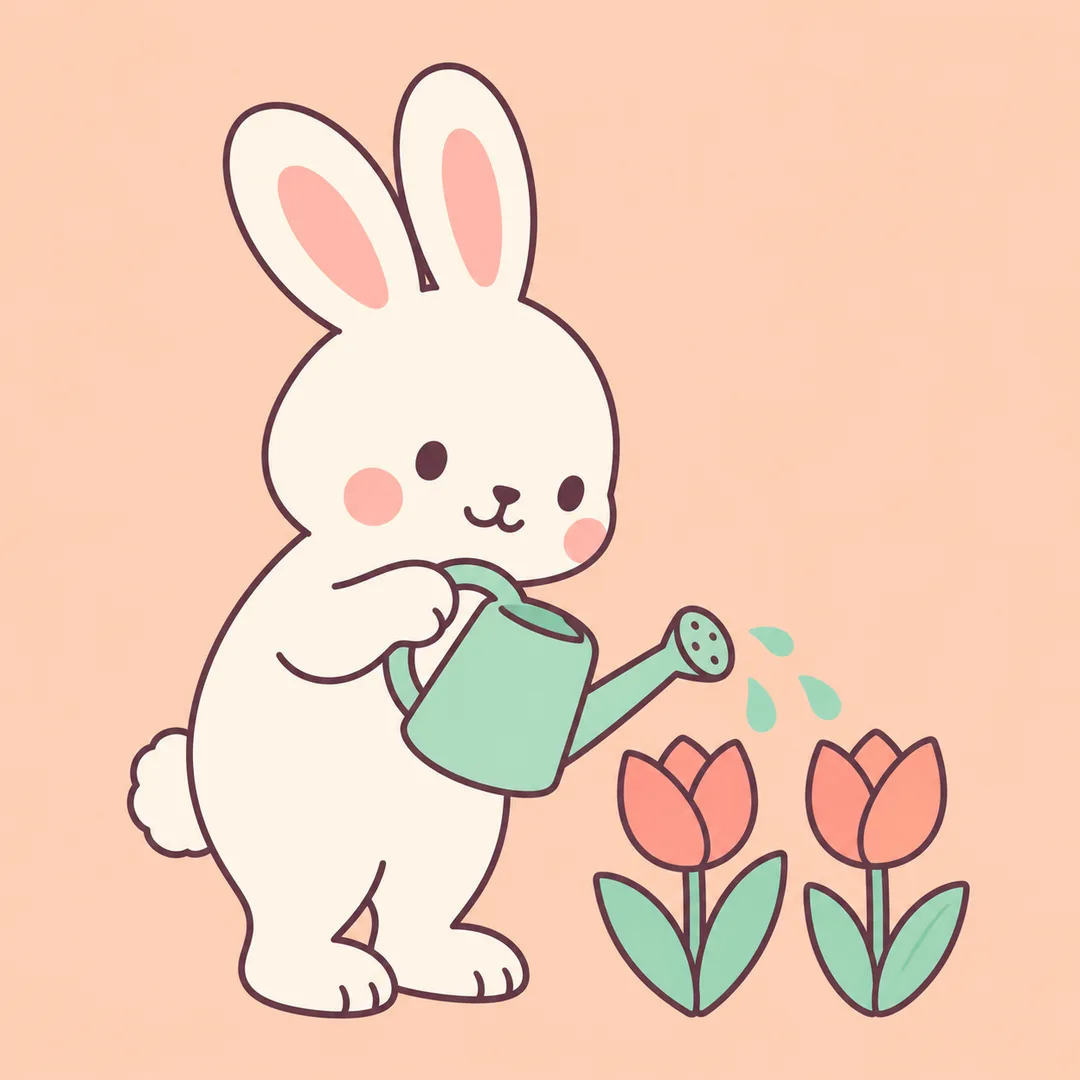
- 4그대로 보내면 썸네일 예시처럼 나와요
- 5카드에 맞는 실제 사진을 같이 넣으면 그 사진이 반영돼요 — 배경 카드는 배경 사진, 인물 · 음식 카드는 그 사진 선택
직접 해 봤어요
- 시험일
- 2026-10-29
- 도구
- ChatGPT 이미지 모델(코덱스에서 실행)
- 결과
- 통과
- 지켜진 것
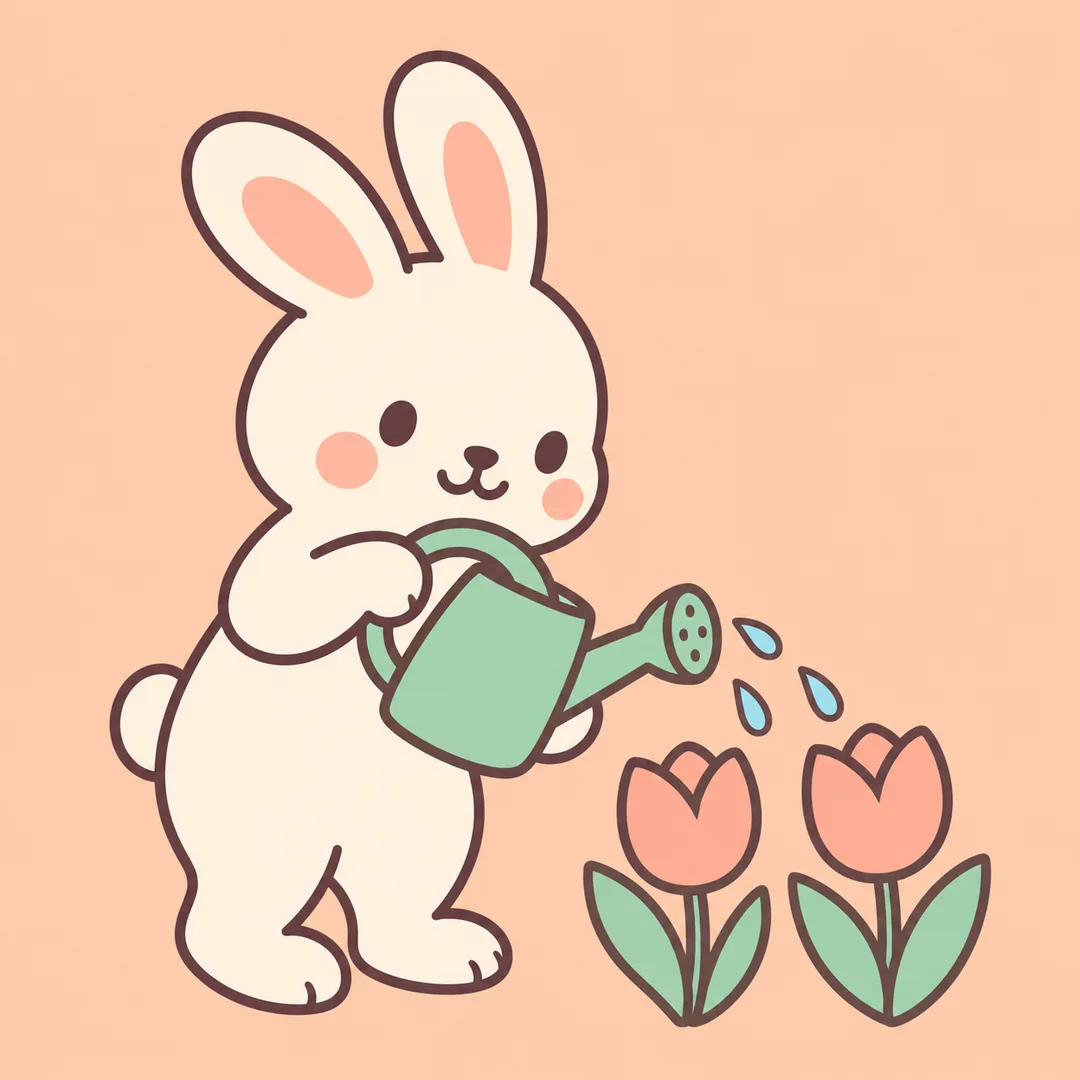
- 네 결과 모두 정사각형 한 장이며 토끼가 물뿌리개로 튤립에 물을 주는 장면, 살구·민트·크림 계열 색, 글자·숫자·로고 없음이 확인됨. 수정 후 두 결과는 물뿌리개 1개와 튤립 2송이로 보조 요소가 단순해졌고, 토끼 귀와 발이 화면 안에 들어옴. 둥근 도형과 짙은 자두색 계열 윤곽으로 주인공이 크게 보임.
- 안 된 것
- 없음
- 이렇게 하면 나아요
- 이번에 시험한 수정처럼 보조 요소를 ‘물뿌리개 1개와 튤립 2송이’로 구체화하고 배경을 단색으로 지정하면 구도가 단순해졌어요. 다만 같은 입력으로 두 번 시험해도 질감과 주인공 크기는 정확히 맞지 않았어요. 다른 주제·색·비율은 이번 시험에서 확인하지 않았어요.
프롬프트 원문 보기 2,997자
Generate this image now. Draw it directly - do not describe it, explain it, or ask questions.
Output size 1080x1080 pixels, 1:1 square card. Keep the same top-to-bottom order but compress the zones to fit the square: the illustration becomes smaller and every text line stays fully readable.
Create exactly one finished pastel vector-look raster illustration for a child's room or kids content. Default 1:1; adapt the composition to the requested aspect ratio. This is an image, not editable SVG code.
Subject: 【주제】
Colors: 【색】
These are visual directions, never printed text. Blank subject: a rabbit watering a tulip garden. Blank colors: peach, mint, warm cream.
One principal subject spans 65-75 percent of the canvas height, with all ears, feet and other essential parts fully visible. Use exactly three supporting elements: for the default rabbit scene, these are one watering can and two tulips. Represent a garden with those two tulips only. For other subjects, choose three relevant simple supporting elements. Use a single solid pastel background extending edge to edge; leave generous uncluttered space around the silhouette. Omit scenery layers, fences, trees, clouds and extra flowers unless they are the requested principal subject. No mockup, border, collage, comparison, repeated tile or sticker sheet.
Use rounded geometric cut-paper shapes with clean precise curves and restrained dark plum contours. Every shape must have one perfectly uniform solid pastel fill from edge to edge. Use no shadows, shading, lighting effects, highlights, gradients, texture, grain or color variation within a shape. The visual target is a simple flat vector icon enlarged into an illustration, with crisp hard edges and a plain solid background. Adapt mood and shape rhythm to the subject: animals use cozy organic curves and asymmetric arrangements; vehicles use lively angular geometry and a diagonal route; weather uses calm broad arcs and airy balanced arrangements. Keep a coherent clean pastel vector family while making these subject families visibly different in mood and composition. Other subjects receive an appropriate original rounded geometric composition. Small friendly expressions only where suitable. No photorealism, 3D, paint texture, grain, glossy plastic or complex gradients.
Invent all characters and any products or vehicles from scratch with distinctive fictional silhouettes. No real people, recognizable commercial characters, existing product designs, logos, trademarks, artist imitation, signatures or watermarks. This card uses written subjects only, not attached photographs.
No text, letters, numbers, signs or captions, even if the subject contains a name. Silently check anatomy, wheel placement, shape intersections, palette contrast and accidental lettering before returning one image.

[Final output format]
Output size 1080x1080 pixels, 1:1 square card. Keep the same top-to-bottom order but compress the zones to fit the square: the illustration becomes smaller and every text line stays fully readable.
This selected output format takes priority over any fixed canvas size or aspect ratio elsewhere in this template. Adapt the composition, text zones and margins to the selected canvas without stretching or cropping essential content. Device safe areas apply only when a device is selected. Never print these format instructions on the image.
결과 어땠어요?
이 카드도 많이 사용해요
쓰는 법 · 자주 묻는 것
이런 때 쓰세요
아이 방에 놓을 그림이나 키즈 콘텐츠의 대표 이미지가 필요할 때 쓰세요. 둥근 도형과 부드러운 색으로 주인공이 크게 보이는 그림 한 장을 만들어요. 기본은 정사각형이며 공통 크기 선택에서 다른 비율을 고르면 그 화면에 맞춰 구도를 다시 잡아요. 실제 벡터 편집 파일이 아니라 가장자리가 매끈한 벡터풍 이미지예요.
칸 채우는 법
필수 칸은 주제 한 개예요. 동물 이름만 적기보다 ‘버섯 아래에서 낮잠 자는 고슴도치’처럼 행동과 장소를 함께 적으면 장면이 또렷해져요. 색은 선택이며 ‘살구색, 민트색, 크림색’처럼 적어요. 주제를 비우면 튤립 정원에 물을 주는 토끼, 색을 비우면 살구색과 민트색, 따뜻한 크림색을 사용해요. 이름이 필요한 상황의 예시 이름은 하루이며 그림에는 이름을 포함한 글자를 넣지 않아요.
서로 다른 장면 만들기
동물은 포근한 곡선, 탈것은 경쾌한 사선, 날씨는 차분한 큰 곡선으로 주제에 맞는 분위기를 만들어요. 주제와 색만 바꾸며 별도의 화풍 선택은 하지 않아요. 사진은 필요하지 않아요. 완성된 프롬프트를 그림 AI에 한 번 붙여 넣으세요. 외부 서비스의 요금과 약관은 해당 서비스에서 확인하세요.
그림이 나오면 확인하세요
귀와 발의 연결, 바퀴의 위치, 구름과 달의 겹침을 확대해서 보세요. 글자나 숫자가 생겼다면 같은 장면을 글자와 숫자 없이 다시 그려 달라고 요청하세요. 주인공이 작다면 주제에 크게 그려 달라는 지시를 더하고, 바탕과 주인공이 비슷하면 색 칸에 밝고 어두운 색을 함께 적어요. 인쇄 전에는 출력 크기에서 가장자리가 선명한지도 확인하세요.