

528상품 공중부양 사진
내 상품을 공중에 띄우고 물방울, 꽃, 과일로 꾸민 초현실 광고 사진 한 장을 만들어요.
받는 것
- 공중에 뜬 상품 광고 사진 한 장
- 원본 포장 형태와 라벨을 살린 장면
칸 채우기
- 1칸을 채워요
- 2복사 버튼을 눌러요
- 3GPT 채팅창에 붙여넣어요
- 4그대로 보내면 썸네일 예시처럼 나와요
- 5상품 사진 한 장 (선택)을 같이 넣으면 그 사진이 반영돼요 선택
프롬프트 원문 보기 3,051자
Generate the image now.
Output size 1080x1350 pixels, 4:5 portrait, Instagram standard.
Photo note (not printed): 【사진】
Create exactly ONE finished surreal studio product advertising photograph, full bleed, at the requested aspect ratio (default 4:5). No collage, frame, mockup or explanatory captions.
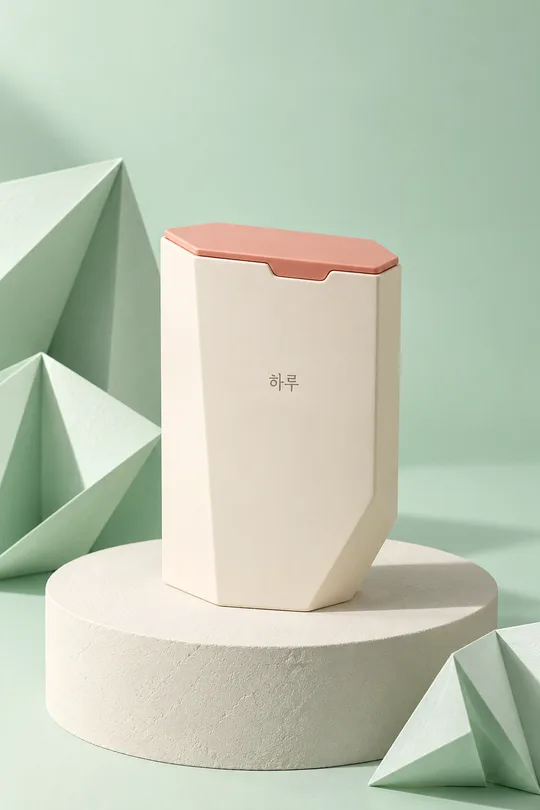
PHOTO RULE: Use the attached product photo if supplied. Preserve the exact silhouette, proportions, cap, seams, material, colors, label placement and every visible character and numeral. Do not redesign or duplicate the product. Keep its front label facing the camera with only a modest tilt. If no photo is supplied, finish without questions using an original fictional lavender hexagonal cosmetic container with a sloped ivory cap and the single name "하루"; no other text or numerals. Never imitate a real product, brand, logo, celebrity or named artist.
BACKGROUND: "【배경 색】". If blank, use deep teal. Build a seamless tonal studio environment in this color, with a subtle luminous gradient and detailed material reflections.
【소품】: "【소품】". If blank, use 물방울. 물방울 means irregular crisp suspended water droplets and one curved transparent splash behind the product; 꽃 means a few asymmetrically suspended blossoms, petals and slender curved stems; 과일 means a few varied citrus wedges and whole small citrus fruits with credible rind and translucent pulp. Use only the selected prop family. Props communicate atmosphere, never an ingredient or efficacy claim. Keep them clear of all product lettering and do not repeat identical shapes.
Suspend ONE hero product visibly above the floor, 10–15 degrees off vertical, occupying about 60 percent of the image height. Add a detached soft cast shadow below it so the air gap is unmistakable. Compose an asymmetric diagonal flow with depth through foreground, hero and background; some peripheral props may extend beyond the edges, but retain the whole product. Keep the important label in the middle 70 percent of the canvas. Rich controlled rim lighting, large soft key light, realistic reflections, optically plausible refraction, tactile surfaces, crisp label and shallow but sufficient depth of field. Premium photographic realism, not illustration or plastic-looking CGI.
Do not add headings, prices, claims, ingredients, dosage, badges, extra logos, watermarks or people. Do not invent unreadable label details; retain the supplied visible lettering. Before finishing, inspect the label closely character by character and compare all visible letters and numbers with the source. Correct discrepancies without changing the package. For a regulated product, verify and include any legally required local advertising warning text; do not invent the wording. Output only the finished photograph.

[Final output format]
Output size 1080x1350 pixels, 4:5 portrait, Instagram standard.
This selected output format takes priority over any fixed canvas size or aspect ratio elsewhere in this template. Adapt the composition, text zones and margins to the selected canvas without stretching or cropping essential content. Device safe areas apply only when a device is selected. Never print these format instructions on the image.
결과 어땠어요?
이 카드도 많이 사용해요
쓰는 법 · 자주 묻는 것
이런 때 쓰세요
신상품 소개 피드나 신메뉴 홍보에 쓸, 상품이 공중에 떠 있는 광고 사진을 만들어요. 결과는 기본 4:5 한 장이며 포스터 틀이나 여러 장 모음이 아니에요. 배경 색과 소품을 골라 내 포장에 어울리는 장면을 만들 수 있어요.
칸 채우기와 사진 첨부
꼭 채울 칸은 없어요. 사진 칸은 첨부할 상품을 기억하는 메모이며 파일을 대신 전송하지 않아요. 라벨이 정면으로 선명하게 보이는 상품 사진을 그림 AI에 첨부하고 복사한 프롬프트를 같은 메시지에 붙여 한 번에 보내세요. 사진 칸이 비어 있어도 실제 첨부 사진이 있으면 그것을 사용해요. 첨부 사진이 없으면 하루라고 적힌 가상 용기를 만들어요. 배경 색을 비우면 짙은 청록, 소품을 비우면 물방울이에요. 꽃은 부드러운 장면, 과일은 밝고 산뜻한 장면에 어울리며 소품을 제품 성분이나 효능으로 표시하지 않아요.
예시와 확인할 곳
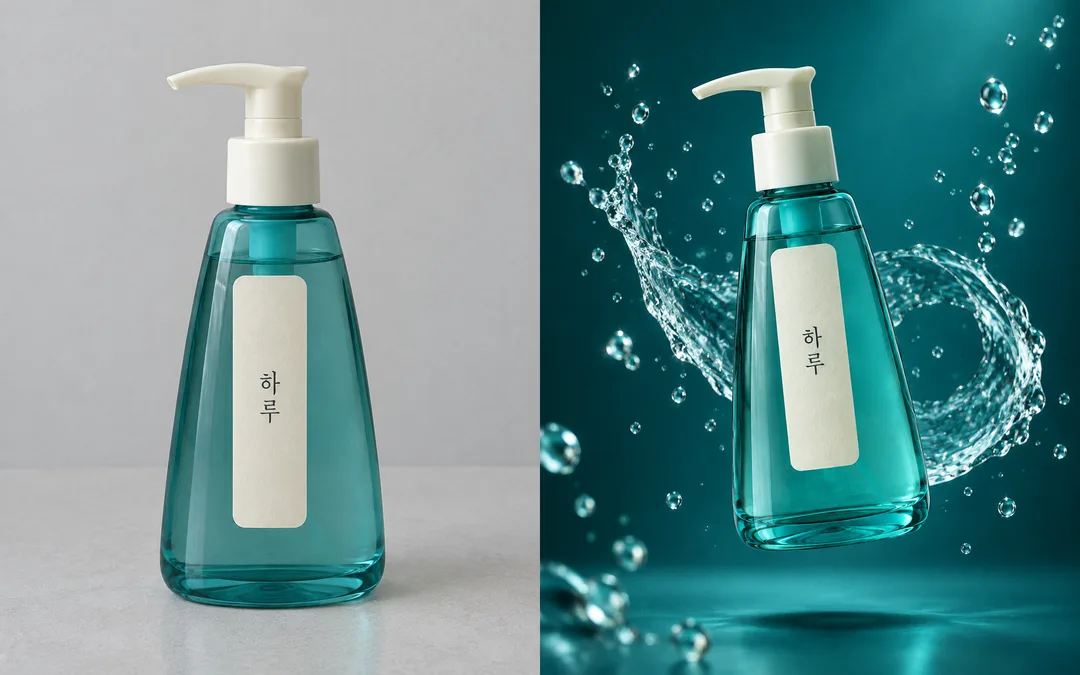
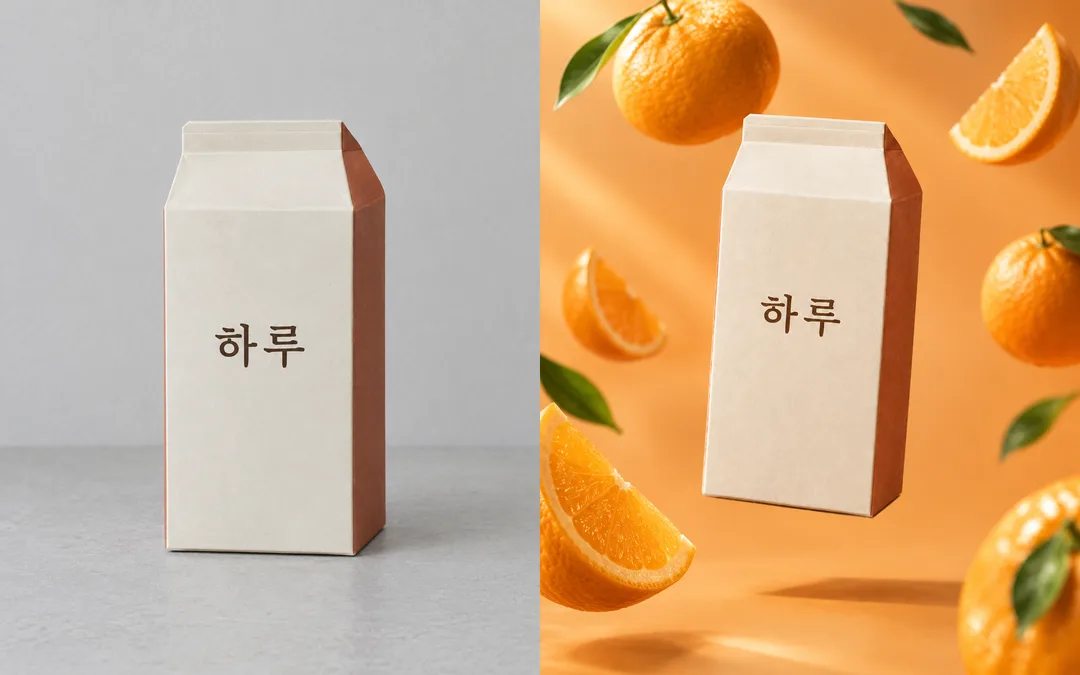
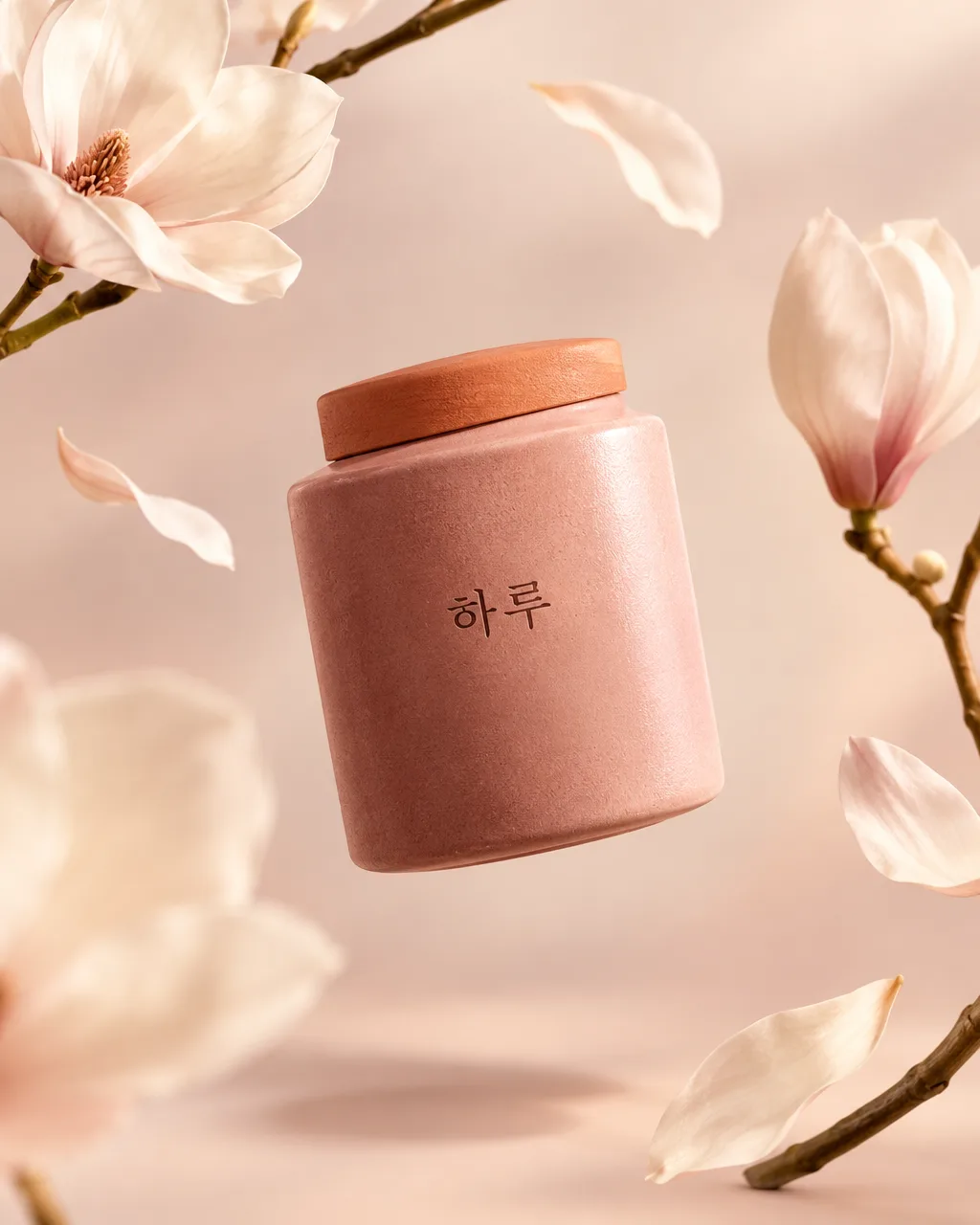
표지는 사진 없이 만든 보랏빛 꽃 장면이에요. 비교 예시는 서로 다른 가상 상품의 원본이 왼쪽, 변환 결과가 오른쪽이에요. 청록색 물방울 용기와 살구색 과일 상자로 배경과 소품의 차이를 확인하세요. 별도의 순수 결과 예시는 비교판과 다른 상품이에요. 갤러리의 결과를 다시 중복해서 싣지 않아요.
라벨이 바뀌면 어떻게 하나요?
결과를 확대해 하루의 두 글자, 원본의 모든 숫자와 작은 글씨를 한 글자씩 대조하세요. 뚜껑, 용기의 각, 라벨 위치와 비율도 확인해요. 글자가 틀리면 원본 라벨이 더 잘 보이는 사진으로 바꾸고 같은 프롬프트를 다시 사용하세요. 사진 변환은 글자 보존을 보장하지 않으므로 실제 광고에 쓰기 전 검수가 필요해요. 본인이 사용할 권리가 있는 사진과 포장만 첨부하고 실존 브랜드나 유명 제품을 모방하지 마세요. 외부 서비스의 요금과 이용 조건은 해당 서비스에서 확인하세요.