
전체 · 광고/포스터 · 할인·행사 · 신메뉴·신상품
414공구 오픈 안내
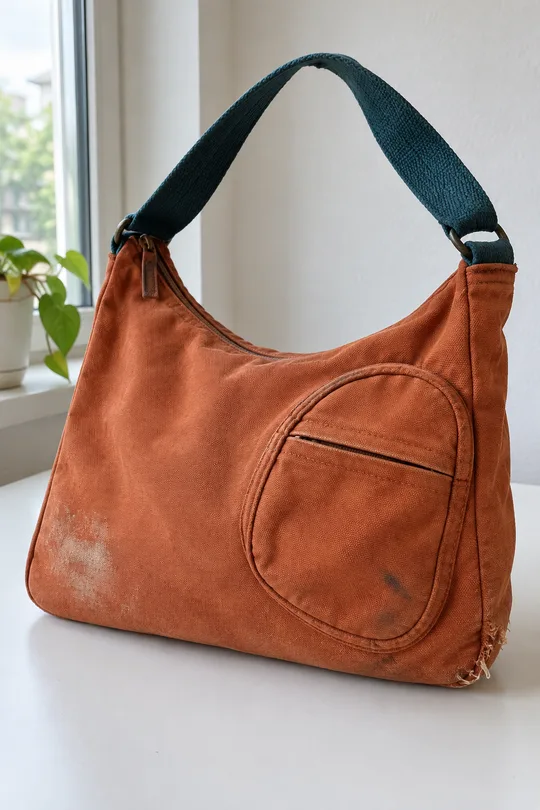
제품과 기간을 크게 보여 주는 공동구매 시작 공지 한 장이에요.
ChatGPT 무료 OK
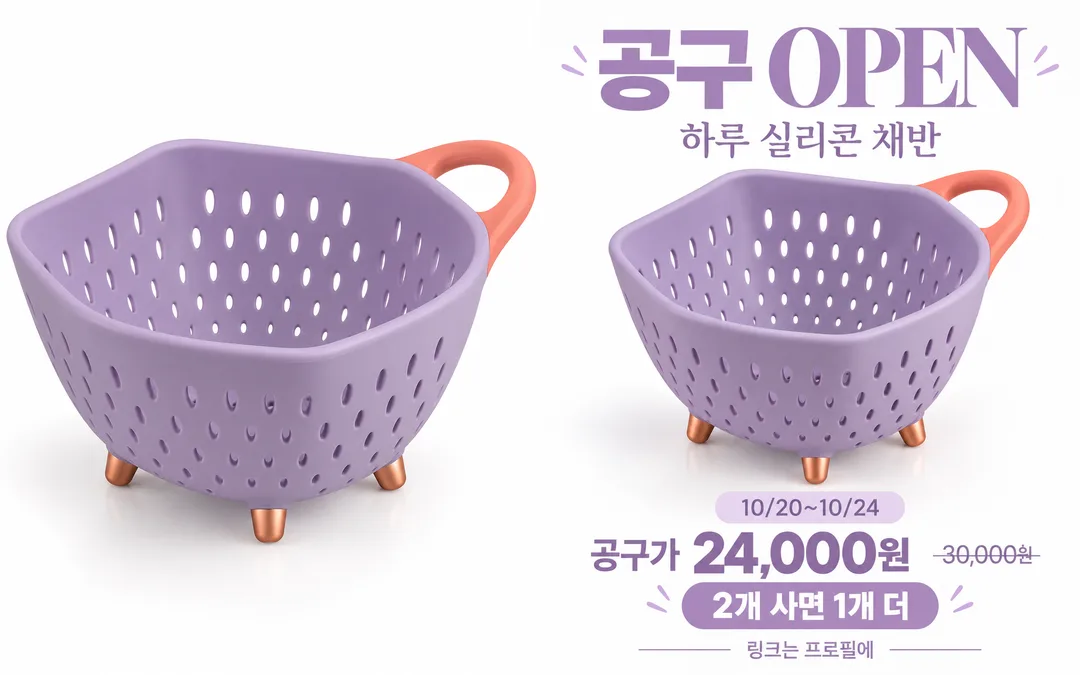
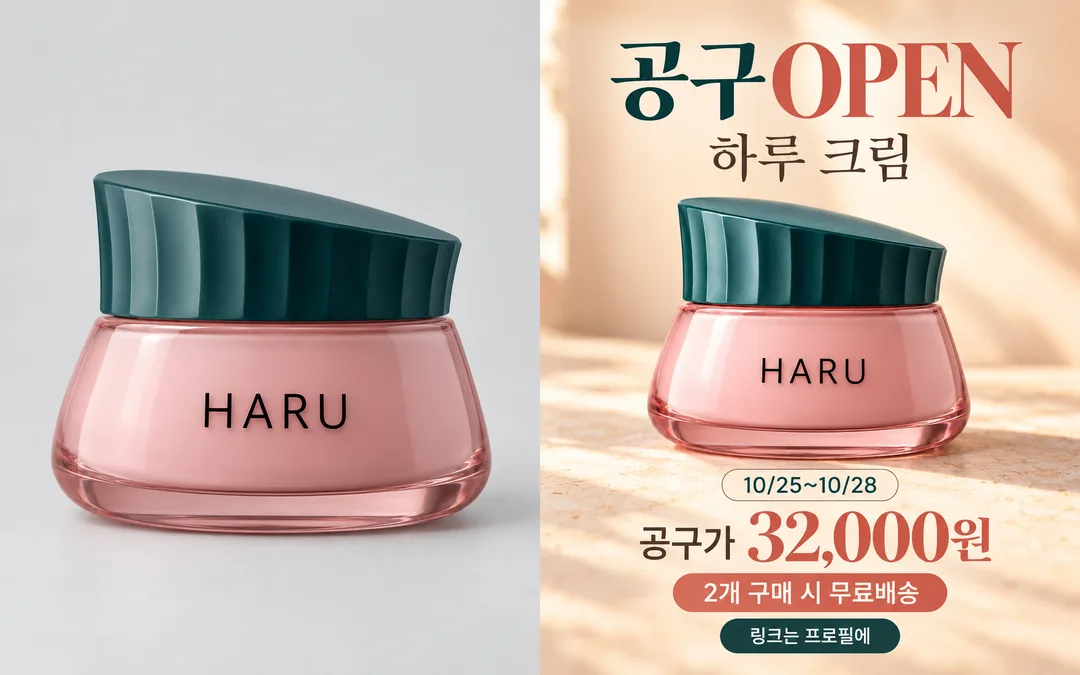
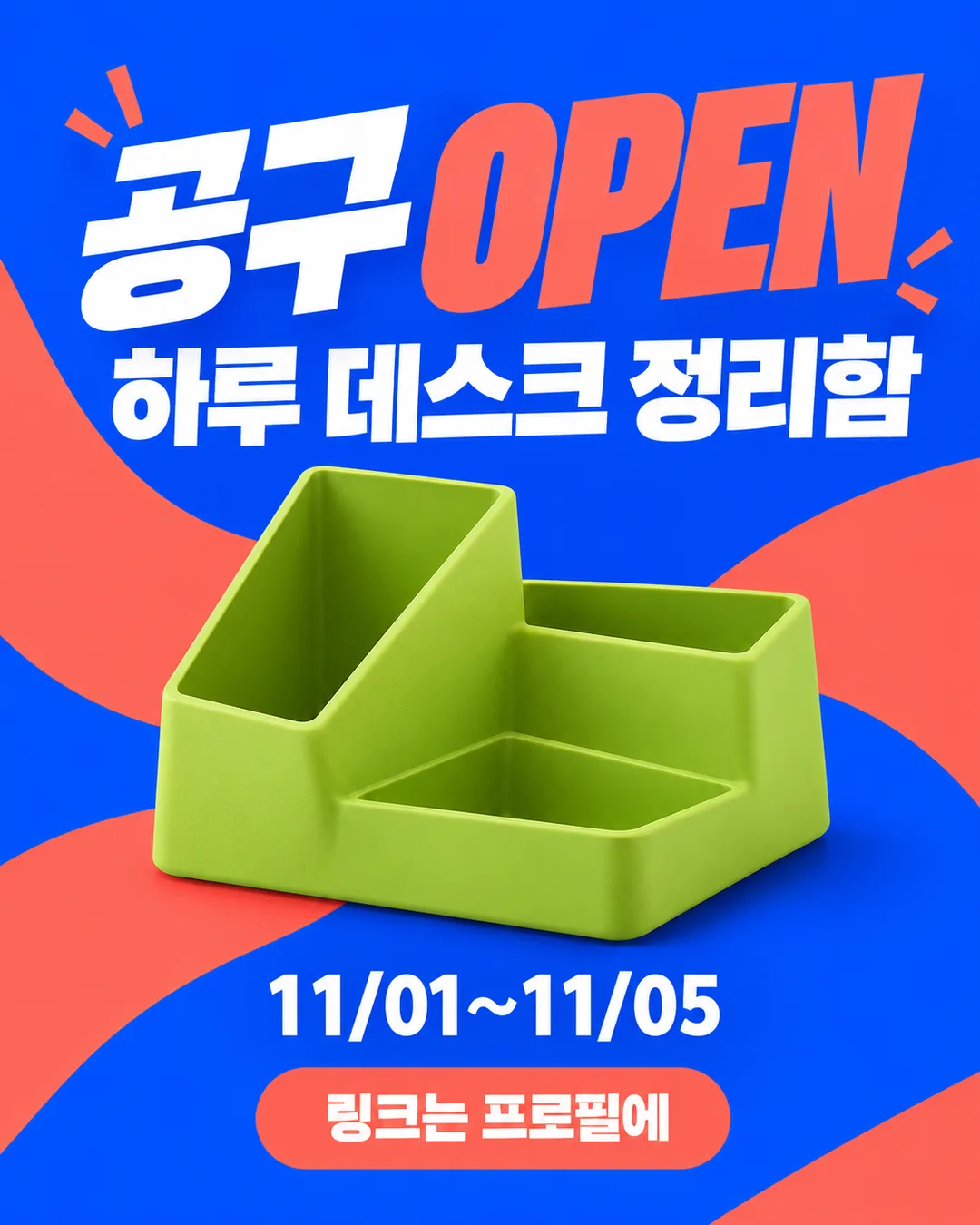
칸 채우기
- 1칸을 채워요
- 2복사 버튼을 눌러요
- 3GPT 채팅창에 붙여넣어요
- 4그대로 보내면 썸네일 예시처럼 나와요
- 5카드에 맞는 실제 사진을 같이 넣으면 그 사진이 반영돼요 — 배경 카드는 배경 사진, 인물 · 음식 카드는 그 사진 선택
프롬프트 원문 보기 3,659자
Generate exactly ONE finished image now, directly; no explanation, questions, panels or mockups.
Output size 1080x1350 pixels, 4:5 portrait, Instagram standard.
Use case: ads-marketing. A premium full-bleed product group-buy opening announcement for a social feed. Fixed composition: oversized opening headline, one product hero, exact product name and period, optional price and benefit, profile-link call to action. The mood changes lighting and colors, never the output type or layout family. Fill the canvas edge to edge. Keep all text clean and readable at phone size, with generous edge padding. Adapt spacing to the selected ratio.
Product photo input: "【제품 사진】". A text filename alone is not an attachment. If one product image is attached, use that exact product as the immutable source: preserve silhouette, proportions, colors, surface details and existing label letters verbatim. Do not repaint, rename, replace packaging, duplicate products or cover identifying details. Change only background, positioning and scale. If no image is attached, create one original fictional product suggested by the product name, with no lettering or logos on its surface; avoid recognizable real product designs. Never invent a real brand mark. No people.
Product name: "【제품 이름】". Period: "【기간】". Group-buy price: "【공구가】". Original price: "【원래 가격】". Benefit: "【혜택】". Mood: "【분위기】".
Mood options, in order: 깨끗한 흰 스튜디오 / 따뜻한 생활 감성 / 강렬한 세일 컬러. First means soft white seamless studio with restrained dark type and accents from the product. Second means warm sunlight, cream or apricot and tactile plain surfaces; do not add food or ingredients. Third means bold coral, magenta or cobalt flat color planes with crisp high-contrast typography. Blank mood defaults to the second option. The product retains its actual color in every mood.
Print only these texts, once each: "공구 OPEN" (largest), the exact product name, the exact period, and "링크는 프로필에". When the group-buy price is nonempty, print "공구가" followed by the exact supplied amount and currency. If blank, omit that entire line and reclaim space. Show the exact original price with one clean strikethrough only when BOTH price fields are nonempty. Otherwise omit original price entirely. Print the exact benefit as one short clearly separated line only when nonempty. Empty optional fields never appear as labels, dashes, placeholders or made-up offers.
Use professional photographic product lighting with editorial typography. No extra slogans, discount rates, guessed prices, invented deadlines, lowest-price or ranking claims, awards, reviews or scarcity. Never infer ingredients or health, treatment or weight-loss effects; if the product is a health supplement, omit all efficacy claims, even if requested in a benefit. Cosmetics must not receive fabricated ingredient or efficacy claims. Do not draw third-party logos or recognizable trademark designs; source products must be authorized and free of third-party marks.
Preserve input spelling, spaces, punctuation, digits and currency exactly. Do not add weekdays or recalculate offers. Before returning compare every name character, date digit, amount and benefit quantity against the inputs and repair any errors. Also compare photographed product shape, color and label lettering with the source. Return one ready-to-post announcement image.

[Final output format]
Output size 1080x1350 pixels, 4:5 portrait, Instagram standard.
This selected output format takes priority over any fixed canvas size or aspect ratio elsewhere in this template. Adapt the composition, text zones and margins to the selected canvas without stretching or cropping essential content. Device safe areas apply only when a device is selected. Never print these format instructions on the image.
결과 어땠어요?
이 카드도 많이 사용해요
쓰는 법 · 자주 묻는 것
공동구매 시작을 알리는 피드 공지 한 장을 만듭니다. 큰 「공구 OPEN」, 제품 사진, 이름과 기간을 차례로 보여 주고 「링크는 프로필에」로 마무리해요. 제품 이름과 기간, 꼭 두 칸을 채우세요. 날짜에 요일을 적는다면 실제 달력을 확인하고, 시작·종료 시각이 필요하면 기간 안에 함께 적습니다.
제품 사진은 선택입니다. 입력 칸에 사진 파일 이름을 적는 것만으로 사진이 전달되지는 않아요. 복사한 프롬프트와 제품 사진 한 장을 그림 AI의 같은 메시지에 함께 첨부해 보내세요. 제품의 전체 외곽과 라벨이 잘 보이는 사진을 권합니다. 모양·색·라벨 글자는 보존하고 주변 배경만 바꿉니다. 사진이 없으면 제품 이름에 맞는 가상 제품을 만들며, 제품 표면에는 글자나 로고를 넣지 않습니다. 예시는 모두 가상 제품이에요.
공구가는 실제 판매 금액만 적고, 비우면 가격 줄이 통째로 빠집니다. 원래 가격은 실제 비교 기준이 있을 때만 적으세요. 공구가와 함께 있을 때 취소선으로 표시하며, 원래 가격만 적으면 비교 줄을 생략합니다. 할인율은 계산하거나 덧붙이지 않아요. 혜택은 「2개 사면 1개 더」처럼 실제 조건까지 한 줄로 적고, 비우면 혜택 줄이 빠집니다. 표지의 금액과 혜택은 가상 시연 입력값이며 실제 판매 제안이 아닙니다.
흰 스튜디오는 제품 색을 또렷하게, 생활 감성은 따뜻한 햇빛과 재료로, 세일 컬러는 선명한 색면으로 보여 줍니다. 공지 한 장이라는 구성은 그대로입니다. 비우면 생활 감성을 사용해요. 기본 4:5이며 화면 비율은 공통 비율 단추에서 바꿉니다.
결과를 확대해 제품 이름의 받침, 날짜 숫자, 금액의 쉼표와 원, 혜택 수량을 한 글자씩 비교하세요. 원본 사진과 외곽·손잡이·뚜껑·색·라벨을 나란히 확인합니다. 바뀌었다면 「제품은 원본과 동일하게, 배경과 공지 배치만 바꿔줘」라고 요청하세요. 글자 오류는 정확한 문장을 따옴표로 적고 그 부분만 다시 만들도록 요청합니다.
사진 없이도 되나요? 네, 글자와 로고 없는 가상 제품으로 완성됩니다. 가격을 안 공개해도 되나요? 공구가와 원래 가격을 모두 비우세요. 건강식품에는 효능·치료·다이어트 주장을 넣지 않으며, 화장품에도 확인되지 않은 성분이나 효능을 만들지 않습니다. 권리가 있는 제품 사진만 첨부하고 실존 브랜드 로고나 유명 제품 디자인을 재현하지 마세요.