
전체 · 광고/포스터 · 휴무·영업 안내
402가게 스토리 오늘 소식
오늘 영업부터 조기 마감까지, 가게 소식을 휴대폰 스토리 한 장으로 전해요.
받는 것
- 큰 오늘 소식과 가게 이름
- 위
- 아래 안전 영역을 지킨 스토리 한 장
ChatGPT 무료 OK
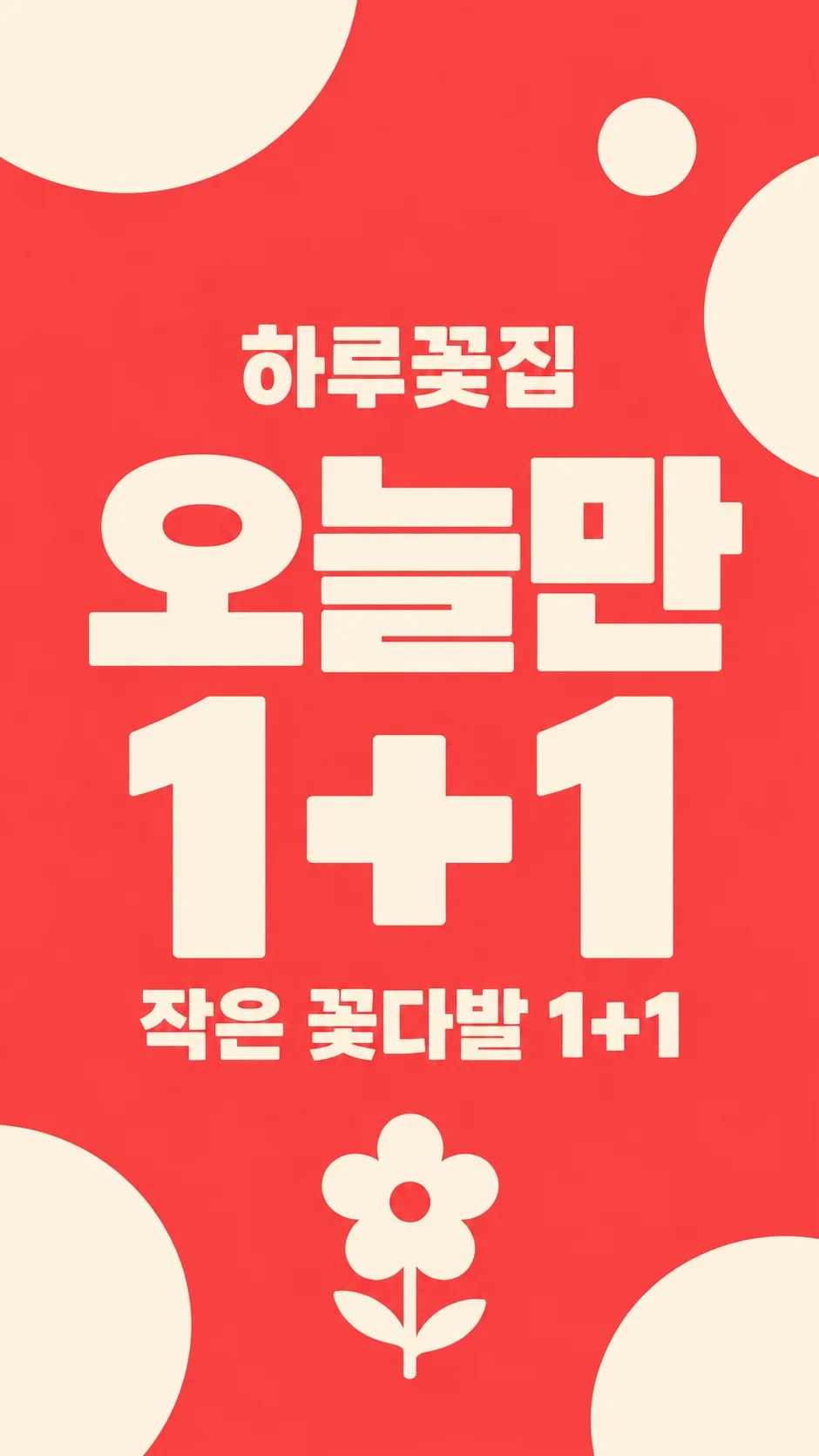
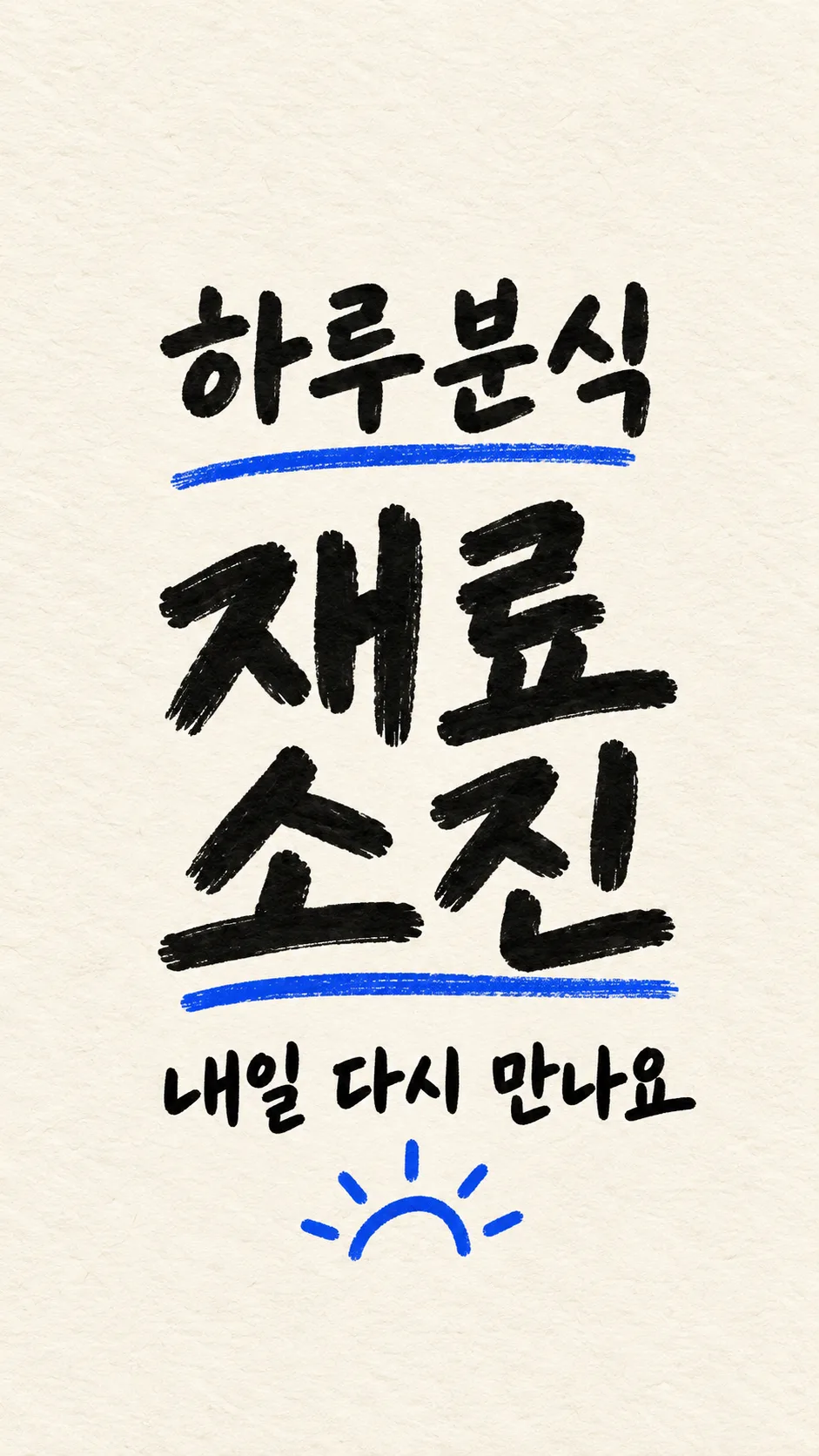
칸 채우기
- 1칸을 채워요
- 2복사 버튼을 눌러요
- 3GPT 채팅창에 붙여넣어요
- 4그대로 보내면 썸네일 예시처럼 나와요
- 5카드에 맞는 실제 사진을 같이 넣으면 그 사진이 반영돼요 — 배경 카드는 배경 사진, 인물 · 음식 카드는 그 사진 선택
프롬프트 원문 보기 3,101자
Generate this image now. Return exactly ONE finished image; draw it directly without explanations or questions.
Output size 1080x1920 pixels, 9:16 portrait story. Keep all text inside the central 80% of the height: compress every zone percentage below into the 10-90% range.
Create one premium full-bleed mobile shop daily-news story, default 9:16. Keep the same hierarchy for every background: shop name, huge news headline, one short subtitle. This is the ready-to-post artwork, not a phone mockup, print poster or collage. Adapt to the selected common aspect ratio.
HEADLINE = "【오늘 소식 종류】". SHOP_NAME = "【가게 이름】". SUBTITLE_INPUT = "【한 줄】". BACKGROUND = "【배경】".
Render HEADLINE exactly once without changing its meaning. Render SHOP_NAME exactly once. Keep names in their supplied script. All other lettering must be Korean. If SUBTITLE_INPUT is blank, omit the entire subtitle. If it equals "알아서 골라줘", choose only a brief neutral greeting appropriate to HEADLINE, never an invented product, benefit or condition. Otherwise print it verbatim once. A blank HEADLINE uses "오늘 영업합니다"; a blank SHOP_NAME uses "하루커피". Blank background uses the shop interior.
Shop name at 22-30% of height, huge headline at 36-59%, subtitle at 65-76%. Keep ALL important lettering wholly between 20% and 80%; top and bottom 15% have background only. Maintain side margins and strong contrast, shortening only generated greetings, never supplied text. No date, day of week, price, time, address or extra offer conditions unless explicitly supplied in subtitle.
Background choices in matching order: menu-photo feel = photographic menu subject with text-safe tonal overlay; shop interior = original atmospheric empty shop appropriate to name, warm daylight and no incidental signs; solid graphic = bright flat color with sparse abstract shapes; handwritten memo = paper texture filling the entire canvas and authentic legible handwritten lettering, not a small sheet on a table. These change the background material only, not the hierarchy or number of outputs.
For food, first search and inspect at least five actual food photographs and reflect authentic serving amounts, irregular cuts, varied ingredients, crumbs and natural textures. Never create repeated identical slices, plastic shine or copied garnish patterns. If reference browsing is unavailable, use a food-free shop interior instead. Never invent a menu item: a specific menu item must come from the subtitle. No uploaded-photo transformation is part of this card.
No people, recognizable trademarks, logos, existing product designs, real-person likeness, UI, watermark, production labels or explanatory notes. Any incidental product must have an original fictional design. Do not depict regulated goods or health claims. Spell-check every Hangul/Japanese character and Latin letter and every numeral and symbol before returning the single artwork.

[Final output format]
Output size 1080x1920 pixels, 9:16 portrait story. Keep all text inside the central 80% of the height: compress every zone percentage below into the 10-90% range.
This selected output format takes priority over any fixed canvas size or aspect ratio elsewhere in this template. Adapt the composition, text zones and margins to the selected canvas without stretching or cropping essential content. Device safe areas apply only when a device is selected. Never print these format instructions on the image.
결과 어땠어요?
이 카드도 많이 사용해요
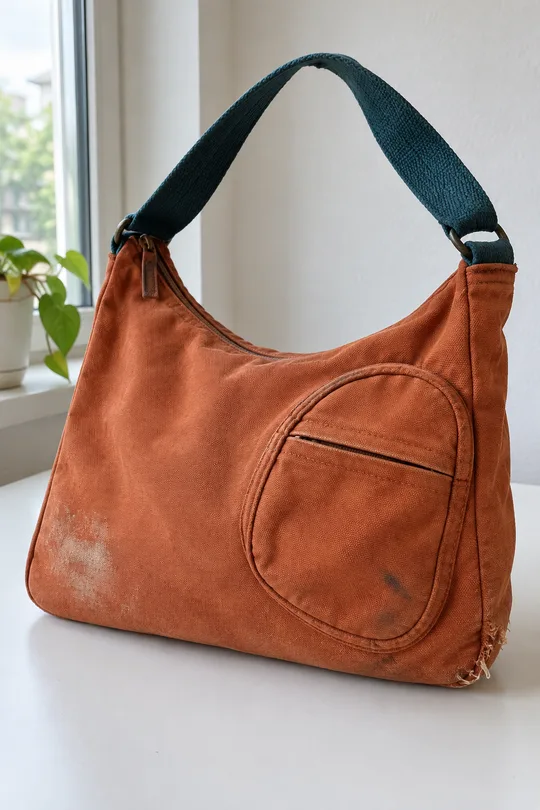
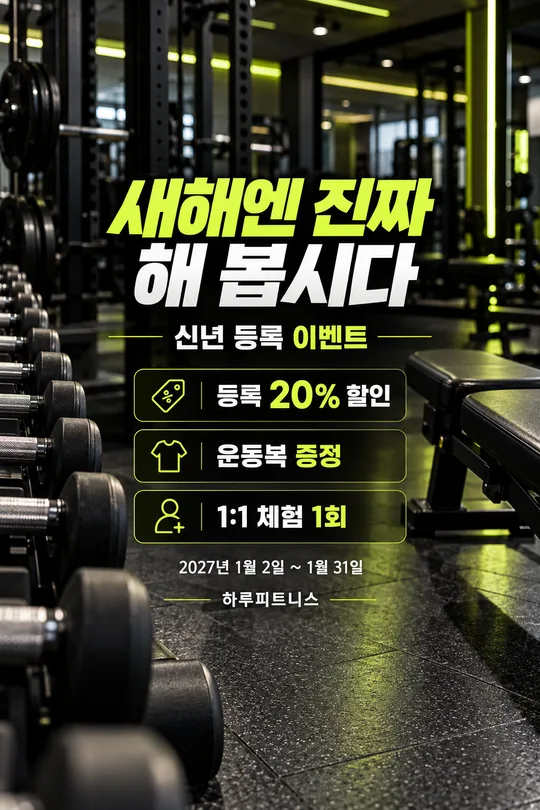
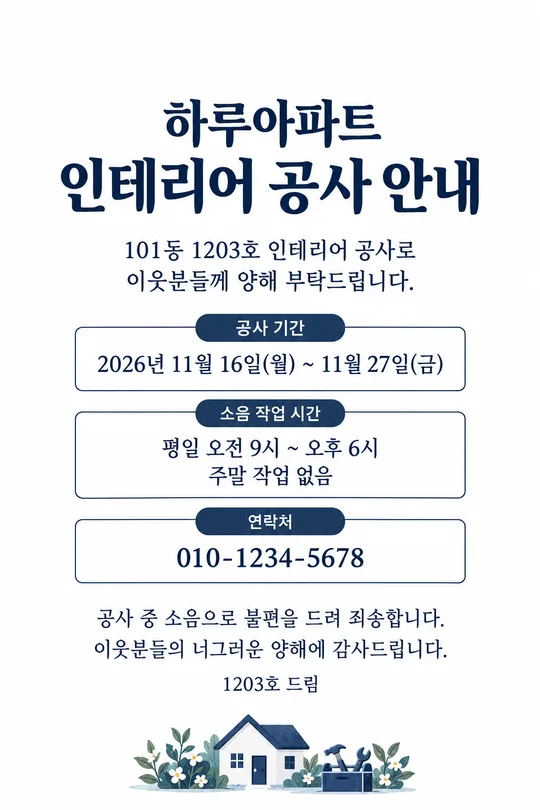
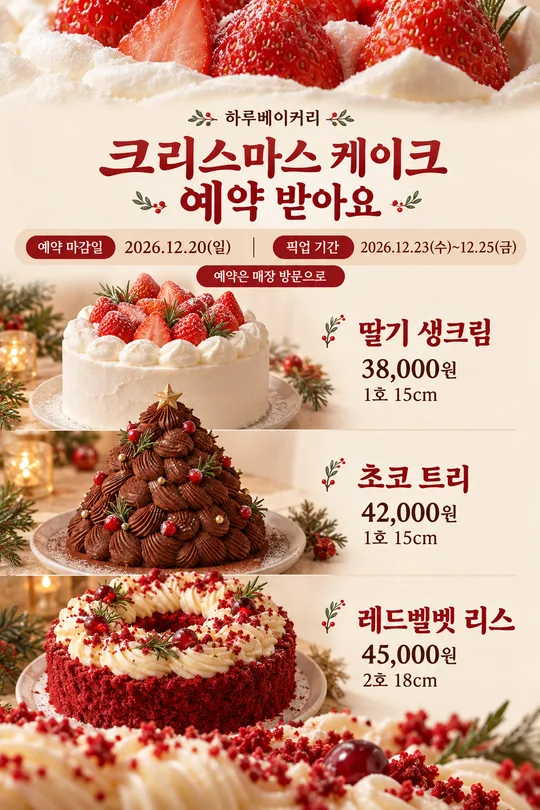
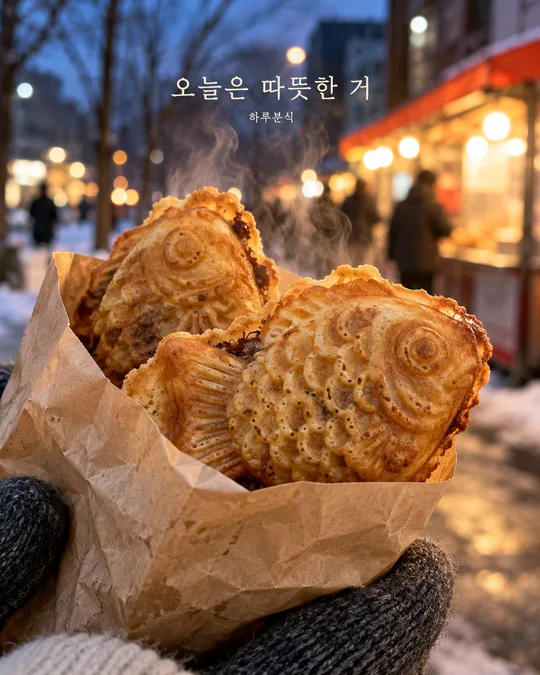
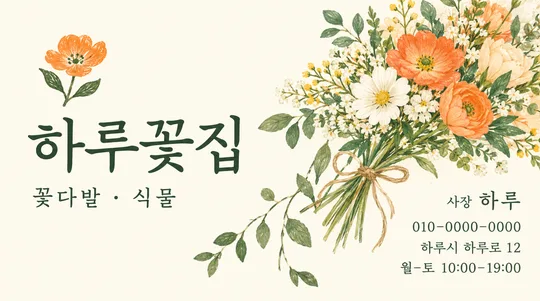
쓰는 법 · 자주 묻는 것
매일 아침 가게의 영업 소식을 휴대폰 스토리 한 장으로 전하는 카드예요. 인쇄용 안내판 대신 화면을 꽉 채운 큰 제목, 가게 이름, 짧은 한 줄을 만듭니다. 꼭 채우는 칸은 2개예요. 오늘 소식 종류와 가게 이름을 정하고, 한 줄과 배경은 기본값으로 두어도 됩니다. 가게 이름은 하루커피·하루분식·하루꽃집처럼 업종까지 적으면 배경의 장소도 달라져요.
오늘 소식 종류에는 영업·메뉴·재료 소진·조기 마감·1+1·휴무의 여섯 보기가 있어요. 선택한 제목을 그대로 크게 쓰며 날짜, 영업시간, 가격을 자동으로 추가하지 않습니다. 오늘의 메뉴를 선택했다면 한 줄에 실제 메뉴 이름을 적으세요. 행사 대상과 조건도 한 줄에 실제 내용만 적어 주세요. 조건이 확정되지 않은 행사는 먼저 확인하고 사용하세요.
한 줄을 비우면 부제 전체가 빠집니다. 알아서 골라줘는 새로운 메뉴나 혜택을 만들지 않고 선택한 소식에 맞는 짧은 인사만 고릅니다. 배경은 메뉴 사진 느낌·가게 안·단색 그래픽·손글씨 메모지 네 가지이며, 모두 같은 큰 제목 중심 스토리 구성을 유지해요. 사진 첨부 없이 만드는 카드입니다. 음식이 등장할 때는 실제 사진을 먼저 확인할 수 있는 그림 도구에서 사용하세요. 확인할 수 없다면 음식 대신 가게 안 배경을 사용하도록 지시되어 있어요.
완성 뒤 제목과 가게 이름을 확대해 한 글자씩 확인하세요. 특히 1+1의 더하기 기호, 조기 마감과 재료 소진의 의미가 맞는지 보세요. 위·아래 15%에는 중요한 글자가 없어야 프로필과 답장 칸에 가리지 않아요. 글자가 틀렸다면 정확한 문구를 따옴표로 적어 다시 생성하세요. 기본은 9:16이며 다른 공통 비율도 선택할 수 있어요. 작게 읽힌다면 문장을 짧게 줄이고 다시 만드세요. 그림 AI에 완성된 프롬프트를 한 번 붙여 넣으면 결과 한 장을 받습니다. 외부 서비스의 요금·약관은 해당 서비스에서 확인하세요.