
전체 · 광고/포스터 · 할인·행사 · 명절·기념일
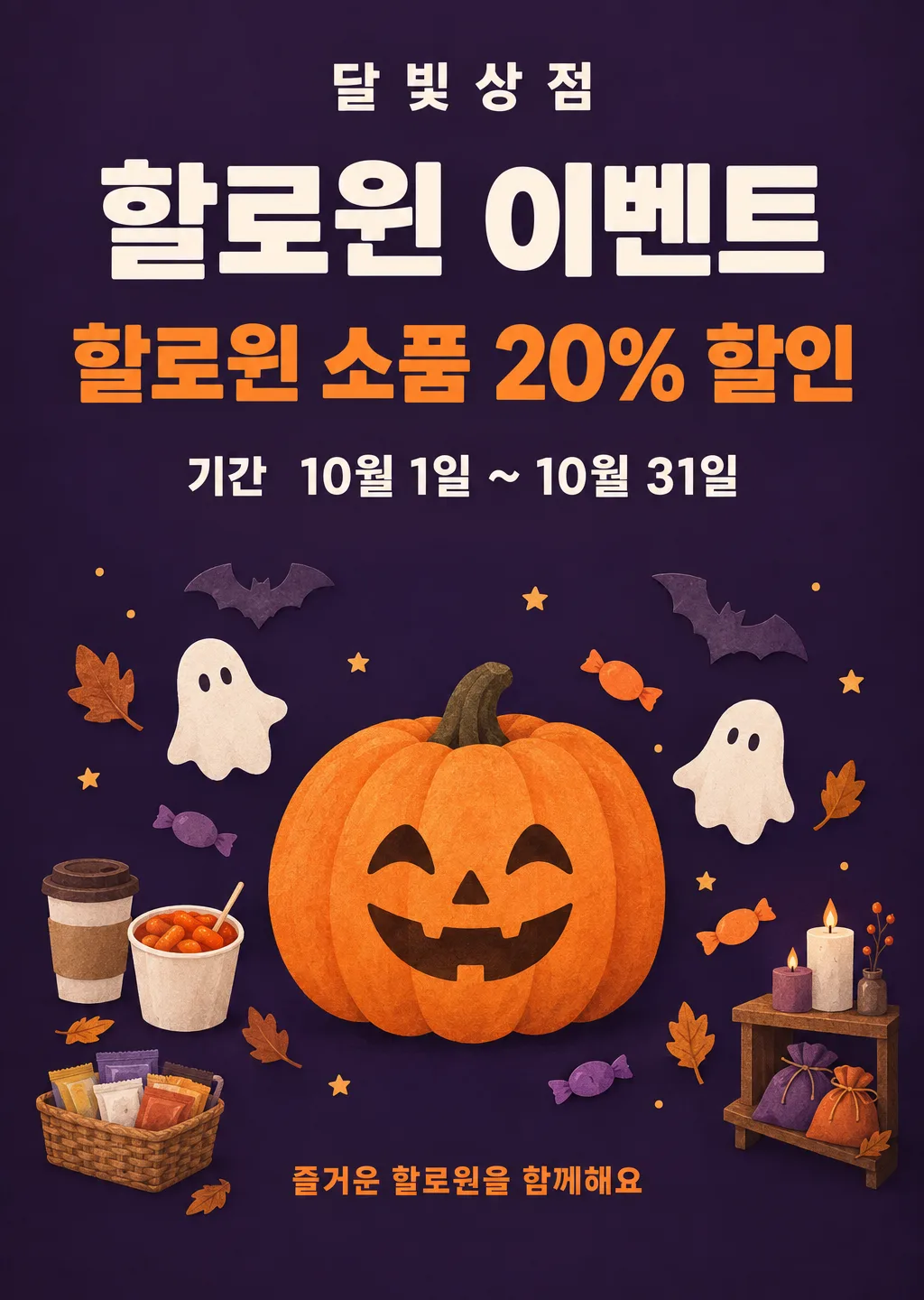
016할로윈 이벤트 포스터
가게 이름과 행사 내용, 기간만 적으면 10월 내내 붙여 두는 할로윈 행사 포스터
칸 채우기
- 1칸을 채워요
- 2복사 버튼을 눌러요
- 3GPT 채팅창에 붙여넣어요
- 4제품·인물 사진을 쓰려면 사진과 프롬프트를 둘 다 넣은 뒤에 보내요 선택
프롬프트 원문 보기 6,146자
Generate this image now. Draw it directly - do not describe it, explain it, or ask questions.
Output size 2480x3508 pixels, A4 portrait, 300dpi, print-ready poster.

[Purpose]
Create a finished Halloween event poster for the Korean shop "【가게 이름】". It must work as a real printed notice on a storefront throughout the event period, not as a one-night October 31 party invitation. A passerby must immediately understand the event offer and the full date range. The design should feel useful for a cafe, snack shop, convenience store, or small gift and accessory shop without looking tied to only one business type.

[Scene]
Use a rich matte midnight-purple background with a restrained burnt-orange accent palette. Build a clean, symmetrical poster around one large friendly carved pumpkin illustration in the lower center. Surround it with a few small paper-cut bats, two simple white sheet ghosts, curled autumn leaves, wrapped candy shapes without logos, and tiny star dots. In the four lower corners, include subtle generic shop clues: a takeaway cup with no logo, a paper cup holding tteokbokki with no readable label, a small basket of individually wrapped convenience-store snacks with blank packaging, and a tiny shelf holding candles and fabric pouches. Keep these objects small and balanced so the poster represents cafes, snack shops, convenience stores, and gift shops together. All characters and objects must be original, generic Halloween motifs. Leave broad, quiet negative space behind every line of text. Do not place text inside ribbons, badges, boxes, price stickers, or glowing signs.

[Attached photo]
If a photo is attached with this prompt, treat it as the shop's real product, display, or owner-approved subject. Preserve its exact shape, colors, packaging, label text, face, hairstyle, and clothing. Do not turn a real product into a fictional branded item and do not add trademarks. Place the attached subject in the lower 61-82% illustration zone, replacing only the central pumpkin if necessary while retaining the small generic Halloween decorations around it. Keep every required text line and its spacing unchanged. If no photo is attached, draw the generic multi-shop scene exactly as described.

[Text layout] top to bottom, as % of canvas height. Render these exact Korean strings:
- 5-10%: "【가게 이름】" - small bold Korean sans-serif, warm ivory, centered with generous letter spacing
- 13-27%: "할로윈 이벤트" - the largest text, heavy bold Korean sans-serif, warm ivory, centered, one line when space permits; use two balanced lines only on a very narrow canvas
- 31-43%: "【행사 내용】" - the second-largest text, bold Korean sans-serif, vivid pumpkin orange, centered and allowed to wrap into at most two lines without changing any character
- 47-54%: "기간  【기간】" - medium bold Korean sans-serif, warm ivory, centered
- 63-87%: original pumpkin, bats, ghosts, autumn leaves, candy, and the four subtle shop-type objects; illustration only, with no letters or numbers
- 90-95%: "즐거운 할로윈을 함께해요" - small bold Korean sans-serif, pumpkin orange, centered

[Style]
A polished commercial poster with a modern Korean neighborhood-shop sensibility. Combine crisp flat graphic layout with tactile cut-paper and lightly painted illustration. The pumpkin, bats, ghosts, leaves, candy, cup, tteokbokki container, snack basket, candles, and pouches should have softly visible paper grain and hand-painted edges, while the typography remains perfectly clean and flat. Keep the mood playful and welcoming rather than frightening. Use only midnight purple, warm ivory, pumpkin orange, muted plum, and tiny touches of leaf brown. The ghost faces use only two simple black oval eyes; the pumpkin has a cheerful generic carved face. No single product dominates the scene, so owners of different shop types can recognize the poster as usable for them.

[Visual hierarchy]
First read: "할로윈 이벤트" and "【행사 내용】". Second read: "기간  【기간】". Third read: the shop name, friendly Halloween illustration, and closing line. Make the offer and period readable from several steps away. Keep at least one full capital-letter height of empty space between text blocks. The date range must stay on a calm solid area and must never overlap a bat wing, ghost, pumpkin stem, candy, leaf, or product silhouette. The illustration should support the message without becoming larger or brighter than the event offer.

[Lighting and texture]
Use even printed-poster lighting. The paper-cut objects may cast very short, soft contact shadows that show their layered texture, but there must be no dramatic spotlight, neon edge, bloom, fog, glowing eyes, glossy 3D rendering, or strong halo. Keep the background almost solid, with only an extremely subtle darker vignette at the outermost corners. Maintain strong contrast and clean edges suitable for both A4 printing and phone viewing.

[Text rules]
Render only the Korean strings inside double quotes above, plus the user's exact letters, digits, spaces, punctuation, percent signs, plus signs, and date-range symbols contained in the field values. Do not change, translate, shorten, correct, or paraphrase any field value. Reproduce the shop name, event details, and dates exactly once. Never invent a price, discount rate, product name, English slogan, address, phone number, brand name, or extra caption. Draw every Korean syllable with complete, readable strokes. Keep all text comfortably inside the safe area so no character is cut off in print or on social media crops.

[Avoid]
October 31 only as an assumed or invented date; changing or omitting any date in "【기간】"; duplicate text; misspelled or broken Korean; meaningless tiny letters; English text; fake logos; trademarks; recognizable branded packaging; copyrighted characters; Disney characters; movie monsters; famous horror villains; celebrity faces; borrowed mascots; violent, bloody, grotesque, or frightening imagery; skeleton gore; weapons; photorealistic severed body parts; decorations covering text; text inside boxes, ribbons, bars, stickers, or panels; outlined text; gradient-filled text; 3D text; strong text shadows; neon; glow; sparkle effects; clutter; frames; borders; empty rectangles; QR codes; watermarks
이 카드도 많이 사용해요
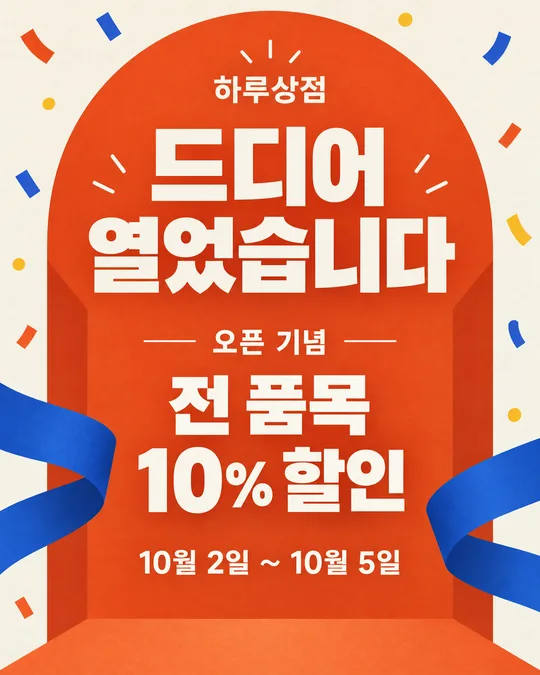
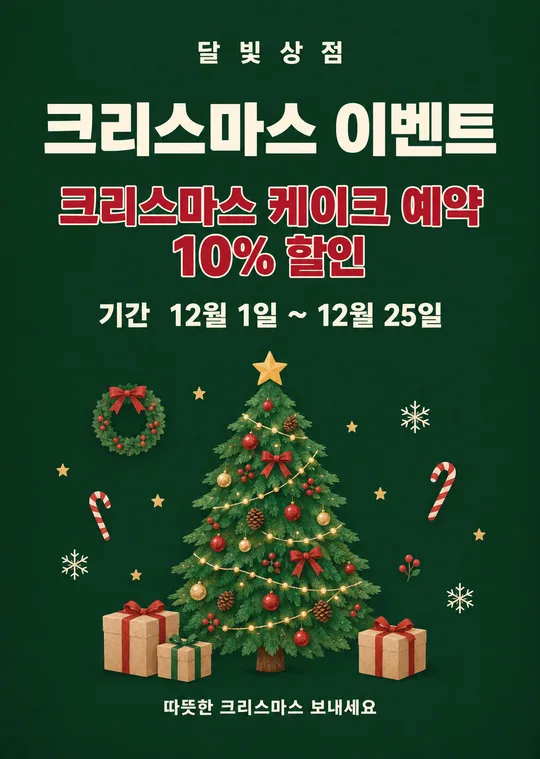
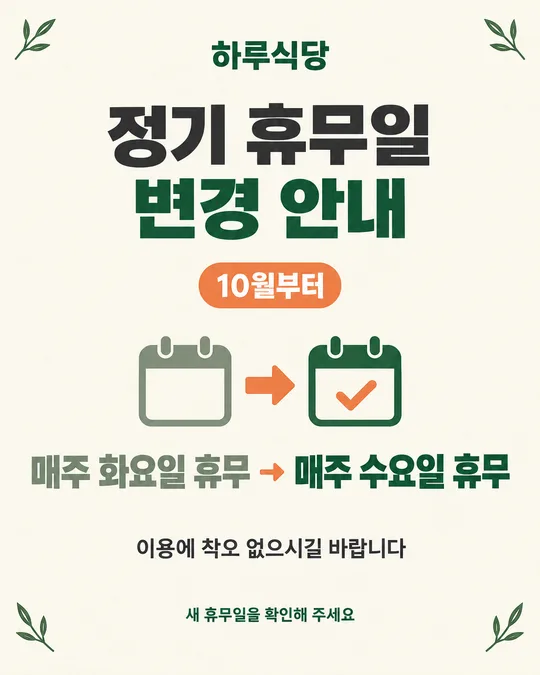
쓰는 법 · 자주 묻는 것
이런 때 쓰세요
10월 초부터 말일까지 이어지는 할로윈 할인, 증정, 1+1 행사를 알릴 때 쓰는 포스터예요. 가게 이름 · 행사 내용 · 기간 세 칸이면 끝나요. 10월 31일 하루짜리 초대장이 아니라 행사 기간을 직접 적는 방식이라서, 월초부터 출입문과 계산대 옆에 오래 붙여 둘 수 있어요. 카페의 쿠키 증정, 분식집의 세트 할인, 편의점의 간식 행사, 소품샵의 시즌 상품 할인처럼 업종이 달라도 같은 카드로 만들 수 있습니다. 호박·박쥐·유령만 사용하고 영화 괴물이나 브랜드 캐릭터는 넣지 않아서 가게 홍보물로 부담 없이 쓰기 좋아요.
칸 채우는 법
- 가게 이름: 간판에 적힌 이름을 띄어쓰기까지 그대로 적어 주세요.
- 행사 내용: 손님이 받는 혜택을 한 문장으로 적으세요. 「할로윈 소품 20% 할인」처럼 누구나 받는 단순한 혜택이 가장 잘 먹혀요. 할인율, 증정품, 1+1처럼 실제로 제공하는 내용만 써야 해요. 원래 가격과 할인 가격을 함께 쓴다면 원래 가격은 평소 실제로 받던 금액이어야 합니다.
- 기간: 시작일과 끝나는 날을 모두 적으세요. 예) 10월 1일 ~ 10월 31일. 이렇게 적어야 한 달 동안 붙여도 언제까지 하는 행사인지 바로 보여요.
- 화면 비율: 출입문 인쇄물은 A4, 인스타 게시물은 4:5, 당근 가게 소식은 3:4나 4:5, 스토리와 릴스는 9:16이 잘 맞아요.
적은 내용은 그림에 그대로 들어갑니다. 날짜와 할인 조건은 행사 계획표를 보고 한 번 더 확인한 뒤 복사하세요. 페이지를 새로고침하면 입력한 칸은 다시 비워져요.
우리 제품·인물 사진을 넣고 싶을 때
가게의 실제 음료, 분식 메뉴, 행사 진열대, 소품 사진을 넣으면 가운데 호박 자리에 사진이 들어가도록 지시되어 있어요. 다음 순서를 지켜 주세요.
- GPT 채팅창에 사진을 올려요. 아직 보내지 마세요.
- 같은 입력 칸에 이 페이지에서 복사한 프롬프트를 붙여넣어요.
- 사진과 프롬프트가 둘 다 들어간 것을 확인한 다음 보내세요.
사진만 먼저 보냈다면 이어서 프롬프트를 붙이고 마지막에 "위 사진으로 그려줘"라고 적으세요. 상품 포장에 남의 캐릭터나 상표가 크게 보인다면 그 사진은 쓰지 않는 편이 안전합니다.
그림이 나오면 꼭 볼 것
AI는 한글과 숫자를 틀릴 수 있어요. 인쇄하기 전에 가게 이름, 행사 내용, 시작일과 종료일을 원문과 한 글자씩 비교하세요. 특히 10월 날짜가 바뀌거나 할인율의 숫자와 퍼센트 기호가 빠지지 않았는지 확인해야 합니다. 카페·분식·편의점·소품샵을 나타내는 작은 물건은 분위기용이므로, 글자를 가리거나 특정 브랜드처럼 보이면 다시 고쳐 달라고 하세요.
틀린 곳 고치는 법
같은 채팅창에 틀린 부분 하나만 짧고 정확하게 적으세요.
행사 기간을 10월 14일 ~ 10월 31일로 고쳐줘. 나머지는 그대로.
행사 내용을 할로윈 간식 1+1로 고쳐줘. 다른 글자와 그림은 바꾸지 마.
여러 곳을 한꺼번에 고치면 이미 잘 나온 글자까지 달라질 수 있어요. 한 번에 한 군데씩 고치고, 세 번 이상 같은 글자를 틀리면 새 채팅에서 처음 프롬프트를 다시 보내는 편이 빠릅니다.
붙이는 곳과 인쇄
A4로 만든 그림은 출입문 유리 안쪽과 계산대 옆에 붙이세요. 월초부터 붙일 때는 행사 시작일이 오기 전에 "곧 시작" 같은 문구를 임의로 더하지 말고, 카드에 적은 기간이 잘 보이게 두면 됩니다. 같은 내용을 4:5로 한 번 더 만들면 인스타 게시물과 당근 가게 소식에도 쓸 수 있어요. 인쇄할 때는 컬러를 고르고, 가장자리 글자가 잘리지 않도록 실제 크기 또는 페이지 맞춤을 확인하세요.
자주 묻는 것
- 10월 31일 하루 행사만 만들 수 있나요? 네. 기간 칸에 10월 31일 하루라고 적으면 됩니다. 하지만 월초부터 오래 붙일 포스터라면 시작일과 종료일을 함께 쓰는 편이 더 분명해요.
- 행사 내용은 무엇을 적나요? 손님이 실제로 받는 혜택을 짧게 적으세요. 음료 주문 시 쿠키 증정, 세트 할인, 간식 1+1, 시즌 소품 할인처럼 조건과 혜택이 한눈에 보이면 좋아요.
- 브랜드 캐릭터를 넣어도 되나요? 넣지 않는 것이 안전해요. 이 카드는 누구나 쓸 수 있는 호박, 박쥐, 유령, 사탕, 낙엽만 사용하도록 되어 있습니다.
- 무료 GPT에서도 그림을 만들 수 있나요? 네. 다만 무료 계정은 이미지 생성 횟수가 제한될 수 있으니, 가게 이름과 날짜와 행사 조건을 먼저 확인하고 보내세요.
- 프롬프트가 영어여도 한글 포스터가 나오나요? 네. 지시는 영어로 자세히 쓰고, 포스터에 들어갈 문구는 큰따옴표 안에 한국어로 지정해 두었습니다. 완성 뒤에는 한글을 꼭 직접 대조하세요.