
칸 채우기
- 1칸을 채워요
- 2복사 버튼을 눌러요
- 3GPT 채팅창에 붙여넣어요
- 4그대로 보내면 썸네일 예시처럼 나와요
- 5카드에 맞는 실제 사진을 같이 넣으면 그 사진이 반영돼요 — 배경 카드는 배경 사진, 인물 · 음식 카드는 그 사진 선택
프롬프트 원문 보기 2,470자
Generate this image now. Draw one finished personal exam encouragement greeting directly, without explanation or questions.
Output size 1080x1920 pixels, 9:16 portrait story. Keep all text inside the central 80% of the height: compress every zone percentage below into the 10-90% range.
Full bleed, default vertical 9:16. One card, one result. No collage, phone, mockup, outer border or store poster.
Recipient: 【받는 사람 이름】
Main message: 【응원 한 줄】
Optional small message: 【작은 한 줄】
Mood: 【분위기】
Render text in Korean. Preserve both supplied messages verbatim, including punctuation and spacing. If main message is "알아서 골라줘", use exactly "그동안 정말 수고했어", never print the selection instruction.
If the main message contains the name, omit the separate name line. Otherwise add 아 after a Korean final consonant or 야 after a vowel: 하루 becomes 하루야, 지민 becomes 지민아. Preserve an explicitly supplied vocative. Never change the supplied main sentence.
Empty small message means omit the entire line and close the gap, invent nothing.
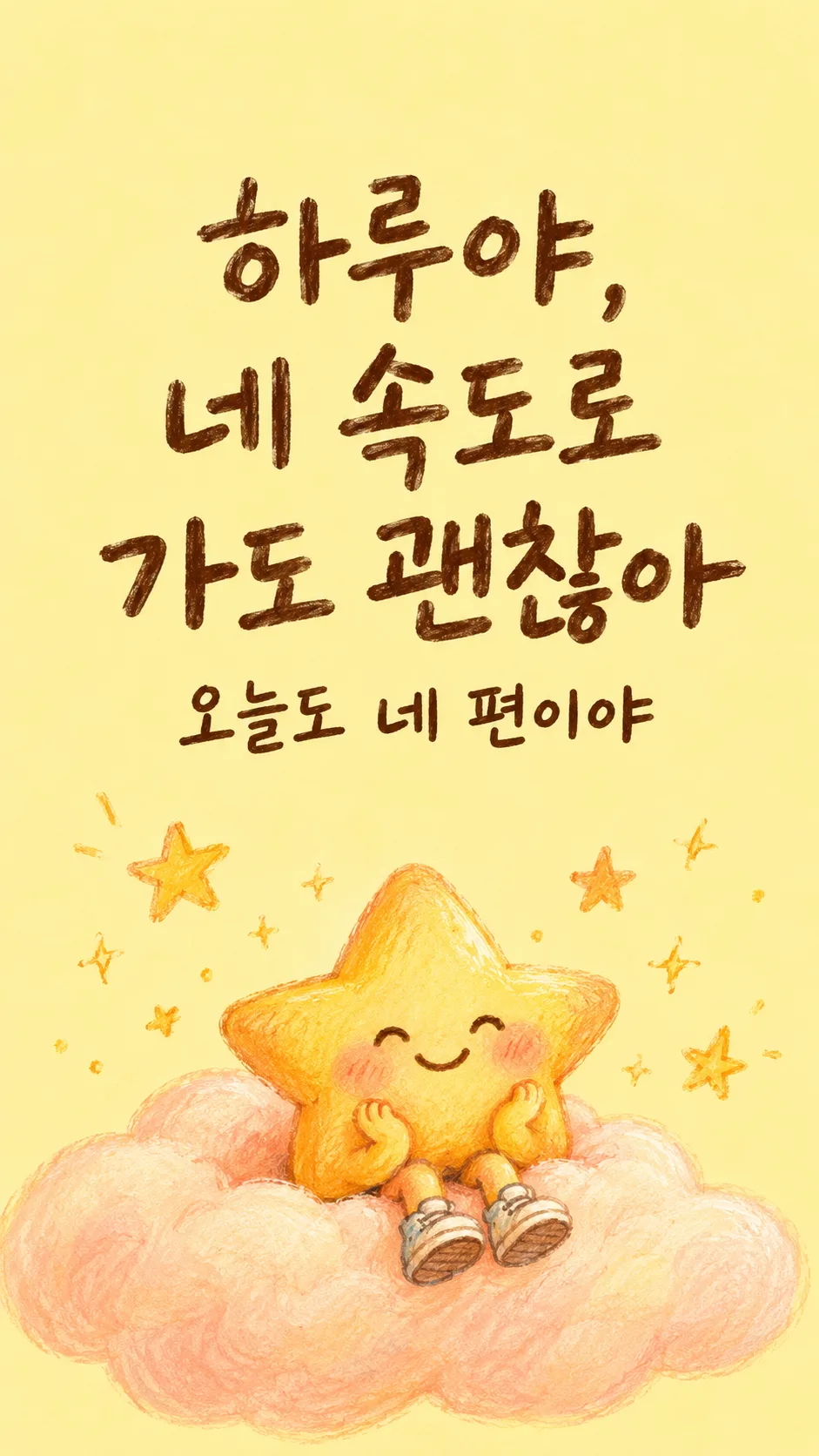
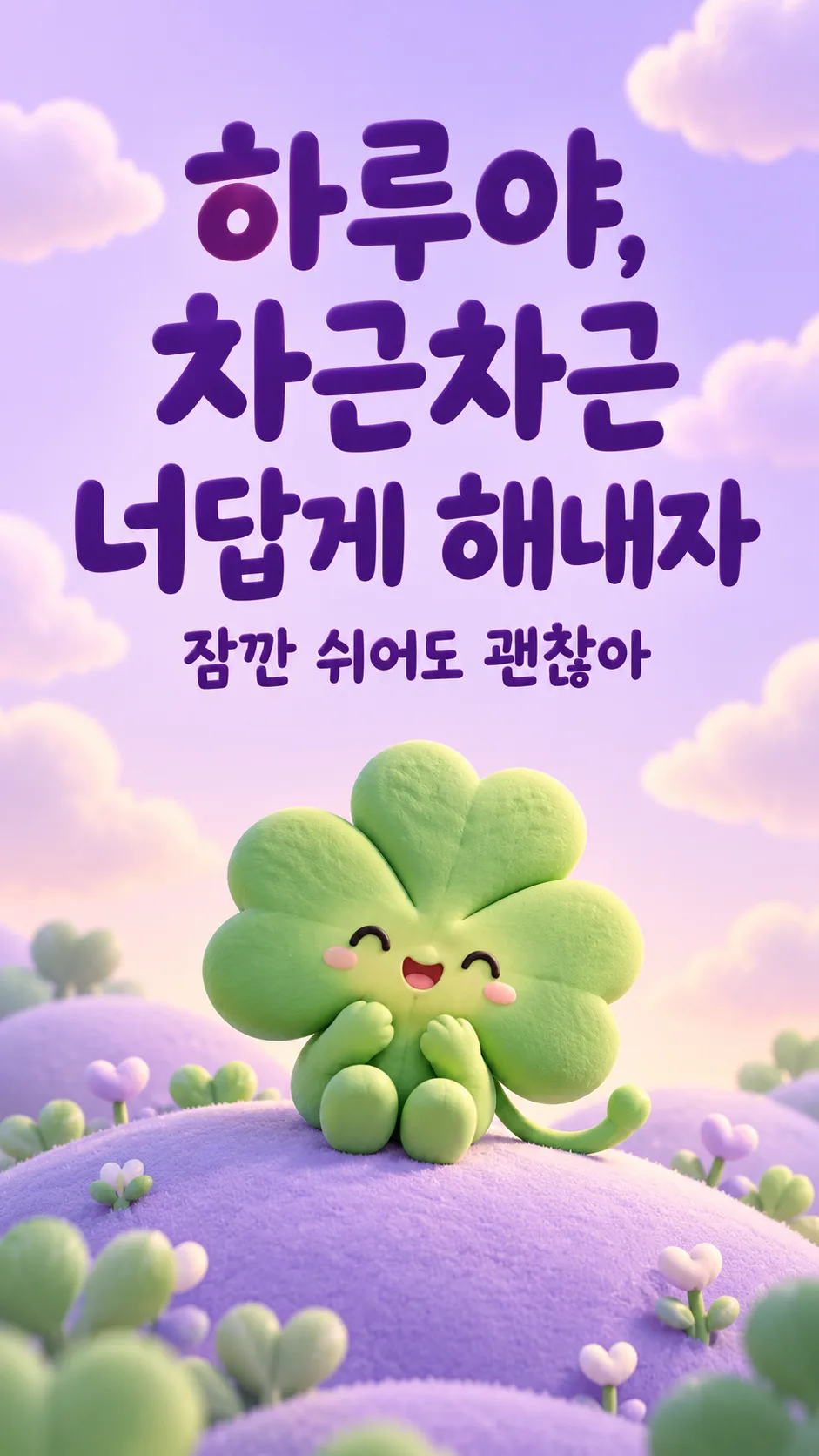
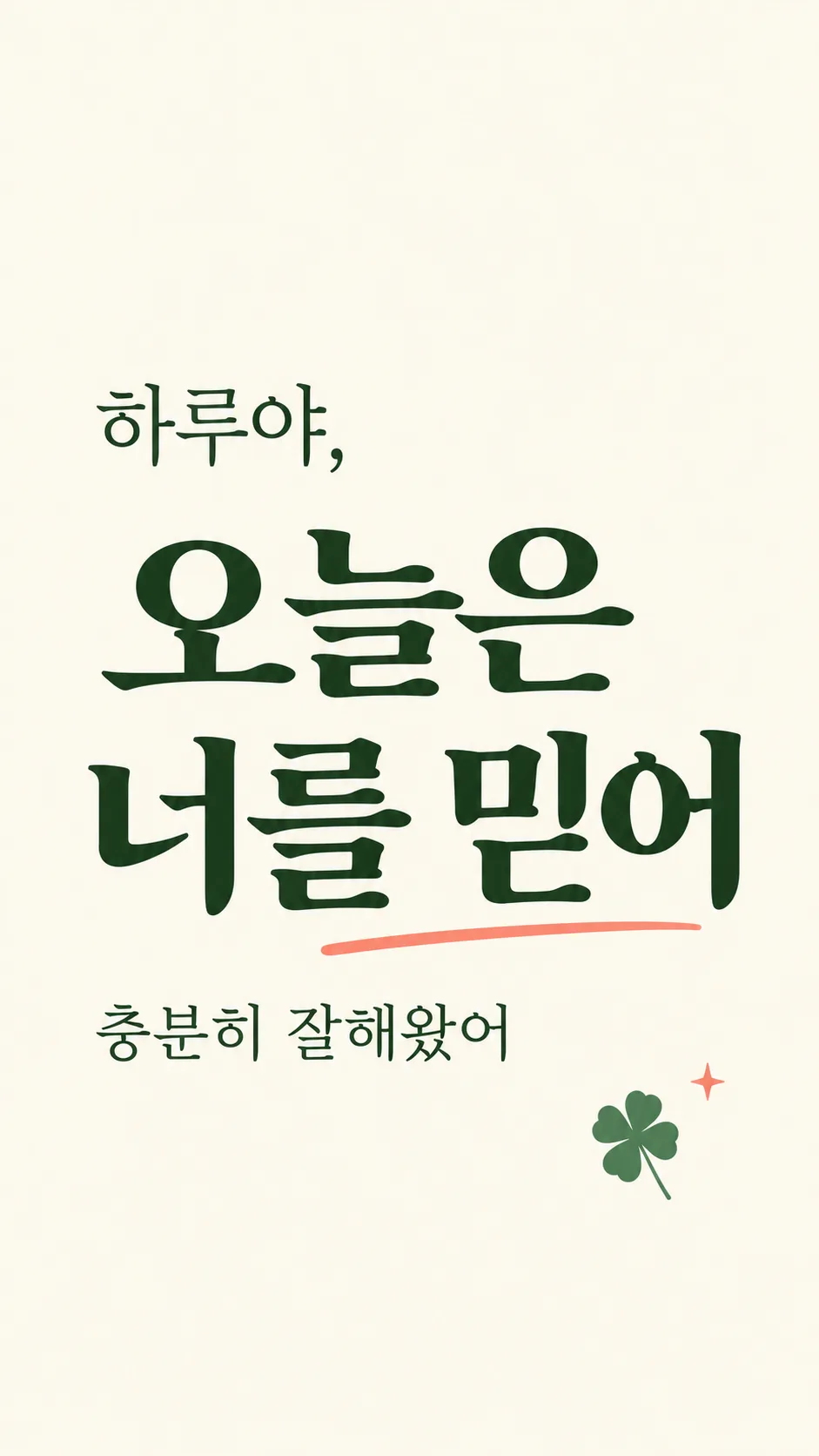
Choose exactly the selected mood: "따뜻한 손그림" uses warm gouache and pencil, apricot or buttery cream, cocoa type and an original small golden star on a cushion or cloud; "파스텔 3D" uses pastel matte clay 3D four-leaf clover on a lavender hill, mint and lilac and crisp purple type; "미니멀 타이포" uses ivory and forest green oversized clean type with one small flat clover or star and a coral accent. Never mix styles. Empty mood defaults to "따뜻한 손그림".
Place large salutation and main sentence in upper middle 20–55%, small message below, cute supporting motif in lower third. Natural line breaks only, never alter characters. Same design adapts to the selected ratio; cover is 2:3. Important lettering stays outside top 12% and bottom 15%. High contrast, generous spacing. Artwork and background fill all edges.
Only print the salutation, main sentence and optional small message. No dates, years, countdowns, scores, schools, pass guarantees, offers, signatures, labels or watermarks. No people, likenesses, real brands, logos, recognizable characters or app interface. Decorative objects are original fictional designs. No photo needed; ignore attached photos. Check every character and punctuation against inputs and fix errors before returning.

[Final output format]
Output size 1080x1920 pixels, 9:16 portrait story. Keep all text inside the central 80% of the height: compress every zone percentage below into the 10-90% range.
This selected output format takes priority over any fixed canvas size or aspect ratio elsewhere in this template. Adapt the composition, text zones and margins to the selected canvas without stretching or cropping essential content. Device safe areas apply only when a device is selected. Never print these format instructions on the image.
결과 어땠어요?
이 카드도 많이 사용해요
쓰는 법 · 자주 묻는 것
시험을 앞둔 자녀, 조카, 후배에게 긴 조언 대신 짧은 마음을 보내는 개인 메시지 카드예요. 날짜나 성적을 적지 않아 시험 전후 언제든 쓸 수 있고, 가게 행사 안내와도 구분됩니다. 사진 없이 이름·응원 문구·분위기 세 칸을 꼭 정하고, 작은 한 줄은 필요할 때만 더해 주세요. 복사한 프롬프트를 그림 AI에 한 번 보내면 이미지 한 장을 요청해요. 외부 서비스의 요금과 약관은 해당 서비스에서 확인하세요.
네 칸에 담을 마음
이름에 「하루」를 쓰면 「하루야」로 부릅니다. 응원 문장에 이미 이름이 있으면 별도 이름 줄을 반복하지 않아요. 응원 한 줄은 적은 문장을 그대로 쓰므로 짧을수록 휴대폰에서도 크게 읽힙니다. 「알아서 골라줘」는 「그동안 정말 수고했어」를 사용해요. 작은 한 줄을 비우면 그 줄과 자리까지 빠지고 다른 문장을 만들지 않아요.
분위기와 화면
따뜻한 손그림은 버터색과 작은 별로 다독입니다. 파스텔 3D는 보라색 언덕과 입체 네잎클로버로 밝게 응원하고, 미니멀 타이포는 아이보리와 짙은 초록의 큰 글자로 담백하게 전해요. 고른 분위기의 이름 자체는 그림에 찍히지 않습니다. 기본은 9:16이고 목록 표지는 2:3이에요. 비율은 공통 화면 설정에서 바꿀 수 있어 별도 크기 칸이 필요하지 않아요.
보내기 전 확인과 수정
이름의 마지막 받침과 「아·야」, 응원 문장의 띄어쓰기, 작은 줄까지 확대해 한 글자씩 읽어 주세요. 작은 줄을 비웠는데 문장이 새로 생기지 않았는지도 확인해요. 틀렸다면 같은 채팅에 「수고했어의 글자만 정확히 고치고 나머지는 유지해 줘」처럼 한 군데를 지정하세요. 완성 이미지를 휴대폰에 저장하고 대화방의 사진 보내기에서 선택하면 됩니다. 얼굴 사진과 학교 이름은 필요하지 않아요. 합격을 보장하거나 부담을 주는 말보다 지금까지의 노력을 인정하는 한 줄을 권해요.