
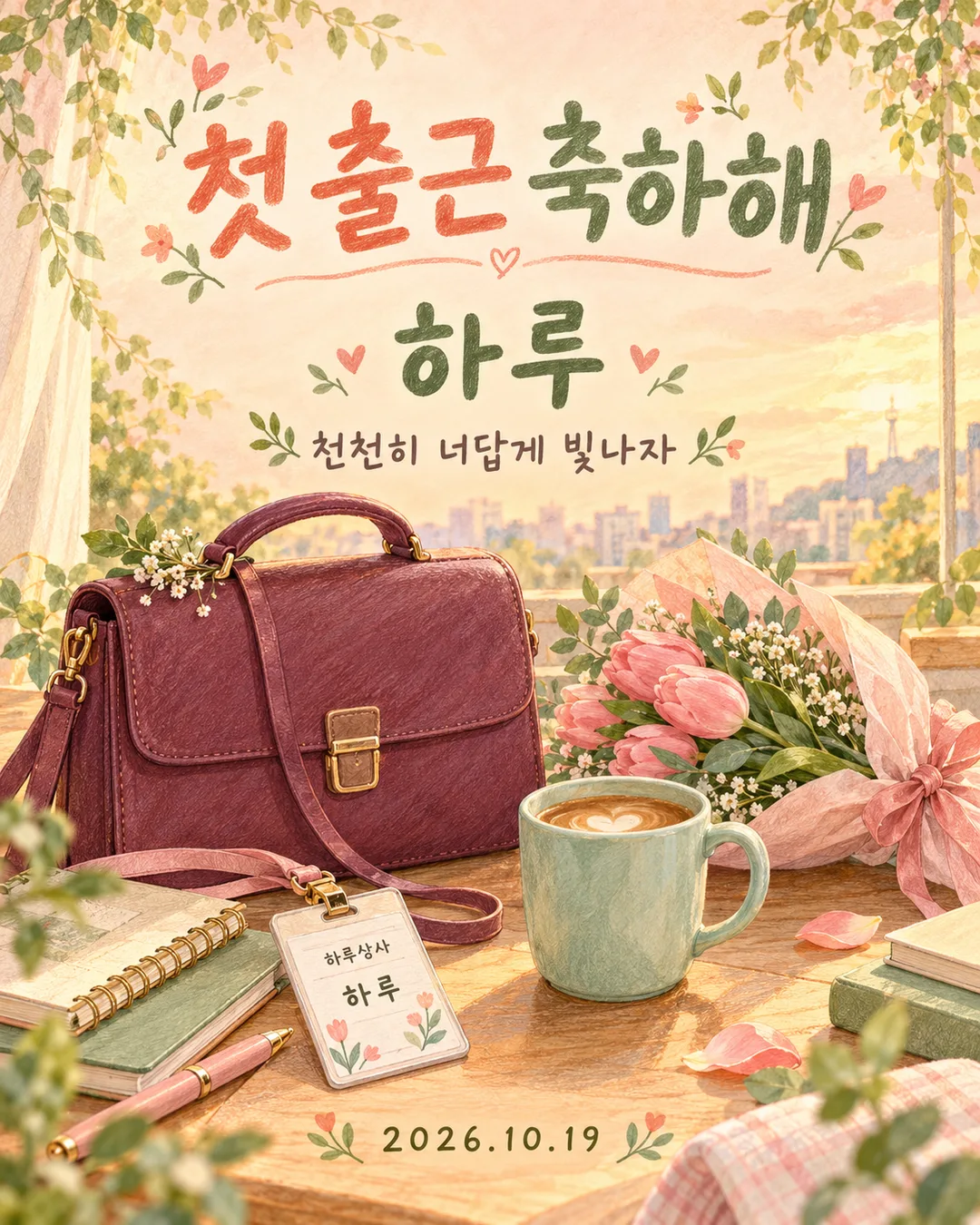
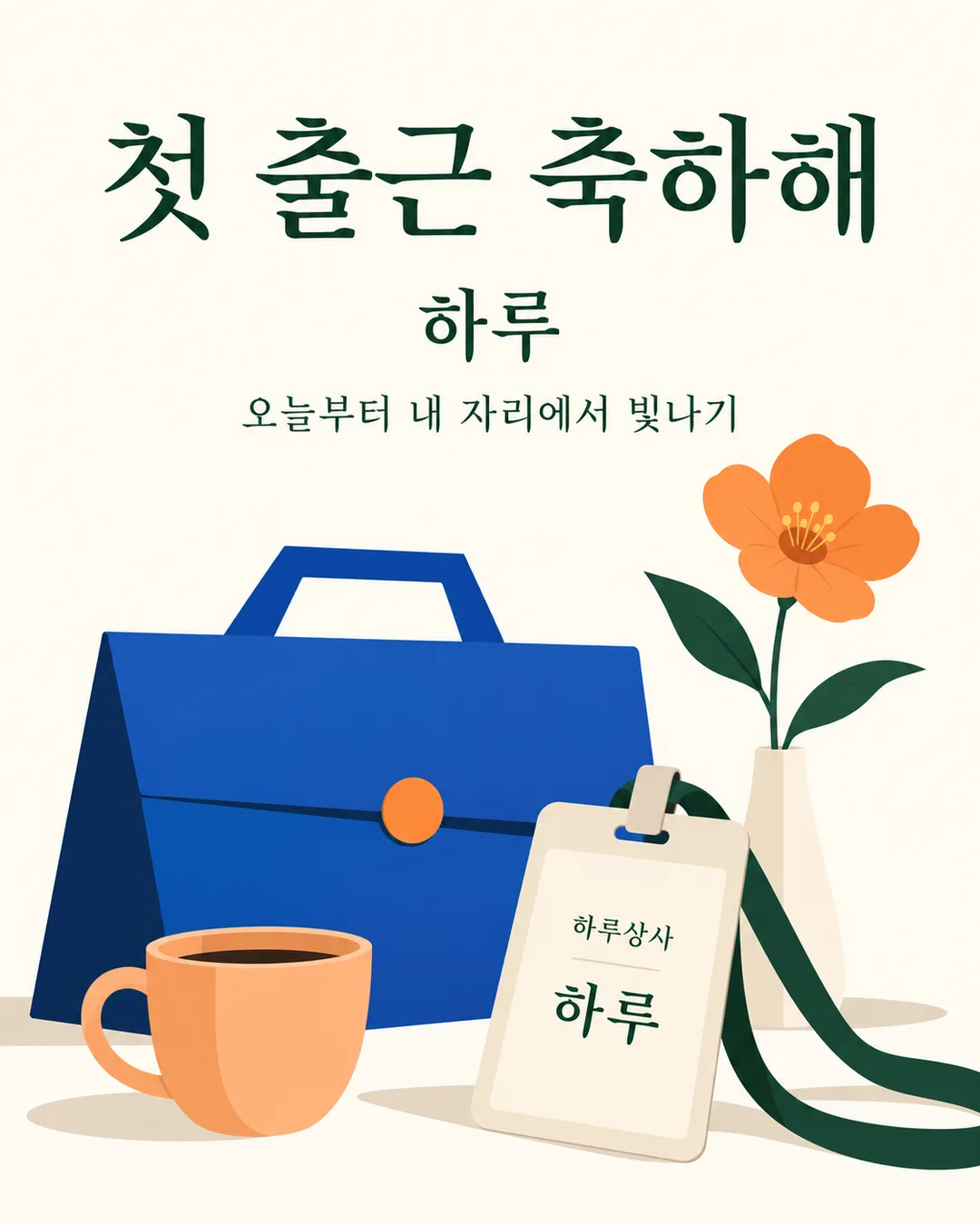
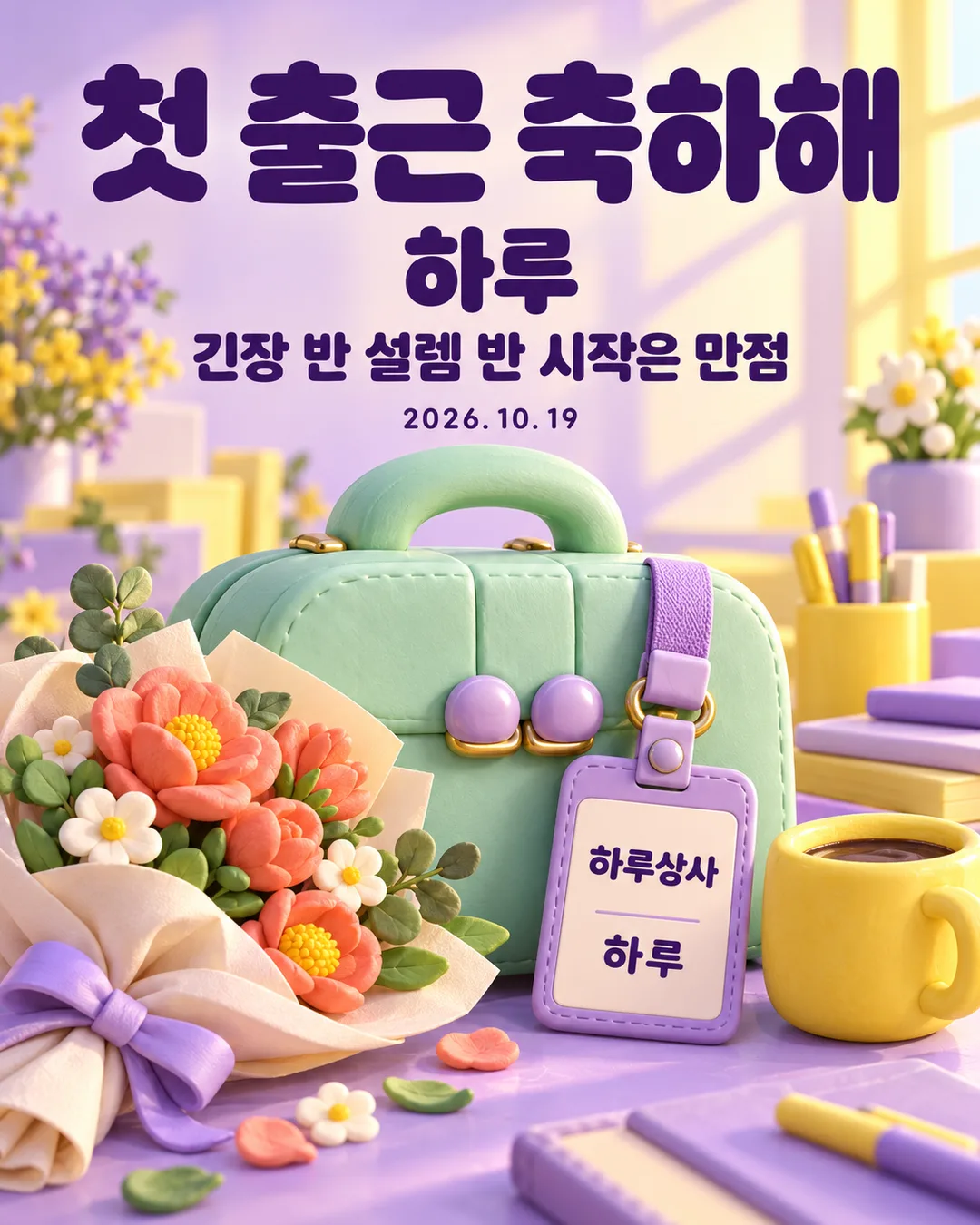
칸 채우기
- 1칸을 채워요
- 2복사 버튼을 눌러요
- 3GPT 채팅창에 붙여넣어요
- 4그대로 보내면 썸네일 예시처럼 나와요
- 5카드에 맞는 실제 사진을 같이 넣으면 그 사진이 반영돼요 — 배경 카드는 배경 사진, 인물 · 음식 카드는 그 사진 선택
프롬프트 원문 보기 3,258자
Generate this image now. Return exactly ONE finished full-bleed first-day-at-work congratulations card, with all lettering included. No explanation or questions.
Output size 1080x1350 pixels, 4:5 portrait, Instagram standard.
Default ratio 4:5 portrait. The selected shared size takes priority. Never show a paper card on a surface, phone mockup, frame, collage or gallery.
NAME = "【이름】"
MESSAGE = "【문구】"
DATE = "【날짜】"
ATMOSPHERE = "【분위기】"
Resolve each input once. Fixed headline is exactly "첫 출근 축하해". Copy NAME exactly, without adding honorifics; if empty omit the main name and badge name together. Copy supplied MESSAGE verbatim. Empty MESSAGE or "없음" removes its entire line; "알아서 골라줘" resolves to "너의 시작을 응원해". Copy DATE exactly, with its punctuation; empty DATE removes the entire date line. Never add weekdays, ages, employer facts, job titles or employment conditions. Close gaps when a line is removed. Empty ATMOSPHERE uses "따뜻한 손그림".
Use precisely the selected atmosphere:
"따뜻한 손그림": warm colored-pencil and gouache hand drawing, visible pigment texture, peach or butter-yellow background, sage, coral and teal accents, gentle morning light.
"깔끔한 미니멀": clean minimal editorial illustration, ivory background, dark green typography, cobalt and apricot geometric objects, few strong shapes, no busy confetti.
"귀여운 3D": cute clay 3D illustration, lavender and sunshine yellow, mint rounded objects, tactile soft materials, polished studio lighting, dark purple crisp lettering.
One coherent scene: a substantial original briefcase, a fictional employee badge, a flower bouquet or single flower and a plain coffee cup. Products must be invented designs: vary silhouettes, clasps and proportions; no recognizable real product designs. The badge displays only fictional company "하루상사" and exact NAME if present. The main name may also appear once on the badge by design. No real employer, corporate logo, people, portrait, existing character, celebrity likeness or attached-photo transformation.
Typography hierarchy: huge exact headline in upper third, prominent NAME below, short MESSAGE below, substantial scene across the lower half, optional DATE in available clear space. Maintain safe margins; essential lettering inside 12%-85% height, never obstructed by objects. In the scene keep badge text large enough to read. Background fills every edge. Natural line breaks allowed, no changing or shortening text. Use at most two lines for long messages. Print only the fixed headline, resolved NAME, MESSAGE, DATE and fictional badge company. Never print field labels, menu commands, style names, example labels, verification notes, signatures or watermarks.
Before returning compare every rendered character, space, digit and punctuation against the resolved strings, including small badge and date lettering. Correct errors within generation. One paste produces one complete image; no separate lettering overlay or postprocessing required.

[Final output format]
Output size 1080x1350 pixels, 4:5 portrait, Instagram standard.
This selected output format takes priority over any fixed canvas size or aspect ratio elsewhere in this template. Adapt the composition, text zones and margins to the selected canvas without stretching or cropping essential content. Device safe areas apply only when a device is selected. Never print these format instructions on the image.
결과 어땠어요?
이 카드도 많이 사용해요
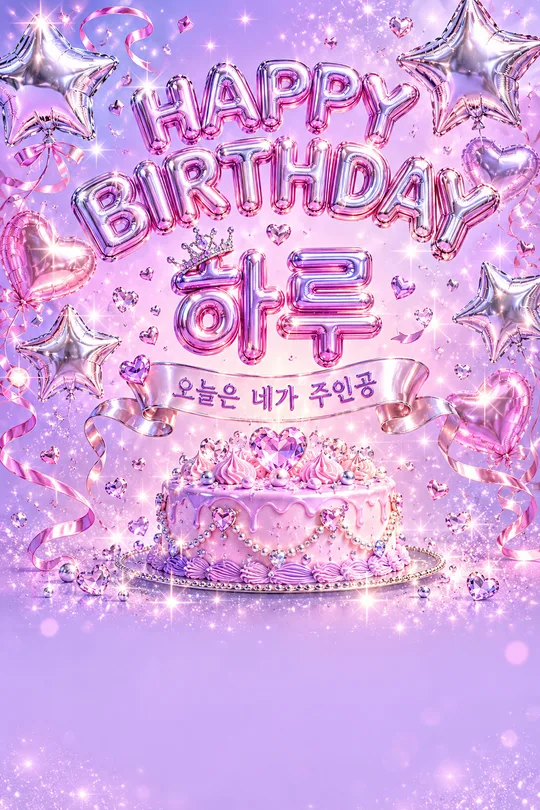
쓰는 법 · 자주 묻는 것
새 출발에 보내는 한 장
가족이나 친구의 첫 출근을 축하하거나, 입사한 본인이 새 출발을 기록할 때 쓰는 카드예요. 큰 ‘첫 출근 축하해’ 아래에 이름과 짧은 응원을 담고, 서류 가방·가상 사원증·꽃·커피를 함께 그립니다. 사진 없이 완성된 프롬프트를 그림 AI에 한 번 붙여넣으면 글자까지 들어간 결과 한 장을 받아요. 기본 비율은 4:5이며 공통 크기 메뉴에서 다른 비율도 고를 수 있어요.
네 칸 채우기
꼭 채울 칸은 이름 한 개예요. 예시는 ‘하루’이며 호칭을 자동으로 붙이지 않으니 원하는 표기 그대로 적어 주세요. 문구는 보기를 누르거나 짧은 응원을 적습니다. ‘알아서 골라줘’는 ‘너의 시작을 응원해’를 사용하고, 비우거나 ‘없음’을 고르면 응원 줄 전체가 빠집니다. 날짜는 선택이에요. ‘2026.10.19’처럼 원하는 표기를 쓰면 그대로 보이고, 지우면 날짜 줄 없이 간격을 다시 맞춰요. 요일이나 근무 조건을 덧붙이지 않습니다. 분위기는 따뜻한 손그림·깔끔한 미니멀·귀여운 3D 중 하나이며 비우면 따뜻한 손그림입니다. 이름을 비운 경우에는 이름 줄과 사원증 이름을 함께 생략해요.
예시와 확인 방법
표지는 노란 바탕 손그림과 ‘너의 시작을 응원해’, 예시 1은 복숭아빛 손그림과 ‘천천히 너답게 빛나자’입니다. 예시 2는 미니멀과 ‘오늘부터 내 자리에서 빛나기’로 날짜를 뺐고, 예시 3은 3D와 ‘긴장 반 설렘 반 시작은 만점’을 담았어요. 실제 회사 이름을 받는 칸은 없으며 사원증에는 가상 이름 ‘하루상사’만 씁니다. 제품도 특정 브랜드를 따라 하지 않는 가상 디자인입니다.
보내기 전 제목·이름·응원·날짜·사원증을 확대해 한 글자씩 확인하세요. 글자가 틀리면 해당 문자열을 따옴표로 짚고 같은 구성에서 그 글자만 바로잡아 달라고 요청하세요. 긴 문구는 두 줄이 될 수 있어요. 이름이나 날짜만 바꿔도 되나요? 네, 그 칸만 바꾸고 프롬프트 전체를 다시 복사하면 됩니다. 이 페이지는 프롬프트를 준비하는 곳이며, 외부 그림 서비스의 요금과 이용 조건은 해당 서비스에서 확인하세요.