
All · Ads & posters · Sales & events · Retail
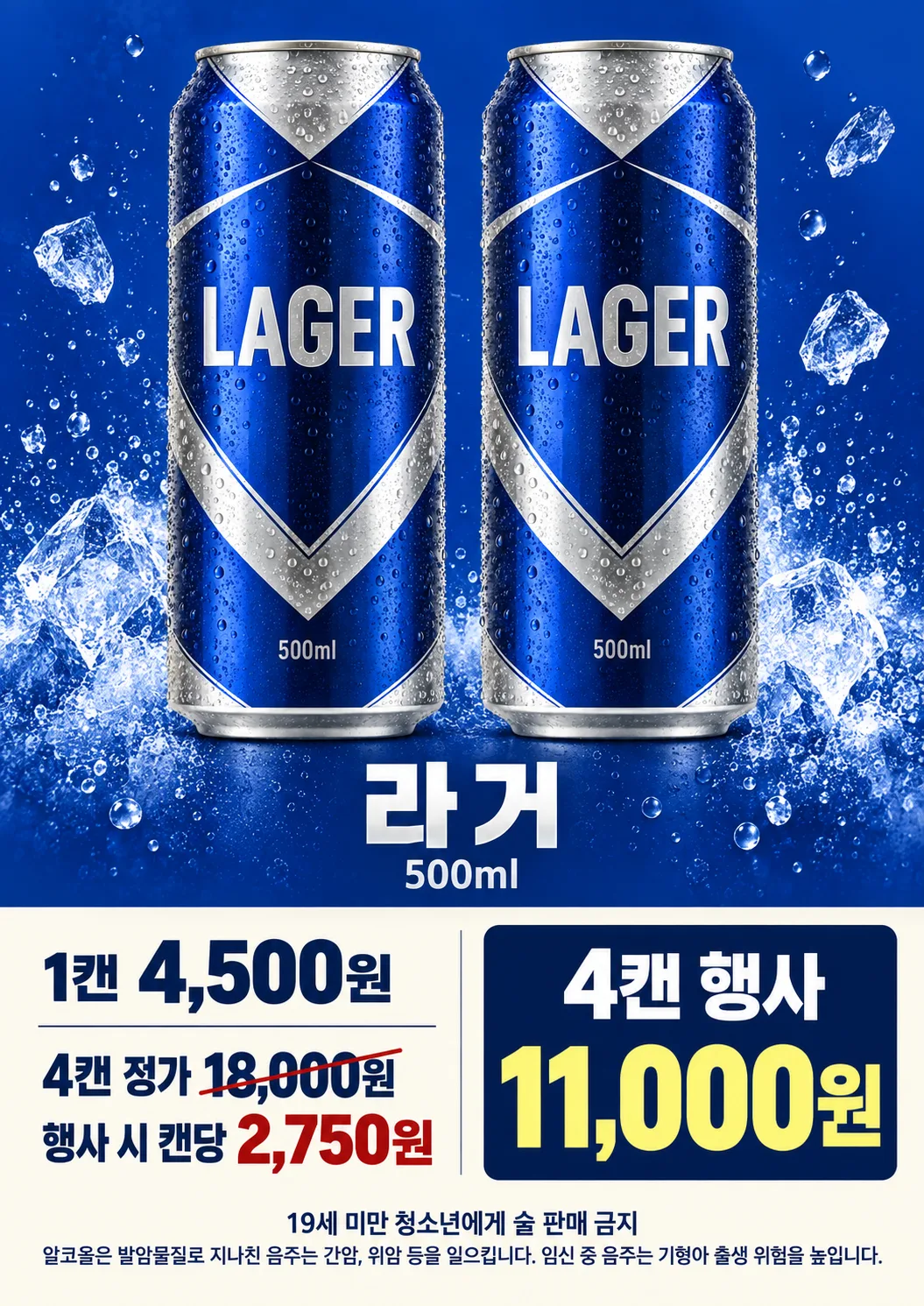
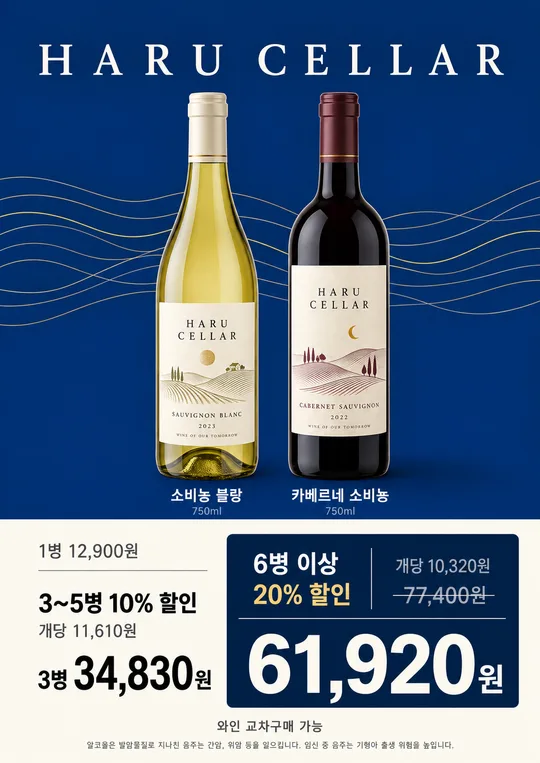
037Convenience Store Beer Sale Poster
Show the photographed beer can, single-can price, and an exact multi-can offer on a print-ready poster.
Fill in the fields
- 1Fill in the fields
- 2Copy the prompt
- 3Upload Photo of the actual beer can and paste the prompt into your GPT chat
- 4Check that both the photo and prompt are attached, then send
Full prompt 1,098 characters
Create the finished image now. Return the image, not a description.
Output size 2480x3508 pixels, A4 portrait, 300dpi, print-ready poster.

[Owner inputs]
Price per can: 【Price per can】
Bundle offer: 【Bundle offer】

Require a front-facing photo of the actual can; if missing, request it before creating the poster. Keep the can label and volume faithful. Make one A4 convenience store sale poster with large cans above and a clear price panel below. Parse the bundle quantity and total; show the regular quantity total and effective per-can price only when the arithmetic is exact. Never invent a brand, term, discount percentage, mix-and-match rule, or payment benefit. Include a small, locally appropriate legal-drinking-age notice; the store must check its own jurisdiction's required alcohol notices. Do not claim that drinking is safe.

Use the filled field values as instructions. Omit blank optional fields. Preserve exact owner-supplied names, dates, prices, contact details, and wording. Use natural U.S. English for all visible text. Do not print field labels as a separate form, prompt instructions, placeholder braces, or invented facts on the image.
You may also like

How to use it · FAQ
Check the actual product label, volume, bundle total, and calculated per-can price before printing.