
All · Ads & posters · Sales & events · Retail
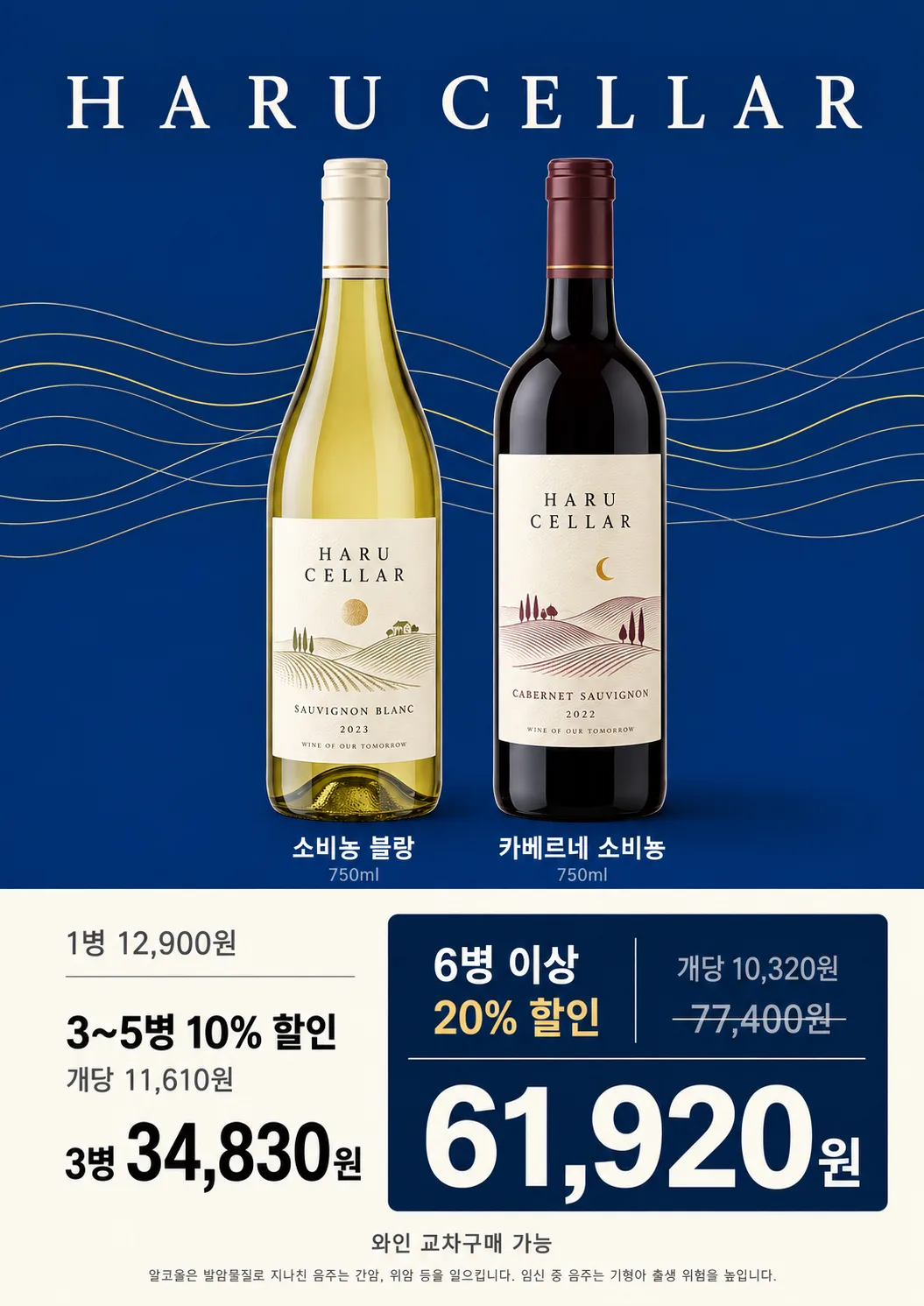
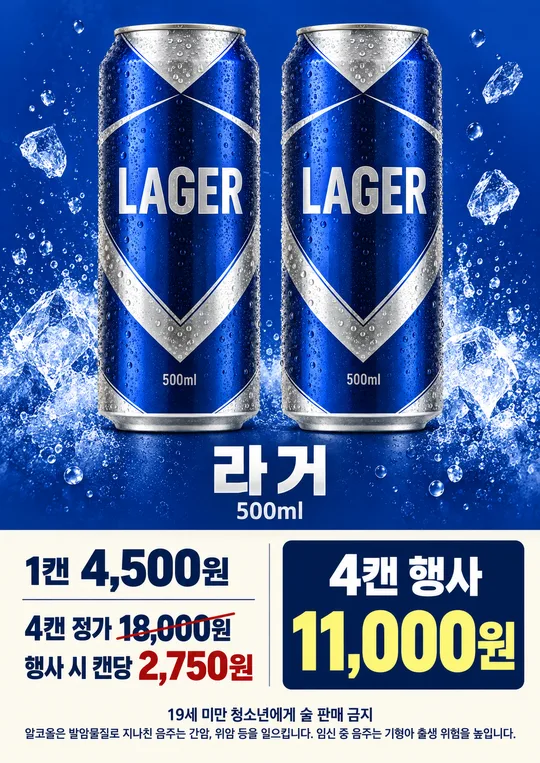
036Convenience Store Wine Sale Poster
Show a photographed wine bottle and exact quantity-based discounts on an A4 shop poster.
Fill in the fields
- 1Fill in the fields
- 2Copy the prompt
- 3Upload Photo of the actual wine bottle and paste the prompt into your GPT chat
- 4Check that both the photo and prompt are attached, then send
Full prompt 1,128 characters
Create the finished image now. Return the image, not a description.
Output size 2480x3508 pixels, A4 portrait, 300dpi, print-ready poster.

[Owner inputs]
Price per bottle: 【Price per bottle】
Discount tiers: 【Discount tiers】
Bottom line: 【Bottom line】

Require a clear photo of the actual bottle; ask for it if missing. Create one A4 convenience store sale poster with the faithful bottle above and a clear price table below. Parse the single-bottle price and supplied quantity ranges and percentages, calculate discounted totals accurately, and omit calculations that cannot be verified. Use the bottom line only if supplied; for a Naver Pay example, explain or replace it with a real local payment program rather than inventing one. Do not add an offer period, brand, mix-and-match condition, or payment benefit. Include locally appropriate legal-drinking-age wording.

Use the filled field values as instructions. Omit blank optional fields. Preserve exact owner-supplied names, dates, prices, contact details, and wording. Use natural U.S. English for all visible text. Do not print field labels as a separate form, prompt instructions, placeholder braces, or invented facts on the image.
You may also like

How to use it · FAQ
Check the bottle label, volume, price tiers, and arithmetic before printing.