
All · Social posts · Business stories
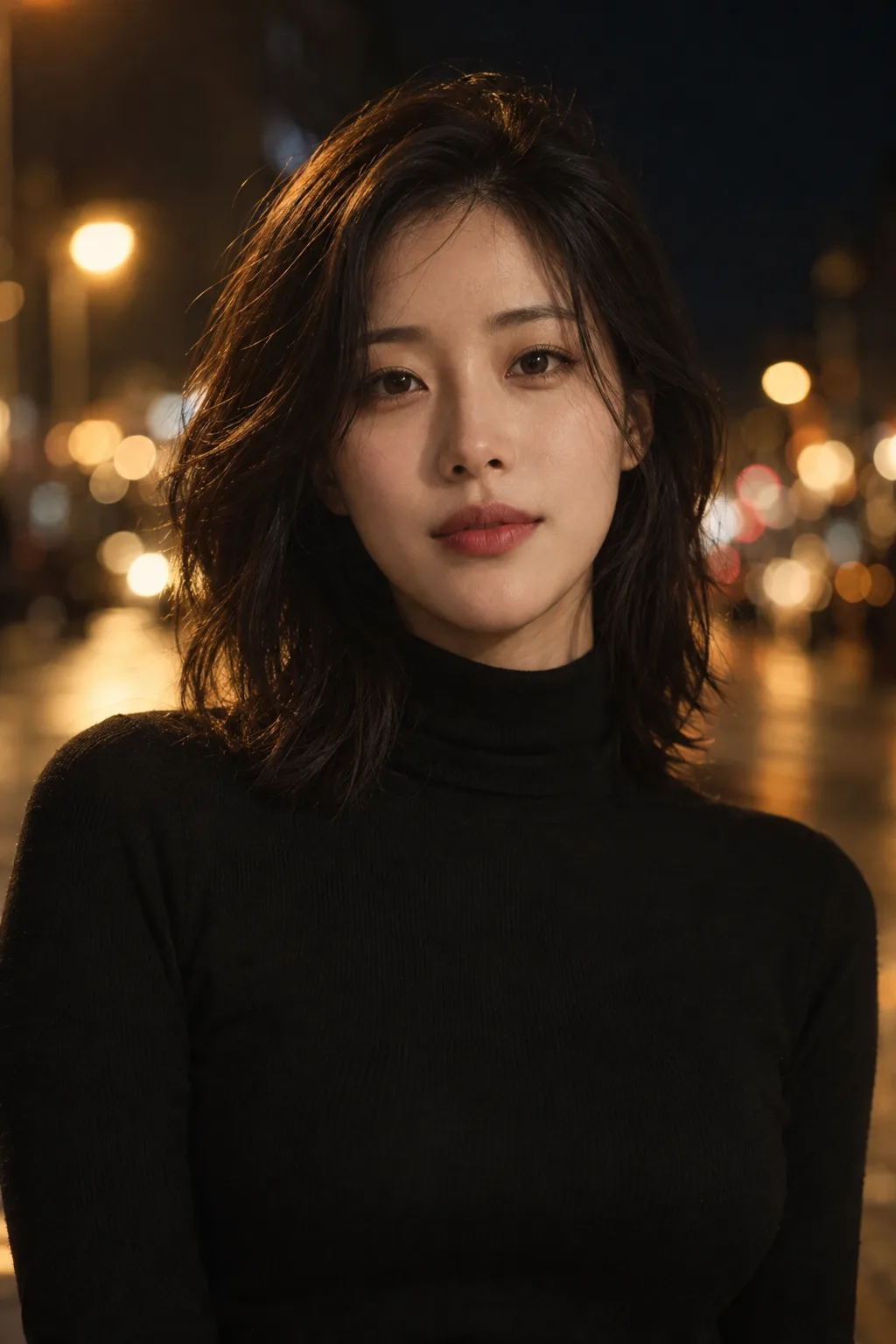
323Cinematic Instagram profile — your photo as a film still at night or by a rainy window
One photo becomes a film-still profile with a dark background, warm key light, city bokeh and a film color grade.
What you get
- One film-still style profile photo
- Dark background and warm key light
- Blurred city bokeh and film colors, no text
ChatGPT Free OK
Fill in the fields
- 1Fill in the fields
- 2Copy the prompt
- 3Paste it into a GPT chat
- 4Send it as is and you get an image like the thumbnail example
- 5Attach a real photo that fits the card and it is used in the result: a background photo for background cards, a person or food photo for those cards Optional
Full prompt 3,453 characters
Generate this image now. Draw it directly - do not describe it, explain it, or ask questions.
Output size 1080x1350 pixels, 4:5 portrait, Instagram standard.
Create one cinematic photographic profile portrait on the requested canvas. The intended card format is 4:5.

LOCATION selected: "【Setting】"
Interpret only the selected choice:
- City lights at night: A dark city street at night, with distant amber streetlights and soft urban bokeh.
- Rainy window: Beside a rain-covered window at night, with blurred lights beyond the glass and subtle reflected highlights.
- Rooftop at sunset: On a rooftop at sunset, with a softly blurred skyline, warm horizon light, and a subdued background.
- Dark studio: In a dark portrait studio, with a deep charcoal background and subtle light falloff.
If this selection line is missing or empty, use City lights at night only.

OUTFIT selected: "【Outfit】"
Interpret only the selected choice:
- As in the photo: Preserve the clothing visible in the attached photo; for an invented subject, use a plain dark top.
- Black turtleneck: A plain black turtleneck with realistic knit texture and no logo.
- Leather jacket: A fitted dark leather jacket with believable texture and no logo.
- Trench coat: A tailored neutral-colored trench coat with natural folds and no logo.
If this selection line is missing or empty, use As in the photo only.

COLOR GRADE selected: "【Color grade】"
Interpret only the selected choice:
- Warm film: Warm amber highlights, natural skin tones, muted shadows, and subtle photographic film grain.
- Cool teal: Restrained cool teal shadows, balanced skin tones, soft highlights, and subtle photographic film grain.
- Black and white: Rich monochrome tones, luminous skin, deep controlled shadows, and subtle photographic film grain.
If this selection line is missing or empty, use Warm film only.

[Attached photo]
Use the attached photo as the identity reference for the main person. Preserve their facial structure, age, skin tone, distinctive features, and recognizable likeness. Rebuild the lighting, background, pose, and selected clothing around that identity. Do not copy text, watermarks, logos, or interface elements from the source.
PHOTO RULE: if a photo is attached, use it as described; if no photo is attached, never ask for one and never stop — invent a fitting fictional subject and finish the image.

Show one person facing the camera in a close upper-body composition. Keep the eyes tack sharp, the facial anatomy natural, the skin realistically textured, and the expression calm and confident. Use an 85 mm portrait-lens look, shallow depth of field, a soft warm key light, gentle shadow falloff, restrained fill, and subtle separation from the background. Adapt the final color grade to the selected choice.

Keep the face near the center so the portrait works as a square or circular profile crop. Produce one finished photographic image. No collage, borders, captions, letters, invented text, logos, brands, watermark, celebrity substitution, or existing fictional character.
The choice names in this prompt are internal labels only; never print them as text.

[Final output format]
Output size 1080x1350 pixels, 4:5 portrait, Instagram standard.
This selected output format takes priority over any fixed canvas size or aspect ratio elsewhere in this template. Adapt the composition, text zones and margins to the selected canvas without stretching or cropping essential content. Device safe areas apply only when a device is selected. Never print these format instructions on the image.
How did it turn out?
You may also like
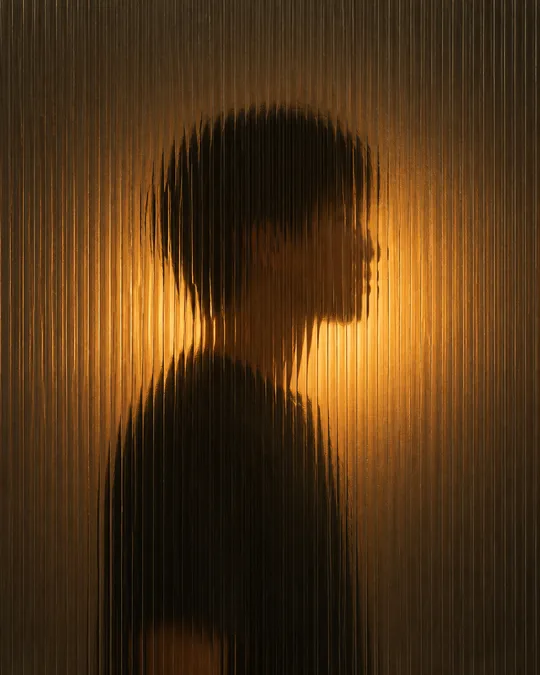
- 342Silhouette behind fluted glass — a softly blurred figure and warm light
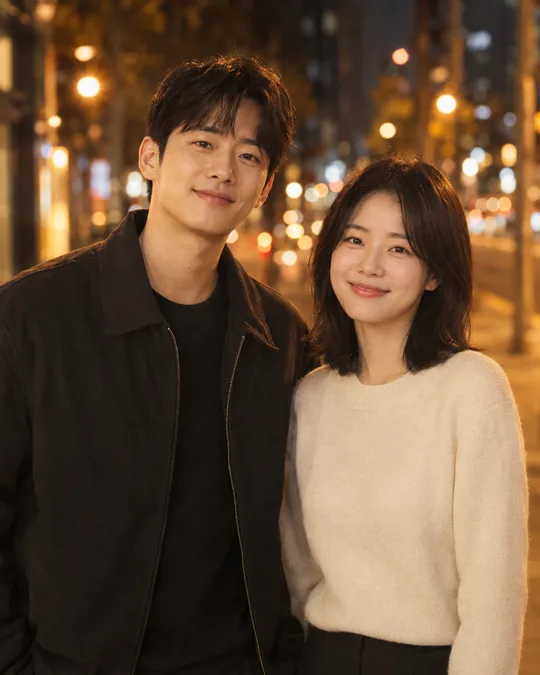
- 341Cinematic couple photo — two photos become a movie-like portrait together
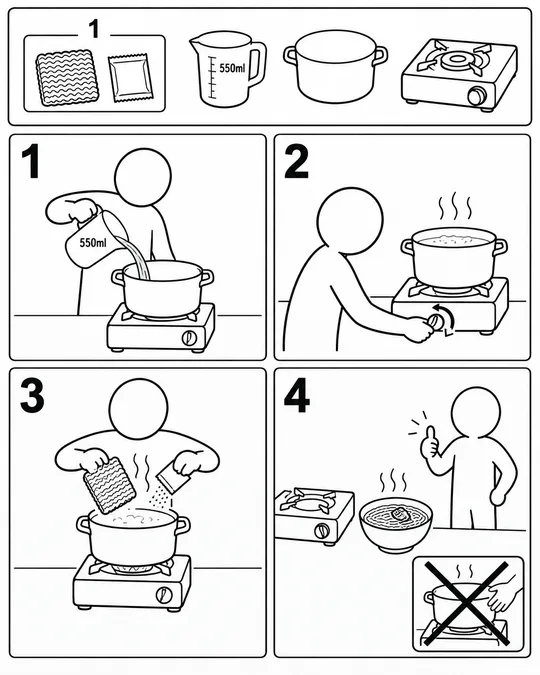
- 337Assembly manual illustrations — cooking ramen or getting ready for work, furniture-manual style
- 335Photo doodles — crayon crowns, stars and hearts over your original photo

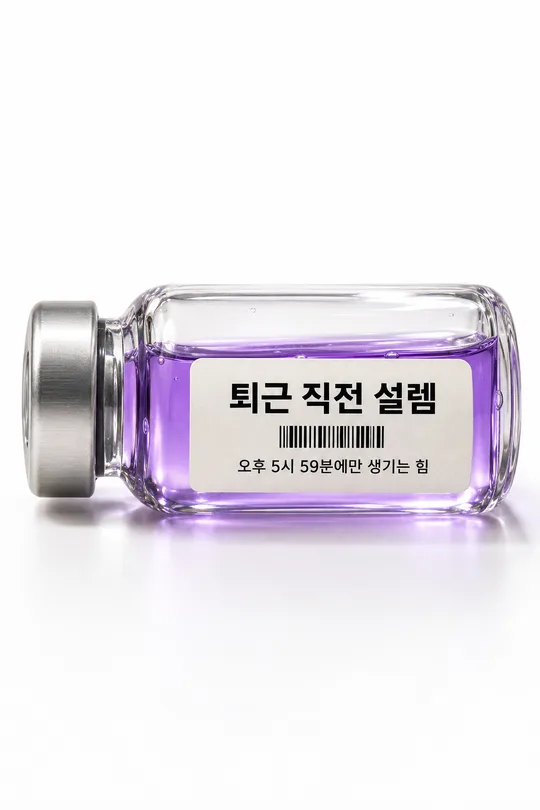
- 330Emotion vial photo — bottle a feeling like 'pre-clock-out joy' with a label
- 329Out-of-bounds type poster — a giant vertical word that frames a photo scene

How to use it · FAQ
When to use it
Turn an ordinary selfie into a profile that looks like a movie still: dark background, warm light on one side of the face, blurred city bokeh and film colors.
Filling in the fields
Pick a setting. Outfit defaults to your photo; warm film is most natural.
Using your photo
① Upload a clear front-facing photo — do not send yet ② paste the prompt ③ send when both are there.
Check the result
- Does it still look like you? Ask for less retouching if needed.
What the buttons change
- Setting: City lights at night adds round bokeh behind you, Rainy window gives raindrops and soft light, Rooftop at sunset gives warm backlight, and Dark studio leaves only the light on your face.
- Outfit: As in the photo keeps your own clothes; the other options dress you like a film lead.
- Color grade: Warm film looks natural, Cool teal feels like a thriller, and Black and white looks like a classic photo shoot.