
All · Social posts · Business stories · Offers & events
329Out-of-bounds type poster — a giant vertical word that frames a photo scene
Write one word and a scene to get a modern poster where a giant vertical word becomes a window into the scene, with a small info block beside it.
What you get
- One giant vertical type poster
- A scene showing through the letters
- A small title and info block beside it
ChatGPT Free OK
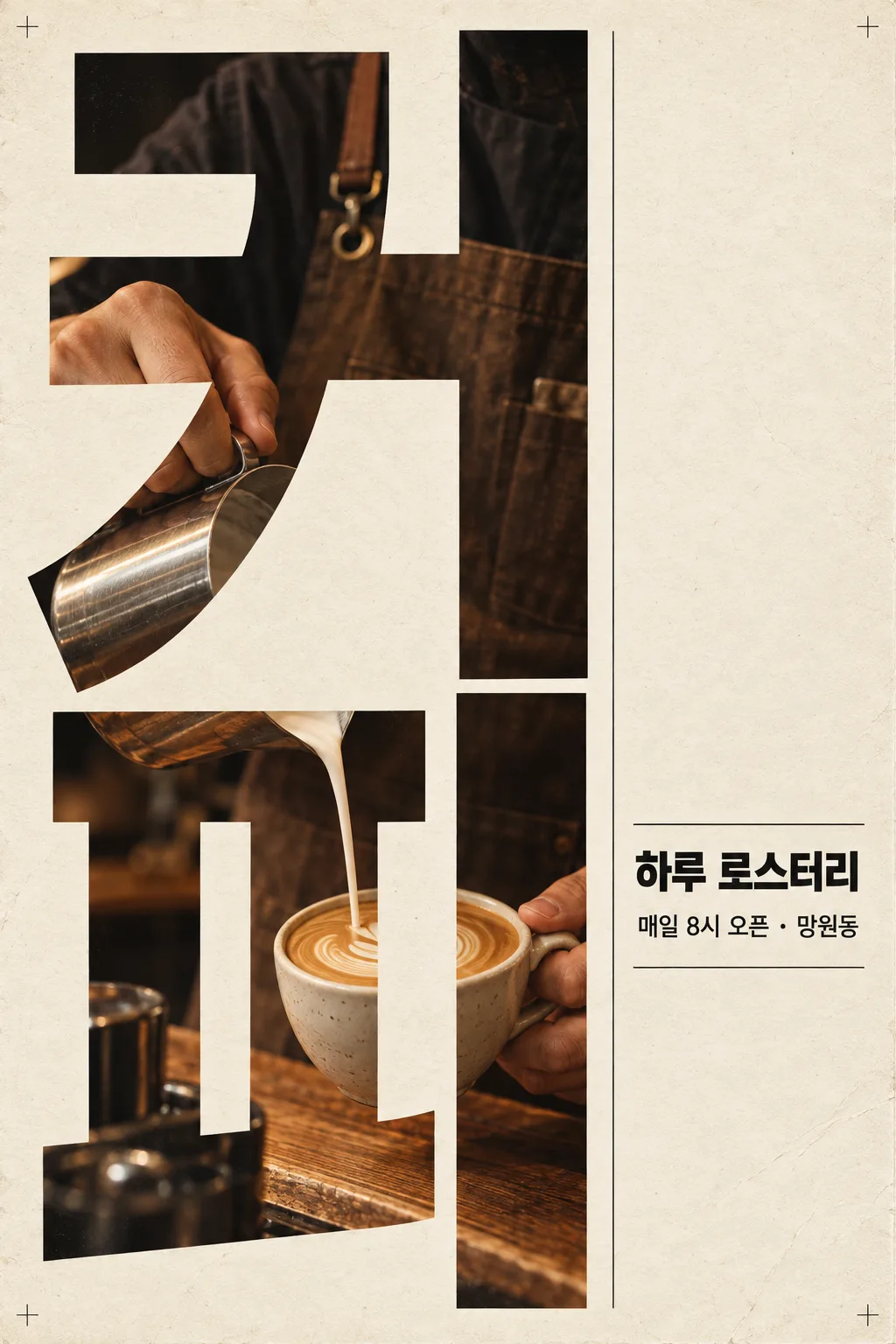
Fill in the fields
- 1Fill in the fields
- 2Copy the prompt
- 3Paste it into a GPT chat
- 4Send it as is and you get an image like the thumbnail example
- 5Attach a real photo that fits the card and it is used in the result: a background photo for background cards, a person or food photo for those cards Optional
Full prompt 3,100 characters
Generate this image now. Draw it directly - do not describe it, explain it, or ask questions.
Output size 1080x1440 pixels, 3:4 portrait, social media post.
If the size line is missing or empty, use a vertical 2:3 canvas.

Create one finished modern photographic typography poster. Fill approximately the left two-thirds of the canvas with a giant word arranged vertically, with one character per row. Use extremely heavy, condensed lettering with correctly formed strokes and open counters. Make the word nearly fill the height of the poster.

GIANT WORD:
"【Big word】"
Print this exact string once as the giant photographic typography. Preserve its spelling, punctuation, and character order. Spell every word exactly, letter by letter.

SCENE INSIDE THE LETTERS:
"【Scene inside】"
Invent a realistic photographic composition of this scene. Reveal the photograph inside the giant letter strokes only. Arrange the subject, hands, objects, and environmental details into a visually connected scene across the stacked characters. Keep counters and inter-letter gaps as the plain poster background. Do not substitute rectangular photographs for the letterforms. Keep the word immediately readable.

SMALL TITLE:
"【Small title】"
If the small-title line is missing or empty, omit the title completely. Do not invent replacement wording.

INFORMATION LINE:
"【Info line】"
If the information-line entry is missing or empty, omit it completely. Do not invent dates, addresses, slogans, or replacement wording.

PALETTE selected: "【Colors】"
Interpret only the selected choice:
- Cream and black: warm cream paper, black editorial typography, and warm photographic tones.
- White and red: clean white paper, vivid red editorial typography, and neutral photographic tones with controlled red accents.
- Beige and navy: textured beige paper, deep navy editorial typography, and muted warm photographic tones.
If this selection line is missing or empty, use Cream and black only.

Reserve the right third for the supplied small title and information line, using a carefully aligned editorial column, strong type hierarchy, and fine rules. If either text field is absent, rebalance the remaining elements without adding text. If both are absent, use quiet space and thin graphic rules only.

Use subtle paper fibers, light printing wear, tiny nonverbal registration marks, crisp typography, cinematic photographic detail, and precise margins. Preserve the dense photographic interior and dramatic scale of the giant word. Print supplied text exactly as quoted; do not translate, paraphrase, or add characters. No additional text, logos, trademarks, real public figures, existing characters, signatures, or watermarks.
The choice names in this prompt are internal labels only; never print them as text.

[Final output format]
Output size 1080x1440 pixels, 3:4 portrait, social media post.
This selected output format takes priority over any fixed canvas size or aspect ratio elsewhere in this template. Adapt the composition, text zones and margins to the selected canvas without stretching or cropping essential content. Device safe areas apply only when a device is selected. Never print these format instructions on the image.
How did it turn out?
You may also like
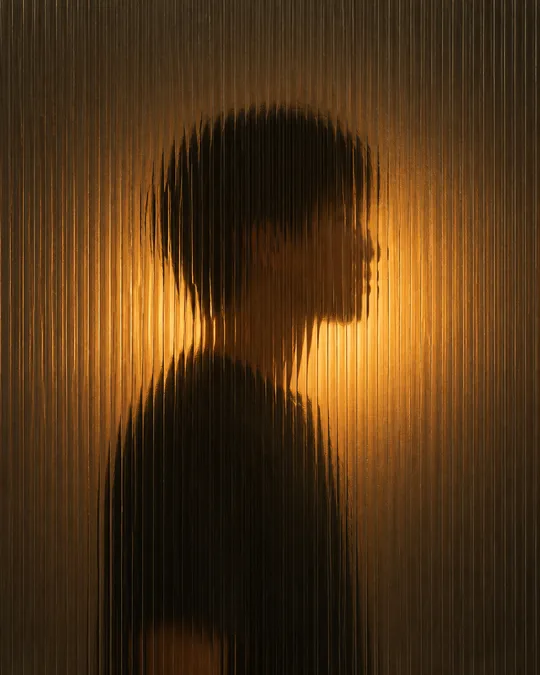
- 342Silhouette behind fluted glass — a softly blurred figure and warm light
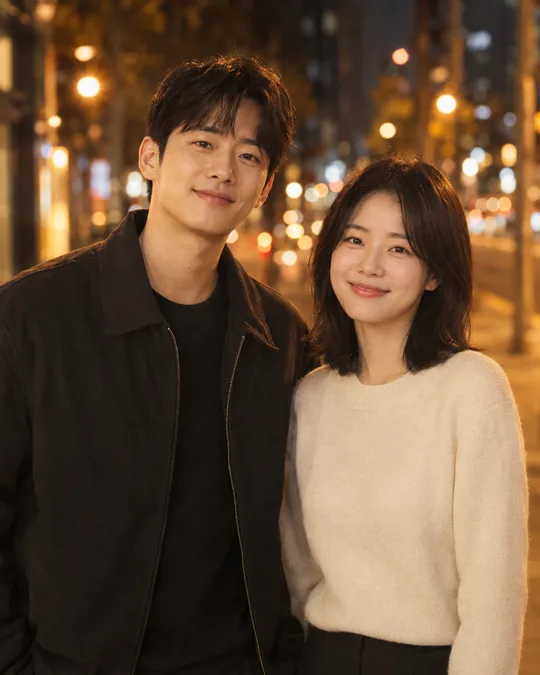
- 341Cinematic couple photo — two photos become a movie-like portrait together
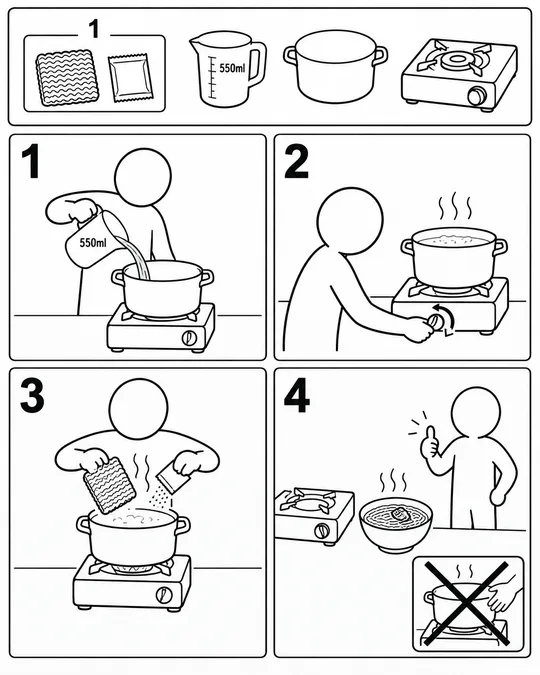
- 337Assembly manual illustrations — cooking ramen or getting ready for work, furniture-manual style
- 335Photo doodles — crayon crowns, stars and hearts over your original photo

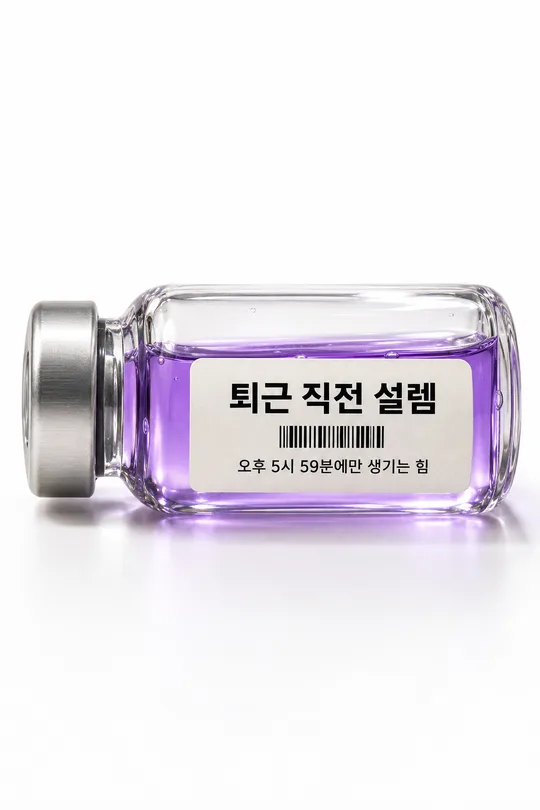
- 330Emotion vial photo — bottle a feeling like 'pre-clock-out joy' with a label
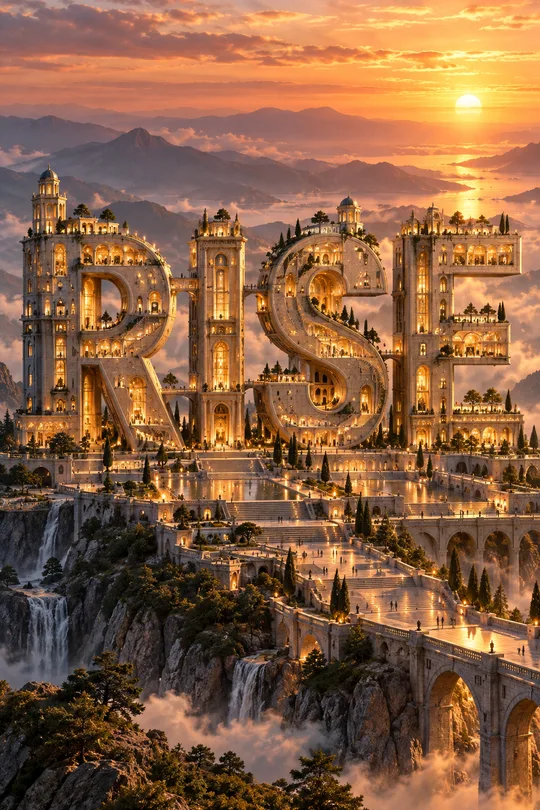
- 324Typographic architecture poster — one word becomes a giant building with windows, stairs and bridges
How to use it · FAQ
When to use it
Show your shop, event or brand as a designer-made modern poster: a giant vertical word fills one side, a scene shows through the letters, and a small title and details sit beside it like a magazine layout.
Filling in the fields
Big word and scene. Short words look boldest. Empty lines disappear.
Check the result
- Are the word and dates exact?
What the color buttons change
- Cream and black: the most magazine-like default; suits cafes, roasteries and bookshops.
- White and red: bold, great for sale or event notices.
- Beige and navy: calm and refined, good for florists, workshops and class sign-ups.
Pairing the word and scene
When the big word and the scene tell the same story, the poster reads at a glance: BREAD with hands taking bread out of the oven, RUN with a runner at dawn. Scenes with movement, like hands or people, show best through the strokes. For an event, type the date, place and conditions exactly in the info line.