
All · Wallpapers · Cute · Seasons & scenery
264Cute Halloween Phone Wallpaper — Purple Night Sky, Pumpkin Lanterns and a Little Ghost
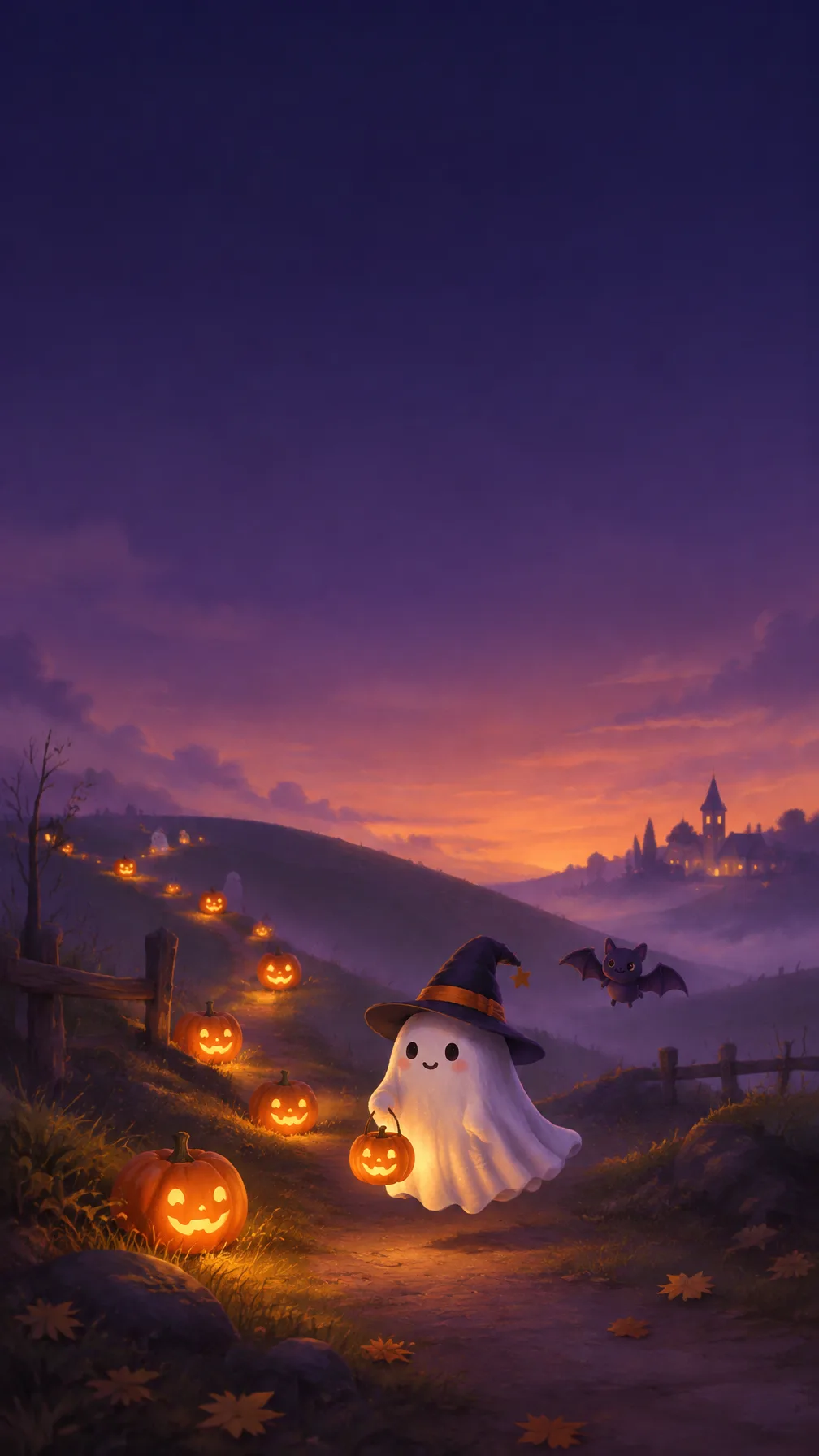
A cute Halloween lock screen: smiling pumpkin lanterns glow along a hill under a purple night sky while a little ghost floats by. The top stays clear for the clock.
ChatGPT Free OK
Fill in the fields
- 1Fill in the fields
- 2Copy the prompt
- 3Paste it into a GPT chat
- 4Send it as is and you get an image like the thumbnail example
- 5Attach a real photo that fits the card and it is used in the result: a background photo for background cards, a person or food photo for those cards Optional
Full prompt 8,780 characters
Generate this image now. Draw it directly - do not describe it, explain it, or ask questions.
Output size 1080x1920 pixels, 9:16 portrait story. Keep all text inside the central 80% of the height.
PHOTO RULE (this overrides any other line in this prompt, before or after it, that calls the photo required or mandatory or says to ask for it): if a photo is attached, use it exactly as the instructions below describe. If no photo is attached, never ask for one and never stop — invent a fitting fictional subject (person, pet, food, product or place, whatever this card is about) in the spirit of the card's example image, and finish the image.

[One finished lock-screen wallpaper; resolve variables first]
Create ONE original cozy Halloween phone wallpaper, full bleed, with a carefully reserved clock zone and a small protagonist in the lower third. Use a vertical 9:16 canvas unless line two explicitly requests another aspect ratio. Return the wallpaper itself, not a phone mockup, app screen, screen capture, poster, tiled sticker collection or multiple variations. The clock and notifications will be supplied by the user's device; do not draw them.
MOOD = "【Mood】". If absent, use cozy and cute. Slightly spooky introduces gentle drifting mist and more elongated landscape shadows while remaining friendly; dreamy introduces soft luminous haze and a slower floating mood, not a different layout.
HERO = "【Star】". If absent, use one little ghost. A black cat, pumpkin-headed child, small bat or the owner's photo-supplied pet replaces the main ghost; never draw every selectable protagonist together.
PALETTE = "【Colors】". If absent, use purple and orange. Navy/yellow replaces this with navy sky and warm yellow lantern light; mint/pink replaces it with dusky mint sky and soft pink-orange lantern light. Use only the resolved overall color direction, with compatible low-saturation supporting tones.
SMALL_TEXT = "【Small text】". If absent, make the image completely wordless. If automatic, choose one short Halloween word. Otherwise print only the supplied text exactly once in a small quiet area near the lower landscape.

[Fallbacks for absent input lines]
When an optional named input line is absent, resolve MOOD to cozy and cute, HERO to one little ghost and PALETTE to purple/orange. SMALL_TEXT is absent unless its own line is supplied. Active lines above always take precedence over this fallback map.

[Input resolution and photo priority]
Resolve the named inputs BEFORE planning the image. An optional input exists only when its own input line is supplied; blank values and "None selected" mean absent. "Choose for me" are automatic-choice MENU COMMANDS, never visible copy: choose a fitting concrete result yourself. Never print a selector, field label, these commands, or placeholder braces. Defaults apply only to absent inputs. A supplied choice replaces its corresponding default everywhere; subsequent scene descriptions refer to the resolved named value, never to a competing fixed default.
All scene descriptions use the resolved MOOD, HERO and PALETTE. The main character's identity and costume must be decided before placing it. An uploaded animal photo is an identity reference only when HERO selects the owner's pet, not a command to turn the landscape into photography or add a pet to every selection. In that pet mode use the visible reference animal or animals and give each a lightweight white ghost cape with an open face; if no photo is attached, invent one original fictional pet and finish under PHOTO RULE. Preserve species, natural body proportions, face, ears, eye color and recognizable coat markings in the wallpaper's illustrated medium. Do not ask for a reference or draw the words requesting a photo.

[Clock space and normalized layout]
Use image coordinates from 0% at the top to 100% at the bottom. The entire TOP 25%, from y=0 to y=25%, must contain only a smooth dark or muted sky gradient with extremely low texture: no moon, stars, faces, text, trees, lanterns, frame, cloud edge or bright speck. Never paint a clock, time, calendar date, notification, status icon, lock icon or safe-area box in that zone. Keep y=25-58% mostly quiet as well, with broad sky tones and, at most, soft low-contrast atmospheric bands away from the central notification region. Begin the rolling landscape around y=58-64%. Put the entire main HERO silhouette, including ears, cape, hat, wings and feet, inside y=68-88%, with its center near y=78%. Keep a little calm dark ground below, useful for lock-screen controls. If a different aspect ratio is explicitly requested, adapt width and spacing while retaining the top-quarter reserve and lower-third protagonist.

[Landscape and lantern rhythm]
Build two or three gently overlapping rounded hills that descend diagonally into a little path. A procession of small smiling pumpkin lanterns follows the real curvature of the hillside from one distant side toward the lower foreground, growing subtly in scale with perspective. Use around nine to thirteen individually shaped pumpkins, not identical copies or a rigid decorative border. Each has organic ribbing, a short stem, a small friendly carved face and believable warm light glowing inside its cavity. Their pools of light touch the path and the neighboring grass softly. Let the lantern rhythm guide the eye toward HERO instead of surrounding it with a cluttered ring. Keep pumpkin faces away from the clock reserve and central notification zone. Add a few sparse little leaf shapes only in the ground region, never thick confetti. Allow one or two tiny secondary friendly ghost silhouettes among distant lanterns below y=60%; they remain much smaller and fainter than the selected HERO.

[Main subject, use only the selected version]
Little ghost: one small original cloth-like floating character with soft rounded folds, tiny friendly eyes and a gentle curved smile. Black cat: one small seated original cat with a clear feline silhouette, luminous but natural eyes and a relaxed curved tail; use rim light to separate dark fur from the hillside. Pumpkin-headed child: one completely fictional small figure with a ribbed pumpkin head, a leaf collar and soft simple boots, with no real actor or character resemblance. Small bat: one tiny friendly bat with rounded ears and soft scalloped wings hovering just above the hill, wings contained entirely in the lower third. Owner's pet: the recognizable reference animal in a white ghost cape, with ears, eyes and nose visible and the cape falling naturally over its existing animal body. Keep the subject charming and modestly scaled: roughly 15-20% of image height, avoiding the central notification region. The secondary distant ghosts may support any selection without replacing its main subject.

[Illustrated atmosphere and finish]
Use an original softly painted storybook illustration with rich dimensional light, velvety sky gradients, nuanced hill shading, translucent glow around lanterns and tactile fine brush texture in the lower landscape. It should feel quiet and carefully composed, not flat vector clip art, a shop notice or a candy package design. Keep the upper sky smoother and darker than the illuminated foreground. A cozy mood uses rounded slopes and close warm light; slightly spooky uses cool gentle haze and distant crooked vegetation confined to the lower landscape, with no frightening silhouettes overhead; dreamy uses subtle soft-edged glowing mist near the hills. Balance cool sky and warm lantern light according to PALETTE; never restore purple/orange after another palette was chosen. The whole scene should remain readable behind white clock digits and app icons.

[Small text and finish check]
If SMALL_TEXT exists, set it once around y=81-84% in a small open patch beside the path, clear of HERO and lantern faces. Use delicate but readable hand-lettering with strong enough contrast, and preserve every supplied letter, period, space and numeral. Do not fabricate a year or show "10.31" unless it was actually supplied. If absent, add no title, greeting or decorative lettering anywhere. Check that all important main-subject parts are below 68%, that nothing intrudes into the upper 25%, and that middle sky retains room for notifications. Use original creatures only, with no real film references, famous monsters, existing animation characters, logos, branded wrappers, blood, wounds, injury, watermark or signature. Return the single full-bleed Halloween lock-screen background.

[Final output format]
Output size 1080x1920 pixels, 9:16 portrait story. Keep all text inside the central 80% of the height.
This selected output format takes priority over any fixed canvas size or aspect ratio elsewhere in this template. Adapt the composition, text zones and margins to the selected canvas without stretching or cropping essential content. Device safe areas apply only when a device is selected. Never print these format instructions on the image.
How did it turn out?
You may also like
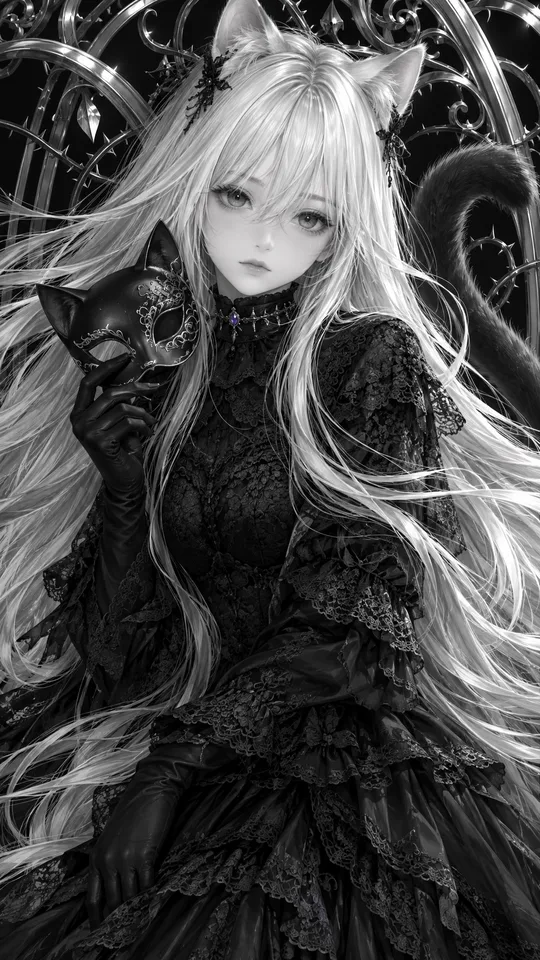
- 277Monochrome Gothic Cat-Ear Illustration — Silver Hair, Lace and Thorn Vines Wallpaper
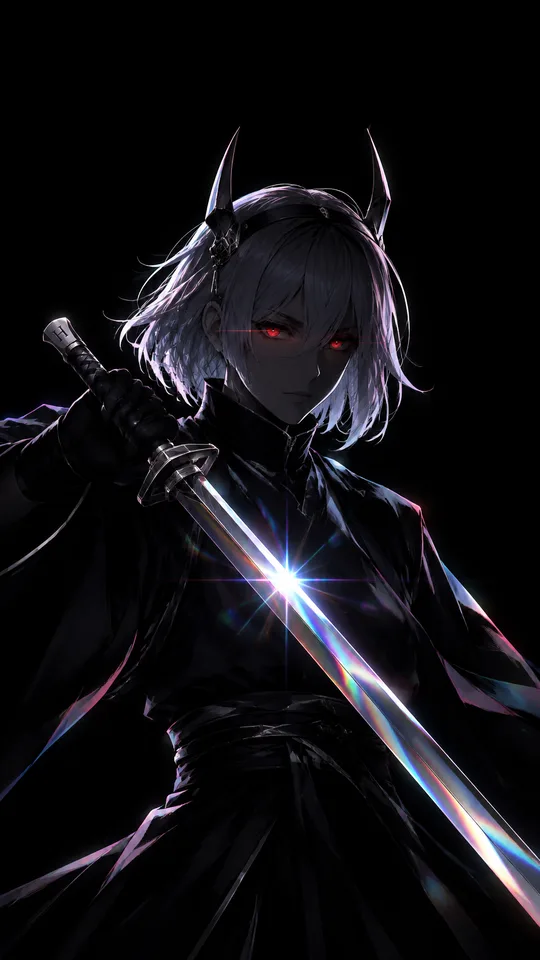
- 275Pitch-Black Silhouette Swordsman — Red Eyes and Prism Blade Phone Wallpaper
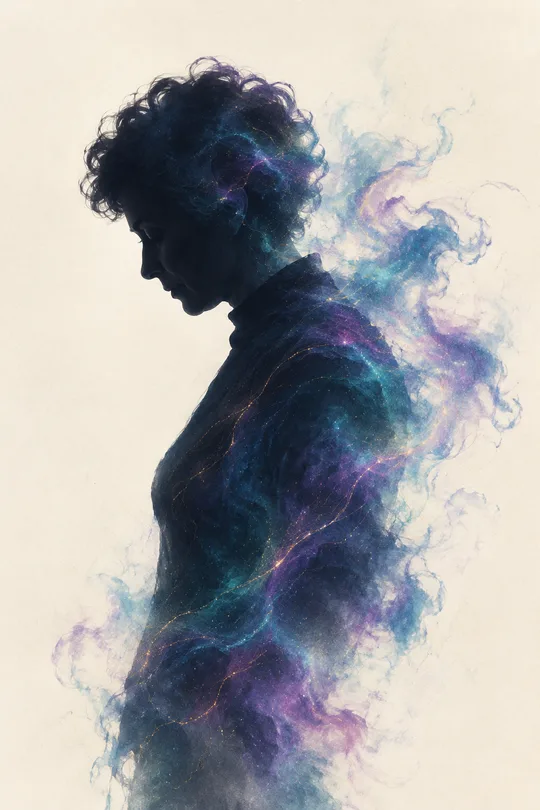
- 274My Silhouette Unraveling Into Cosmic Smoke — White Space and Starlight Threads
- 271Me Looking Over the Night City — Wind-Blown Hair and a Big Moon Phone Wallpaper
- 266Asleep Hugging a Giant Plush With My Initial — Sparkly Blanket Mood Wallpaper
- 257Silver-Haired Traditional Dress Phone Wallpaper — White Silk and a Gold Hairpin
How to use it · FAQ
When to use it
Use it to feel Halloween every time you turn on your phone in October. Smiling pumpkin lanterns glow in a line along a hill under a purple night sky while a little ghost floats by — a cute Halloween lock screen. The top quarter stays empty for the clock and notifications, and the middle where icons sit is kept calm.
Filling in the fields
You can leave everything empty for a cozy, cute mood, a little ghost and purple and orange. Choose "Our own pet" as the star and upload a photo, and your pet appears in a ghost cape. Small text goes in tiny letters at the bottom.
Adding your pet's photo
- Upload your pet's photo — don't send yet
- Paste the copied prompt into the same message box
- Check that both are there, then send
What to check
- Is the top clear for the clock?
- Is the star in the bottom third, leaving the middle free?
- Not too scary? Even "A little spooky" never includes gore
Fixing what's off
Ask in the same chat: "Move the ghost lower", "Make the sky darker", "More pumpkin lanterns".
FAQ
- Can I use it on a PC? Choose the 16:9 aspect ratio for a desktop wallpaper.