

All · Ads & posters · Cafés & desserts
114Luminous candy sculpture
Turn a shop name or animal into a luminous translucent candy sculpture for a dessert shop post or poster visual.
What you get
- One original translucent candy sculpture image
- A large subject following your shape and colors
- Candy lettering when text is supplied
Fill in the fields
- 1Fill in the fields
- 2Copy the prompt
- 3Paste it into a GPT chat
- 4Send it as is and you get an image like the thumbnail example
- 5Attach a real photo that fits the card and it is used in the result: a background photo for background cards, a person or food photo for those cards Optional
Full prompt 3,105 characters
Generate this image now. Return ONE finished full-bleed image directly, without questions or explanations.
Output size 1080x1350 pixels, 4:5 portrait, Instagram standard.
Create an original premium 3D sculpture entirely made from luminous translucent hard candy. Default aspect ratio 4:5. Fictional confectionery concept art, not a photograph of a sold product or a production recipe. Large sculptural forms fill the frame, with overlapping pulled-sugar ribbons reaching the edges. No inset paper, frame, mockup, collage, packaging or option sheet.
SHAPE: "【Shape】". Empty means a large shop-name sculpture. Follow the supplied original shape; for an animal use one complete recognizable animal with coherent ears, fins, legs and tail. Every part is sculpted candy, never fur or opaque flesh. For a name sculpture the text itself forms the hero. Never print the shape description.
COLOR: "【Color】". Empty means apricot, raspberry and honey. Colors run through the sugar as layered ribbons, with broad glossy highlights, refracted light, delicate pulled-sugar striations and irregular microbubbles. Keep the form readable instead of obscuring it with glare. Automatically adapt atmosphere: warm honey colors receive a dramatic plum backdrop and caramel lighting; cool cyan colors receive midnight blue and icy rim light; peach and lemon receive bright cream and soft daylight; emerald and violet receive pale pistachio with crisp directional light and graphic shadows. For a custom palette choose a harmonious uncluttered background. These are automatic lighting responses within the same candy-sculpture medium, not separate output formats.
TEXT: "【Text】". Render only this exact text, once, as thick front-facing freestanding candy lettering. Preserve each character and its order. Keep it away from ribbons, shadows and edge crops. Name sculpture: text is the main subject; if empty or exactly "Choose for me", use "Haru". Animal sculpture: place the exact text beside or in front of the animal; if empty or exactly "Choose for me", omit lettering. Never print the control phrase. For long text use balanced readable lines without shortening the name. No added slogan, price, date, number or field label. Added visible wording must be English; supplied names retain their entered script.
Compose the main form large, preserving its silhouette. Essential text stays between 16% and 82% of height with a 6% side inset. Small irregular sugar shards may anchor the foreground; no repetitive grid. Polished professional 3D confectionery rendering, real depth and elegant light transmission. No named artist imitation, people, real brands, logos, recognizable characters, famous product designs, signatures or watermarks. Only original fictional designs. Finish one image in a single generation.

[Final output format]
Output size 1080x1350 pixels, 4:5 portrait, Instagram standard.
This selected output format takes priority over any fixed canvas size or aspect ratio elsewhere in this template. Adapt the composition, text zones and margins to the selected canvas without stretching or cropping essential content. Device safe areas apply only when a device is selected. Never print these format instructions on the image.
How did it turn out?
More cards in this category
How to use it · FAQ
Build a fictional candy artwork for a dessert cafe post or poster visual. Thick translucent sugar forms the letters or the animal itself, with fine pulled-sugar streaks, layered color and refracted light. This is a concept image, not a photograph of merchandise, a manufacturing plan or proof that the sculpture can be made. Prepare accurate menu information separately if you need a sales announcement.
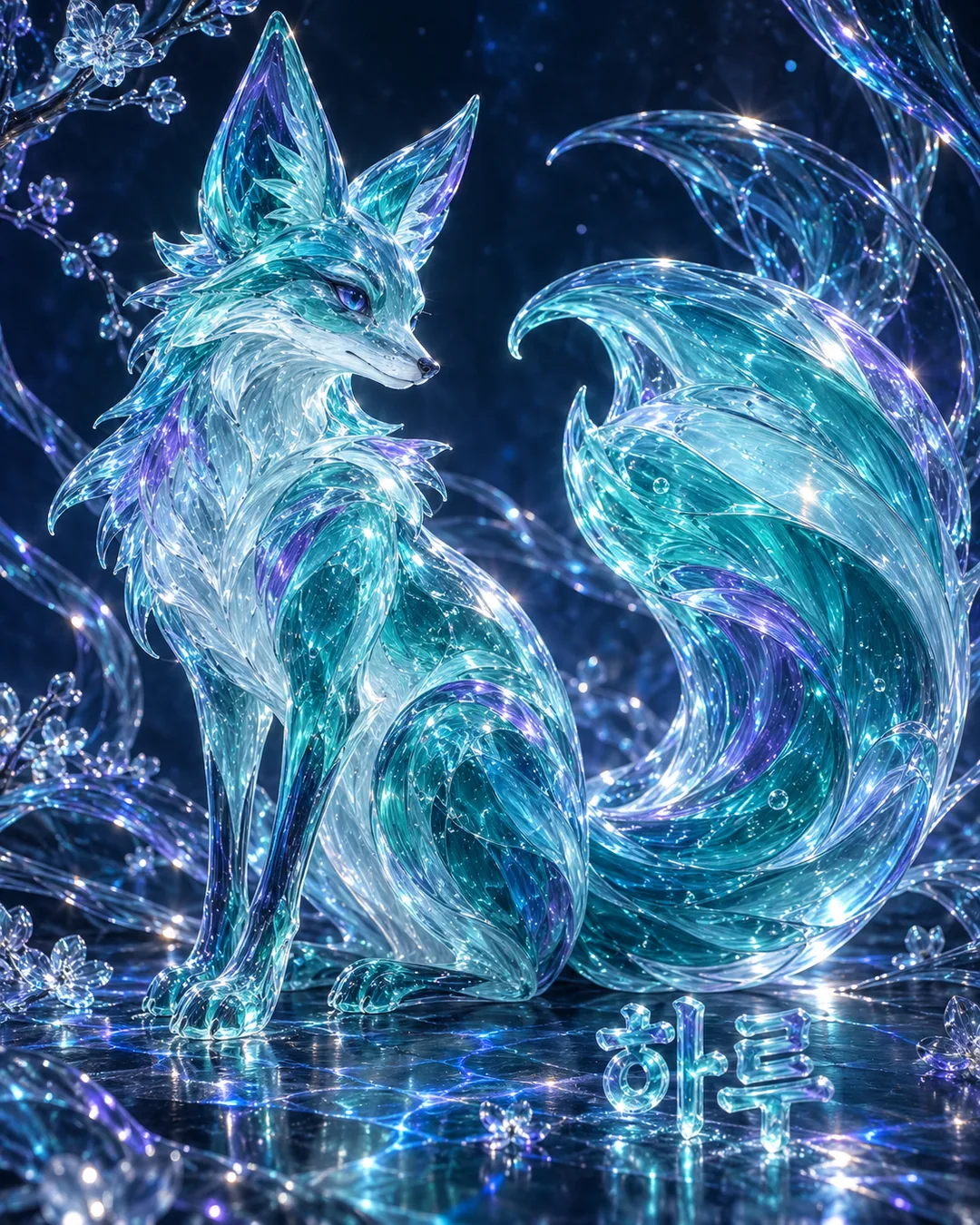
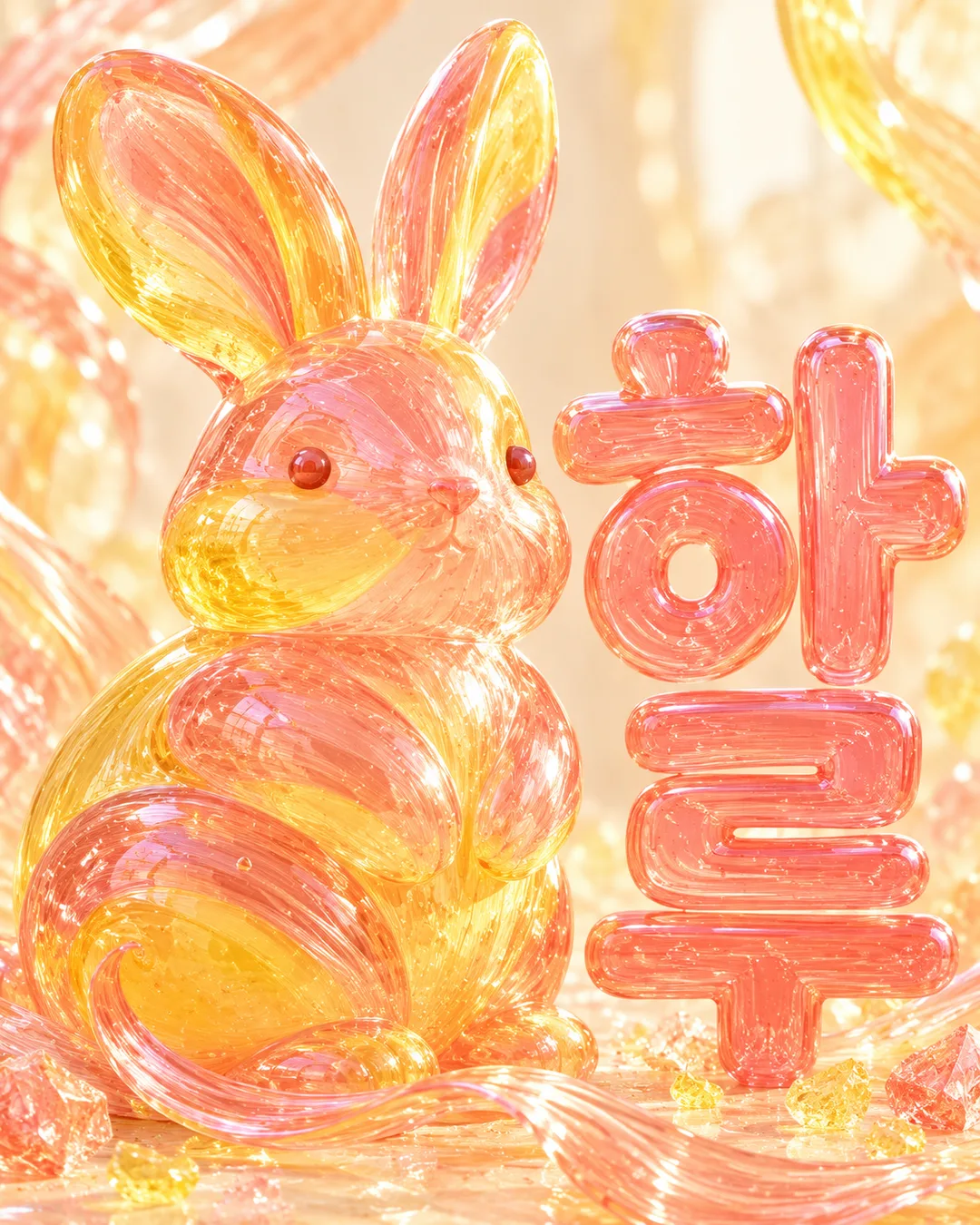
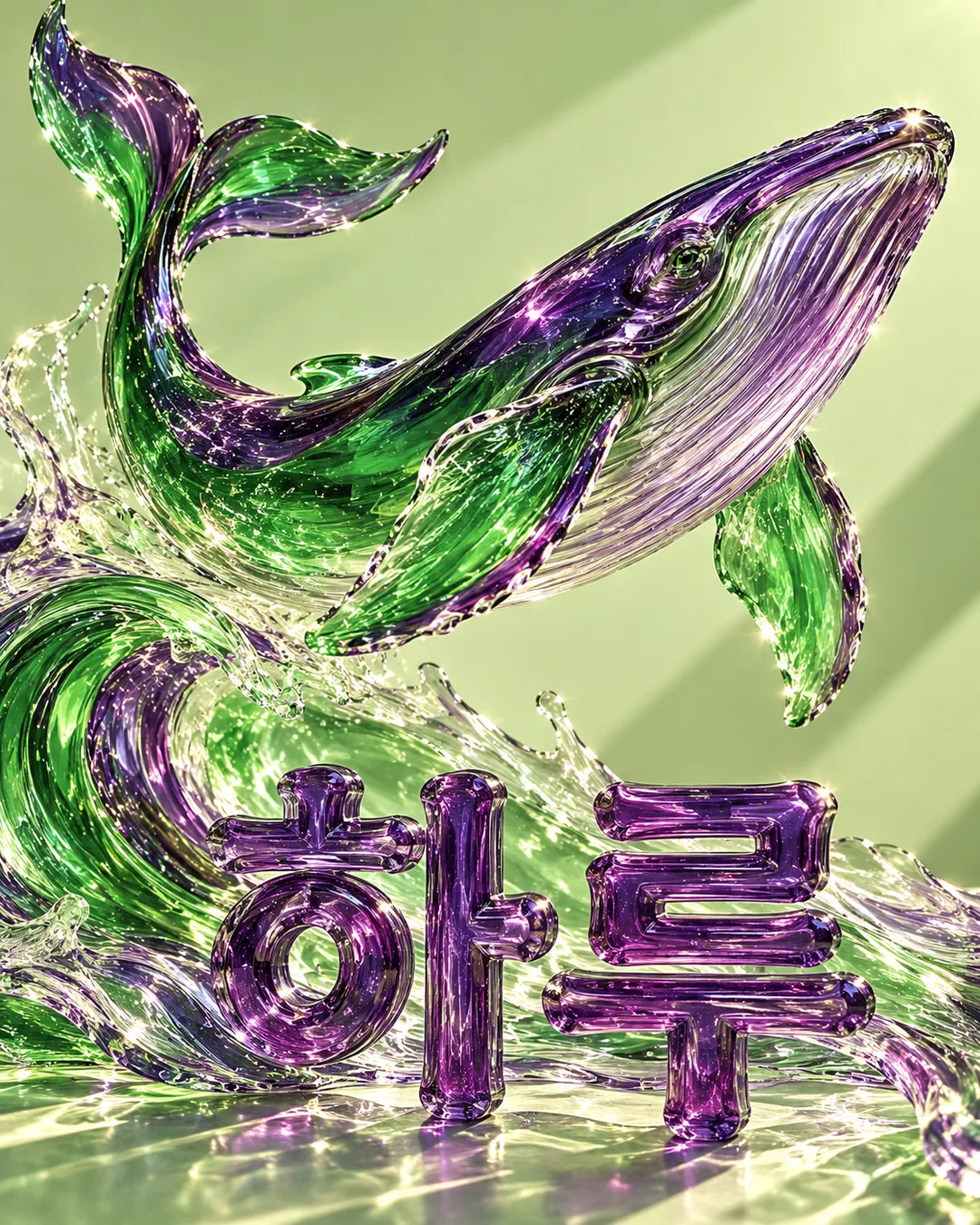
There are 0 required fields. Shape describes one subject: a shop name, a seated fox, a round rabbit or a leaping whale. Color controls the layers inside the candy and automatically coordinates the atmosphere. Honey uses dramatic plum and warm light; cyan uses a cool night; peach and lemon use bright cream daylight; emerald and violet use a pale green studio with crisp shadows. Empty Shape and Color use the shop-name sculpture and apricot, raspberry and honey.
Text is a short name such as Haru. With a name sculpture, an empty value or Choose for me produces Haru. With an animal, either value omits text entirely. Longer names remain complete but may need multiple lines; short names are easier to read on phones. No attachment is required. Paste the prompt once into an image AI for one finished image. The default is 4:5; change the ratio with the shared size selector.
The gallery has a warm name sculpture, a midnight fox, a sunny rabbit and a green-and-violet whale, all separately generated. The Korean gallery artwork spells the example name in Korean; this localized prompt defaults to Haru. Inspect every letter, animal limb and tail connection at full size. If the name is obscured, use a shorter text and regenerate with clear front-facing lettering. Check that bright highlights have not erased a stroke. Present the image as a fictional design and avoid using it as a photograph of an actual item for sale. Check the external image service’s own terms before using it.
Last checked · Published