

All · Ads & posters · Holidays & occasions
479Gouache Christmas Card
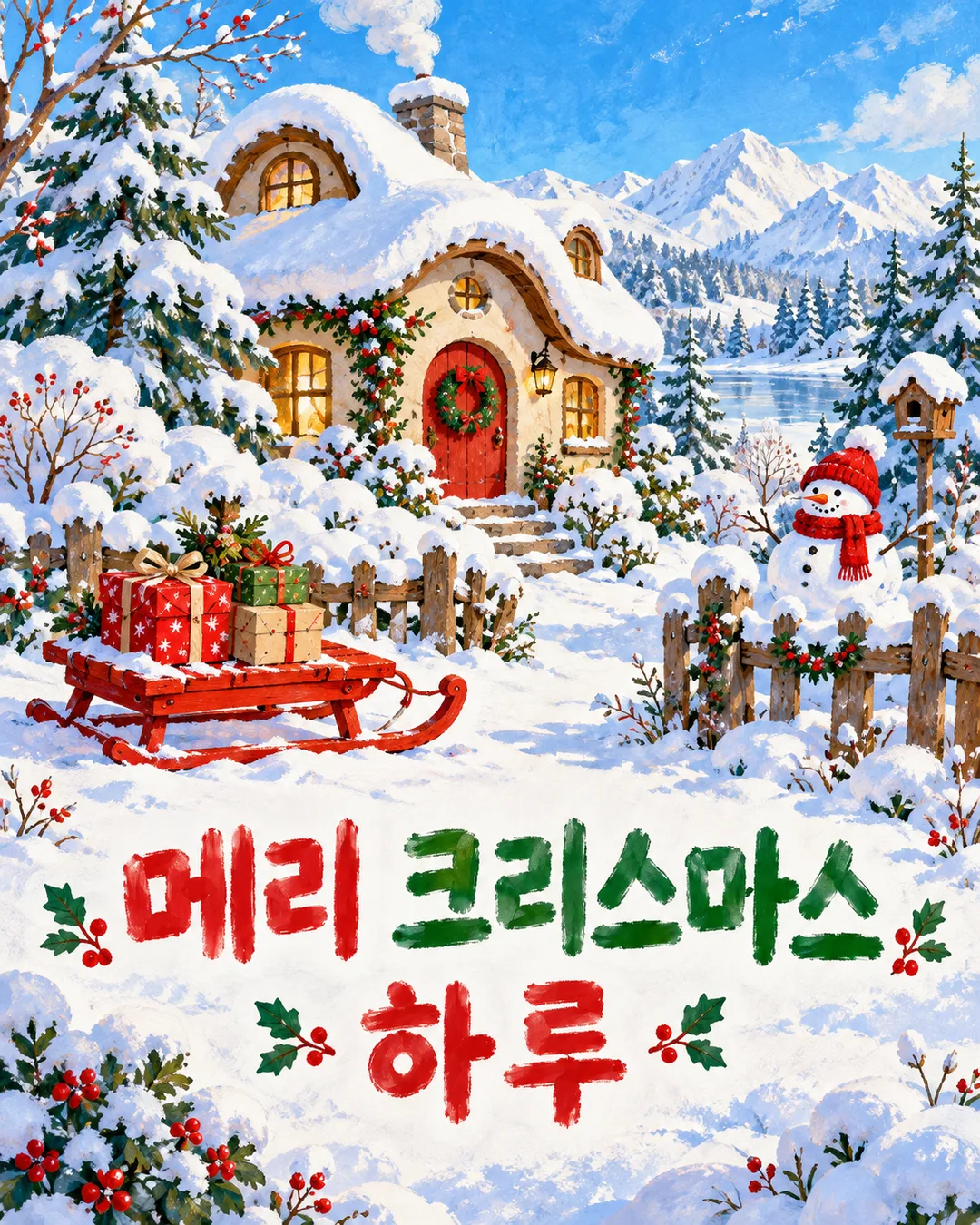
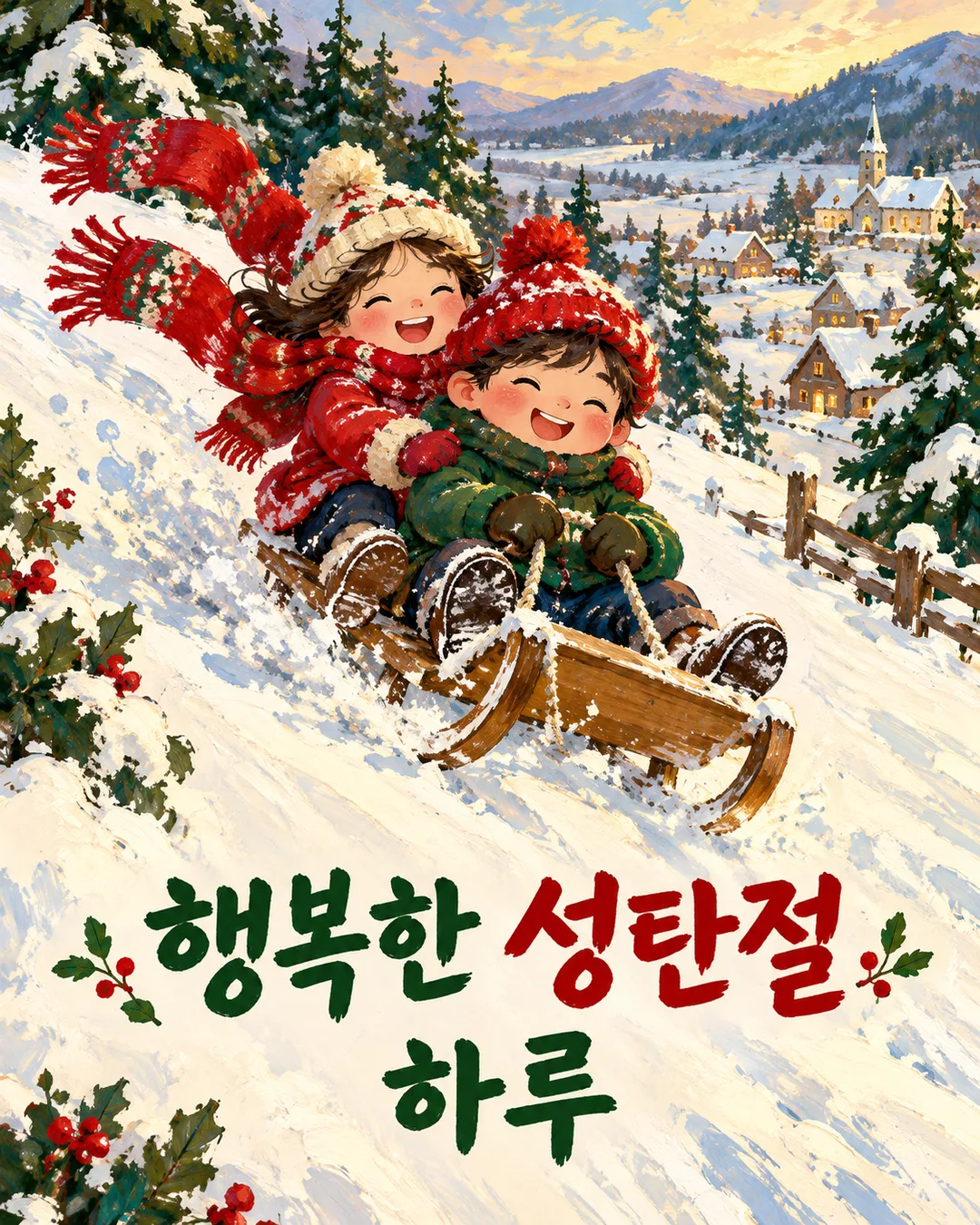
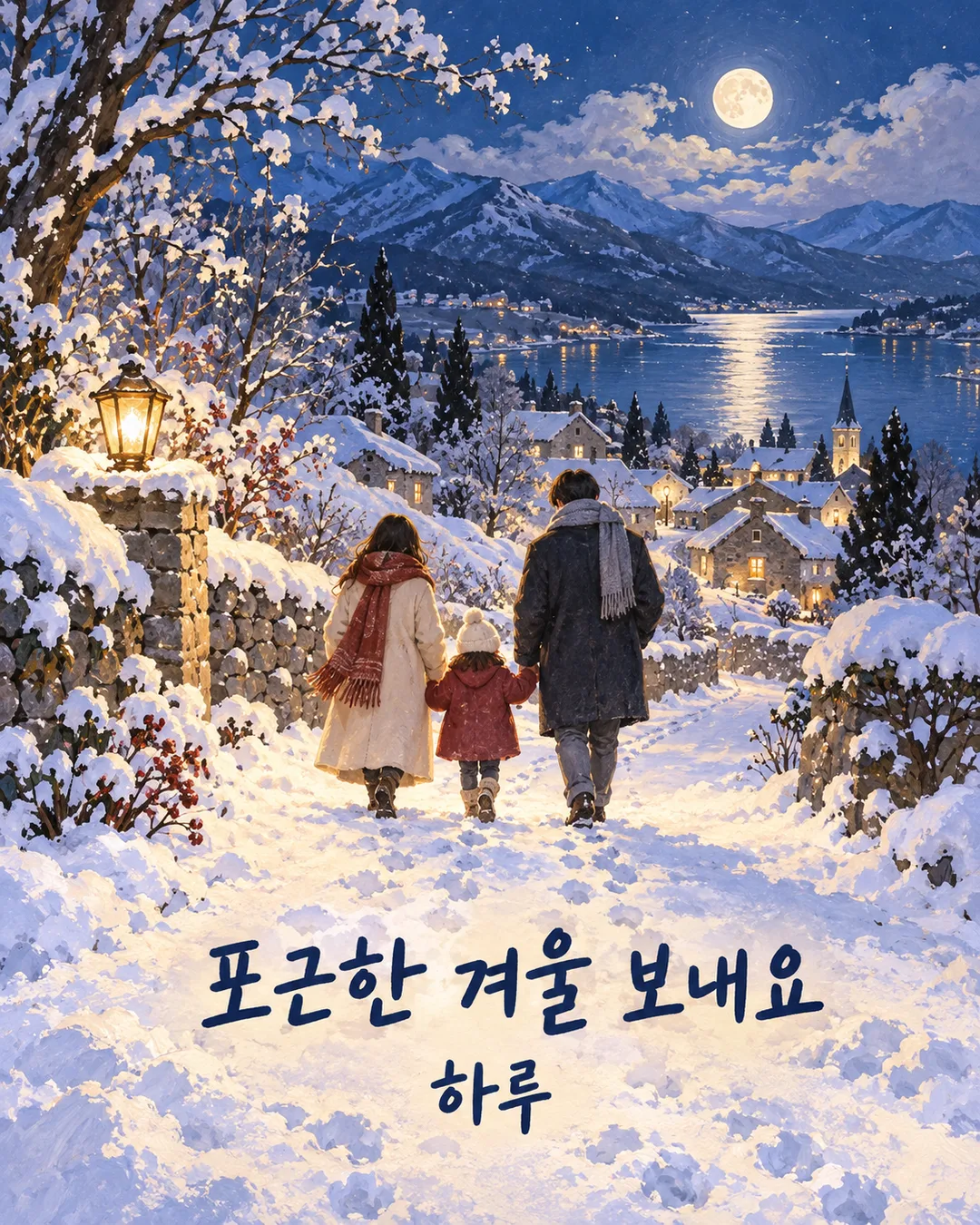
Paint snowy cottages, sleds and family walks with opaque gouache and your exact greeting.
Fill in the fields
- 1Fill in the fields
- 2Copy the prompt
- 3Paste it into a GPT chat
- 4Send it as is and you get an image like the thumbnail example
- 5Attach a real photo that fits the card and it is used in the result: a background photo for background cards, a person or food photo for those cards Optional
Tested by us
- Test date
- 2026-10-29
- Tool
- ChatGPT Image Model (run on Codex) — same model as free ChatGPT, only limit differs
- Result
- Pass
- What worked
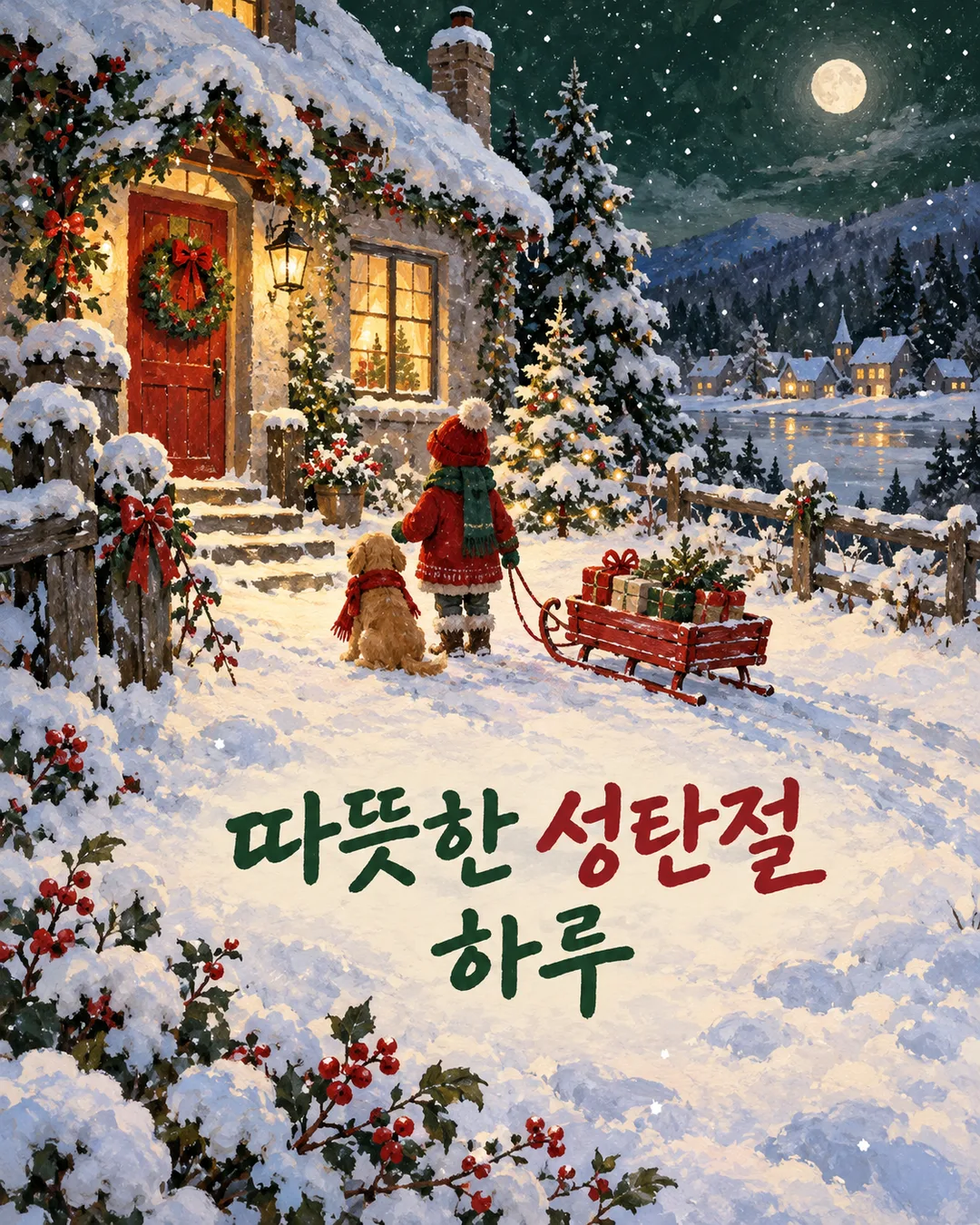
- Both final images accurately displayed 'Warm Christmas' and 'Haru' in exactly two lines once each, with no extra periods. Confirmed the snowy house with a red sled at night, green/red/ivory color scheme, opaque gouache brushstrokes, and borderless vertical orientation. Verified the connection of the sled seat, supports, runners, and rope. In the final two images, the text did not invade the lower 15% area. Generated at 1122x1402, which is an aspect ratio error of about 0.04% compared to 4:5 (due to rounding of the generation size).
- What did not work
- None
- How to improve
- Keep the greeting field as two lines like the example. The revision that actually worked in the test was placing the greeting body between <greeting> and </greeting> and removing the period that was automatically appended right after the greeting. Changing the prompt to position the entire two-line text higher secured the lower 15% margin, though exact coordinate adherence was not fully achieved.
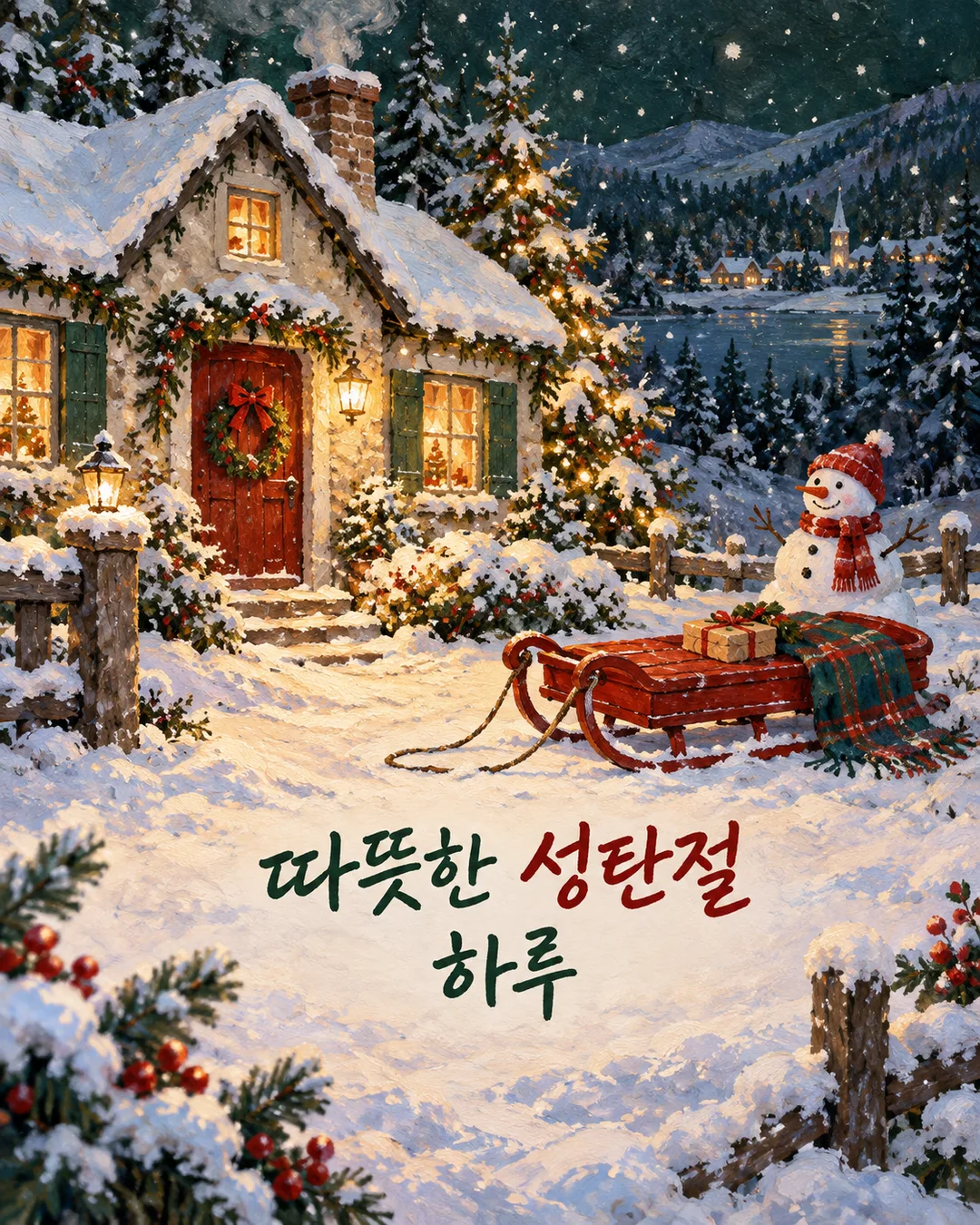
Full prompt 2,667 characters
Generate this image now. Return exactly ONE finished full-bleed Christmas greeting illustration, no explanation or code.
Output size 1080x1350 pixels, 4:5 portrait, Instagram standard.
Scene: 【Scene】. A blank scene or Choose for me means choose one snowy winter scene. Preserve supplied actions and objects. Use original opaque matte gouache, layered pigment, tactile snow and dry brush edges. Adapt brush rhythm, lighting and composition to the scene, keeping the gouache medium fixed. Color palette: 【Colors】. Green · Red means forest green, muted red and ivory; Sky blue · White means sky blue, white and subtle violet shadows. Blank colors means Green · Red.
Greeting text begins after the next delimiter and ends before the closing delimiter. The delimiters are not part of the greeting.
<greeting>
【Greeting】
</greeting>
Render only the text inside the delimiters EXACTLY once, preserving script, spelling, punctuation, names and line breaks. Never translate, correct it or add a signature. Blank greeting means no lettering. Choose for me means choose a short natural English Christmas greeting. Never print Choose for me itself. Set the entire greeting block, including every line and name, within a calm snow area between 60 and 75 percent down the canvas. Place the first line near 63 percent and the second line near 71 percent. The bottom edge of the last glyph must stay above 80 percent of the canvas height. Fit all lettering inside this area; leave the bottom 15 percent free of letters. Use large legible hand-painted lettering. Do not append punctuation that is absent from the greeting. Keep snowflakes and objects off letters.
Create one coherent scene with a strong focal subject, layered landscape and intentional space around lettering. Fill the canvas edge to edge, no frame, photographed card, mockup, collage or promotional title. Draw anatomically coherent fictional people with anonymous simplified faces and no resemblance to real people. Sled runners and ropes must connect logically. Invent all buildings, clothing and sled designs. No real brands, logos, known characters, signatures or watermarks. Do not copy reference art or imitate a named artist.
Before returning, compare every letter with the greeting and check the palette, requested aspect ratio, anatomy and sled geometry. Output only the single finished image.

[Final output format]
Output size 1080x1350 pixels, 4:5 portrait, Instagram standard.
This selected output format takes priority over any fixed canvas size or aspect ratio elsewhere in this template. Adapt the composition, text zones and margins to the selected canvas without stretching or cropping essential content. Device safe areas apply only when a device is selected. Never print these format instructions on the image.
How did it turn out?
You may also like
How to use it · FAQ
Create a snowy Christmas greeting with opaque gouache, layered pigment and dry brush edges. Paste the completed prompt into an image AI to request one finished illustration with your greeting. No photo is needed. The default ratio is 4:5; use the shared size control to change it.
Describe a place and an action in Scene. A cottage at night feels quiet, sledding children bring movement, and a family walking beside a stone wall creates an intimate evening. A blank scene or Choose for me selects one winter scene. The gouache medium remains fixed while brush rhythm, lighting and composition respond to your scene.
Greeting preserves your exact spelling, punctuation, name and line breaks. Write Warm Christmas wishes and Haru on separate lines to request two lines. No signature is added automatically. Leave Greeting blank for no lettering; Choose for me selects a short English Christmas greeting. Colors offers Green · Red or Sky blue · White. Blank colors uses Green · Red.
Inspect every letter, the name, sled runners and ropes, and people's limbs at full size. If lettering is wrong, repeat the exact greeting and ask for a letter-by-letter match. Shorten a long message when it becomes too small. Specify fictional places and people instead of real brands or celebrity names. The result fills the whole canvas and can be sent as one image.