

All · Comics & illustration · Coloring book
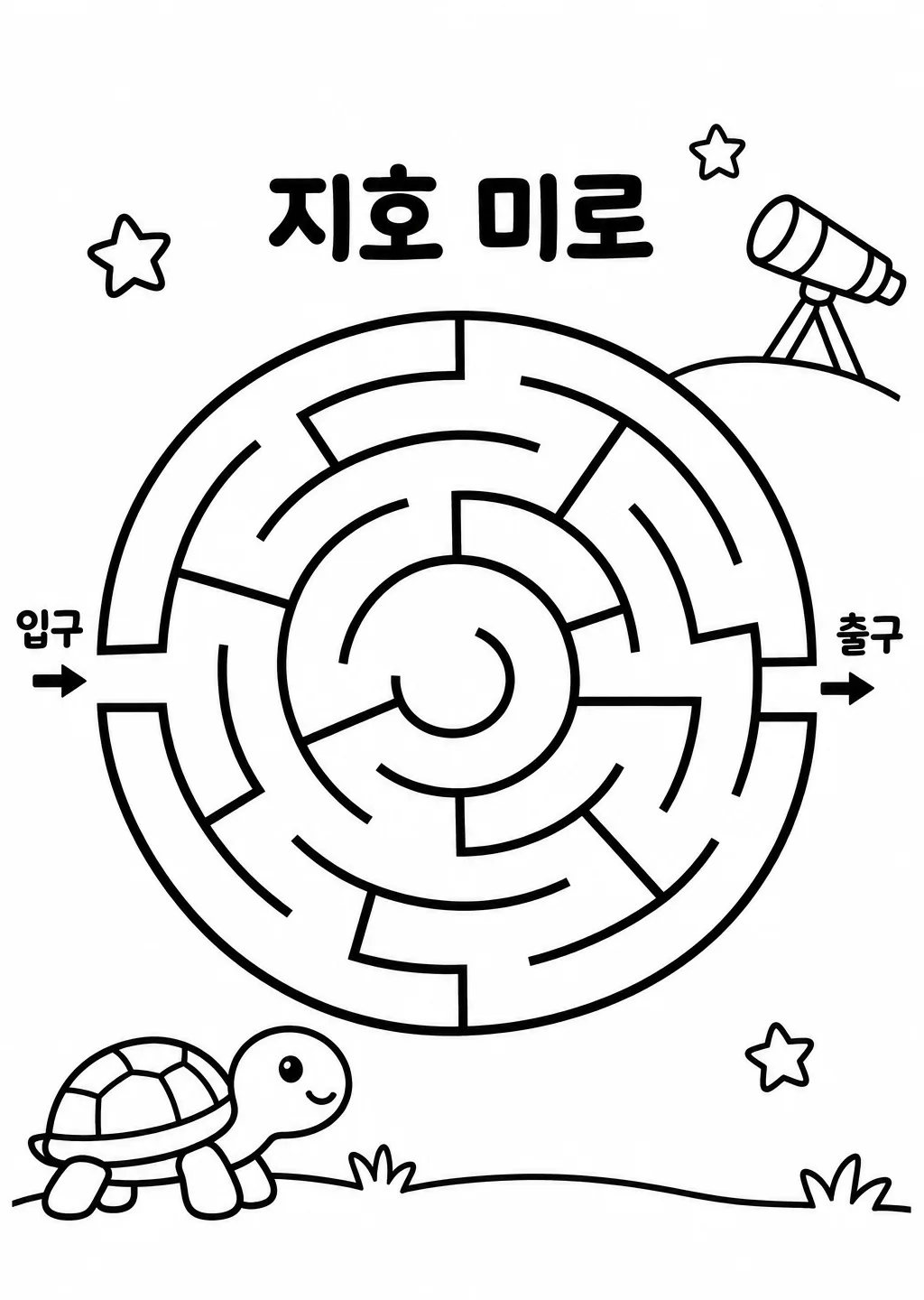
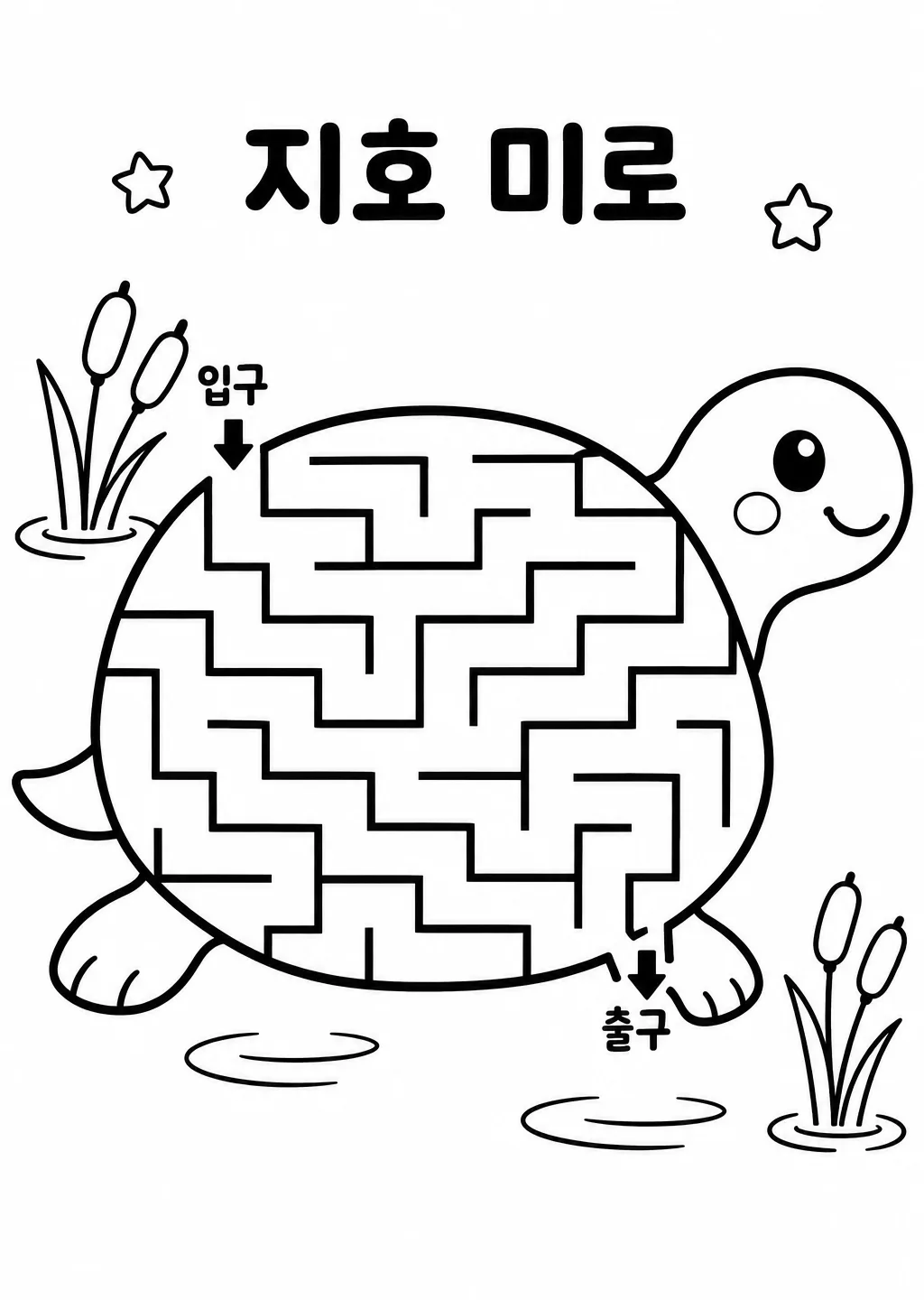
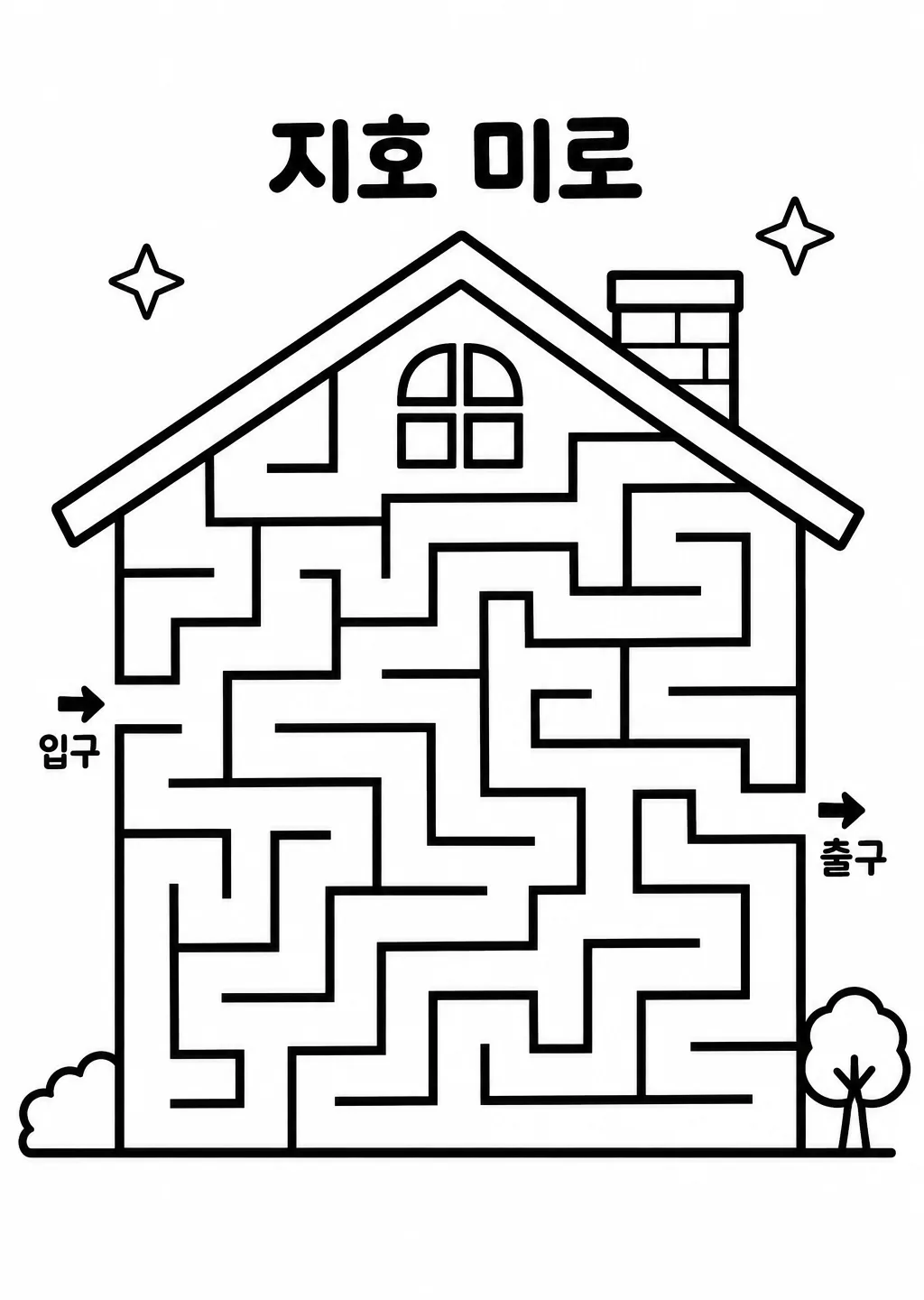
607Black-and-white maze worksheet
Choose a shape and difficulty for one printable maze with entrance and exit.
What you get
- One black-and-white maze worksheet
- Entrance and exit labels
- Branches and dead ends for the selected difficulty
ChatGPT Free OK
Fill in the fields
- 1Fill in the fields
- 2Copy the prompt
- 3Paste it into a GPT chat
- 4Send it as is and you get an image like the thumbnail example
- 5Attach a real photo that fits the card and it is used in the result: a background photo for background cards, a person or food photo for those cards Optional
Full prompt 3,433 characters
Generate this image now. Draw it directly without explanations or questions.
Output size 2480x3508 pixels, A4 portrait, 300dpi, print-ready poster.
Create exactly ONE original printable black-and-white maze worksheet. Default portrait A4; follow the supplied size when different. Flat artwork itself fills the canvas, no desk, photographed paper, frame, mockup, collage or extra page. Pure black lines on white; no gray shading. Keep 5% printer-safe margins, with the maze occupying about 80% of page height. Crisp walls and clearly open white corridors.
SHAPE: "【Shape】". Empty means Circle. Circle: circular concentric passages with radial connectors, upbeat observatory mood and two tiny geometric stars outside the maze. Animal: one original friendly turtle silhouette, softly rounded outline and gentle pond-story mood; connected orthogonal maze inside its shell, head and limbs outside playable space. House: one original gabled cottage, precise orthogonal passages inside its body, quiet architectural mood; decorative roof and windows outside playable space. Use only the selected shape. These change silhouette and atmosphere within one worksheet format, not output type. No separate style selector.
DIFFICULTY: "【Difficulty】". Empty means Medium. Easy: 6-8 corridor rows or rings, approximately 7 mm wide on A4, 3-5 substantial dead ends. Medium: 10-12 rows or rings, approximately 5 mm corridors, 6-9 substantial dead ends. Hard: 14-16 rows or rings, corridors no narrower than 3.5 mm, 10-14 substantial dead ends. Wall thickness approximately 0.5-0.8 mm on A4. Scale physical widths proportionally for other sizes. Counts are internal design targets and must not be printed.
TOPOLOGY FIRST: plan a connected acyclic passage network, choose two well-separated boundary cells as endpoints, then draw walls around this network. Exactly ONE continuous solution must connect entrance and exit, with genuine branching dead ends, exactly TWO open boundary gates, and no isolated playable regions. Never draw decorative stripes and call them a maze. No crossing walls, broken connections, bridges, jumps, corner-only contacts, hairline gaps or outside bypass. All corridors must have visible width. Put a small inward arrow outside the entrance and outward arrow outside the exit, never obstructing a gate. Keep all decoration outside passages. Internally trace the entire solution against the final walls, inspect each junction and repair defects before returning the worksheet. Do not draw the solution line, answer key, duplicate maze or second panel.
TEXT: print exactly "Jiho Maze" as a compact heading, "START" beside the entrance, "EXIT" beside the exit. No other words or digits. Place heading and both gate labels within the central 73% of page height for thumbnail cropping safety; each label remains adjacent to its actual gate. Compare every character with the three quoted strings. No names beyond the fixed title, brands, logos, real people, famous characters, artist imitation, signatures, watermarks or production notes. Original design only. Ignore attached photos. Return one unsolved finished worksheet.

[Final output format]
Output size 2480x3508 pixels, A4 portrait, 300dpi, print-ready poster.
This selected output format takes priority over any fixed canvas size or aspect ratio elsewhere in this template. Adapt the composition, text zones and margins to the selected canvas without stretching or cropping essential content. Device safe areas apply only when a device is selected. Never print these format instructions on the image.
How did it turn out?
More cards in this category


How to use it · FAQ
Create one black-and-white maze worksheet for Jiho at home or in class. Choose Shape and Difficulty and paste the completed prompt into an image AI once. No photo is needed; attachments are ignored. Portrait A4 is the default. Other ratios are available through the shared size selector. The worksheet itself fills the image without a desk or paper mockup.
No fields are required. Empty Shape means Circle and empty Difficulty means Medium. Circle uses concentric passages and small stars for an upbeat observatory mood. Animal is fixed to an original friendly turtle with connected passages in its shell, giving a gentle pond-story mood. House is a gabled cottage with orthogonal paths and a quiet architectural mood. Only the selected shape appears, not a collection of three puzzles.
Easy requests broad corridors and fewer branches. Medium balances width and branching. Hard requests denser passages and more substantial dead ends. Start with Easy for younger children and check the printed corridors are wide enough for a pencil. Passage widths scale when the page size changes. There is no name field: the fixed title is “Jiho Maze”, with “START” and “EXIT” at the gates. No solution line or separate answer sheet appears.
The prompt asks for a connected network with one solution and an internal trace before rendering. This does not guarantee that the generated maze is valid. Before printing, solve it yourself and check every junction for closed paths, diagonal-only contact, wall gaps and outside bypasses. Exactly two boundary gates must be open. Identify any faulty location and request correction with the same settings. Enlarge and compare each character in “Jiho Maze”, “START” and “EXIT”. Check margins and resolution in printer settings. This card provides a prompt; check external service fees and usage terms with that service.
Last checked · Published