

All · Comics & illustration · Animals
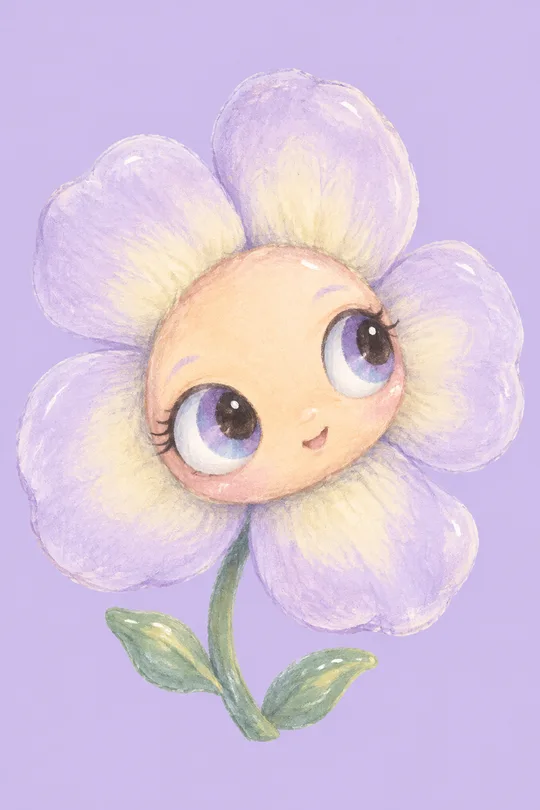
619Kids pastel vector illustration
One gentle illustration from a subject and palette for a child’s room or kids content.
What you get
- Kids pastel vector illustration
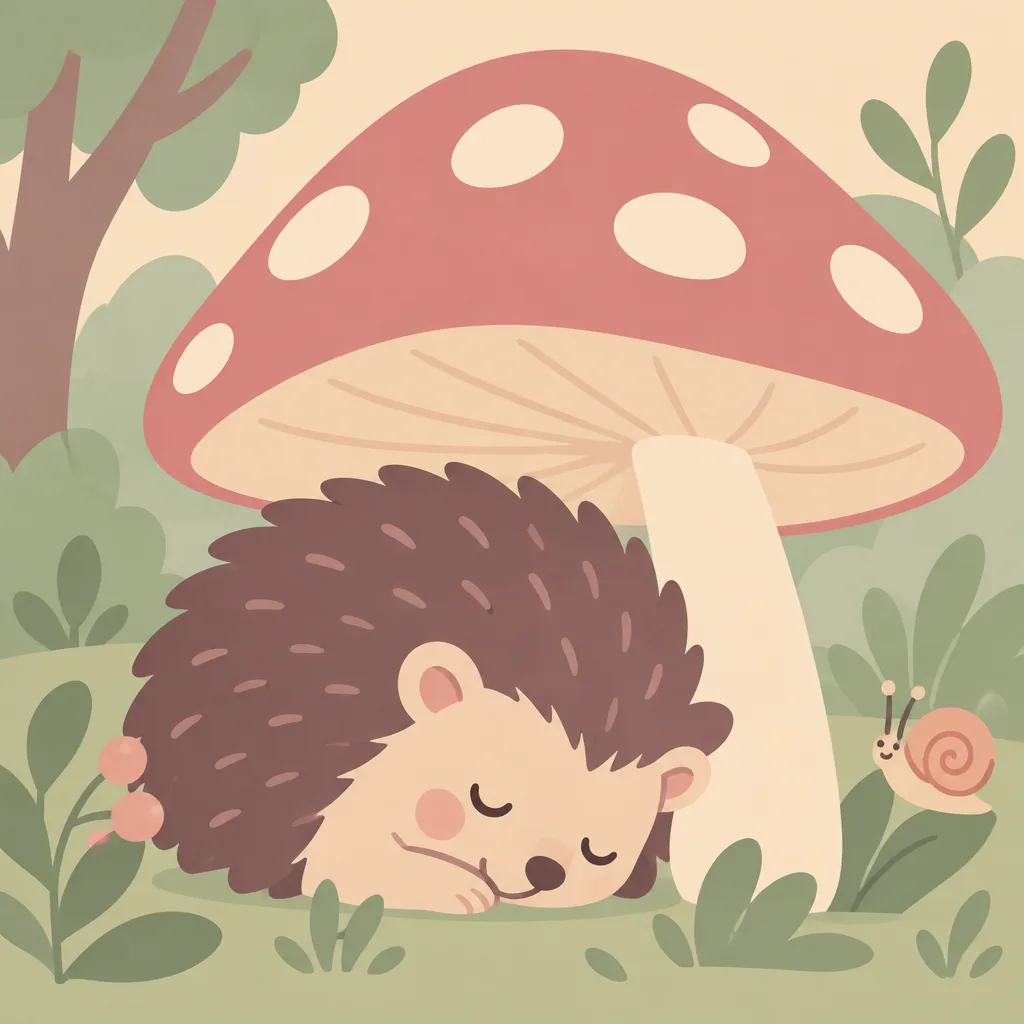
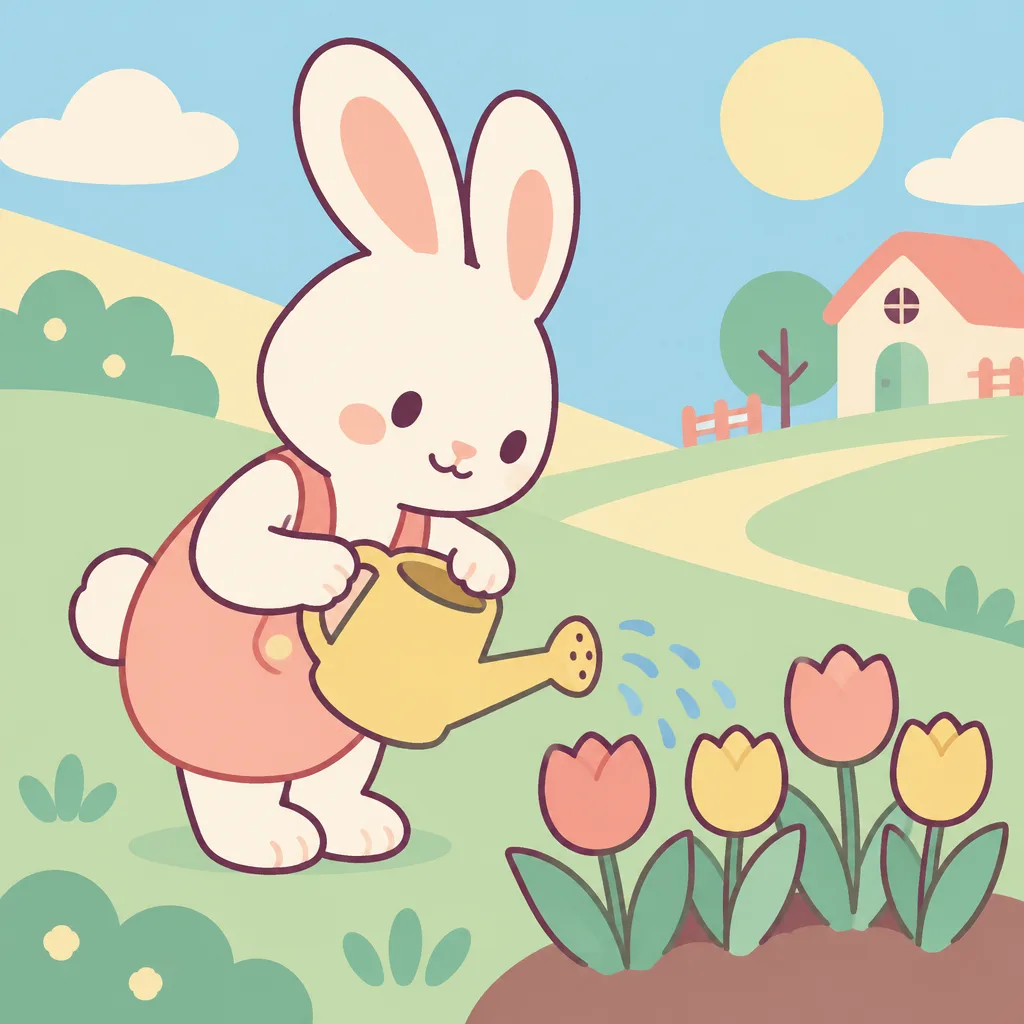
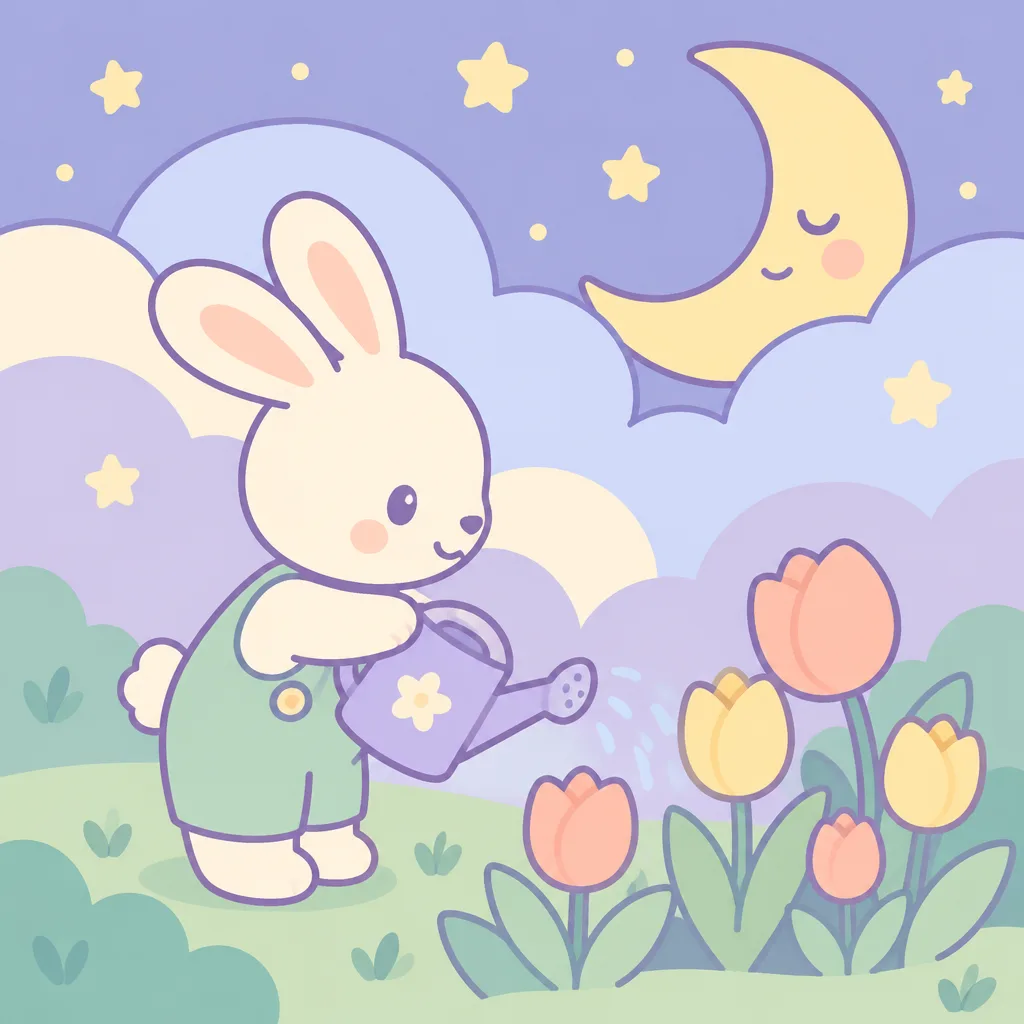
Fill in the fields
- 1Fill in the fields
- 2Copy the prompt
- 3Paste it into a GPT chat
- 4Send it as is and you get an image like the thumbnail example
- 5Attach a real photo that fits the card and it is used in the result: a background photo for background cards, a person or food photo for those cards Optional
Tested by us
- Test date
- 2026-10-29
- Tool
- ChatGPT Image Model (run in Codex)
- Result
- Pass
- What worked
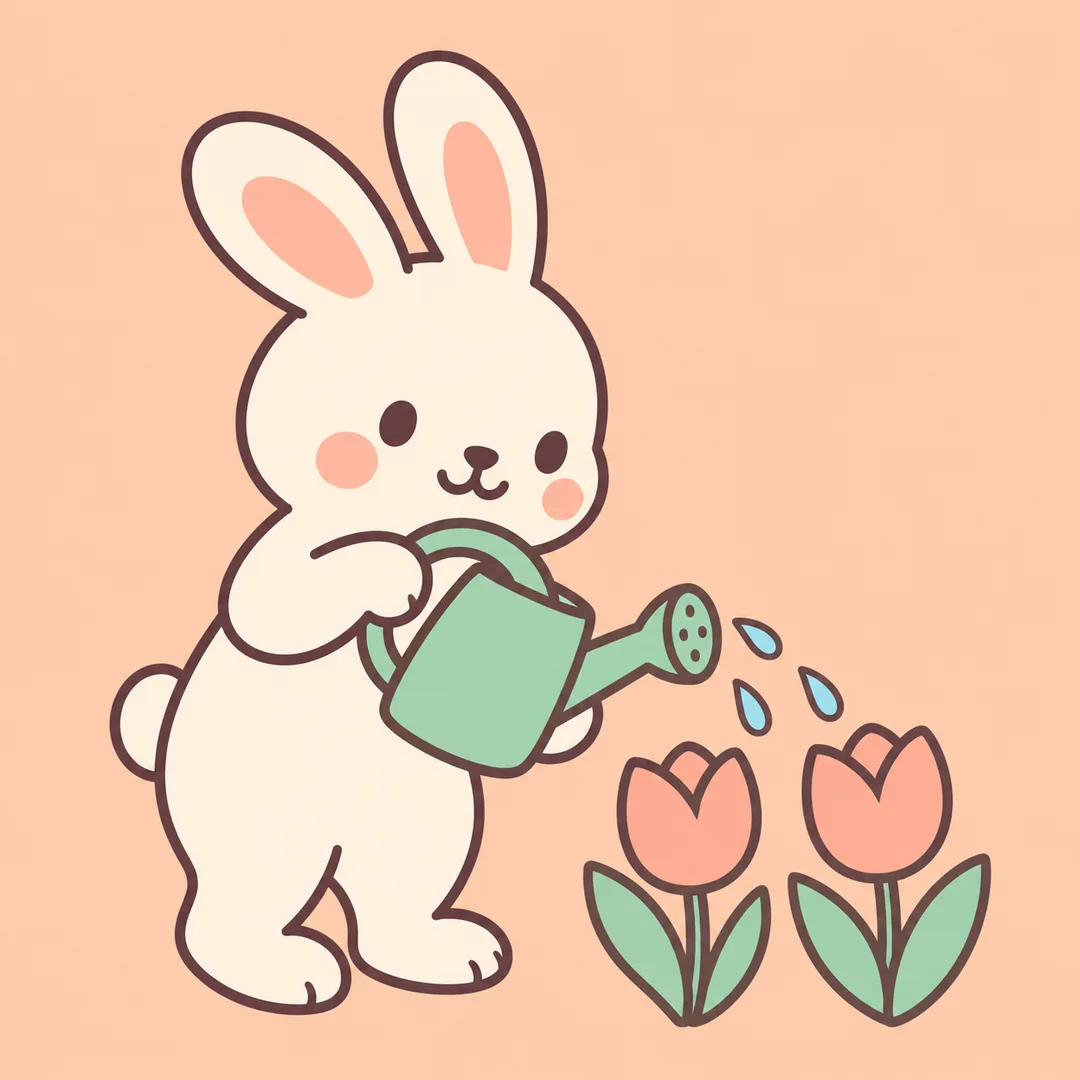
- All 6 results confirmed a single square image featuring a rabbit watering tulips with a watering can, in apricot, mint, and cream tones, with no text, numbers, or logos. The two results after revision showed simplified secondary elements (1 watering can and 2 tulips), with the rabbit's ears and feet fully framed. The subject appeared larger due to rounded shapes and deep plum-toned outlines.
- What did not work
- None
- How to improve
- Specifying secondary elements as "1 watering can and 2 tulips" and designating a solid background, as tested this time, simplified the composition. However, even with identical inputs tested twice, texture and subject size were not exact matches. Other subjects, colors, and ratios were not tested this time.
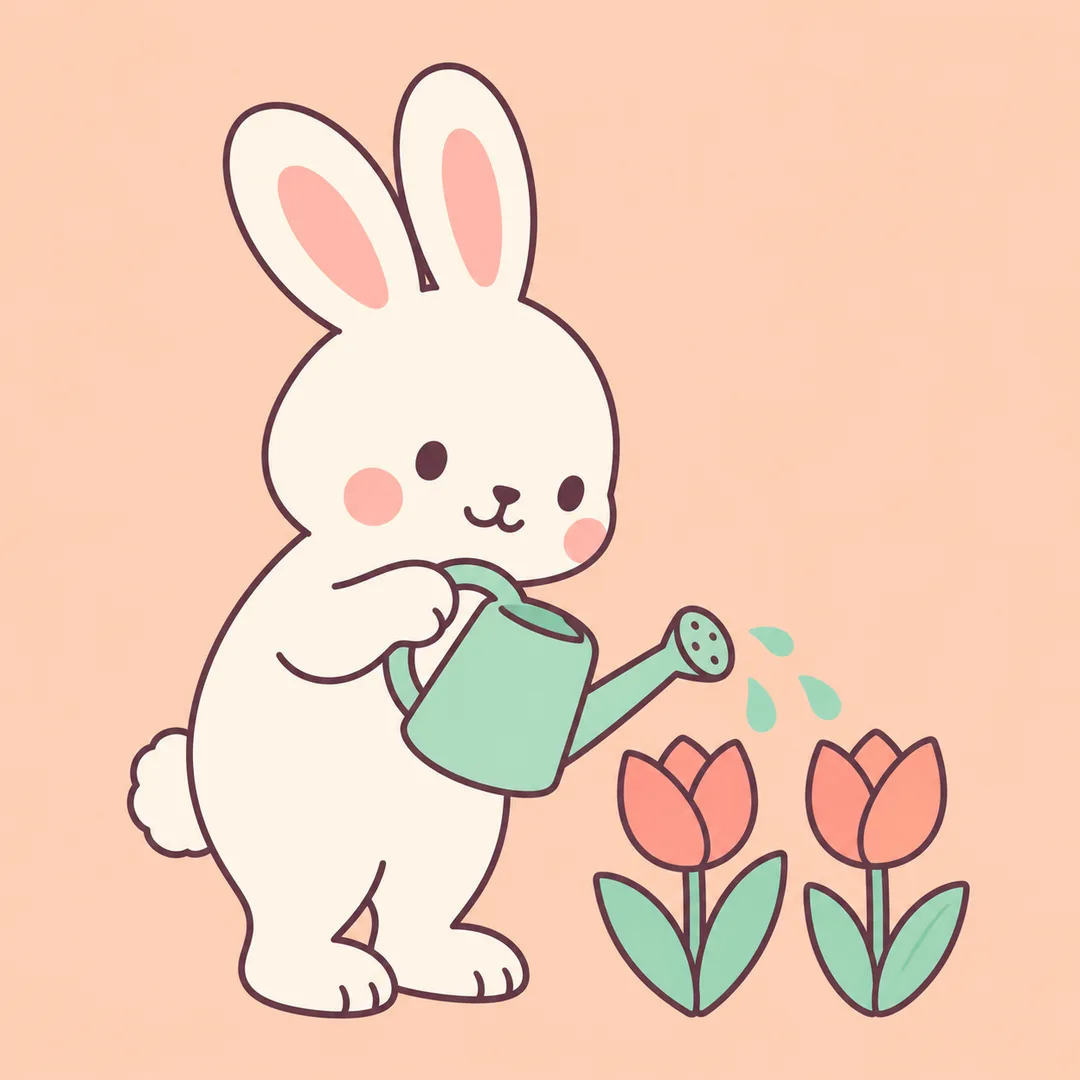
Full prompt 3,011 characters
Generate this image now. Draw it directly - do not describe it, explain it, or ask questions.
Output size 1080x1080 pixels, 1:1 square post. Keep all text fully readable.
Create exactly one finished pastel vector-look raster illustration for a child's room or kids content. Default 1:1; adapt the composition to the requested aspect ratio. This is an image, not editable SVG code.
Subject: 【Subject】
Colors: 【Colors】
These are visual directions, never printed text. Blank subject: a rabbit watering a tulip garden. Blank colors: peach, mint, warm cream.
One principal subject spans 65-75 percent of the canvas height, with all ears, feet and other essential parts fully visible. Use exactly three supporting elements: for the default rabbit scene, these are one watering can and two tulips. Represent a garden with those two tulips only. For other subjects, choose three relevant simple supporting elements. Use a single solid pastel background extending edge to edge; leave generous uncluttered space around the silhouette. Omit scenery layers, fences, trees, clouds and extra flowers unless they are the requested principal subject. No mockup, border, collage, comparison, repeated tile or sticker sheet.
Use rounded geometric cut-paper shapes with clean precise curves and restrained dark plum contours. Every shape must have one perfectly uniform solid pastel fill from edge to edge. Use no shadows, shading, lighting effects, highlights, gradients, texture, grain or color variation within a shape. The visual target is a simple flat vector icon enlarged into an illustration, with crisp hard edges and a plain solid background. Adapt mood and shape rhythm to the subject: animals use cozy organic curves and asymmetric arrangements; vehicles use lively angular geometry and a diagonal route; weather uses calm broad arcs and airy balanced arrangements. Keep a coherent clean pastel vector family while making these subject families visibly different in mood and composition. Other subjects receive an appropriate original rounded geometric composition. Small friendly expressions only where suitable. No photorealism, 3D, paint texture, grain, glossy plastic or complex gradients.
Invent all characters and any products or vehicles from scratch with distinctive fictional silhouettes. No real people, recognizable commercial characters, existing product designs, logos, trademarks, artist imitation, signatures or watermarks. This card uses written subjects only, not attached photographs.
No text, letters, numbers, signs or captions, even if the subject contains a name. Silently check anatomy, wheel placement, shape intersections, palette contrast and accidental lettering before returning one image.

[Final output format]
Output size 1080x1080 pixels, 1:1 square post. Keep all text fully readable.
This selected output format takes priority over any fixed canvas size or aspect ratio elsewhere in this template. Adapt the composition, text zones and margins to the selected canvas without stretching or cropping essential content. Device safe areas apply only when a device is selected. Never print these format instructions on the image.
How did it turn out?
You may also like
How to use it · FAQ
When to use it
Make one large-subject illustration for a child's room or kids content. The default is square; the common size selector adjusts the composition. The result is a raster image with vector-like edges, not an editable vector file.
Fields
Subject is the one required field. Include an action and place, such as a hedgehog sleeping beneath a mushroom. Colors is optional. An empty subject uses a rabbit watering a tulip garden; empty colors use peach, mint and warm cream. If a sample name is needed, use Haru; names are not printed.
Different scenes
Animals use cozy curves, vehicles lively diagonals, and weather calm broad arcs. Change the subject and palette without a style selector. No photo is needed. Paste the completed prompt into an image AI once. Check the external service's prices and terms there.
Review
Enlarge the result to inspect ears, feet, wheel positions and cloud overlaps. Ask for the same scene without letters or numbers if writing appears. Request a larger subject in Subject if needed; add light and dark colors for stronger contrast. Check edge clarity at the intended print size.