
All · Comics & illustration · People
103My Photo as a 3D Animated Scene
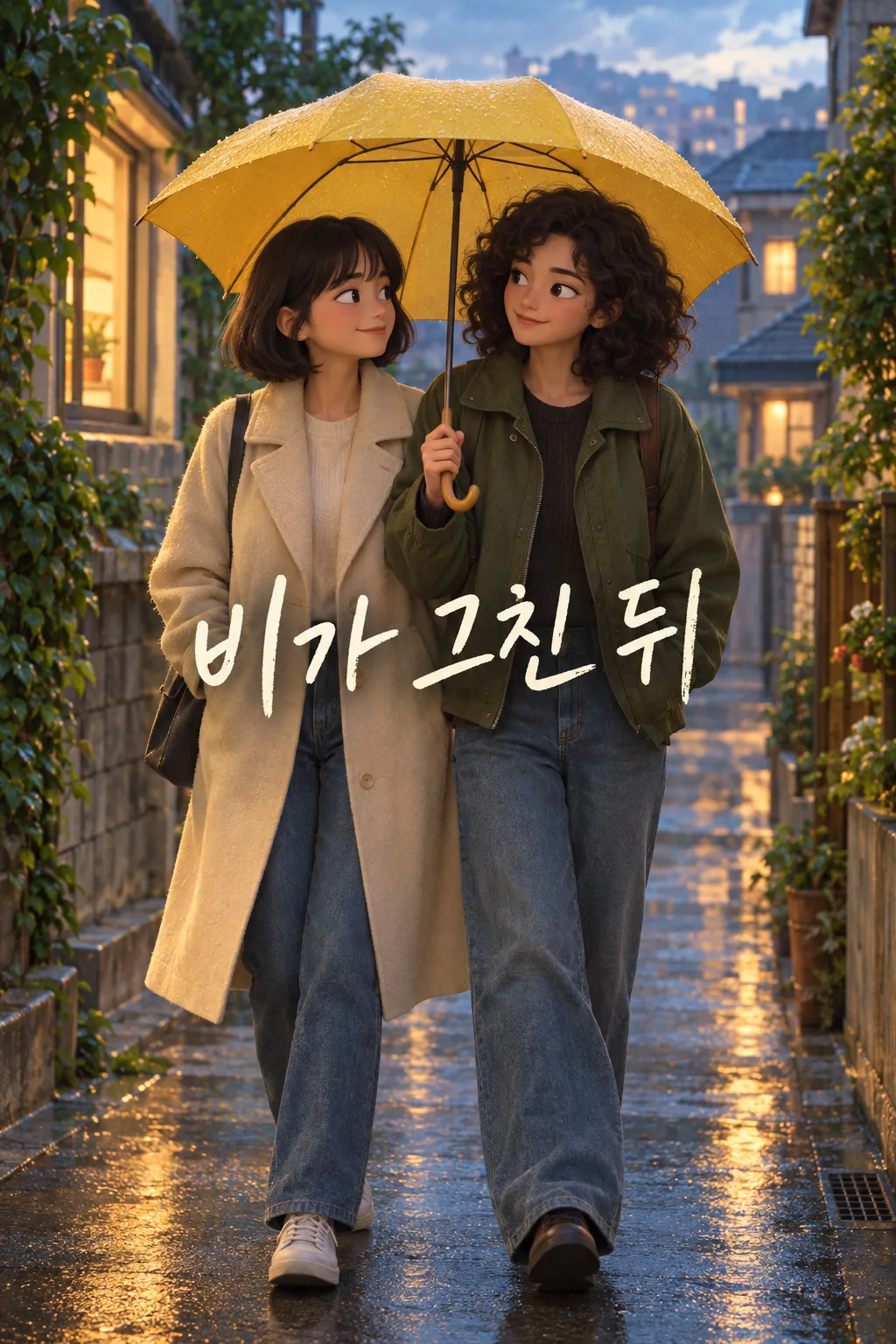
Turn one personal photo into a single, original theatrical 3D animation still for Instagram or Threads.
Fill in the fields
- 1Fill in the fields
- 2Copy the prompt
- 3Upload One personal photo and paste the prompt into your GPT chat
- 4Check that both the photo and prompt are attached, then send
Full prompt 2,564 characters
Generate this image now. Draw it directly - do not describe it, explain it, or ask questions.
Output size 2480x3508 pixels, A4 portrait, 300dpi, print-ready poster.
Create exactly ONE finished portrait image from the ONE personal photo attached in this SAME message: a single frame from an ORIGINAL warm theatrical 3D animated film. It must be ready to post to Instagram or Threads without cropping, code, extra images or another turn. Keep one continuous scene, not a comic, storyboard, film strip, figurine, package, cosplay photograph, phone mockup or before-and-after comparison.

Use the actual photo as the source of truth for the number of people, facial identity, apparent ages, skin tones, hair, glasses, clothes, body positions, props, weather, place and camera viewpoint. Translate those real elements into sculpted, expressive three-dimensional animated characters. Keep the scene candid, with a gentle action or glance supported by the original pose. The user's context is "【Memory in the photo】". Preserve the visible detail "【Detail to keep】" if it truly appears in the image. Do not invent the event from these words when the photo differs. If no person is visible, request a suitable photo rather than inventing a protagonist.

Use one fixed original feature-animation 3D style throughout: slightly expressive yet recognizable faces, natural human anatomy, clean modeled forms, rich restrained colors, soft cinematic bounce light and shallow depth of field. Let the photo decide whether the scene is warm, rainy, sunny or cool. Maintain coherent contact shadows and physically plausible highlights; avoid plastic skin and glossy toy surfaces. Keep any background architecture recognizable without adding imaginary landmarks, logos, signs, celebrities or copyrighted characters.

Place the single title "【Short scene title】" once in a quiet zone around 68–76% of the image, away from faces and hands. If the input says "Choose for me", invent a short original English title based only on the photo; never print that instruction. The title is the only visible text. Keep the top 12% and bottom 15% free of essential lettering. Proofread every word. Never print field labels, the memory note, extra subtitles, fake studio credits, a watermark or a second title.

At list-thumbnail size, the people and their interaction must be obvious and the title readable. For two people, keep both recognizable and in the same physical scene. Do not duplicate a person, add limbs, change identity, exaggerate expressions into caricature, create a new incident, or add unrelated decorations. Return only the one finished image.
You may also like
How to use it · FAQ
When to use this
Use a personal photo you want to share as a warm animated memory. The output is one theatrical 3D scene, with the same people and place as the photo.
How to fill it in
Describe a real memory from the photo and one visible detail worth keeping. The title is the only text printed on the image. Choose “Choose for me” if you want a short title written for you.
Add the photo
Upload one photo showing a person, but do not send it yet. Paste the copied prompt into the same message. Check that both the photo and prompt are there, then send once.
Check the result
Compare face, person count, clothing, props and location with the source. Proofread the title. Ask people pictured for permission before posting their recognizable faces.
Frequently asked
- Can I use a solo photo? Yes, the single person remains the protagonist.
- How many images are returned? One finished image.