
項目を入力
- 1項目を入力します
- 2コピーを押します
- 3GPTのチャットに貼り付けます
- 4そのまま送ると、サムネイルの例のような画像になります
- 5カードに合う実際の写真を一緒に入れると反映されます。背景カードなら背景の写真、人物・料理カードならその写真 任意
プロンプト全文を見る 3,774文字
Generate this image now. Draw it directly; return exactly ONE finished image, without explanations or questions.
完成した2:3の縦型画像を1枚、1024×1536ピクセルで出力してください。重要な文字は上12%と下15%に置かないでください。
Create an original full-bleed retro cel-shaded pop illustration. Use the requested aspect ratio; default to portrait 2:3. One continuous scene, no collage, comparison panel, frame, paper mockup, caption, signature or watermark.

SCENE: "【場面】"
DETAILS TO KEEP: "【残したい特徴】"
SMALL DETAILS: "【細かな描写】"

PHOTO RULE: If one photo is attached, it is the factual source. Preserve its camera viewpoint, framing, perspective, object positions, relative sizes, object count and recognizable silhouettes. Preserve faces, clothing and architectural features if visible. The details-to-keep field has priority. Change only the drawing style, surface colors and rendering of existing light into graphic shadows. Do not add props, flowers, people or buildings mentioned in the scene or small-details fields if absent from the photo. Do not move objects to make a prettier composition. Preserve distinct objects even when their colors are remapped. Remove third-party lettering and logos, leaving the underlying object shape intact. Do not print any field value as text.
If no photo is attached, do not ask for one: build a fictional scene from SCENE and DETAILS TO KEEP; use SMALL DETAILS only when nonempty. If SCENE is empty, draw a Haru Coffee interior: a pink cup on an ivory counter, a teal espresso machine behind it, an orange pastry on a plate and leafy branches outside the window. If DETAILS TO KEEP is empty, preserve all major subjects and their arrangement. If SMALL DETAILS is empty, add no extra props; develop existing shapes with clean contours, highlights and shadow facets.

FIXED STYLE: Bold dark-navy ink outlines with varied confident line weight. Dominant solid turquoise and teal planes, unmistakable salmon-pink and burnt-orange accents, small ivory highlights and deep navy shadows. Preserve subject identity while remapping surface colors to this fixed palette. Use two or three flat tones per object with crisp hard-edged shadow shapes aligned with the visible light source; without a photo use directional afternoon light. Show glass and metal using bounded graphic highlight shapes, not smooth reflections. Distinct foreground, midground and background; carefully drawn handles, rims, seams, leaf silhouettes and architecture where present. Redraw every surface as unmistakably flat 2D illustration with only two or three uniform color planes per object. Use thick dark-navy contours and bounded polygonal shadows. Eliminate all photographic texture, wood grain, plaster grain, blur and realistic reflections; simplify those into clean solid shapes. Enough specific detail for a polished editorial illustration, balanced with large readable color blocks. Fill the canvas edge to edge, with an immediately legible main subject. Keep the same composition as the photo; for text-only input compose the requested objects clearly and prominently.

Avoid soft gradients, airbrush glow, watercolor, oil paint, film grain, photographic textures, 3D gloss, neon night streets, abstract wave ribbons, existing characters and recognizable artist imitations. Do not copy any reference artwork. No readable text, letters, numbers, shop signs, logos or labels anywhere. Check object counts and placement against the photo before finishing. Output only the single finished illustration.

[Final output format]
完成した2:3の縦型画像を1枚、1024×1536ピクセルで出力してください。重要な文字は上12%と下15%に置かないでください。
This selected output format takes priority over any fixed canvas size or aspect ratio elsewhere in this template. Adapt the composition, text zones and margins to the selected canvas without stretching or cropping essential content. Device safe areas apply only when a device is selected. Never print these format instructions on the image.
結果はどうでしたか?
こちらのカードも人気です
使い方・よくある質問
身近な写真をくっきりした色面に
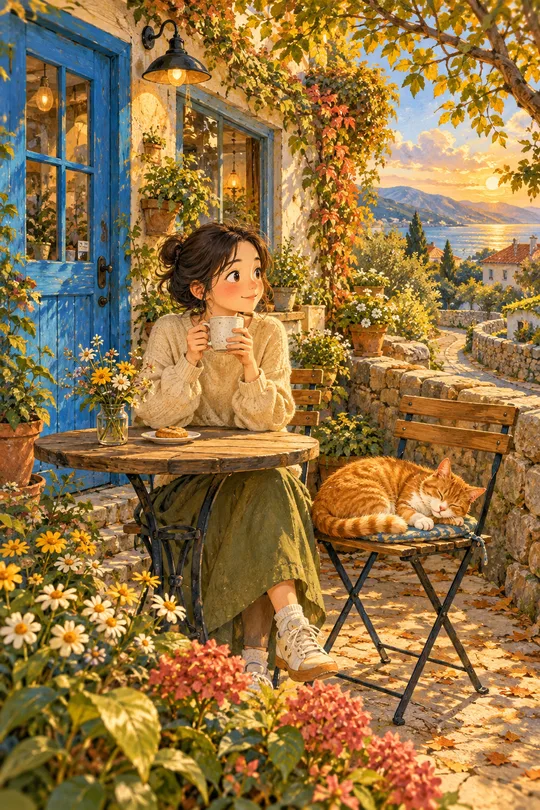
カフェの窓辺、自分で作った飲み物、部屋、旅先の風景を、太いインクの輪郭とくっきりした影のポップイラストに変えます。青緑を中心にピンクとオレンジを添える1種類の画風です。カフェのSNS、壁紙、プロフィール画像に使えます。写真があれば構図と物の配置を残し、写真がなければ文章から架空の場面を描きます。色や画風を選ぶボタンはありません。
3つの欄の使い方
必須は場面の1欄です。「Haru Coffeeの窓辺にある丸いテーブルとアイスラテ」のように場所と主役を書いてください。残したい特徴には左の椅子、右の窓、カップの取っ手など、変わってほしくない位置や形を書きます。空欄なら主要な物と全体の配置を保ちます。細かな描写には氷の輪郭や葉の形などを書きます。空欄なら小物を足さず、元からある物の線と影を整えます。写真がある場合は写真が優先され、文章にしかない物は追加しません。縦横比は共通の比率ボタンで選べます。
写真と一緒に1回送信
利用する権限のある写真1枚を画像AIの入力欄に添付し、完成したプロンプトを同じ入力欄に貼って1回送信してください。写真なしの場合は文章だけで送れます。店名は場面の説明に使い、看板には印字しません。文字、価格、ロゴのないイラスト1枚を作ります。外部サービスの料金と利用条件は、そのサービスで確認してください。
完成したら見比べるところ
元写真と並べて、椅子と窓の位置、カップと花瓶の数、取っ手や特徴的な形を確認してください。色は固定パレットに変わりますが、配置と対象は見分けられる必要があります。色面と影の境界が明瞭で、青緑・ピンク・オレンジが伝わるかも確認します。物が変わった場合は残したい特徴に正確な位置と数を書き足し、同じ写真で送り直してください。柔らかなぼかしや写真の質感が強い場合は、太い輪郭と2~3段階の平らな陰影を指定してください。
作例とよくある質問
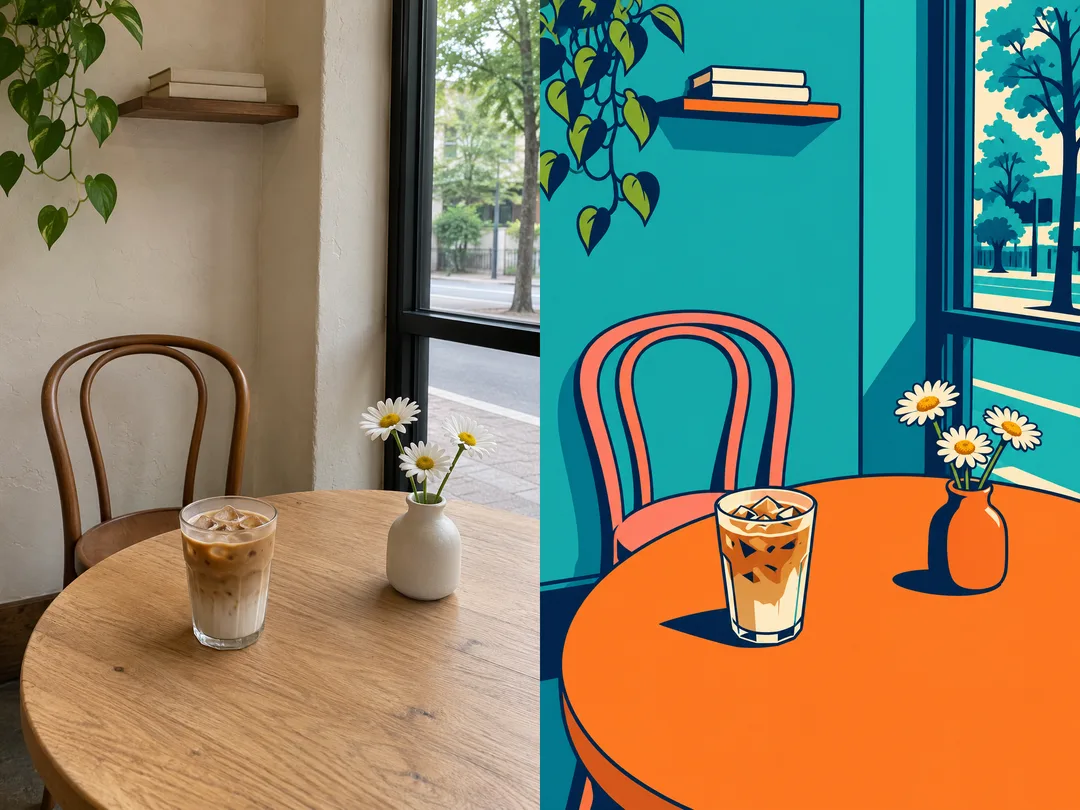
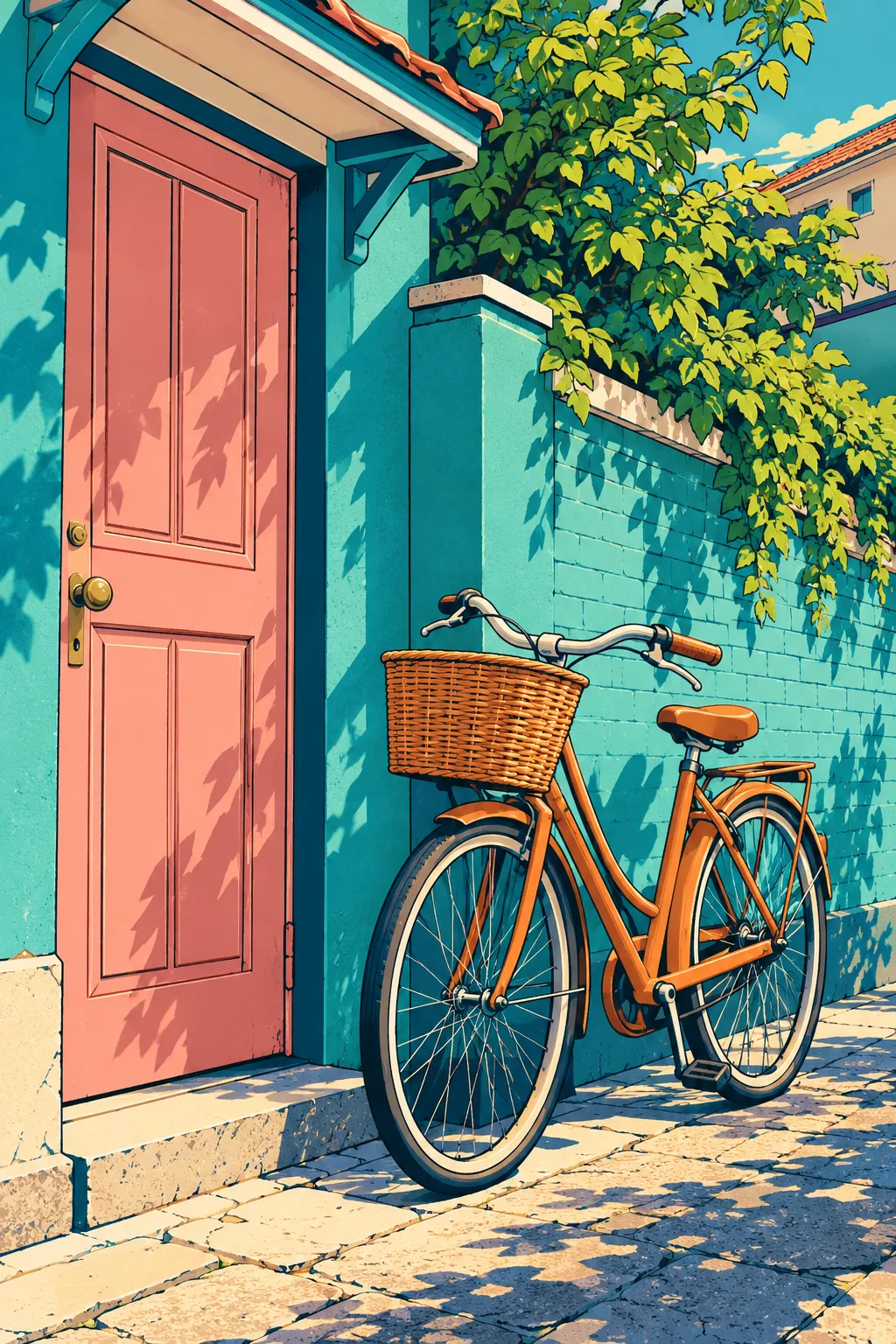
比較画像の左は内蔵画像生成で作った架空の元写真、右はその写真を変換した結果です。お客様の実写ではありません。ベージュの壁と木製の椅子が青緑の壁とピンクの椅子に変わります。右の窓、左のラテ、右の花瓶、3輪のデイジー、棚に重ねた2冊の本は同じ位置に残ります。2つ目は文章だけで作った家と自転車です。表紙のコーヒーバーは別に生成しました。結果画像の後加工はしていません。
写真は必須ですか? いいえ。文章だけでも同じ画風になります。自分の店や部屋を残すなら写真を添付してください。元の色は残りますか? 配置は残し、色は青緑中心に変えます。比較画像も出ますか? いいえ。完成した純粋なイラスト1枚だけです。看板の文字は残せますか? このカードは読める文字のない絵に固定されています。