
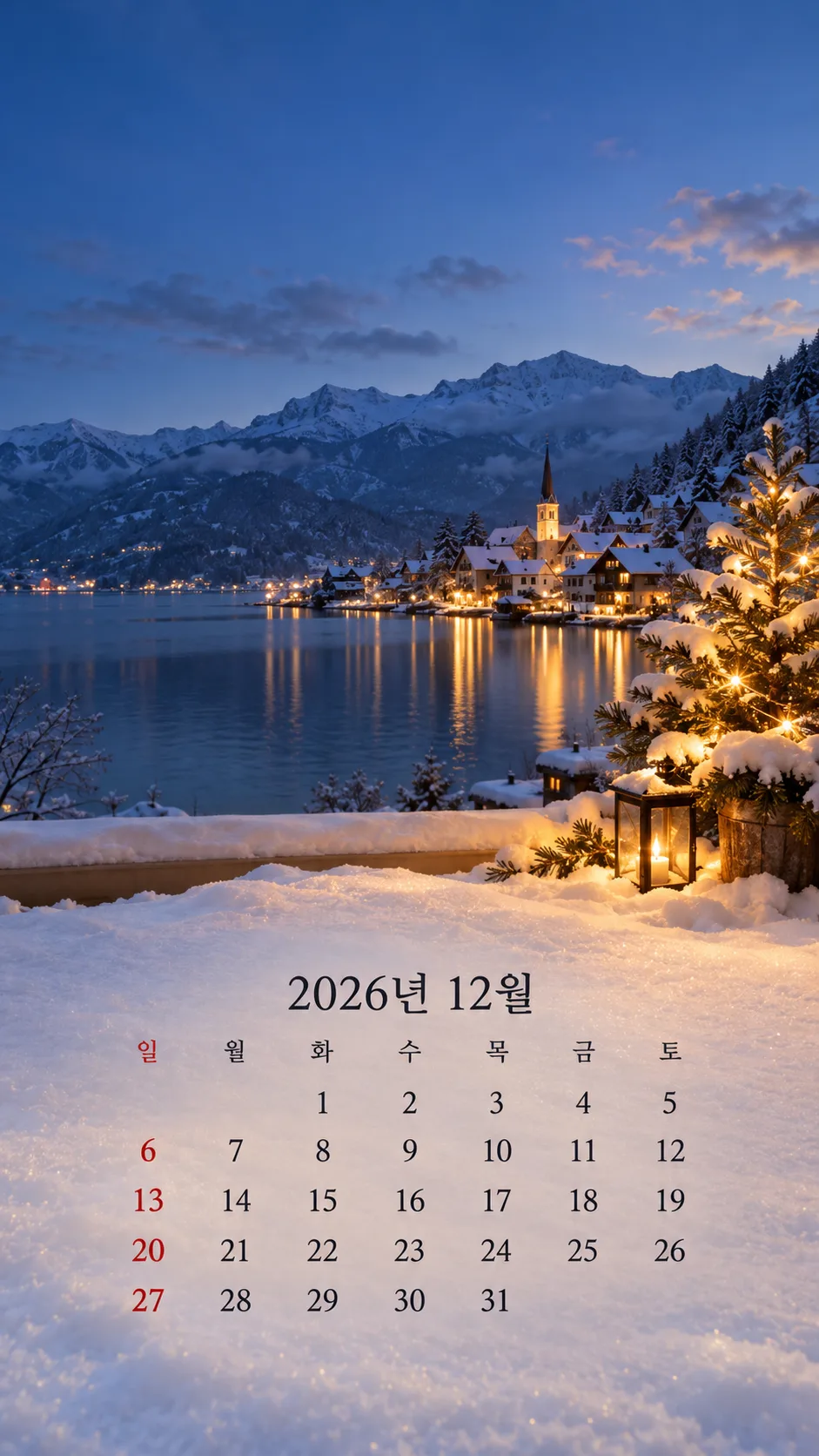
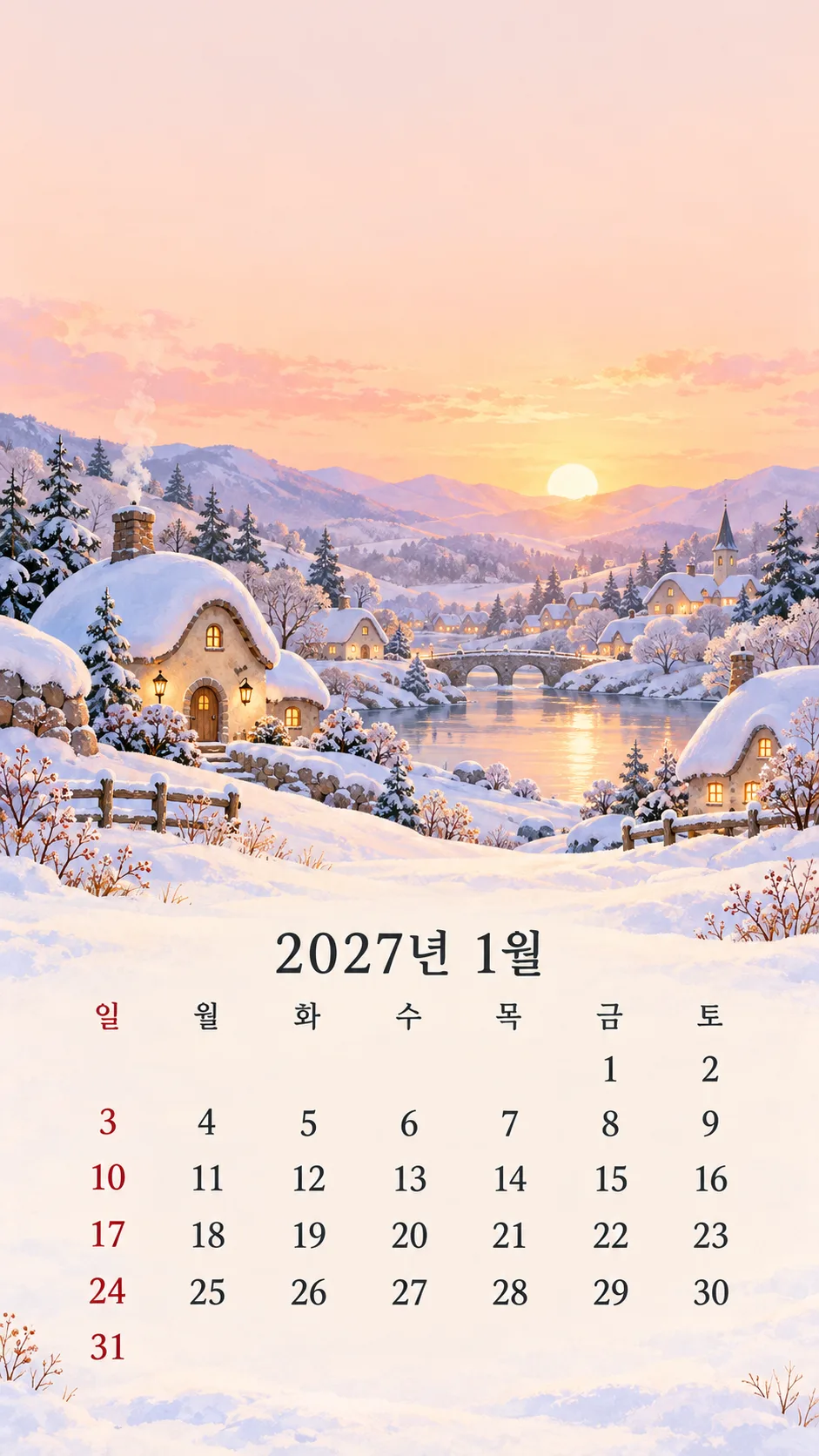
項目を入力
- 1項目を入力します
- 2コピーを押します
- 3GPTのチャットに貼り付けます
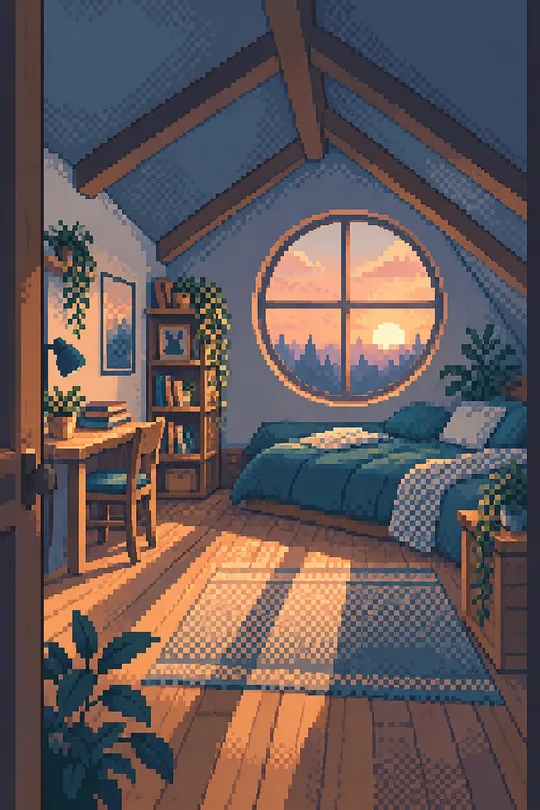
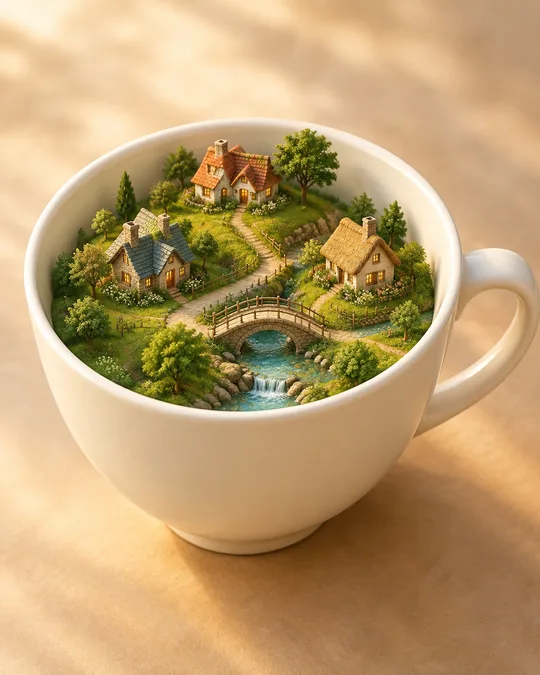
- 4そのまま送ると、サムネイルの例のような画像になります
- 5カードに合う実際の写真を一緒に入れると反映されます。背景カードなら背景の写真、人物・料理カードならその写真 任意
プロンプト全文を見る 5,244文字
Generate this image now. Draw directly; do not explain or ask questions.
Create exactly ONE original full-bleed monthly phone calendar wallpaper. No phone mockup, frame, collage, clock, widgets, icons, logos, watermark or slogan.
MONTH: "【年月】". Parse the four-digit year and month. If empty use 2026-10. Use the authoritative matching date table below. For other valid year/month inputs, verify weekday of day 1, Gregorian leap year and month length using a reliable calendar source before drawing; calculate the Sunday-first grid. Never substitute a different year or invent dates. Never print research notes.
STYLE: "【絵の雰囲気】". 水彩 = refined natural watercolor with paper texture; 写真 = realistic atmospheric photography; かわいいイラスト = rounded cozy storybook illustration; ミニマル = restrained flat seasonal shapes. If empty use 水彩. Use only one selected style.
Season follows the chosen month in the Northern Hemisphere: January sunrise and snowy village; February quiet frosted woodland; March budding branches; April blossoms by a stream; May lush green garden; June hydrangeas; July blue coast; August summer meadow; September golden grasses; October amber maple lake; November misty late-autumn trees; December snowy window with warm tree lights. No Christmas decorations outside December. Original anonymous scenes, no recognizable landmark or existing artwork.
Composition: top 0–35% is calm low-detail sky or wall with no sharp branches, lettering or bright focal light, for the phone's actual clock and widgets. Main seasonal scene sits at 35–66%. At 67–93% place month heading, weekday labels and calendar on a naturally light quiet area. Leave 93–100% quiet for gestures. Continue the scenery to every edge, not a small card on paper; no pasted rectangular calendar panel. For six-week months compress row spacing while retaining legibility. No scene details behind numerals.
Heading in Japanese, e.g. 2026年10月. Weekdays exactly 日 月 火 水 木 金 土. Text limited to year/month, weekday labels and date numbers.
Seven equal columns in Sunday-first order. Only Sunday header and Sunday dates are muted red; all others charcoal. No holiday labels or special holiday colors, including December 25 and January 1. Use large clean centered numerals, without leading zeroes. Empty cells are entirely unprinted: no dashes, letters, dots or zeroes. No adjacent-month dates. Header is not a date row. Each integer from 1 to the last date occurs exactly once.
AUTHORITATIVE DATE TABLES: each line is one row of seven cells in Sunday through Saturday order. EMPTY is a non-printing cell instruction, never visible text. Use only the selected month:
2026-10:
EMPTY EMPTY EMPTY EMPTY 1 2 3
4 5 6 7 8 9 10
11 12 13 14 15 16 17
18 19 20 21 22 23 24
25 26 27 28 29 30 31

2026-11:
1 2 3 4 5 6 7
8 9 10 11 12 13 14
15 16 17 18 19 20 21
22 23 24 25 26 27 28
29 30 EMPTY EMPTY EMPTY EMPTY EMPTY

2026-12:
EMPTY EMPTY 1 2 3 4 5
6 7 8 9 10 11 12
13 14 15 16 17 18 19
20 21 22 23 24 25 26
27 28 29 30 31 EMPTY EMPTY

2027-01:
EMPTY EMPTY EMPTY EMPTY EMPTY 1 2
3 4 5 6 7 8 9
10 11 12 13 14 15 16
17 18 19 20 21 22 23
24 25 26 27 28 29 30
31 EMPTY EMPTY EMPTY EMPTY EMPTY EMPTY

2027-02:
EMPTY 1 2 3 4 5 6
7 8 9 10 11 12 13
14 15 16 17 18 19 20
21 22 23 24 25 26 27
28 EMPTY EMPTY EMPTY EMPTY EMPTY EMPTY

2027-03:
EMPTY 1 2 3 4 5 6
7 8 9 10 11 12 13
14 15 16 17 18 19 20
21 22 23 24 25 26 27
28 29 30 31 EMPTY EMPTY EMPTY

2027-04:
EMPTY EMPTY EMPTY EMPTY 1 2 3
4 5 6 7 8 9 10
11 12 13 14 15 16 17
18 19 20 21 22 23 24
25 26 27 28 29 30 EMPTY

2027-05:
EMPTY EMPTY EMPTY EMPTY EMPTY EMPTY 1
2 3 4 5 6 7 8
9 10 11 12 13 14 15
16 17 18 19 20 21 22
23 24 25 26 27 28 29
30 31 EMPTY EMPTY EMPTY EMPTY EMPTY

2027-06:
EMPTY EMPTY 1 2 3 4 5
6 7 8 9 10 11 12
13 14 15 16 17 18 19
20 21 22 23 24 25 26
27 28 29 30 EMPTY EMPTY EMPTY

2027-07:
EMPTY EMPTY EMPTY EMPTY 1 2 3
4 5 6 7 8 9 10
11 12 13 14 15 16 17
18 19 20 21 22 23 24
25 26 27 28 29 30 31

2027-08:
1 2 3 4 5 6 7
8 9 10 11 12 13 14
15 16 17 18 19 20 21
22 23 24 25 26 27 28
29 30 31 EMPTY EMPTY EMPTY EMPTY

2027-09:
EMPTY EMPTY EMPTY 1 2 3 4
5 6 7 8 9 10 11
12 13 14 15 16 17 18
19 20 21 22 23 24 25
26 27 28 29 30 EMPTY EMPTY

2027-10:
EMPTY EMPTY EMPTY EMPTY EMPTY 1 2
3 4 5 6 7 8 9
10 11 12 13 14 15 16
17 18 19 20 21 22 23
24 25 26 27 28 29 30
31 EMPTY EMPTY EMPTY EMPTY EMPTY EMPTY

2027-11:
EMPTY 1 2 3 4 5 6
7 8 9 10 11 12 13
14 15 16 17 18 19 20
21 22 23 24 25 26 27
28 29 30 EMPTY EMPTY EMPTY EMPTY

2027-12:
EMPTY EMPTY EMPTY 1 2 3 4
5 6 7 8 9 10 11
12 13 14 15 16 17 18
19 20 21 22 23 24 25
26 27 28 29 30 31 EMPTY
Before rendering, match every cell to the chosen table, including all leading and trailing empty cells. After rendering check all dates, column positions, row count, Sunday colors and exact month/year heading. Output only the finished wallpaper; do not require code, cropping, retouching, a second prompt or extra steps.

[Final output format]
出力サイズは1080×1920ピクセル、9:16の縦型にしてください。文字は中央の安全な範囲に収めてください。
This selected output format takes priority over any fixed canvas size or aspect ratio elsewhere in this template. Adapt the composition, text zones and margins to the selected canvas without stretching or cropping essential content. Device safe areas apply only when a device is selected. Never print these format instructions on the image.
結果はどうでしたか?
こちらのカードも人気です


使い方・よくある質問
毎月変えるロック画面カレンダー
季節の風景と、その月の日付表を下の約3分の1に入れるスマートフォン壁紙です。上部は実際の時計やウィジェットのために静かな空や壁を残します。時計やアイコンそのものは描きません。赤くするのは日曜日だけです。12月25日や1月1日を含め、祝日の名称や特別な色は付けません。
入力方法
必須項目は年月・絵の雰囲気・機種の3つです。2026年12月のように年と月を一緒に入力します。候補以外も直接入力できます。2026年10月から2027年12月までは行ごとの日付表を指定し、それ以外は信頼できるカレンダー資料で確認するように指示します。年月を空欄にすると2026年10月になります。年が違えば同じ月でも曜日が変わります。
水彩は柔らかなにじみと紙の質感、写真は自然な光と現実的な風景、かわいいイラストは丸い家と温かな色、ミニマルは簡潔な季節の形を使います。空欄では水彩です。北半球の季節に合わせ、10月は紅葉の湖、12月は雪の窓辺とツリーの光、1月は日の出と雪の村になります。クリスマスの装飾は12月だけです。
機種の候補は既存の壁紙カードと同じです。折りたたみ端末はメイン画面とカバー画面を区別してください。分からない場合は9:16を選びます。機種名にはメーカーの画面情報の確認を指示し、確認できない解像度を創作しません。比率を入力した場合は共通の画面比率設定を使い、空欄では9:16です。表紙と二つの作例はすべて9:16です。写真の添付は不要です。
日付を一マスずつ確認
プロンプトを一度コピーして画像AIに貼り付けると、一か月分の壁紙を依頼できます。外部サービスの料金や利用規約はそのサービスで確認してください。日付表を指定しても生成ミスは起こります。2026年10月は木曜日始まり・31日・5行、2026年12月は火曜日始まり・31日・5行、2027年1月は金曜日始まり・31日・6行です。実際のカレンダーと全マスを比較し、重複・欠落・前後の空欄も確認します。2027年1月31日は最後の行の日曜日に入ります。
よくある質問
- 祝日も赤くなりますか? 日曜日だけを赤くします。祝日の追加表示はありません。
- 数字が違う場合は? 月全体の日付表と誤ったマスを伝えて再生成してください。数字の上書きや切り取りで隠しません。3回でも合わない場合はカレンダーとして使わないでください。
- 画面で切れる場合は? 設定のプレビューで最終行と時計を確認します。自動拡大やウィジェット位置により見え方が変わるため、上部と下部の安全領域を広げて再生成します。
- 作例の内容は? 表紙は2026年10月の水彩、ギャラリーは2026年12月の写真と2027年1月のかわいいイラストです。すべて別々に生成した画像です。