

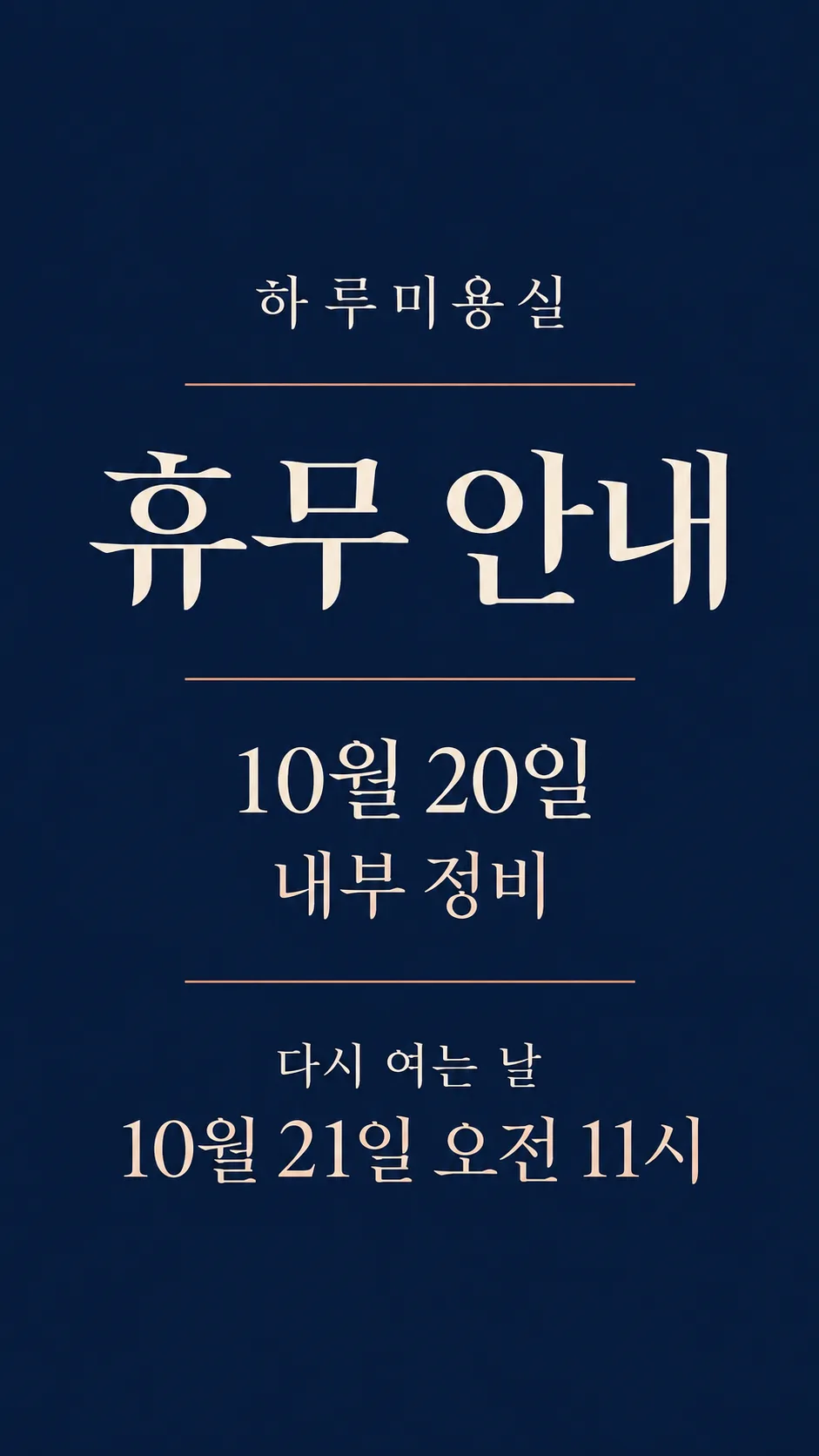
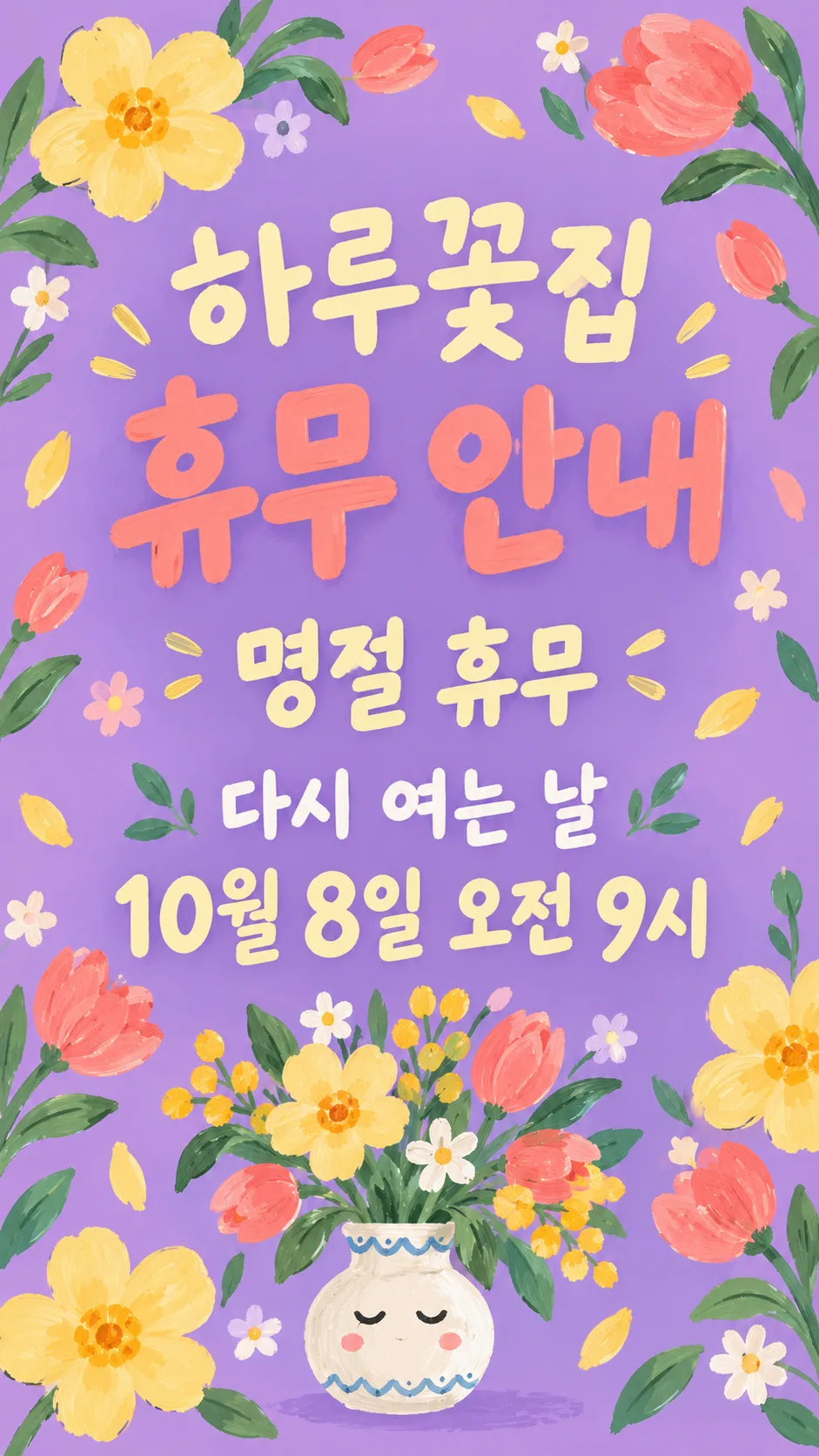
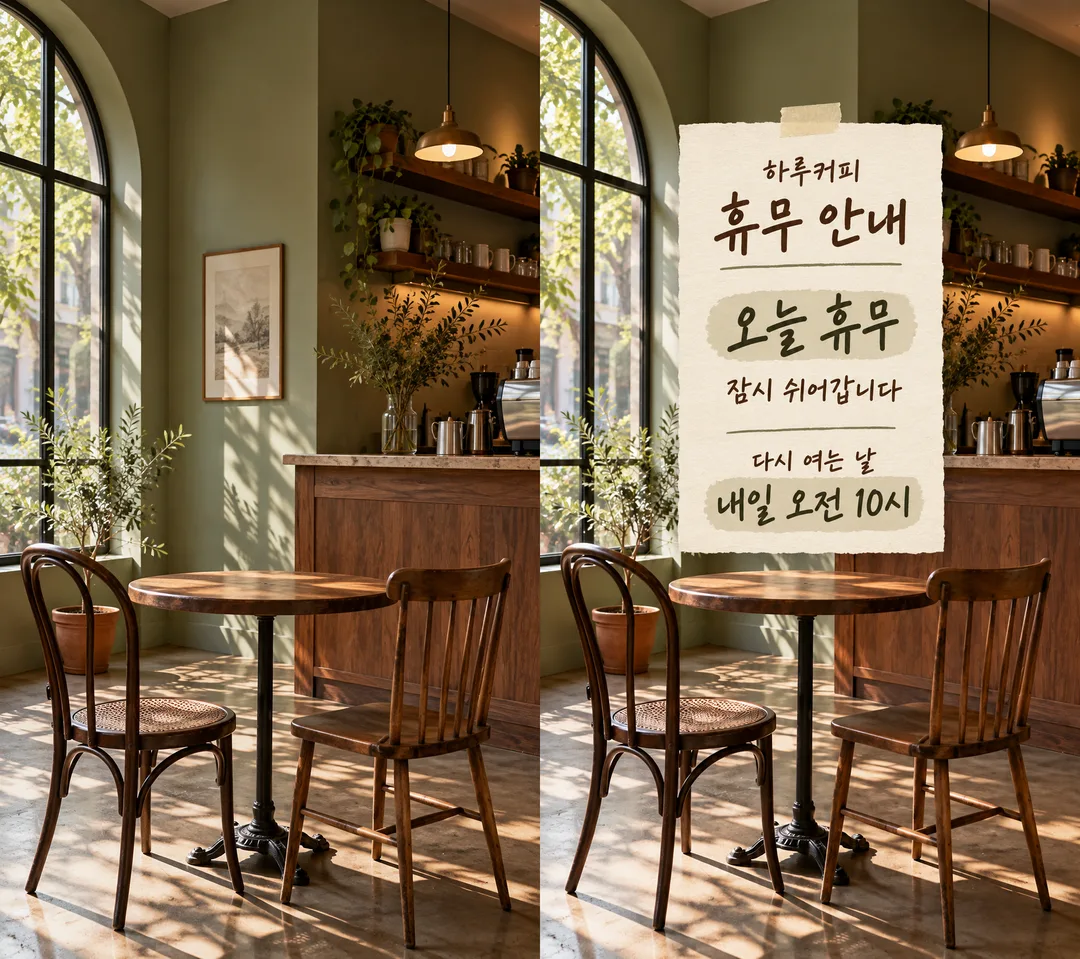
項目を入力
- 1項目を入力します
- 2プロンプトをコピーします
- 3GPTのチャットに貼り付けます
- 4そのまま送ると、サムネイルの例のような画像になります
- 5お店の写真(任意)をプロンプトと一緒に入れると、その写真が反映されます 任意
プロンプト全文を見る 3,074文字
Generate this image now. Draw it directly; do not explain or ask questions.
出力サイズは1080×1920ピクセル、9:16の縦型にしてください。文字は中央の安全な範囲に収めてください。
Create ONE finished full-bleed store closure story; default portrait 9:16. No collage, phone mockup or instruction labels. Language of fixed labels: Japanese.
Photo: use only the image attached in the same message, if any; never print text about it or fetch an image URL.
PHOTO RULE: With a photo attached, preserve the original photo framing, objects, colors and lighting unchanged wherever visible. Overlay the notice; do not redraw, restyle or retouch the photo. Keep recognizable shop details visible. With no photo, never ask or stop; make a finished background matching the mood, without inventing a photographic shop.
Shop name, verbatim: "【店名】"
Headline, exactly once: "休業のお知らせ"
Closure dates, verbatim and prominent: "【休業日】"
Reason, verbatim: "【理由】". If blank, omit its entire line and close the space; no replacement text.
Reopening label: "営業再開"
Reopening details, verbatim: "【営業再開】". This single field includes any supplied date and time. If blank, omit label and details together.
Never infer, calculate, translate or normalize a user date, weekday, holiday, relative date or time. Add a weekday ONLY when the user wrote it. Do not turn 'today' or 'tomorrow' into a calendar date. Do not invent opening hours. Optional empty shop name or closure dates must disappear, never invent replacements.
Mood: "【雰囲気】". Choose exactly the selected mood, default "手書きメモ".
- 手書きメモ: warm cream textured handwritten stationery with dark olive ink and tiny tape; without a photo, paper fills the whole canvas, not a small card on a tabletop. With a photo, add a readable memo over it.
- すっきりミニマル: restrained navy and ivory typography with thin copper rules; without a photo, color fills canvas; with a photo use a compact opaque typographic panel.
- かわいいイラスト: cheerful lilac, butter-yellow and coral gouache botanical illustration and a small original expressive vase; without a photo fill canvas; with a photo confine decoration to the overlay.
Hierarchy: large headline; large closure dates; shop name; optional short reason; clearly readable reopening details. Keep essential text within 12–85% of canvas height, safe margins and generous line spacing. Decorations must not touch lettering. Adapt spacing to the chosen ratio while keeping all text.
Render only the stated fixed labels and supplied field values, each once. Inspect every letter and digit before finishing. No extra slogans, made-up dates, numbered calendars, logos, real brands, known characters, famous-person likenesses, branded product designs, watermark or verification notes. Use original abstract decoration. Output only the single finished image.

[Final output format]
出力サイズは1080×1920ピクセル、9:16の縦型にしてください。文字は中央の安全な範囲に収めてください。
This selected output format takes priority over any fixed canvas size or aspect ratio elsewhere in this template. Adapt the composition, text zones and margins to the selected canvas without stretching or cropping essential content. Device safe areas apply only when a device is selected. Never print these format instructions on the image.
結果はどうでしたか?
こちらのカードも人気です

使い方・よくある質問
急な休みをお客様へ伝える、縦長のストーリー一枚を作ります。店名・休業日・営業再開の3項目が必須です。再開欄には日付と時刻を一緒に書けます。理由を空欄にすると、その行を丸ごと省きます。写真は任意で、同じ送信欄に画像とコピーしたプロンプトを添えて送ってください。写真を使う場合は背景を描き直さず、案内を上に重ねます。写真がなくても完成します。手書きメモ、すっきりミニマル、かわいいイラストから雰囲気を選べます。
「本日休業」「臨時休業」「年末年始休業」のような文字も休業日にそのまま使えます。曜日や再開時刻は自動補完しません。再開が未定なら、その欄に「未定」と書いてください。出力後は休業日と再開日時を一文字ずつ照合し、誤字があれば正しい文字列を指定して作り直してください。写真に第三者のロゴや人が入らない画像を選びましょう。左が架空のカフェ写真、右がメモを重ねた結果です。他の二枚は写真なしの美容室と花屋です。外部画像サービスの料金・利用条件は利用先で確認してください。
ほかの活用例
これらは統合前のカードの作例です。上のコピープロンプトは代表カードの基本の仕上がりを保ちます。別の表現を試す場合は、生成後に作例を添付して変更したい点を伝えてください。
お店の今日のお知らせストーリー
大きな見出しと上下の安全領域で、お店の今日のお知らせを1枚に。