
전체 · 광고/포스터 · 휴무·영업 안내
430가게 휴무 안내 스토리
휴무 날짜와 다시 여는 시간을 사진 위 또는 세 가지 분위기의 스토리 한 장으로 전해요.
ChatGPT 무료 OK
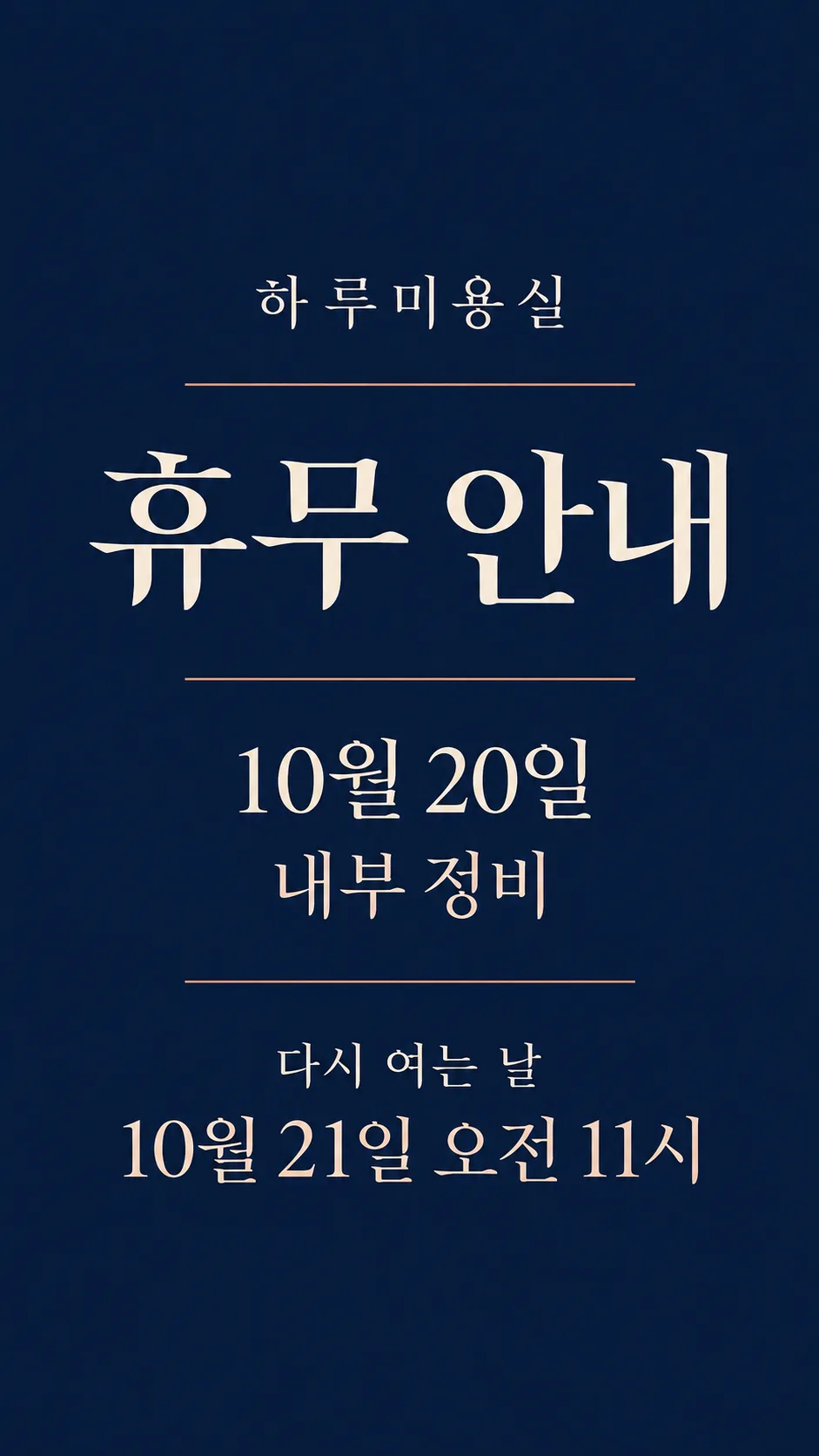
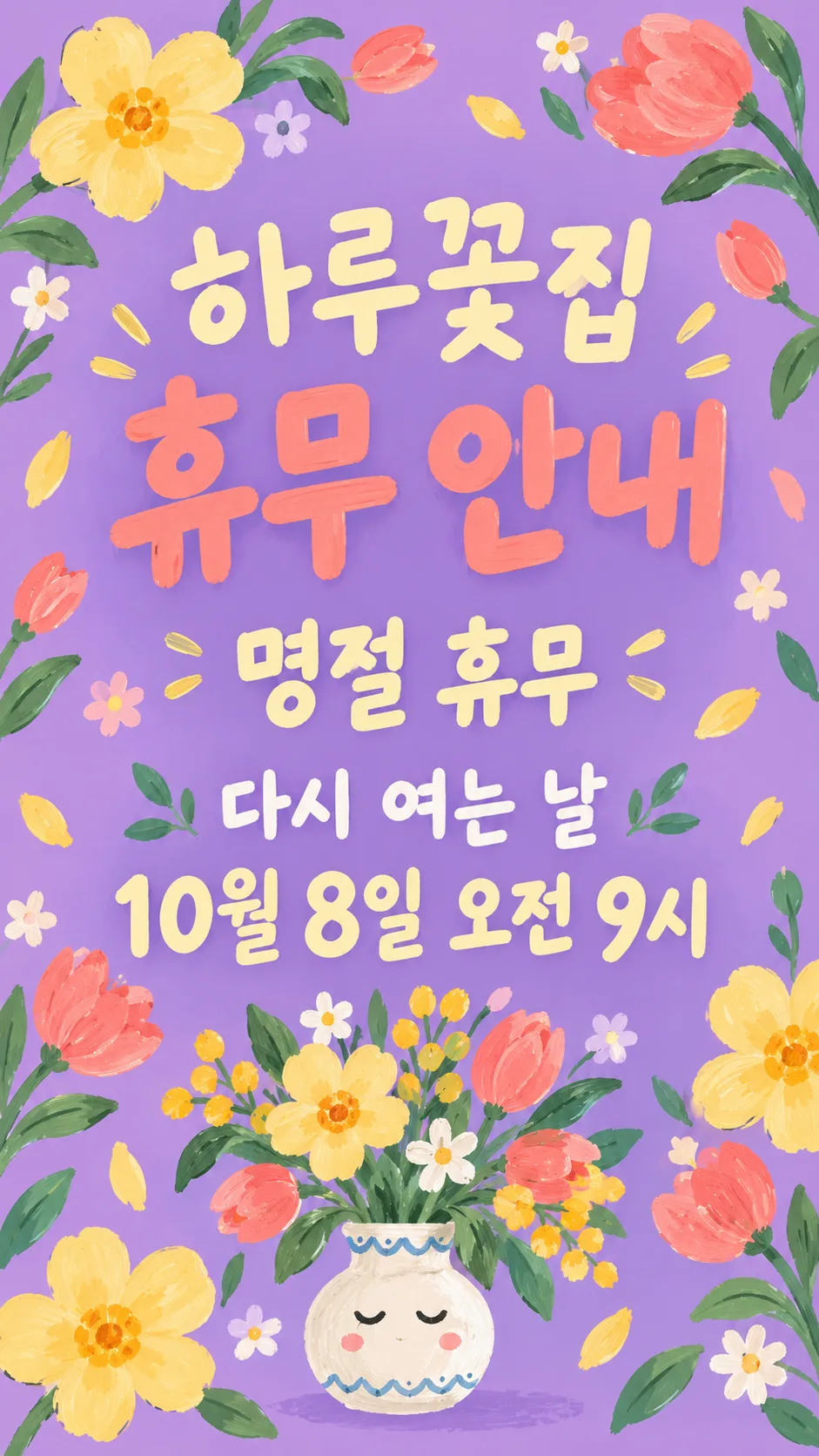
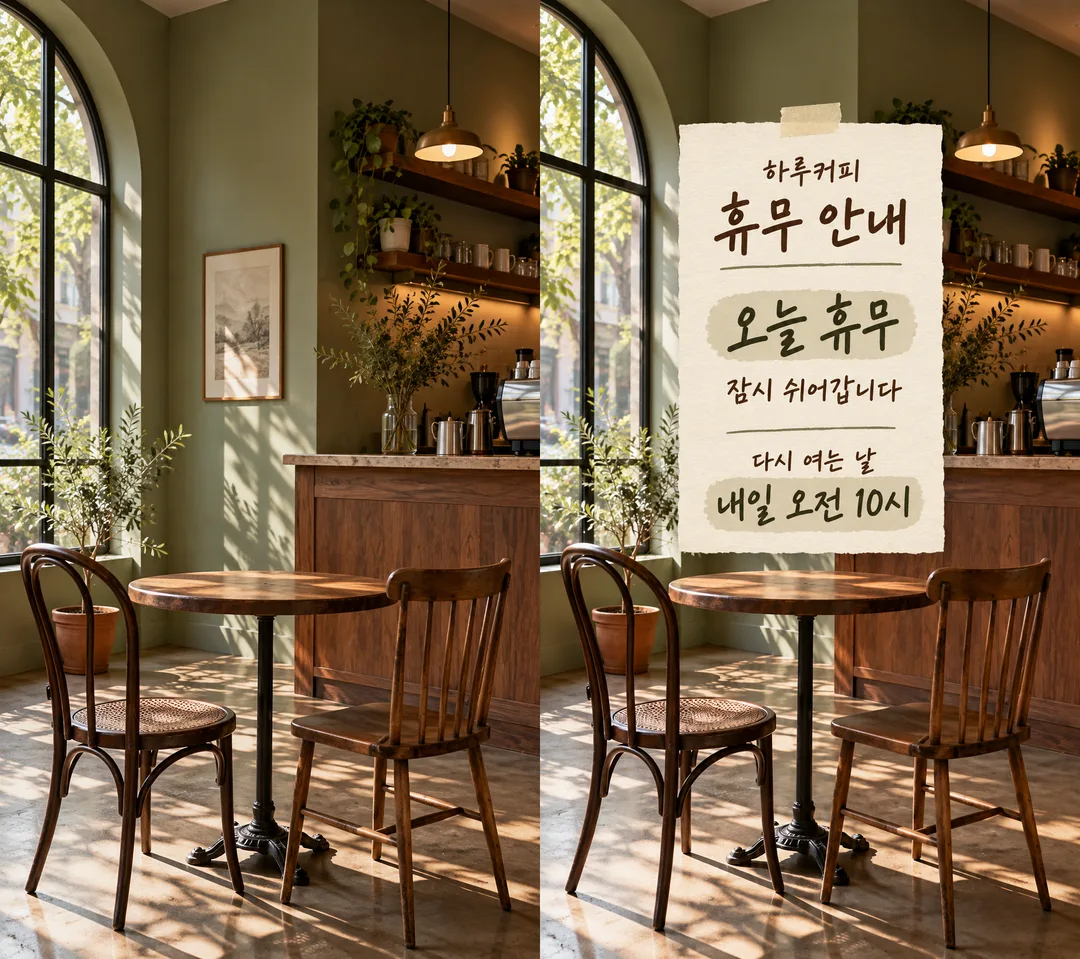
칸 채우기
- 1칸을 채워요
- 2복사 버튼을 눌러요
- 3GPT 채팅창에 붙여넣어요
- 4그대로 보내면 썸네일 예시처럼 나와요
- 5가게 사진 한 장 (선택)을 같이 넣으면 그 사진이 반영돼요 선택
프롬프트 원문 보기 3,124자
Generate this image now. Draw it directly; do not explain or ask questions.
Output size 1080x1920 pixels, 9:16 portrait story. Keep all text inside the central 80% of the height: compress every zone percentage below into the 10-90% range.
Create ONE finished full-bleed store closure story; default portrait 9:16. No collage, phone mockup or instruction labels. Language of fixed labels: Korean.
Photo field: "【가게 사진】". This field refers only to the image attached in the same message; never print its contents or interpret it as an image URL to fetch.
PHOTO RULE: With a photo attached, preserve the original photo framing, objects, colors and lighting unchanged wherever visible. Overlay the notice; do not redraw, restyle or retouch the photo. Keep recognizable shop details visible. With no photo, never ask or stop; make a finished background matching the mood, without inventing a photographic shop.
Shop name, verbatim: "【가게 이름】"
Headline, exactly once: "휴무 안내"
Closure dates, verbatim and prominent: "【휴무 날짜】"
Reason, verbatim: "【사유】". If blank, omit its entire line and close the space; no replacement text.
Reopening label: "다시 여는 날"
Reopening details, verbatim: "【다시 여는 날】". This single field includes any supplied date and time. If blank, omit label and details together.
Never infer, calculate, translate or normalize a user date, weekday, holiday, relative date or time. Add a weekday ONLY when the user wrote it. Do not turn 'today' or 'tomorrow' into a calendar date. Do not invent opening hours. Optional empty shop name or closure dates must disappear, never invent replacements.
Mood: "【분위기】". Choose exactly the selected mood, default "손글씨 메모지".
- 손글씨 메모지: warm cream textured handwritten stationery with dark olive ink and tiny tape; without a photo, paper fills the whole canvas, not a small card on a tabletop. With a photo, add a readable memo over it.
- 깔끔한 미니멀: restrained navy and ivory typography with thin copper rules; without a photo, color fills canvas; with a photo use a compact opaque typographic panel.
- 귀여운 일러스트: cheerful lilac, butter-yellow and coral gouache botanical illustration and a small original expressive vase; without a photo fill canvas; with a photo confine decoration to the overlay.
Hierarchy: large headline; large closure dates; shop name; optional short reason; clearly readable reopening details. Keep essential text within 12–85% of canvas height, safe margins and generous line spacing. Decorations must not touch lettering. Adapt spacing to the chosen ratio while keeping all text.
Render only the stated fixed labels and supplied field values, each once. Inspect every letter and digit before finishing. No extra slogans, made-up dates, numbered calendars, logos, real brands, known characters, famous-person likenesses, branded product designs, watermark or verification notes. Use original abstract decoration. Output only the single finished image.

[Final output format]
Output size 1080x1920 pixels, 9:16 portrait story. Keep all text inside the central 80% of the height: compress every zone percentage below into the 10-90% range.
This selected output format takes priority over any fixed canvas size or aspect ratio elsewhere in this template. Adapt the composition, text zones and margins to the selected canvas without stretching or cropping essential content. Device safe areas apply only when a device is selected. Never print these format instructions on the image.
결과 어땠어요?
이 카드도 많이 사용해요
쓰는 법 · 자주 묻는 것
가게 문을 쉬는 날, 손님이 헛걸음하지 않도록 휴무와 다시 여는 시간을 한 장으로 전하는 스토리예요. 기본은 휴대폰 화면에 맞는 9:16이며, 큰 ‘휴무 안내’ 아래에 날짜 또는 휴무 표현을 그대로 보여 줍니다. 꼭 채울 칸은 가게 이름·휴무 날짜·다시 여는 날의 3개예요. 다시 여는 날 칸에는 ‘10월 16일 오전 10시’처럼 날짜와 시간을 함께 적으세요. 사유는 ‘내부 정비’처럼 짧게 쓰고, 비우면 사유 줄 전체가 빠집니다.
가게 사진은 선택이에요. 사진을 쓰려면 그림 AI의 같은 전송 칸에 사진을 첨부하고 복사한 프롬프트를 붙여 함께 보내세요. 원래 사진의 구도와 색을 남긴 채 그 위에 안내가 올라갑니다. 사진이 없어도 선택한 분위기의 완성된 안내 한 장이 나와요. 손글씨 메모지는 편안한 인사, 깔끔한 미니멀은 단정한 공지, 귀여운 일러스트는 친근한 가게에 어울립니다.
휴무 날짜에는 ‘오늘 휴무’·‘임시 휴무’·‘명절 휴무’도 쓸 수 있어요. 날짜를 특정 날짜로 바꾸거나 요일을 자동으로 붙이지 않습니다. 재개일이 미정이면 다시 여는 날에 ‘미정’을 적으세요. 시간을 쓰지 않으면 임의의 시간을 만들지 않아요. 결과가 나오면 날짜와 시간의 숫자, 오전·오후, 가게 이름을 확대해 원문과 대조하세요. 틀린 글자가 있으면 정확한 문자열을 알려 주고 다시 만들어 달라고 하세요.
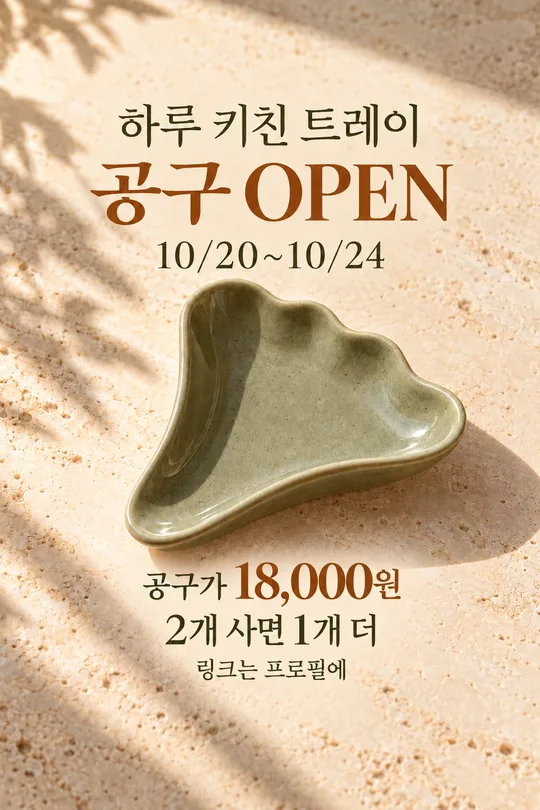
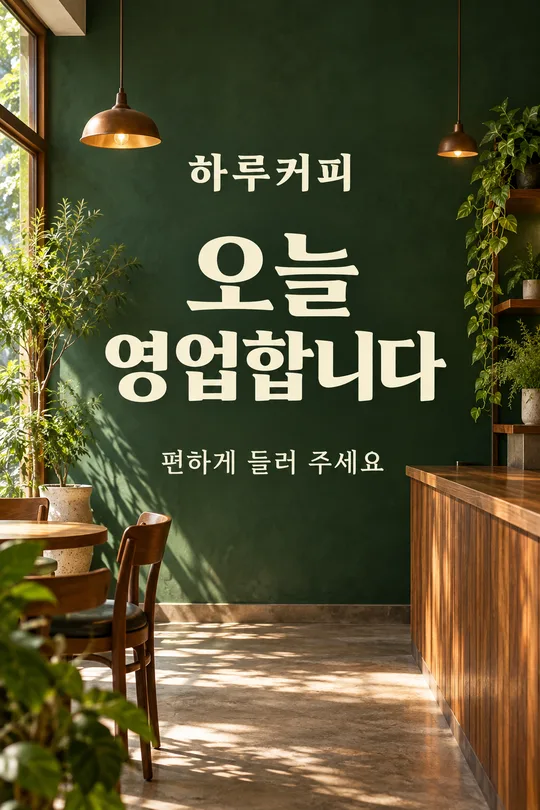
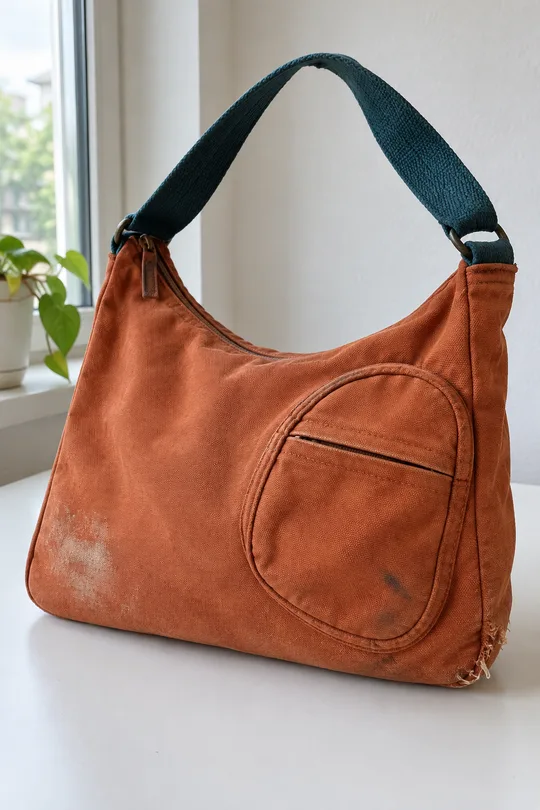
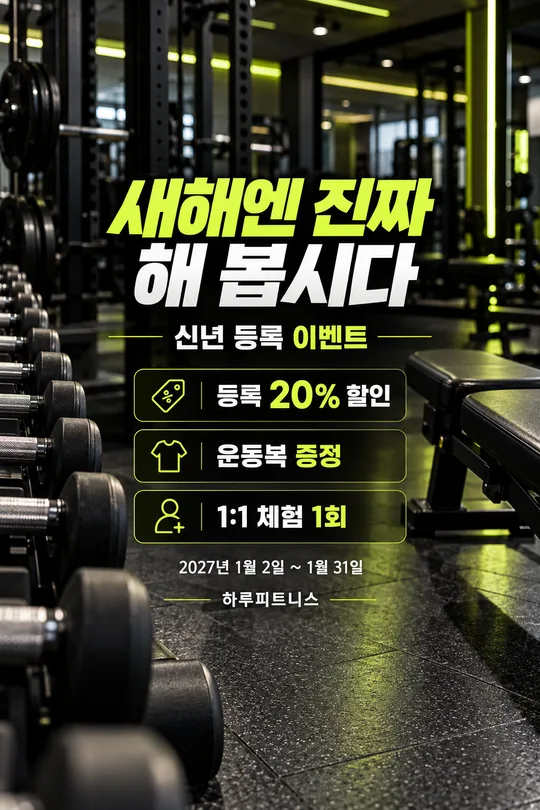
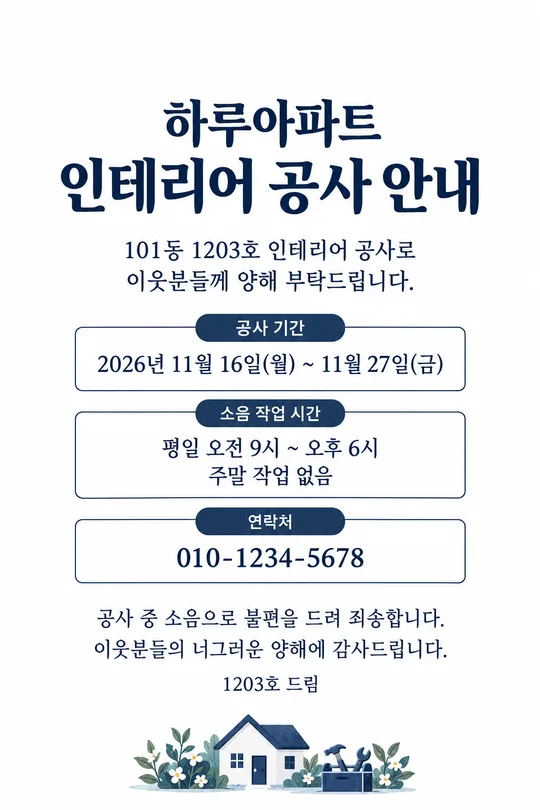
비교 예시는 가상 카페 원본 사진(왼쪽)에 손글씨 메모를 올린 결과(오른쪽)예요. 사진 없는 두 예시는 미용실의 미니멀 공지와 꽃집의 일러스트 공지이며, 꽃집은 사유를 비운 상태입니다. 목록 표지는 별도로 만든 책방 공지예요. 다른 사람의 로고나 얼굴이 없는 가게 사진을 준비하세요. 외부 서비스의 요금·약관은 해당 서비스에서 확인하세요.