
項目を入力
- 1項目を入力します
- 2プロンプトをコピーします
- 3GPTのチャットに実際に販売する持ち帰り寿司の写真一枚とプロンプトを一緒に送ります
- 4写真と文章の両方が入っていることを確認します
プロンプト全文を見る 1,543文字
Generate this image now. Draw it directly - do not describe it, explain it, or ask questions.
出力サイズは2480×3508ピクセル、A4縦、300dpiの印刷用ポスターにしてください。
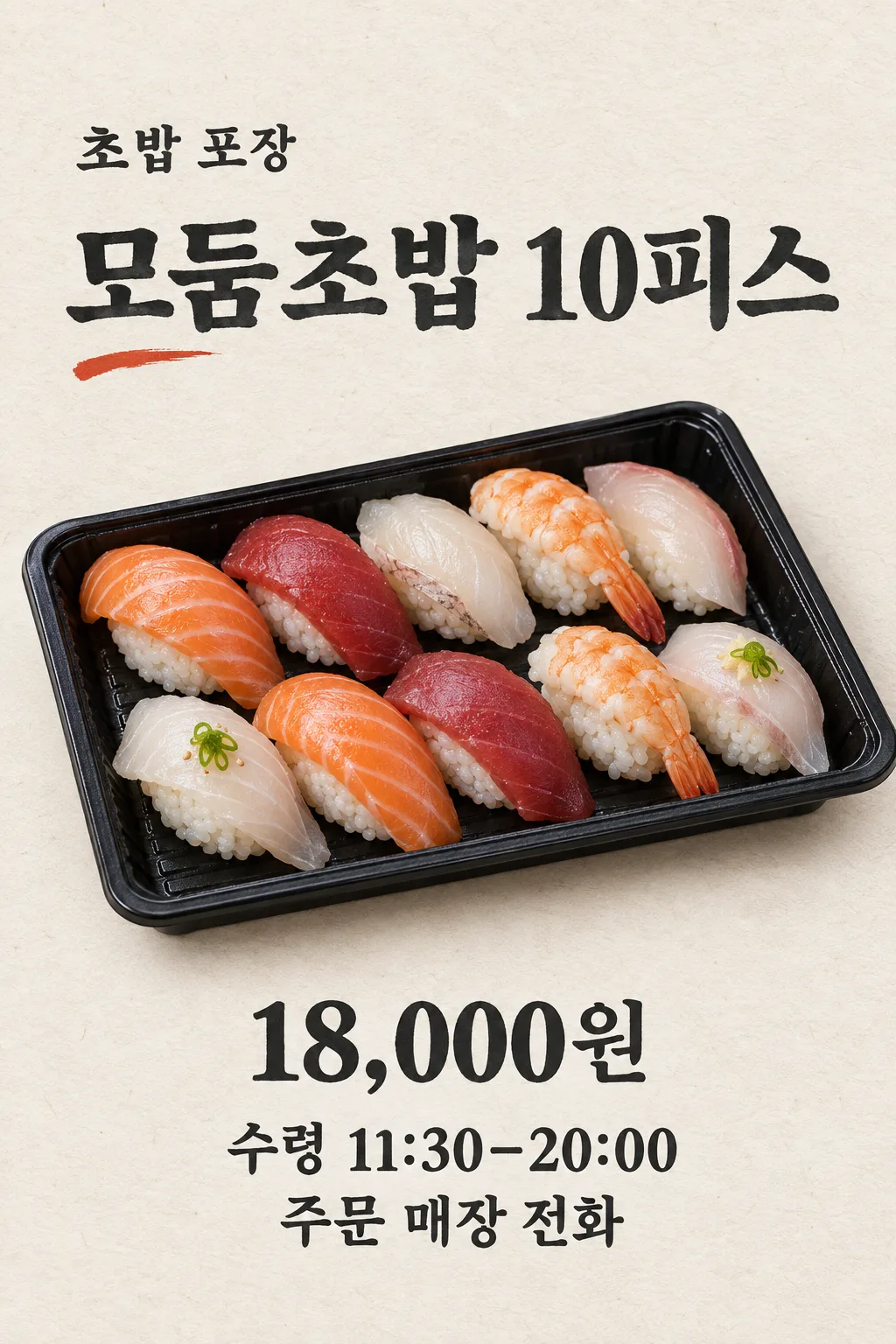
Create exactly ONE finished vertical Japanese SUSHI TAKEOUT ORDER POSTER using ONE photo of the ACTUAL takeaway sushi set sold by this shop, attached in the same message. If the photo is missing, ask for it rather than fabricate a commercial meal. The photograph controls piece count, fish or egg varieties, rice, garnishes and container. Show separate compact rice mounds beneath naturally irregular fish slices. Keep real variations in cut, marbling and highlights. Never clone identical pieces, invent another fish, create plastic rice or change the photographed set.

Use a single fixed quiet editorial design: bone-white washi-like paper, deep charcoal ink and one modest vermilion brush mark. Keep top 12% and bottom 15% free of crucial words. At 15–21% show "【店名】" once. At 23–31% show the exact large heading "【セット名】". Across 32–67% make the actual takeaway tray the hero, seen from a three-quarter overhead viewpoint in soft daylight. At 69–83% show "【実際の販売価格】" in prominent type, then "受取  【受取可能時間】" and "注文  【注文先】" on clearly separated lines. Keep every number and character exactly as provided. A piece count in the name must agree with the source photo.

Do not add an unprovided discount, free item, delivery promise, order minimum, deadline, allergy statement, fake phone number, branded bag, other dish, QR code, logo or fine print. No multi-set menu, mockup, extra output, code or crop. Return only one complete poster image.
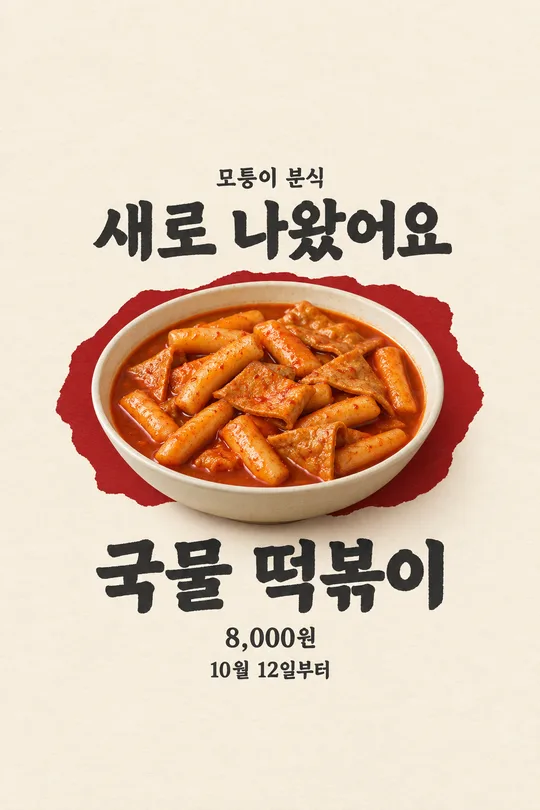
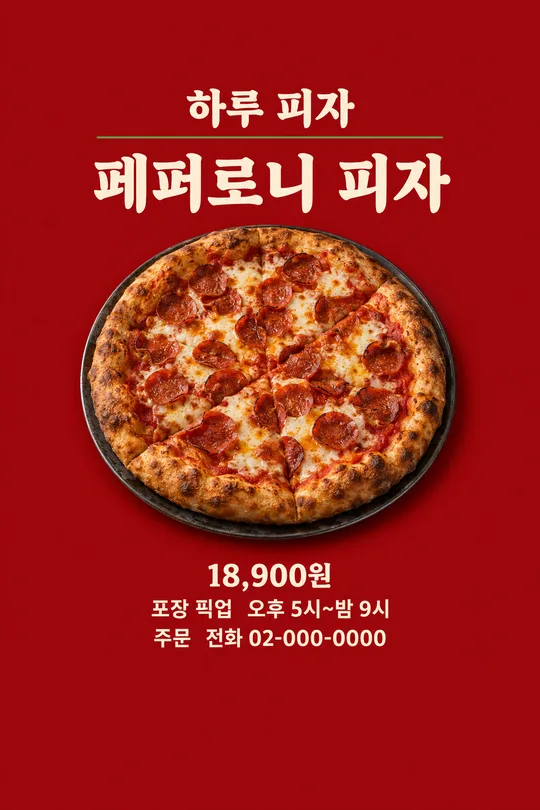
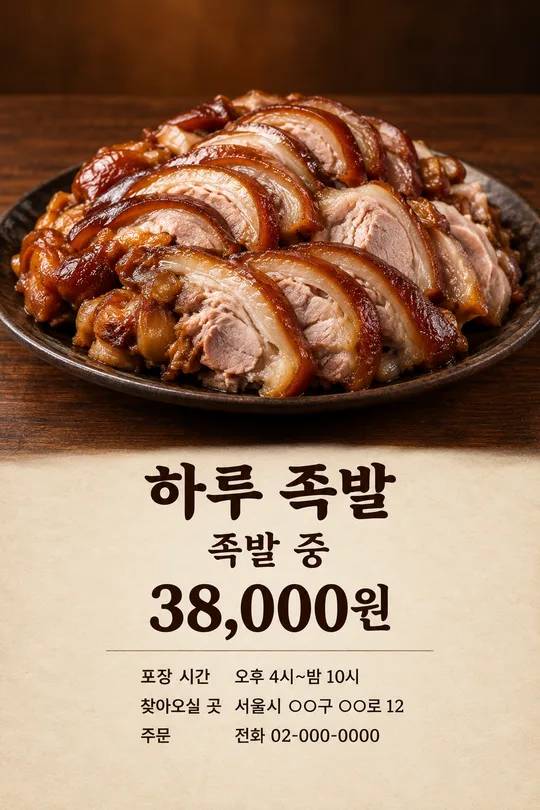
こちらのカードも人気です
使い方・よくある質問
使う場面
寿司店の店頭やInstagramで、特定の持ち帰りセットの注文を案内するためのポスターです。中央には実際に販売する寿司の容器を大きく載せ、下に価格、受取可能時間、注文先をまとめます。複数のメニューを並べる価格表ではありません。
入力と送信
店名、実際のセット名、現在の価格、受取可能な時間、連絡できる注文先を正確に記入します。名前に「十貫」とある場合、写真もそのセットのものを使ってください。商品写真を一枚アップロードしてまだ送らず、同じ入力欄へプロンプトを貼り、写真と文章を一回で送信します。
掲示前の確認
寿司の数、魚の種類、米の形、容器が本物と一致するか見ます。すべて同じ形の魚やプラスチックのような米は避けてください。価格と電話番号は一桁ずつ、受取時間は実際の営業時間と照合します。違いがあれば新しい実物写真と正しい情報で完成ポスターを一枚作り直してください。