
전체 · 광고/포스터 · 신메뉴·신상품 · 카페·디저트
313메뉴 사진 헤드라인 광고 — 우리 메뉴 · 상품을 받침대 위 잡지 광고 포스터로 (카페 · 화장품 · 소품)
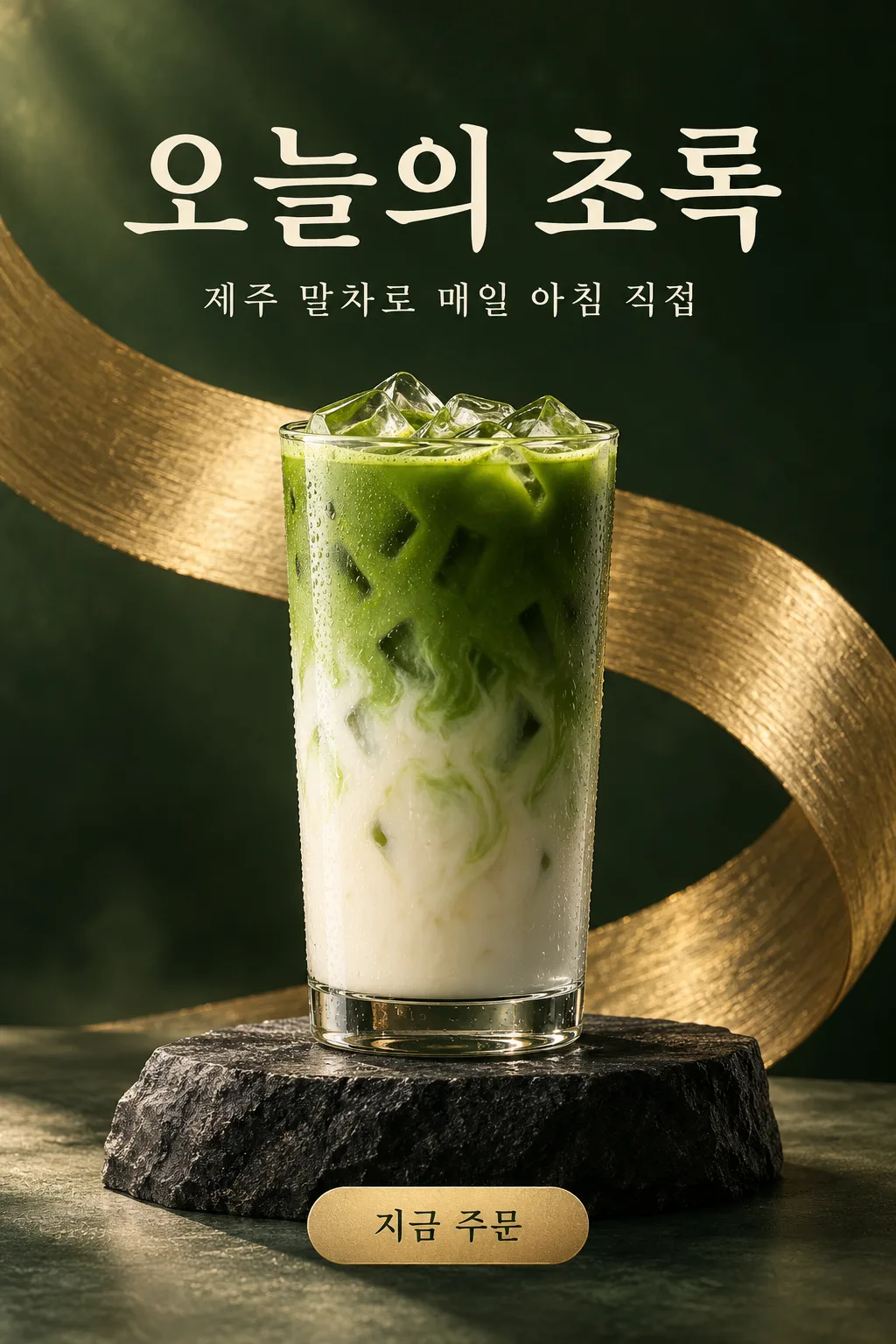
메뉴 사진 한 장과 헤드라인으로 부드러운 단색 배경, 받침대 위 상품, 큰 제목, 작은 서브 문구, 버튼 글자의 에디토리얼 광고 포스터가 나와요.
받는 것
- 받침대 위 상품이 주인공인 광고 포스터 한 장
- 위 큰 헤드라인과 작은 서브 문구
- 작은 버튼 글자와 단색 배경
ChatGPT 무료 OK
칸 채우기
- 1칸을 채워요
- 2복사 버튼을 눌러요
- 3GPT 채팅창에 붙여넣어요
- 4그대로 보내면 썸네일 예시처럼 나와요
- 5메뉴 · 상품 사진 한 장 (선택)을 같이 넣으면 그 사진이 반영돼요 선택
프롬프트 원문 보기 3,228자
Generate this image now. Draw it directly - do not describe it, explain it, or ask questions.
Output size 1080x1350 pixels, 4:5 portrait, Instagram standard.
Create one finished editorial advertising poster for a menu item or retail product. If no size is supplied, use portrait 4:5.

PRODUCT description: "【상품】"
Treat this value as the subject description, not an additional caption. If it is missing or empty, use the attached subject when available; otherwise invent a suitable unbranded fictional cafe drink.

HEADLINE, exact visible text: "【헤드라인】"
If the headline line is missing or empty, leave the headline area free of text; never invent a headline.

SUBCOPY, exact visible text: "【서브 문구】"
If the subcopy line is missing or empty, omit the subcopy and rebalance the layout; never invent replacement wording.

BUTTON TEXT, exact visible text: "【버튼 글자】"
If the button-text line is missing or empty, omit both the button and its text; never invent a call to action.

BACKGROUND selected: "【배경】"
Interpret only the selected choice:
- 크림 · 복숭아: Cream and peach studio palette, translucent glass or pale stone pedestal, warm soft light, and delicate watery reflections.
- 짙은 초록 · 금: Deep forest-green backdrop, charcoal stone pedestal, brushed-gold sculptural accent, and warm directional light.
- 하늘 · 흰색: Airy sky-blue and white backdrop, white sculptural pedestal, soft daylight, and clean translucent accents.
- 검정 · 금: Rich black backdrop, dark polished pedestal, restrained gold accent, and precise dramatic highlights.
If this selection line is missing or empty, use 크림 · 복숭아 only.

[Attached photo]
When a photo is attached, isolate and use its main menu item or product as the hero subject. Preserve its recognizable shape, proportions, ingredients, colors, packaging structure, and distinctive physical details. Improve lighting, background, and staging without changing what is being sold. Remove unrelated surroundings and people. Remove trademarks, watermarks, and incidental packaging text without replacing them with invented branding.
PHOTO RULE: if a photo is attached, use it as described; if no photo is attached, never ask for one and never stop — invent a fitting fictional subject and finish the image.

Place the subject on a visually appropriate pedestal in the lower-middle area. Use convincing material textures, controlled shadows, a sculptural background accent, and premium editorial lighting. Put the large headline above the subject, smaller subcopy below the headline when provided, and a small visual button near the bottom when provided.

Print supplied text exactly as quoted, preserving punctuation, spacing, and every Korean final consonant. No additional product captions, prices, claims, brands, existing characters, or watermarks. Deliver the poster directly, without a device or wall mockup.
The choice names in this prompt are internal labels only; never print them as text.

[Final output format]
Output size 1080x1350 pixels, 4:5 portrait, Instagram standard.
This selected output format takes priority over any fixed canvas size or aspect ratio elsewhere in this template. Adapt the composition, text zones and margins to the selected canvas without stretching or cropping essential content. Device safe areas apply only when a device is selected. Never print these format instructions on the image.
결과 어땠어요?
이 카드도 많이 사용해요
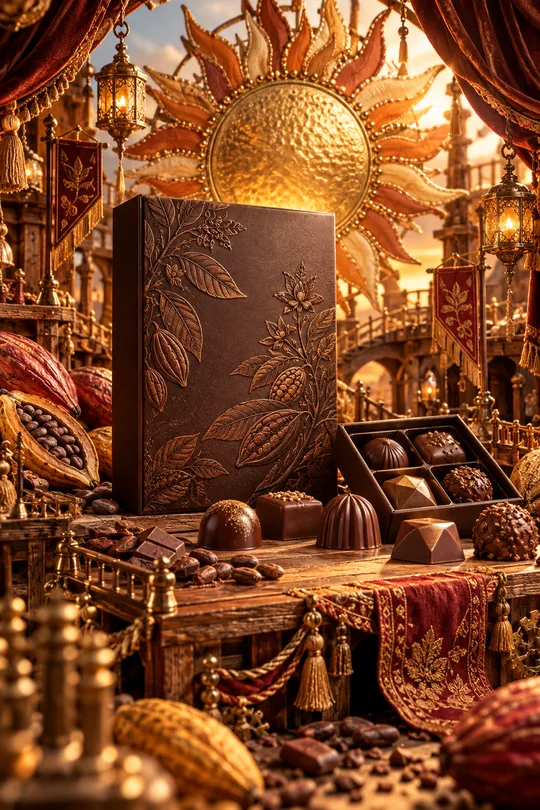
- 331미니어처 공방 상품 광고 — 우리 상품이 금속 장식 · 직물 · 작은 무대로 만든 수공예 세상 한가운데
- 325음식 라인 아이콘 — 메뉴판 · 스티커 · 간판에 쓰는 깔끔한 선 아이콘
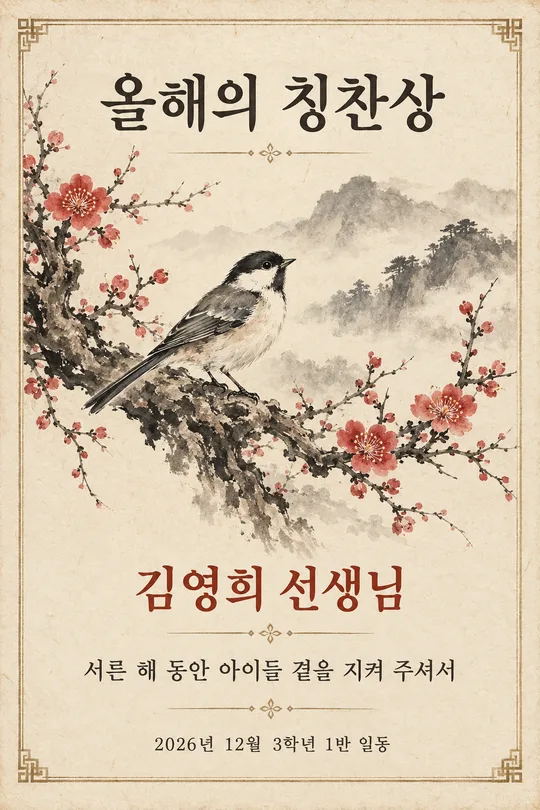
- 320수묵화 감사패 · 상장 — 매화 · 대나무 · 학 그림과 이름이 들어간 인쇄용 기념장 (스승의 날 · 퇴임 · 가족)
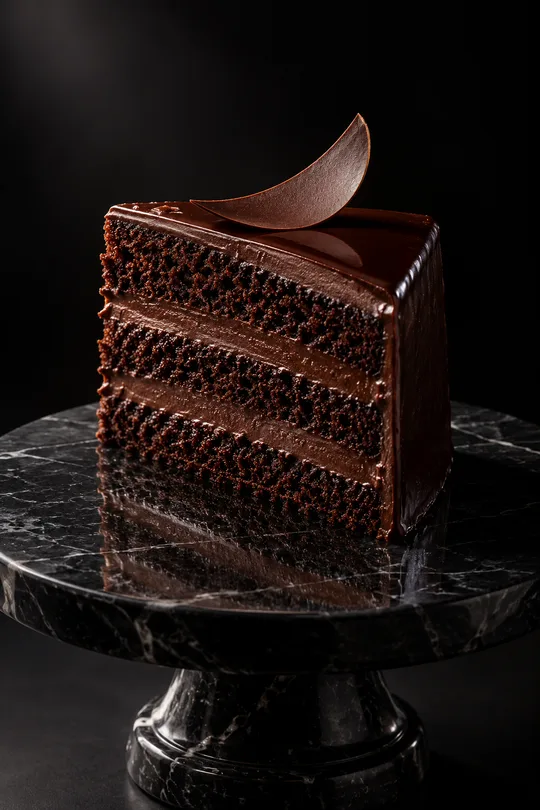
- 319다크 럭셔리 상품 사진 — 검은 스튜디오에서 한 줄기 빛을 받는 디저트 · 와인 · 향수 광고컷
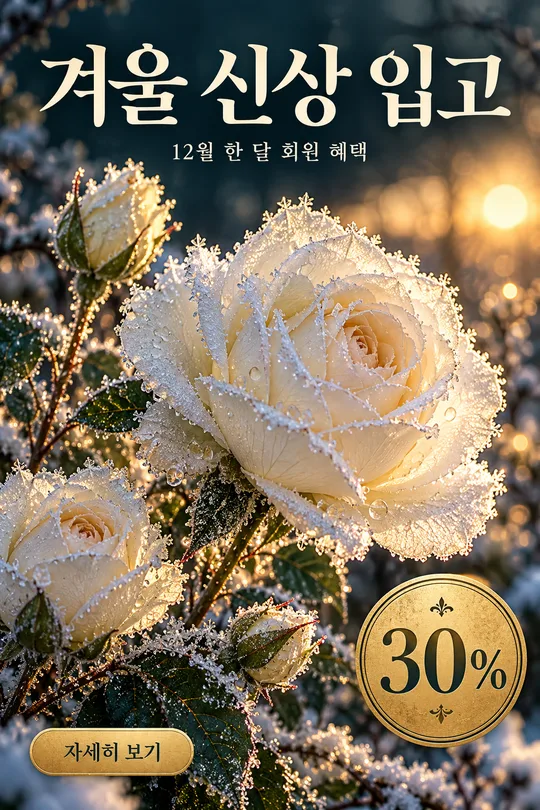
- 316겨울 꽃 홍보 포스터 — 서리 내린 꽃 클로즈업 위 가게 신상 · 회원 혜택 안내
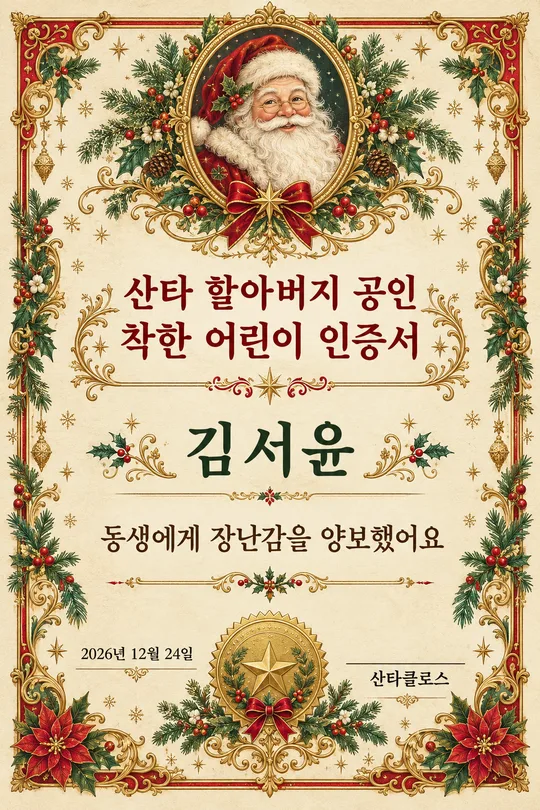
- 312산타 할아버지 착한 어린이 인증서 — 아이 이름이 들어간 크리스마스 인쇄용 상장
쓰는 법 · 자주 묻는 것
이런 때 쓰세요
신메뉴 · 신상품을 잡지 광고 같은 한 장으로 알리고 싶을 때 쓰세요. 부드러운 단색 배경, 돌이나 유리 받침대 위에 놓인 상품, 위에는 큰 헤드라인과 작은 서브 문구, 아래에는 작은 버튼 글자 — 브랜드 광고팀이 만든 듯한 깔끔한 포스터가 나와요. 카페 · 베이커리 · 화장품 · 소품 가게의 인스타 첫 게시물로 좋아요.
해외 프롬프트 판매 사이트에서 돈을 받고 파는 「내 문구가 들어간 상품 사진 광고」 형식이에요. 여기서는 무료입니다.
칸 채우는 법
상품과 헤드라인만 적으면 됩니다. 헤드라인은 짧고 감성적으로(「오늘의 초록」), 서브 문구는 구체적으로(「제주 말차로 매일 아침 직접」) 쓰면 잘 어울려요. 배경은 상품 색과 어울리게 고르세요.
우리 상품 사진을 넣을 때
① 상품이 잘 보이는 사진을 올립니다 — 아직 보내지 않아요
② 같은 칸에 복사한 프롬프트를 붙여넣어요
③ 둘 다 들어간 걸 확인하고 보내요
그림이 나오면 꼭 볼 것
- 헤드라인 · 문구 글자가 정확한가요?
- 상품 모양 · 색이 실물과 같나요? 효능 문구(피부 개선 등)는 넣지 마세요.
예시 보는 법
목록 표지는 사진 없이 프롬프트만으로 낸 결과예요. 카드 안 예시는 가상의 평범한 원본 사진(왼쪽)을 넣었을 때의 결과(오른쪽)예요. 사진 없이도, 내 사진으로도 쓸 수 있어요.