

094우리 가게 이용법 만화
주문, 픽업, 예약 절차를 입력한 글자 그대로 담는 4~6칸 매장 안내 만화예요.
ChatGPT 무료 OK
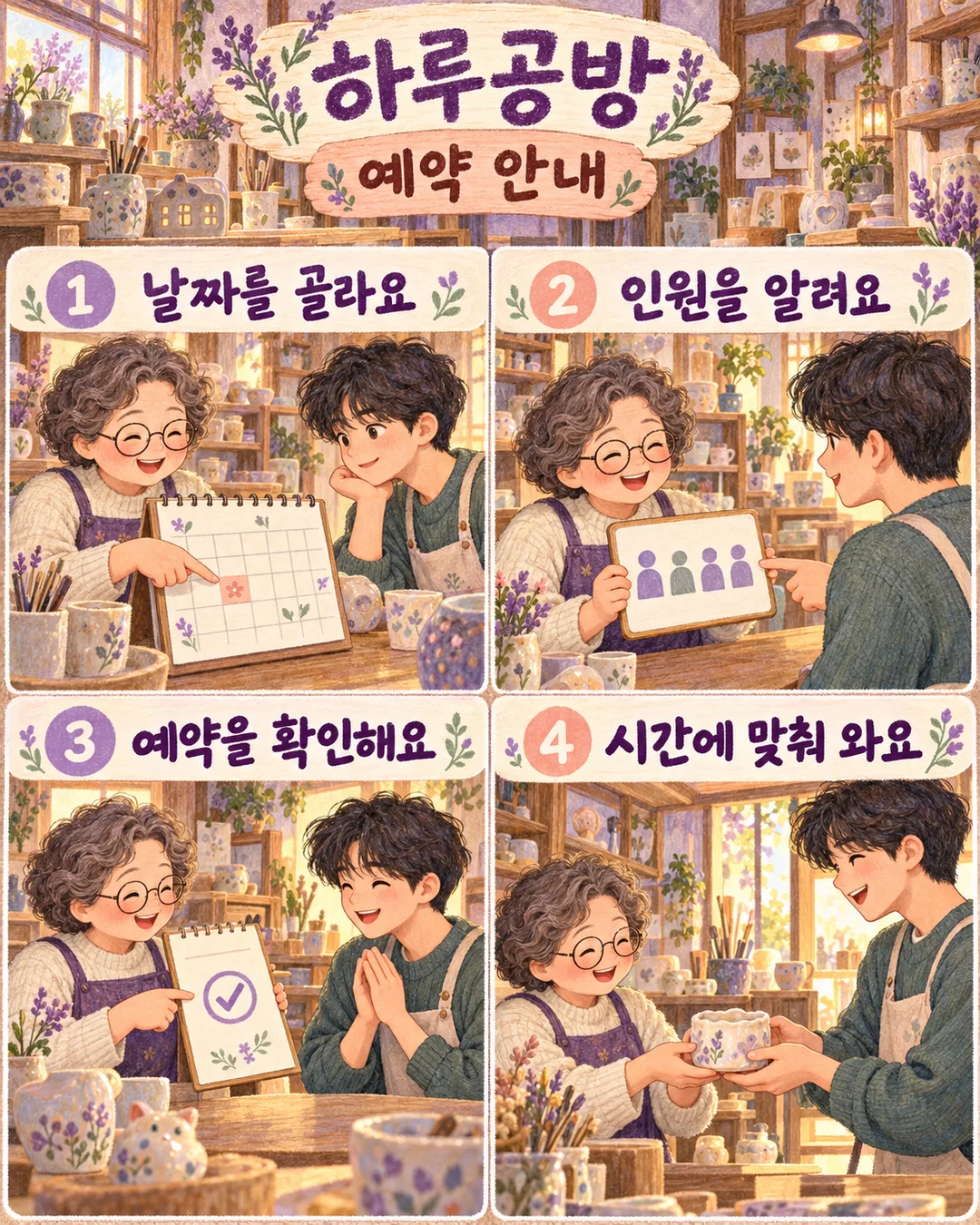
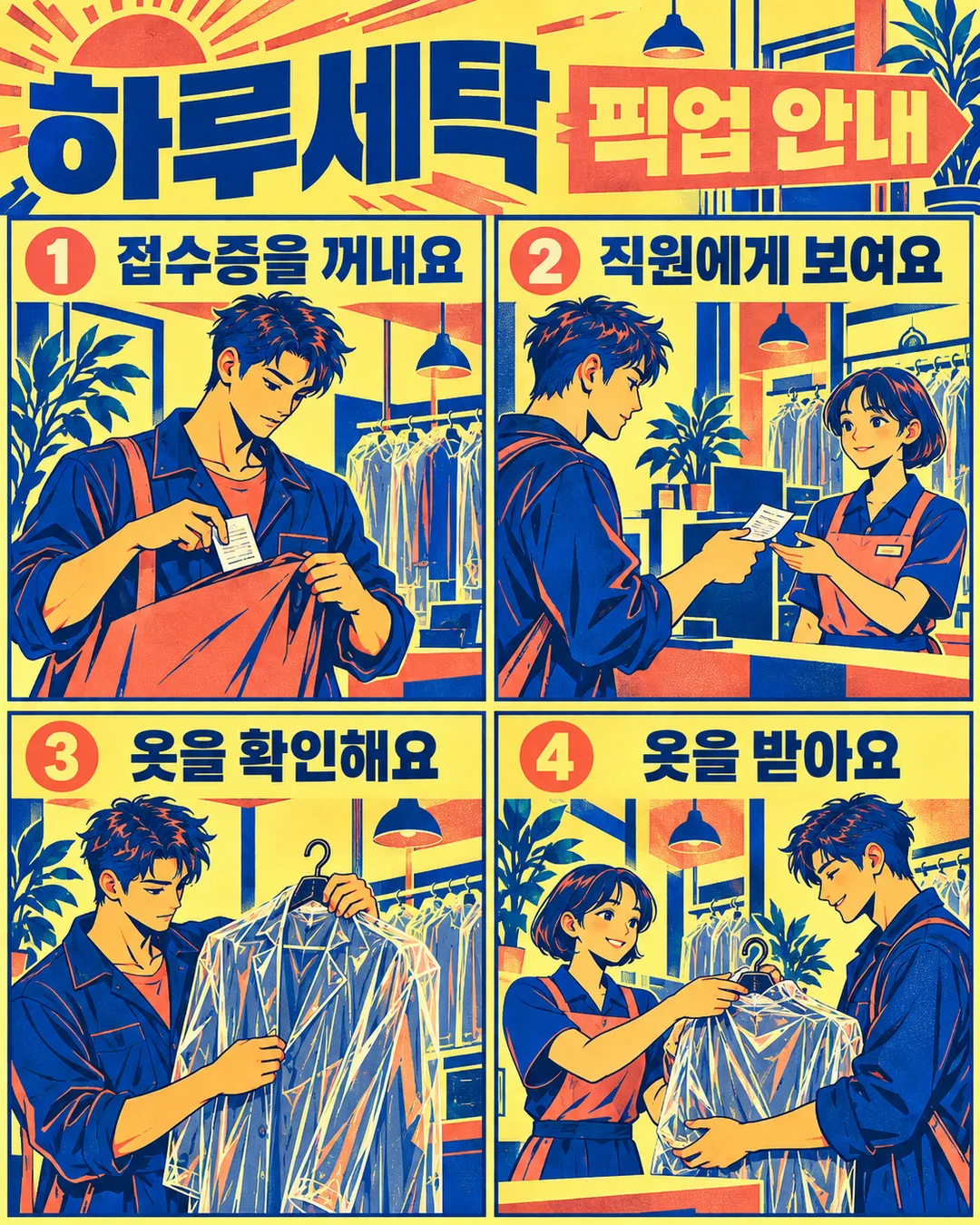
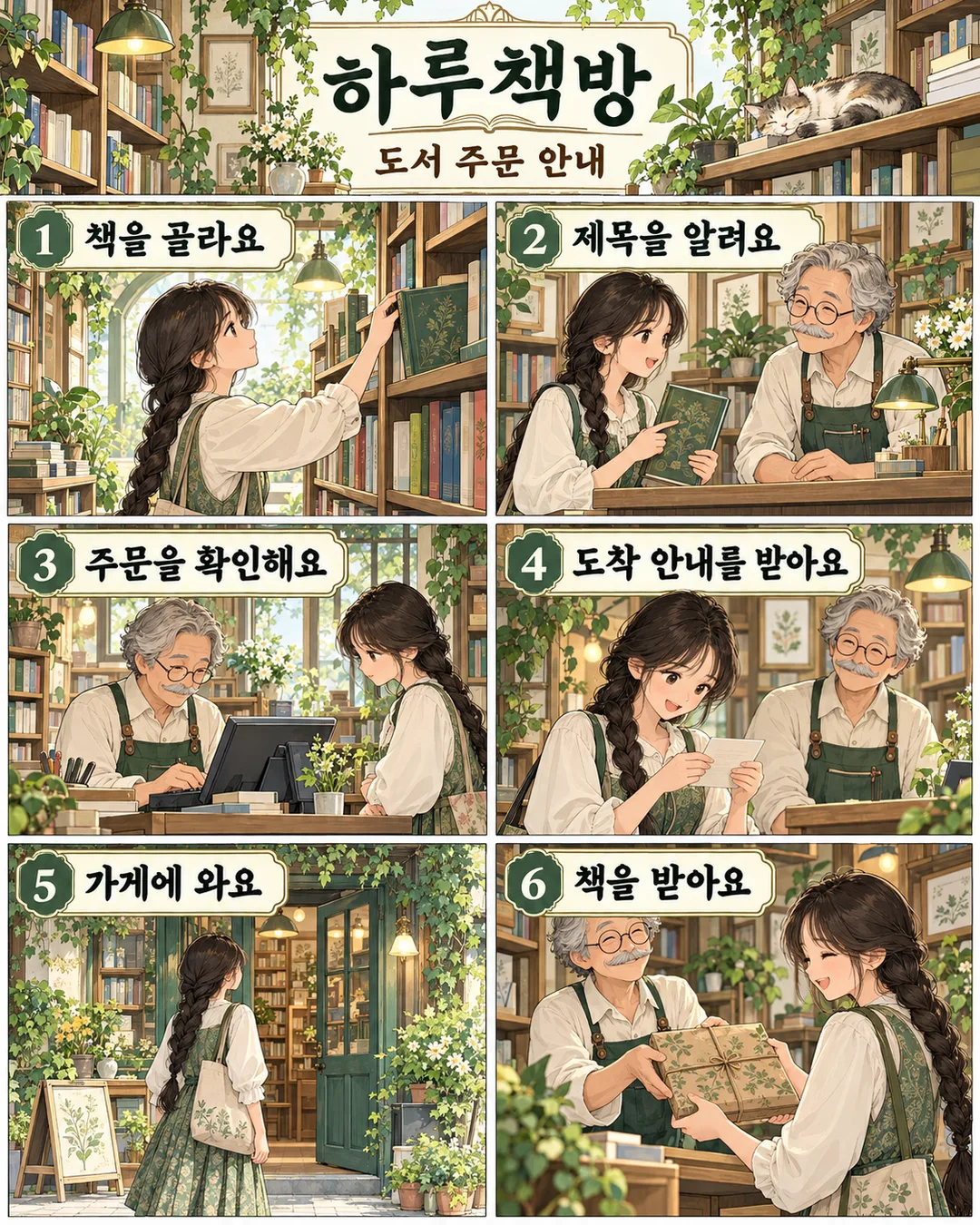
칸 채우기
- 1칸을 채워요
- 2복사 버튼을 눌러요
- 3GPT 채팅창에 붙여넣어요
- 4그대로 보내면 썸네일 예시처럼 나와요
- 5카드에 맞는 실제 사진을 같이 넣으면 그 사진이 반영돼요 — 배경 카드는 배경 사진, 인물 · 음식 카드는 그 사진 선택
직접 해 봤어요
- 시험일
- 2026-11-01
- 도구
- ChatGPT 이미지 모델(코덱스에서 실행) — 무료 ChatGPT와 같은 모델, 한도만 다름
- 결과
- 통과
- 지켜진 것
- 「모란꽃집」「주문 안내」와 「꽃을 골라요」「포장을 정해요」「결제해요」「꽃을 받아요」가 입력 그대로 읽힘. 1~4 번호가 왼쪽 위·오른쪽 위·왼쪽 아래·오른쪽 아래 순서로 표시됨. 꽃 선택, 포장과 리본, 카드 결제, 꽃다발을 받은 장면이 각각 있음. 손님의 묶은 갈색 머리·크림색 옷·초록 앞치마가 이어지고 결제 직원은 별도 인물로 구분됨. 찢은 색종이 콜라주 질감과 테라코타·청록·크림 색감, 세로 화면이 확인됨. 임의의 가격·연락처·대사는 없음.
- 안 된 것
- 없음 (현재 예시의 네 단계에 한함. 날짜·가격, 다른 분위기 및 3·5·6단계 입력은 이번 시험에 포함하지 않음)
- 이렇게 하면 나아요
- 같은 원문을 재실행하는 것만으로는 4단계 누락이 해결되지 않았음. 실제로 시험해 통과한 현재 카드의 네 칸 위치·네 문장 표시·소개 장면 금지 문장을 유지하세요.
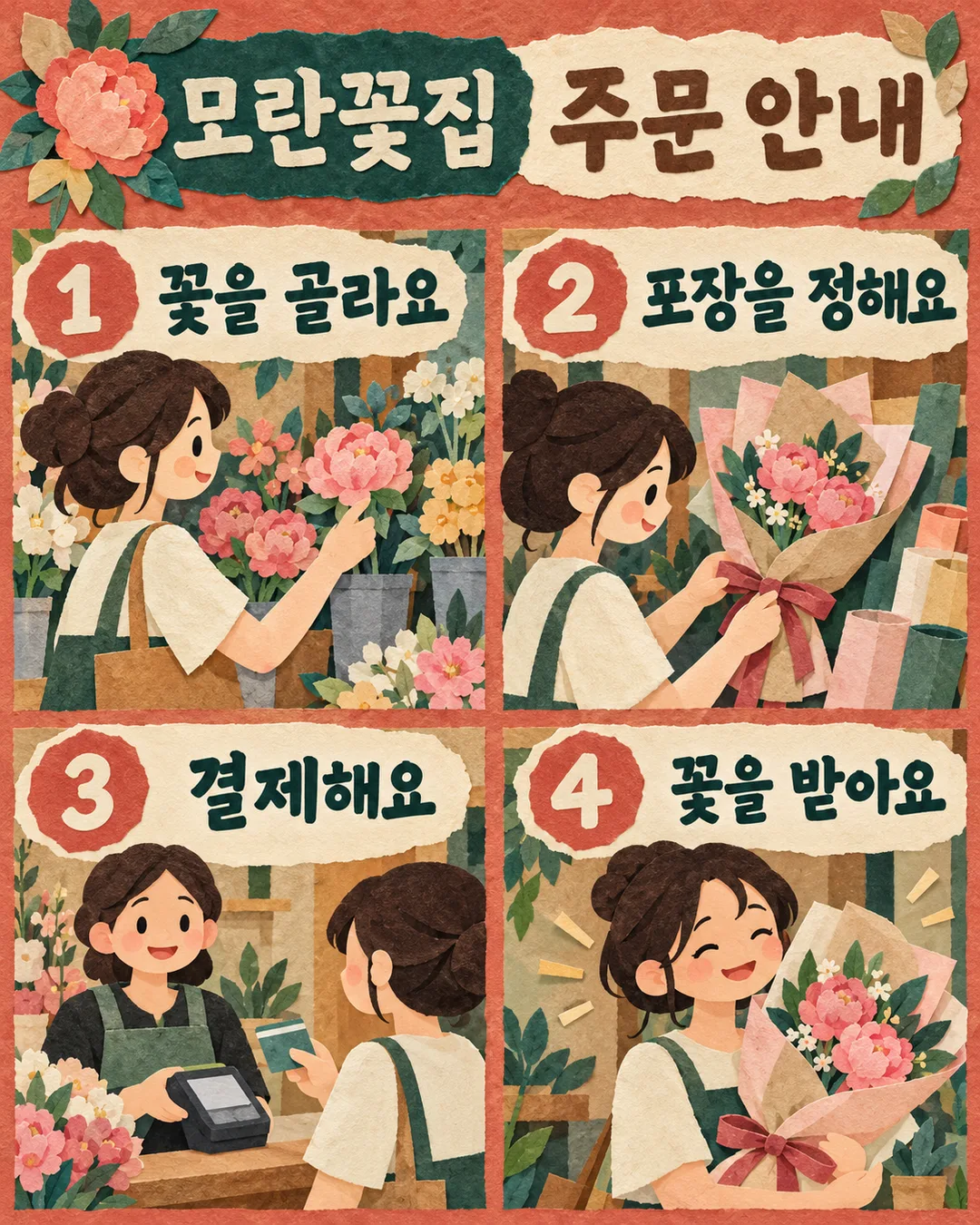
프롬프트 원문 보기 3,035자
Generate this image now. Draw it directly; do not explain or ask questions.
Output size 1080x1350 pixels, 4:5 portrait, Instagram standard.
Create ONE finished shop instruction comic, default portrait 4:5. Fill the canvas with the actual artwork, no photographed sheet, mockup or promotional overlay.
SHOP: "【가게 이름】"
TITLE: "【안내 제목】"
STEP INPUTS in order:
"【1단계】"
"【2단계】"
"【3단계】"
"【4단계】"
"【5단계】"
"【6단계】"
MOOD: "【분위기】"
First three actions are required. Remove empty optional actions and renumber remaining actions consecutively starting at 1. For three actions use four panels: an unnumbered shop-introduction scene labeled only with SHOP, then three numbered actions. For four actions use exactly four action panels in a 2x2 grid: top left = action 1, top right = action 2, bottom left = action 3, bottom right = action 4. All four supplied sentences must be visible in their own panels. In the four-action version the header is a text-only strip containing SHOP and TITLE, never a shop-introduction illustration. Do not merge, omit or replace action 4 with a header scene. For five use two top panels, two middle panels and a full-width last panel. For six use a 2x3 grid. Add no other panels. Read left to right, then down. Header contains SHOP and TITLE; avoid repeating SHOP in the three-action version's header.
Each action panel contains a large separate number badge, its exact supplied sentence and a substantial illustration that demonstrates that action. No new speech, fine print, invented labels, prices, contact information, deadlines or conditions. Preserve every supplied character, digit, punctuation mark and weekday verbatim. All visible text uses the language of the inputs. Never translate supplied text automatically.
Mood choices correspond in order to: layered flat cut-paper shapes in terracotta, teal and cream; soft colored-pencil textures in lavender, peach and warm ivory; bold two-ink screen-print shapes in cobalt, coral and pale yellow; fine crisp architectural ink lines with pale mint watercolor washes. Empty mood defaults to the first. Keep the same numbered instruction-comic output for all moods. Vary the scenes and props to fit the actual shop. Use consistent original fictional characters across the panels and clear handover directions. Large readable lettering, balanced tight gutters, rich illustrative detail. Keep critical text between 12% and 85% canvas height; decorative illustration may reach the edges. Check all lettering character by character before finishing.
No real brands, recognizable product designs, logos, existing characters, celebrity likenesses, named-artist imitation, signatures, watermarks or verification notes. Products and people must be wholly fictional.

[Final output format]
Output size 1080x1350 pixels, 4:5 portrait, Instagram standard.
This selected output format takes priority over any fixed canvas size or aspect ratio elsewhere in this template. Adapt the composition, text zones and margins to the selected canvas without stretching or cropping essential content. Device safe areas apply only when a device is selected. Never print these format instructions on the image.
결과 어땠어요?
이 카드도 많이 사용해요
쓰는 법 · 자주 묻는 것
처음 오는 손님이 이용 순서를 한눈에 따라갈 수 있도록 가게 이름과 절차를 하나의 세로 만화로 정리해요. 꽃집 주문, 공방 예약, 세탁물 픽업처럼 실제 행동이 이어지는 안내에 어울립니다. 웃긴 결말이나 임의의 대사를 덧붙이지 않고 적어 둔 문구만 그림과 함께 보여 줘요.
가게 이름과 안내 제목, 1~3단계는 꼭 채우세요. 단계마다 한 가지 행동을 짧은 완성 문장으로 적으면 읽기 좋아요. 4단계는 기본 예시처럼 적거나 비울 수 있고, 5~6단계는 절차가 더 있을 때만 채웁니다. 단계는 빈칸을 건너뛰고 입력 순서대로 다시 번호를 매겨요. 3개를 적으면 가게 소개 1칸과 절차 3칸, 4~6개를 적으면 절차 수만큼의 칸으로 구성됩니다. 가게 소개에는 가게 이름만 넣고 새로운 이용 조건은 만들지 않아요.
분위기는 종이 콜라주, 포근한 색연필, 경쾌한 실크스크린 중에서 골라요. 앞의 것은 차분한 꽃집 안내, 두 번째는 공방 예약처럼 편안한 과정, 세 번째는 픽업처럼 빠른 동선에 어울려요. 비우면 종이 콜라주를 사용합니다. 결과는 모두 번호와 장면이 있는 같은 이용 안내 만화이며, 기본 비율은 4:5예요. 사진을 요구하지 않으며 가상 직원과 손님을 새로 그립니다.
완성 후 가게 이름의 받침, 단계 번호, 숫자, 요일을 확대해 한 글자씩 확인하세요. 입력하지 않은 가격, 예약금, 마감 시각, 연락처가 생겼다면 해당 줄을 제거하고 원문을 다시 지정해 생성하세요. 세탁 안내에는 물건을 맡기는 장면과 돌려받는 장면의 방향도 확인해 주세요. 문구가 길면 작은 글자를 억지로 넣기보다 뜻을 유지한 짧은 문장으로 입력값을 고쳐 다시 만드세요.
자주 묻는 것: 3단계도 되나요? 네, 가게 소개 칸을 더해 4칸이 됩니다. 말풍선도 나오나요? 별도 대사는 만들지 않아 절차 문구만 보입니다. 예약 조건도 알아서 정하나요? 아니요. 날짜와 조건은 실제로 확정된 내용만 단계 칸에 직접 적으세요.
맑은 펜수채는 섬세한 선과 투명한 민트색 물감으로 조용한 책방 같은 공간을 그립니다.