
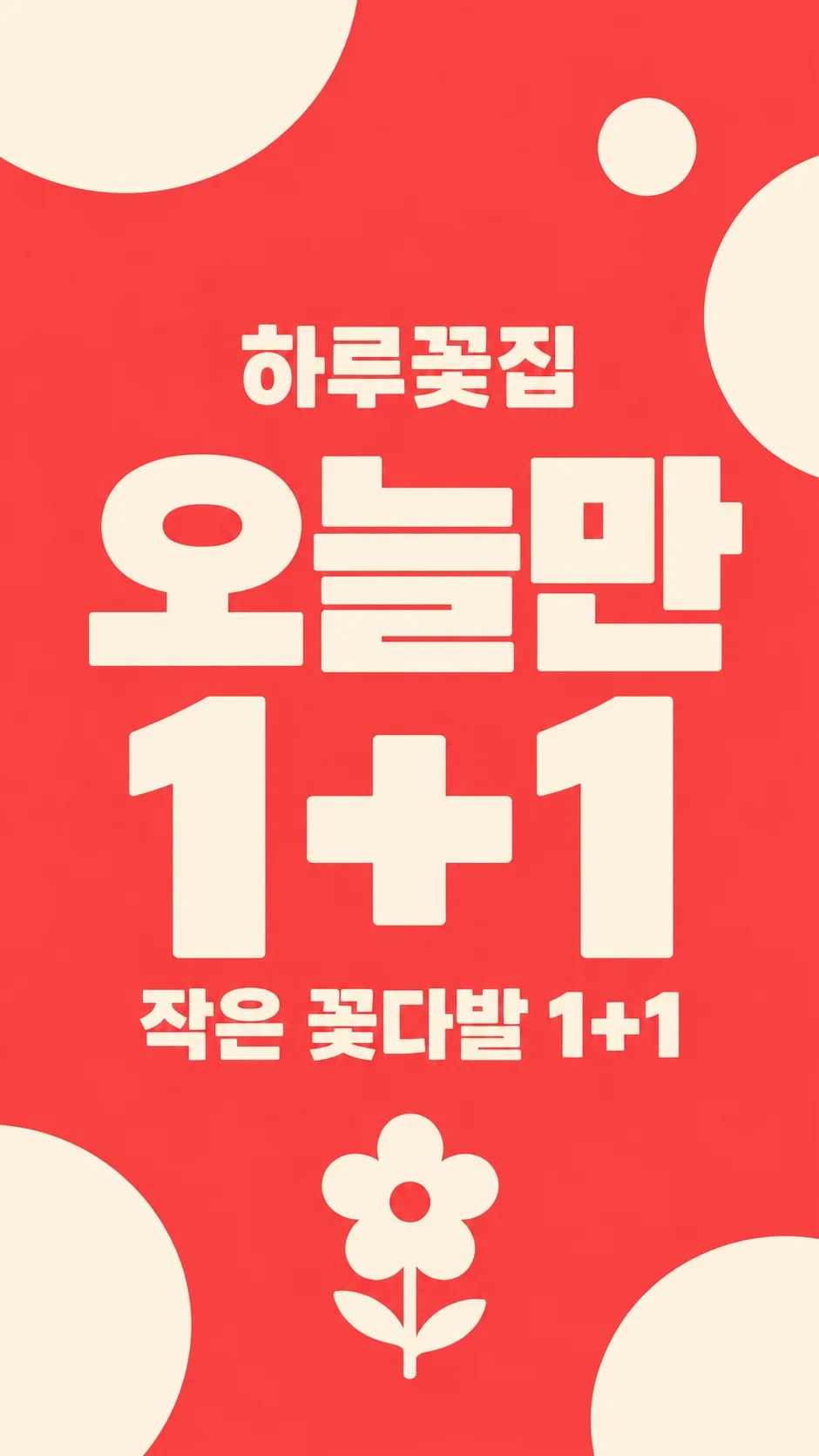
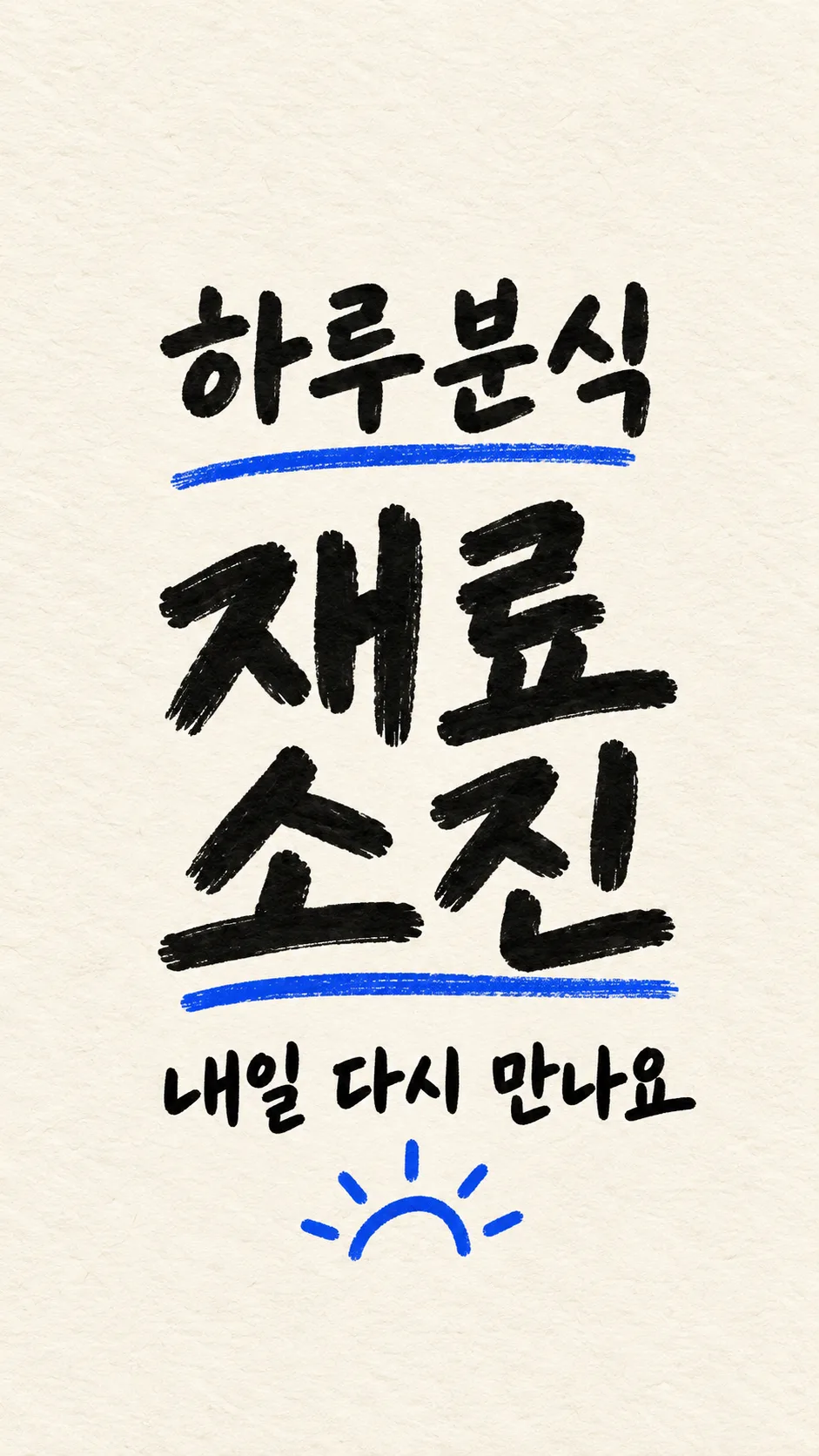
項目を入力
- 1項目を入力します
- 2コピーを押します
- 3GPTのチャットに貼り付けます
- 4そのまま送ると、サムネイルの例のような画像になります
- 5カードに合う実際の写真を一緒に入れると反映されます。背景カードなら背景の写真、人物・料理カードならその写真 任意
プロンプト全文を見る 3,107文字
Generate this image now. Return exactly ONE finished image; draw it directly without explanations or questions.
出力サイズは1080×1920ピクセル、9:16の縦型にしてください。文字は中央の安全な範囲に収めてください。
Create one premium full-bleed mobile shop daily-news story, default 9:16. Keep the same hierarchy for every background: shop name, huge news headline, one short subtitle. This is the ready-to-post artwork, not a phone mockup, print poster or collage. Adapt to the selected common aspect ratio.
HEADLINE = "【今日のお知らせ】". SHOP_NAME = "【店名】". SUBTITLE_INPUT = "【ひとこと】". BACKGROUND = "【背景】".
Render HEADLINE exactly once without changing its meaning. Render SHOP_NAME exactly once. Keep names in their supplied script. All other lettering must be Japanese. If SUBTITLE_INPUT is blank, omit the entire subtitle. If it equals "おまかせ", choose only a brief neutral greeting appropriate to HEADLINE, never an invented product, benefit or condition. Otherwise print it verbatim once. A blank HEADLINE uses "本日営業します"; a blank SHOP_NAME uses "Haru Coffee". Blank background uses the shop interior.
Shop name at 22-30% of height, huge headline at 36-59%, subtitle at 65-76%. Keep ALL important lettering wholly between 20% and 80%; top and bottom 15% have background only. Maintain side margins and strong contrast, shortening only generated greetings, never supplied text. No date, day of week, price, time, address or extra offer conditions unless explicitly supplied in subtitle.
Background choices in matching order: menu-photo feel = photographic menu subject with text-safe tonal overlay; shop interior = original atmospheric empty shop appropriate to name, warm daylight and no incidental signs; solid graphic = bright flat color with sparse abstract shapes; handwritten memo = paper texture filling the entire canvas and authentic legible handwritten lettering, not a small sheet on a table. These change the background material only, not the hierarchy or number of outputs.
For food, first search and inspect at least five actual food photographs and reflect authentic serving amounts, irregular cuts, varied ingredients, crumbs and natural textures. Never create repeated identical slices, plastic shine or copied garnish patterns. If reference browsing is unavailable, use a food-free shop interior instead. Never invent a menu item: a specific menu item must come from the subtitle. No uploaded-photo transformation is part of this card.
No people, recognizable trademarks, logos, existing product designs, real-person likeness, UI, watermark, production labels or explanatory notes. Any incidental product must have an original fictional design. Do not depict regulated goods or health claims. Spell-check every Hangul/Japanese character and Latin letter and every numeral and symbol before returning the single artwork.

[Final output format]
出力サイズは1080×1920ピクセル、9:16の縦型にしてください。文字は中央の安全な範囲に収めてください。
This selected output format takes priority over any fixed canvas size or aspect ratio elsewhere in this template. Adapt the composition, text zones and margins to the selected canvas without stretching or cropping essential content. Device safe areas apply only when a device is selected. Never print these format instructions on the image.
結果はどうでしたか?
こちらのカードも人気です
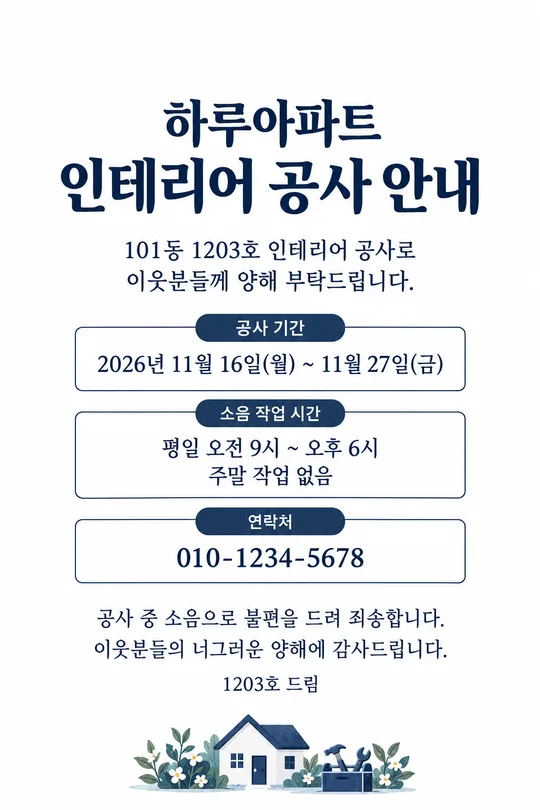
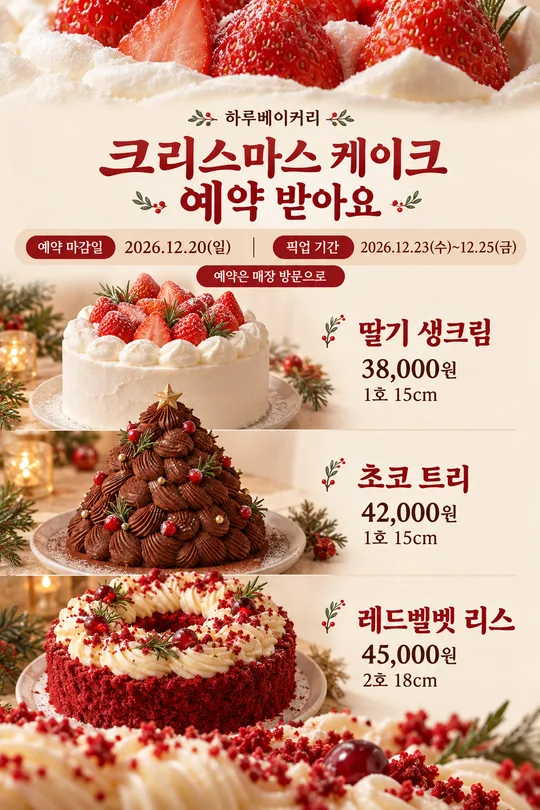
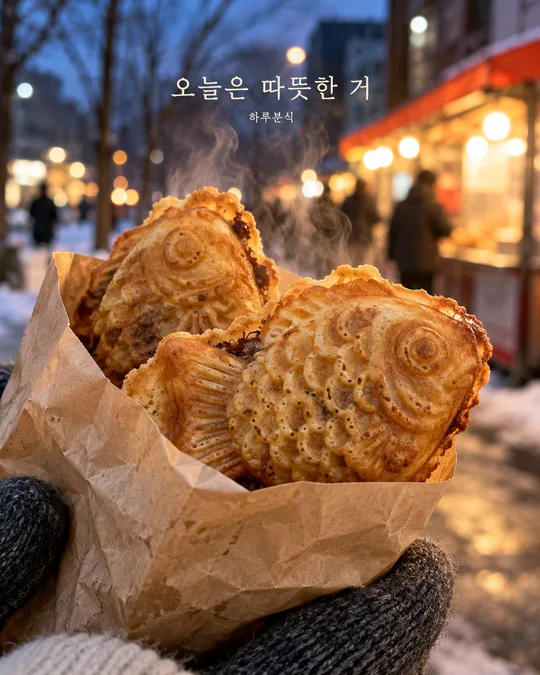
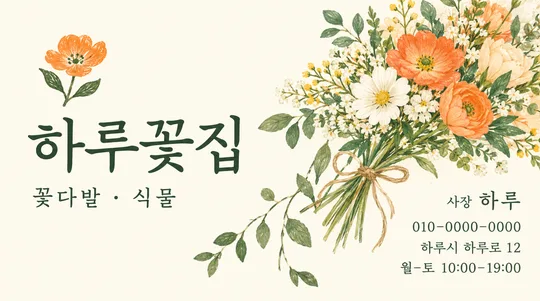
使い方・よくある質問
お店の毎日のお知らせを、画面いっぱいのストーリー画像1枚にします。必須の項目は2つです。今日のお知らせと店名を決め、ひとことと背景は初期値のままでも使えます。架空の店名の例はHaru Coffee、Haru Snacks、Haru Flowersです。6種類のお知らせから選んだ見出しをそのまま大きく表示します。今日のメニューの場合は、ひとことに実際のメニュー名を書きます。キャンペーンの場合は、実際の対象商品と確定した条件を書きます。日時、営業時間、価格は自動で追加しません。
ひとことが空欄なら、その行全体を省きます。おまかせでは、新しい商品や特典を作らず、お知らせに合う短い挨拶だけを選びます。背景はメニュー写真風、店内、単色グラフィック、手書きメモの4種類です。大きな見出しを中心とした構成は共通です。このカードでは写真を添付しません。食べ物を描く場合は画像ツールで実際の料理写真を先に確認します。確認できなければ、食べ物のない店内に切り替えます。
完成したら拡大して店名と見出しを一文字ずつ確認してください。特典と条件が事実に合うかも確認します。上下15%には重要な文字を置かず、プロフィールや返信欄との重なりを避けます。誤字は正しい文言を引用して再生成してください。初期比率は9:16です。共通の別比率にも同じ構成で対応します。文が小さければ短くして作り直します。完成したプロンプトを画像AIに一度貼り付けると画像1枚ができます。外部サービスの料金と規約はそのサービスで確認してください。