
All · Ads & posters · Hours & closures
402Today’s shop story
One full-screen daily shop update with a large headline and safe story margins.
ChatGPT Free OK
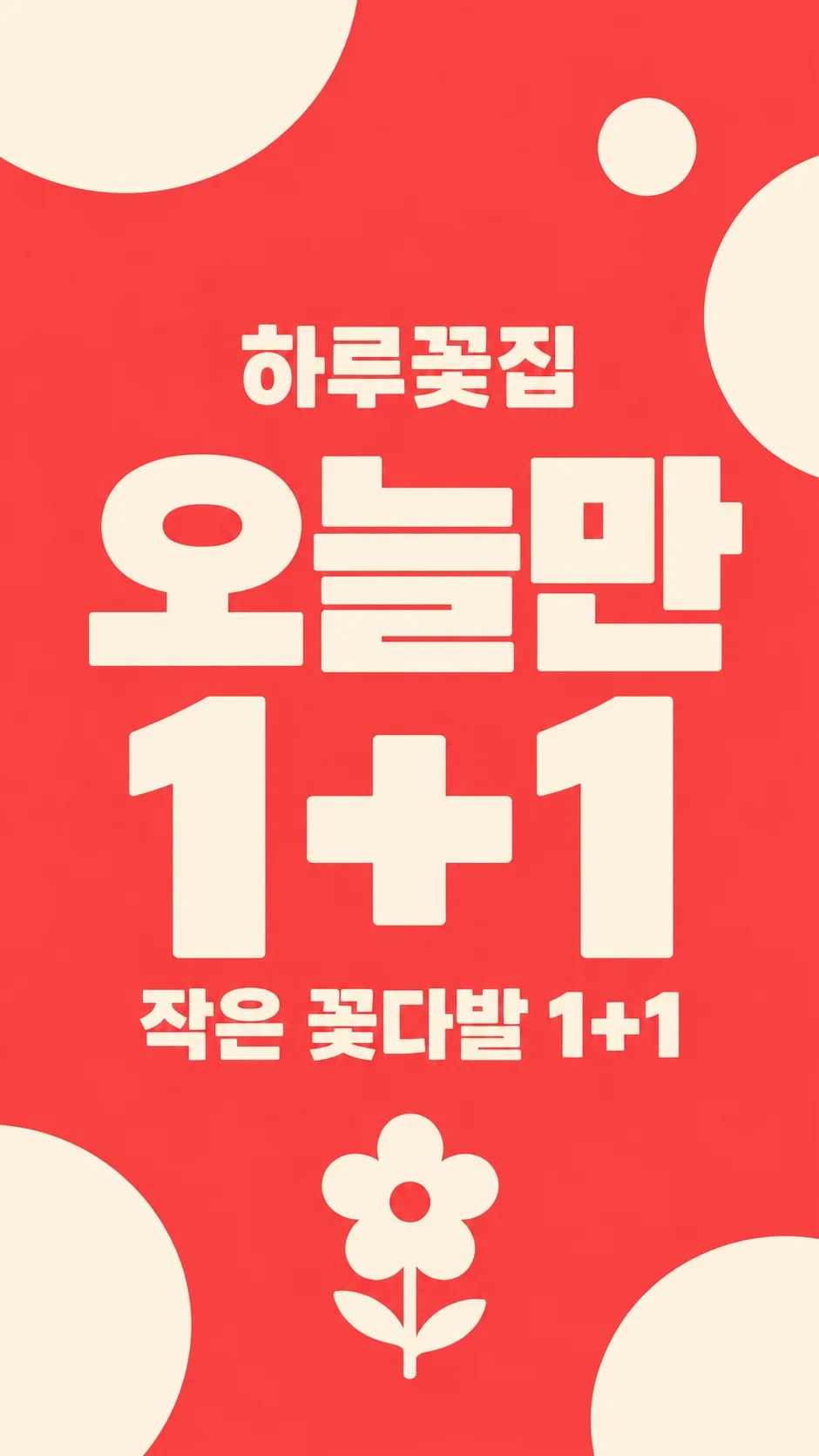
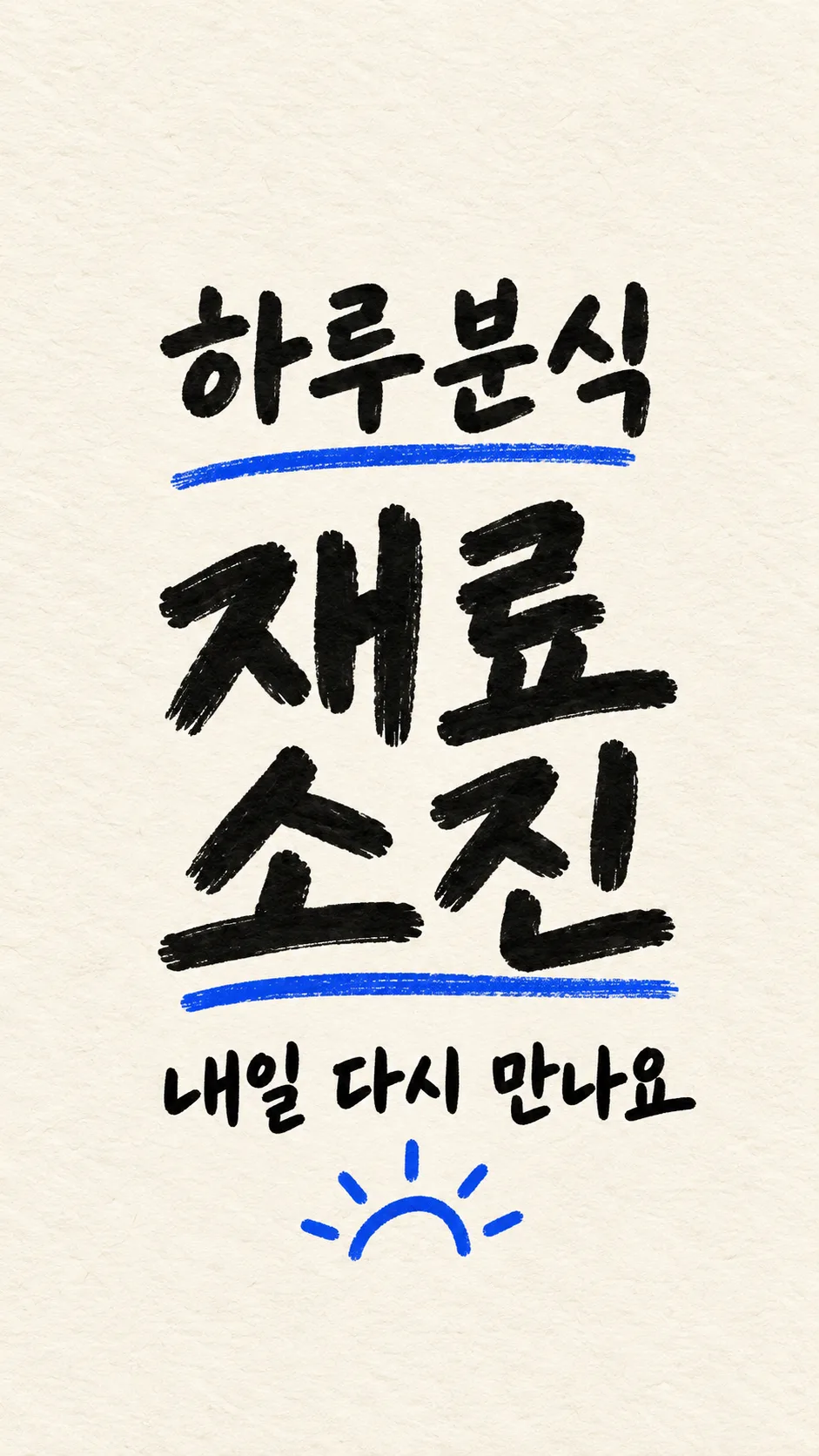
Fill in the fields
- 1Fill in the fields
- 2Copy the prompt
- 3Paste it into a GPT chat
- 4Send it as is and you get an image like the thumbnail example
- 5Attach a real photo that fits the card and it is used in the result: a background photo for background cards, a person or food photo for those cards Optional
Full prompt 3,144 characters
Generate this image now. Return exactly ONE finished image; draw it directly without explanations or questions.
Output size 1080x1920 pixels, 9:16 portrait story. Keep all text inside the central 80% of the height.
Create one premium full-bleed mobile shop daily-news story, default 9:16. Keep the same hierarchy for every background: shop name, huge news headline, one short subtitle. This is the ready-to-post artwork, not a phone mockup, print poster or collage. Adapt to the selected common aspect ratio.
HEADLINE = "【Today’s news】". SHOP_NAME = "【Shop name】". SUBTITLE_INPUT = "【Short line】". BACKGROUND = "【Background】".
Render HEADLINE exactly once without changing its meaning. Render SHOP_NAME exactly once. Keep names in their supplied script. All other lettering must be English. If SUBTITLE_INPUT is blank, omit the entire subtitle. If it equals "Choose for me", choose only a brief neutral greeting appropriate to HEADLINE, never an invented product, benefit or condition. Otherwise print it verbatim once. A blank HEADLINE uses "Open today"; a blank SHOP_NAME uses "Haru Coffee". Blank background uses the shop interior.
Shop name at 22-30% of height, huge headline at 36-59%, subtitle at 65-76%. Keep ALL important lettering wholly between 20% and 80%; top and bottom 15% have background only. Maintain side margins and strong contrast, shortening only generated greetings, never supplied text. No date, day of week, price, time, address or extra offer conditions unless explicitly supplied in subtitle.
Background choices in matching order: menu-photo feel = photographic menu subject with text-safe tonal overlay; shop interior = original atmospheric empty shop appropriate to name, warm daylight and no incidental signs; solid graphic = bright flat color with sparse abstract shapes; handwritten memo = paper texture filling the entire canvas and authentic legible handwritten lettering, not a small sheet on a table. These change the background material only, not the hierarchy or number of outputs.
For food, first search and inspect at least five actual food photographs and reflect authentic serving amounts, irregular cuts, varied ingredients, crumbs and natural textures. Never create repeated identical slices, plastic shine or copied garnish patterns. If reference browsing is unavailable, use a food-free shop interior instead. Never invent a menu item: a specific menu item must come from the subtitle. No uploaded-photo transformation is part of this card.
No people, recognizable trademarks, logos, existing product designs, real-person likeness, UI, watermark, production labels or explanatory notes. Any incidental product must have an original fictional design. Do not depict regulated goods or health claims. Spell-check every Hangul/Japanese character and Latin letter and every numeral and symbol before returning the single artwork.

[Final output format]
Output size 1080x1920 pixels, 9:16 portrait story. Keep all text inside the central 80% of the height.
This selected output format takes priority over any fixed canvas size or aspect ratio elsewhere in this template. Adapt the composition, text zones and margins to the selected canvas without stretching or cropping essential content. Device safe areas apply only when a device is selected. Never print these format instructions on the image.
How did it turn out?
You may also like
How to use it · FAQ
Create one full-screen story for your shop’s daily update. There are 2 required fields: today’s news and shop name. The short line and background have defaults. Use Haru Coffee, Haru Snacks or Haru Flowers as fictional examples. Choose one of six updates, and the chosen headline appears exactly once. For today’s menu, put the actual menu name in the short line. For an offer, include its actual item and confirmed conditions; no prices, opening hours or dates are invented.
A blank short line removes the entire subtitle. Choose for me produces only a brief greeting suitable for the selected update. Four backgrounds keep the same bold headline composition: menu photo feel, shop interior, solid graphic and handwritten memo. No photo upload is required or supported by this card. Food scenes require the image tool to inspect real food photographs first; if that is unavailable, it uses the shop interior without food.
Read every character of the shop name and headline at enlarged size. Check the offer wording and any supplied conditions. Essential text stays outside the top and bottom 15% so story controls do not cover it. If a letter is wrong, quote the exact replacement and regenerate. The default is 9:16; common alternative ratios adapt the same layout. Shorten a long line if it becomes too small. Paste the completed prompt once into an image AI for one finished image. Check the external service’s fees and terms there.