
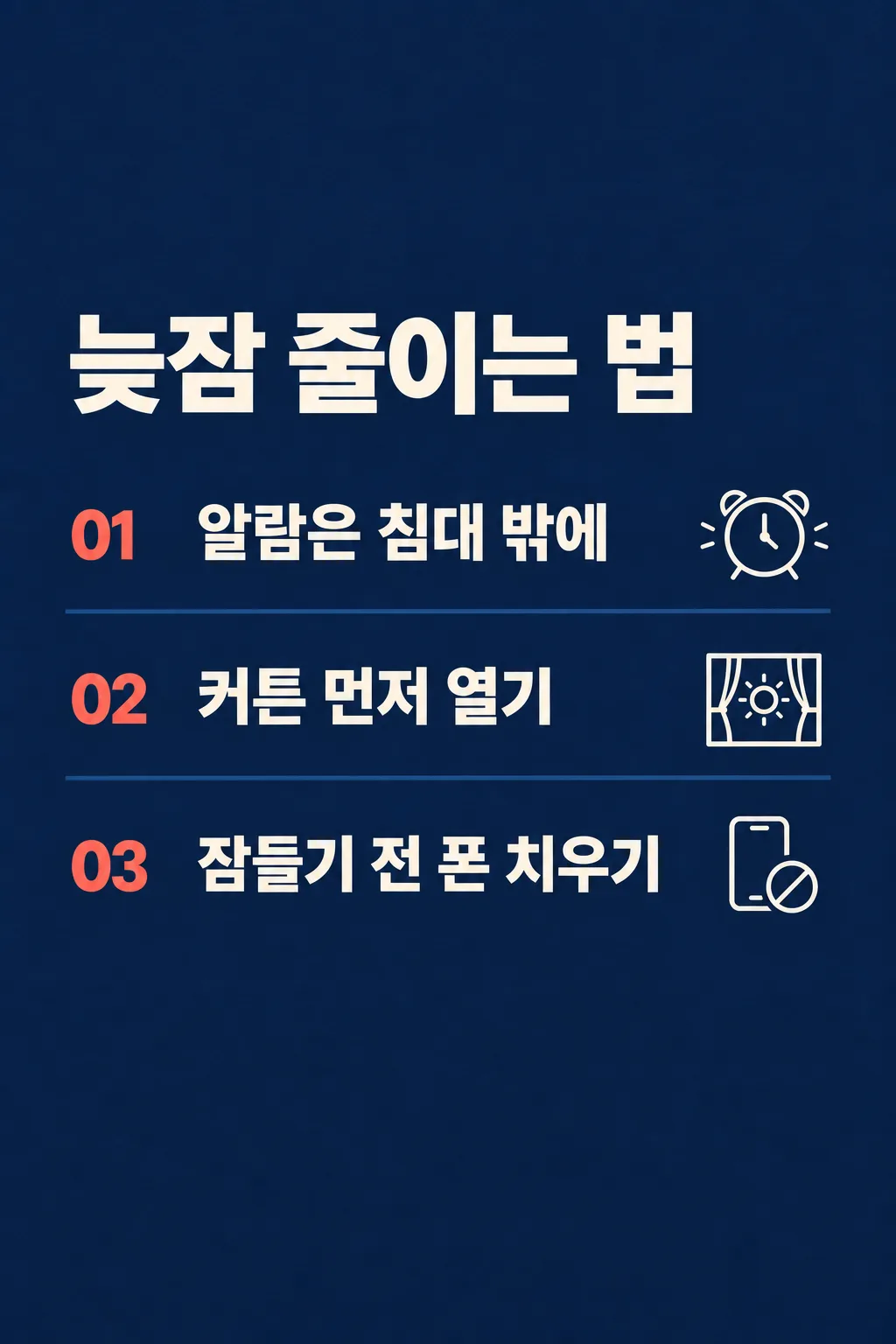
전체 · SNS/카드뉴스 · 정보·꿀팁
186영상 세 줄 요약
크리에이터가 자기 영상의 핵심 세 가지를 한 장 정보판으로 만들어 SNS에 공유해요.
칸 채우기
- 1칸을 채워요
- 2복사 버튼을 눌러요
- 3GPT 채팅창에 붙여넣어요
- 4제품·인물 사진을 쓰려면 사진과 프롬프트를 둘 다 넣은 뒤에 보내요 선택
프롬프트 원문 보기 4,532자
Generate this image now. Draw it directly - do not describe it, explain it, or ask questions.
Output one landscape A3 poster, 420 x 297 mm, aspect ratio 1.414:1. Use the largest supported image resolution. Final print target is 4961x3508 pixels at 300dpi; keep all lettering at least 10 mm inside every paper edge. Preserve the wide composition and print-safe margins.

[Purpose]
Create one complete information board that a creator shares as the three actual takeaways from a video. The board itself is the deliverable, not a promotional thumbnail mockup, video player screenshot or story carousel. Use the user's supplied content exactly and never pretend to have watched a video.

[Scene]
Use these three real creator-supplied statements in their given order: "【핵심 첫째】", "【핵심 둘째】", "【핵심 셋째】". Give each statement exactly one numbered row and one small original outline icon appropriate to that statement. Do not add a fourth tip, statistical promise, reward, medical claim, source citation or invented schedule. User headline is "【요약 제목】". If it equals "알아서 골라줘", create a concise Korean heading of at most twelve syllable blocks using only the shared meaning of the three statements. Do not print that control phrase.

[Attached photo]
No reference photograph is needed. The text supplied by the creator is the content source. Do not manufacture an author portrait, screenshot, book cover, channel logo or copyrighted asset.

[Text layout]
One flat deep-navy board. Put the large left-aligned headline in y18-32%. Three broad open horizontal rows occupy y39-48%, y53-62% and y67-76%. Each row has a small coral-red 01, 02 or 03 in its left sixth, the exact statement in large cream lettering across the middle, and a small cream line icon at the right. Separate rows with fine muted navy-blue rules, not box frames. If a statement is long, wrap inside its own row without changing the number of rows.
Optional channel only: render "【채널 이름】" at y80-83%, left aligned in medium cream lettering; no label and no empty panel.

[Style]
Fixed editorial information design: deep navy matte paper, ivory text and one coral-red accent restricted to row numbers. Clear bold Korean sans-serif letters, sparse single-weight line icons and generous spaces. The content changes but the three-row layout, palette, icon treatment and fixed information-board output never change.

[Visual hierarchy]
Headline is largest, exact takeaway statements next, numbers next and channel name last. Each sentence should remain readable at the website's small list size. Icon detail must not compete with the words. Use the whole board, with no outer paper stack or presentation border.

[Lighting and texture]
Subtle matte paper texture. Straight-on flat artwork, evenly lit navy field, no glossy screens, neon glow, luminous outline boxes or gradients behind prices. Ivory letters stay crisp without exaggerated shadows.

[Text rules]
Render all visible sentences in Korean. Keep the supplied order and meaning exactly, including important qualifiers. Do not shorten them into different advice. Do not print field labels, a generic subscribe message, a fictional view count, claims that the advice was tested, or GPT explanatory text. The generated headline may combine the user's topics but cannot promise unprovided results.

[Avoid]
No multiple slides, charts with invented data, fourth takeaway, screenshot imitation, website URL, QR code, brand marks, photo collage, explanatory footer or request to crop rows into files. All three takeaways belong in one finished board.

[Single-image delivery]
Deliver exactly one completed raster image, with one fixed medium and one fixed composition. All requested elements belong inside this single canvas. Generate it directly without running code, giving setup instructions, asking follow-up questions, presenting alternatives, or requiring the user to crop or combine files. Do not put the prompt, field names, placeholders, explanations or an advertising wrapper in the artwork. Keep the outer canvas fully finished edge to edge. Respect the selected aspect ratio by adapting spacing only; preserve the same result type and relative visual hierarchy.

[Legibility and factual discipline]
Keep every essential letter within 14-84% of the canvas height and 7-93% of its width. Leave the top 12% and bottom 15% free of important lettering. At 1024x1536, essential ink must stay between y215 and y1290. Use readable dark-on-light or light-on-dark contrast, actual connected letters and natural word spacing. Never fabricate dates, discounts, counts, rewards, statistics, origins, medical effects or business terms. Do not reproduce trademarks, famous people, named fictional characters, franchise imagery, artist signatures, watermarks, device mockups or official app interfaces.
이 카드도 많이 사용해요
쓰는 법 · 자주 묻는 것
이런 때 쓰세요
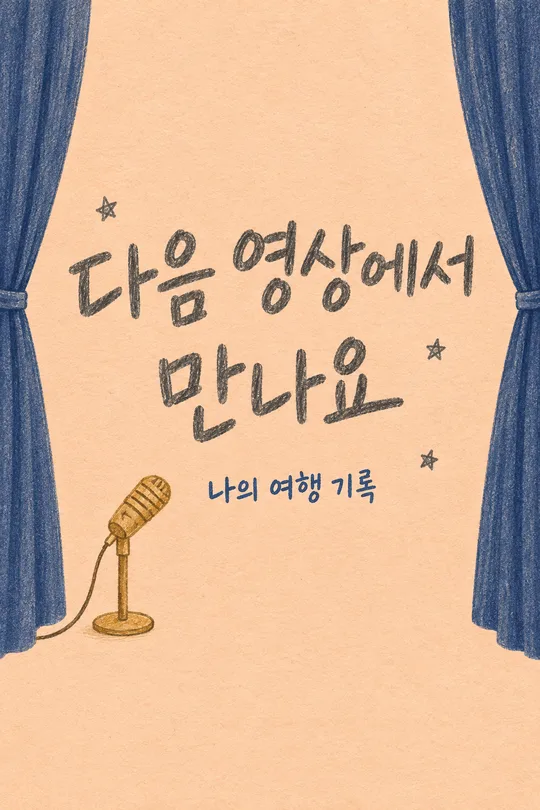
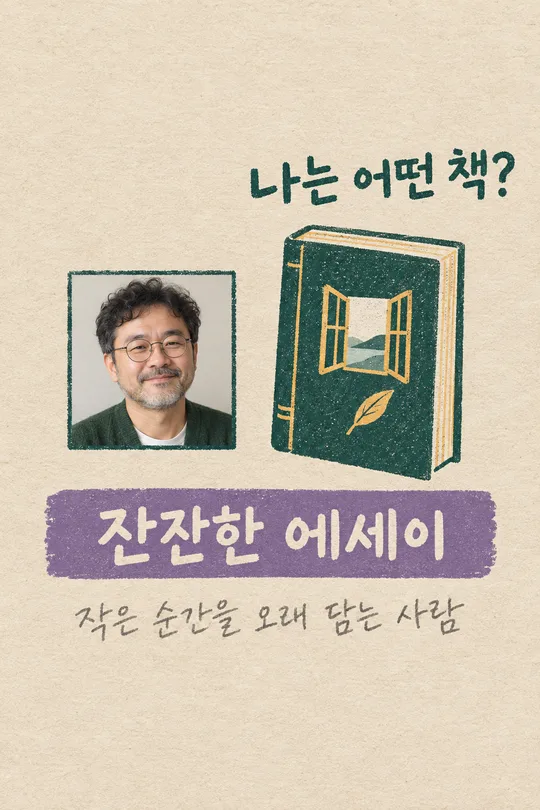
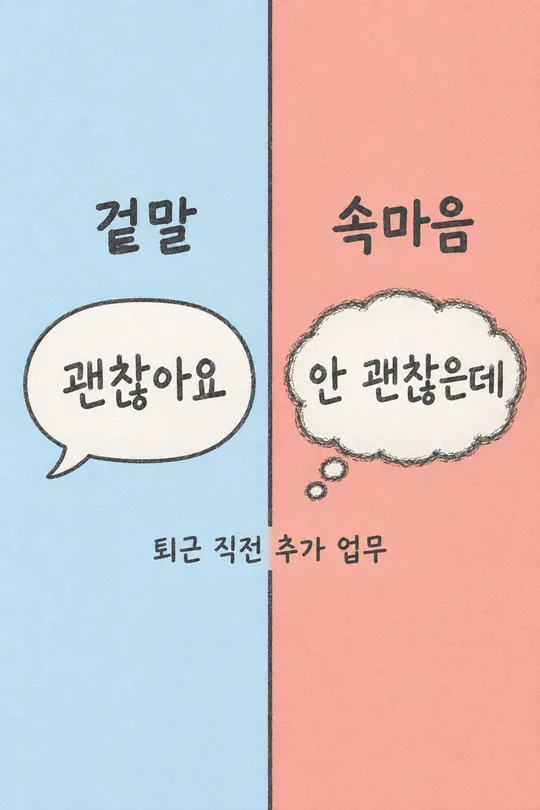
영상을 본 사람이 핵심을 저장할 수 있는 한 장을 만들 때 쓰세요. 크리에이터가 직접 말한 내용 세 가지를 번호가 붙은 정보판으로 묶습니다. 영상 업로드 후 인스타 피드나 채널 커뮤니티에 올리거나, 긴 영상 내용을 스레드에서 짧게 소개할 수 있어요. 다음 영상 예고나 첫 채널 인사 카드와 달리 이번에 공개한 내용 자체를 읽게 하는 카드입니다. 매 영상마다 세 문장만 바꾸면 새 기록을 만들 수 있어요.
세 문장은 직접 적어 주세요
첫째, 둘째, 셋째 칸에 영상에서 실제로 다룬 핵심을 하나씩 입력하세요. 여러 항목을 한 칸에 몰아 쓰지 말고 각 칸을 별도로 채웁니다. 한 문장이 짧을수록 휴대폰 목록에서 잘 읽혀요. 결과에 남겨야 하는 단서나 예외가 있다면 문장 안에 같이 적으세요. 이 카드는 영상 링크만으로 내용을 찾아 요약하지 않고, 입력한 세 문장을 그대로 정보판에 배치합니다. 보기 문장은 입력 방법을 설명하는 예시이니 자기 영상과 다르면 반드시 바꾸세요.
제목과 채널 이름
요약 제목은 직접 적어도 되고 ‘알아서 골라줘’를 눌러도 됩니다. 자동 제목은 세 문장의 공통 주제 안에서만 짧게 만들어져요. 영상에 없는 효과, 숫자, 약속을 제목으로 넣지 않도록 요청합니다. 채널 이름은 선택입니다. 이름을 적으면 아래에 작은 서명처럼 들어가고 비우면 그 줄만 사라집니다. 가상의 채널명을 고르는 버튼은 없어요. 남색 정보판, 붉은 번호, 세 줄 배치는 모든 결과에서 같은 모양으로 유지됩니다.
한 번에 이미지 받기
칸을 모두 채운 뒤 프롬프트를 복사해 무료 GPT 입력창에 한 번 붙여넣고 보내세요. 사진 첨부는 필요하지 않습니다. 한 캔버스에 01, 02, 03이 들어 있는 완성 이미지 한 장을 요청해요. 세 장을 받고 합치거나 각 행을 잘라낼 필요가 없어요. 만들어진 한 장을 그대로 공유하면 됩니다. 이 페이지 표지의 늦잠 관련 문장은 구성을 보여 주는 예시이며 생활 효과를 시험했다는 뜻은 아닙니다.
완성 후 확인
세 문장이 입력 순서대로 있는지, 글자나 중요한 조건이 바뀌지 않았는지 확인하세요. 아이콘은 문장을 쉽게 찾게 하는 작은 표시여야 하고 내용보다 커서는 안 됩니다. 새로운 팁, 구독자 수, 조회 수, 치료 효과 같은 정보가 붙으면 삭제해 달라고 하세요. 채널 이름을 비웠을 때도 제목과 세 행은 그대로 남아야 합니다.
수정할 때
긴 문장이 작아졌다면 입력 문장을 의미가 달라지지 않게 짧게 고친 뒤 다시 요청하세요. 잘못된 글자는 행 번호와 정확한 대체 문장을 같이 알려 주세요. 첫 요청에서 한 장이 완성되도록 설계되어 있고 수정은 실패한 부분을 보완하는 방법입니다.
자주 묻는 것
- 영상 링크만 넣어도 되나요? 이 카드에는 링크 칸이 없어요. 실제 핵심 세 문장을 직접 입력해 주세요.
- 한 가지 내용만 쓸 수 있나요? 세 행이 고정된 카드이므로 실제로 소개할 내용 세 가지가 있을 때 쓰세요.
- 자동 제목이 가능한가요? 제목 보기의 ‘알아서 골라줘’를 선택하면 입력 내용 안에서만 만듭니다.