
칸 채우기
- 1칸을 채워요
- 2복사 버튼을 눌러요
- 3GPT 채팅창에 붙여넣어요
- 4그대로 보내면 썸네일 예시처럼 나와요
- 5카드에 맞는 실제 사진을 같이 넣으면 그 사진이 반영돼요 — 배경 카드는 배경 사진, 인물 · 음식 카드는 그 사진 선택
프롬프트 원문 보기 4,532자
Generate this image now. Draw directly; do not explain or ask questions.
Create exactly ONE original winter phone wallpaper: realistic atmospheric photography with optional pencil handwriting. Keep this single photographic treatment; mood never changes the medium. Full bleed, no phone mockup, collage, border, logos, watermark, UI, clock, icons, people, readable shop signs or known artwork.


Scene: "【장면】". If "알아서 골라줘", choose exactly one of the four scenes below; never print option names. Interpret custom scene entries as winter setting descriptions, keeping one coherent scene.
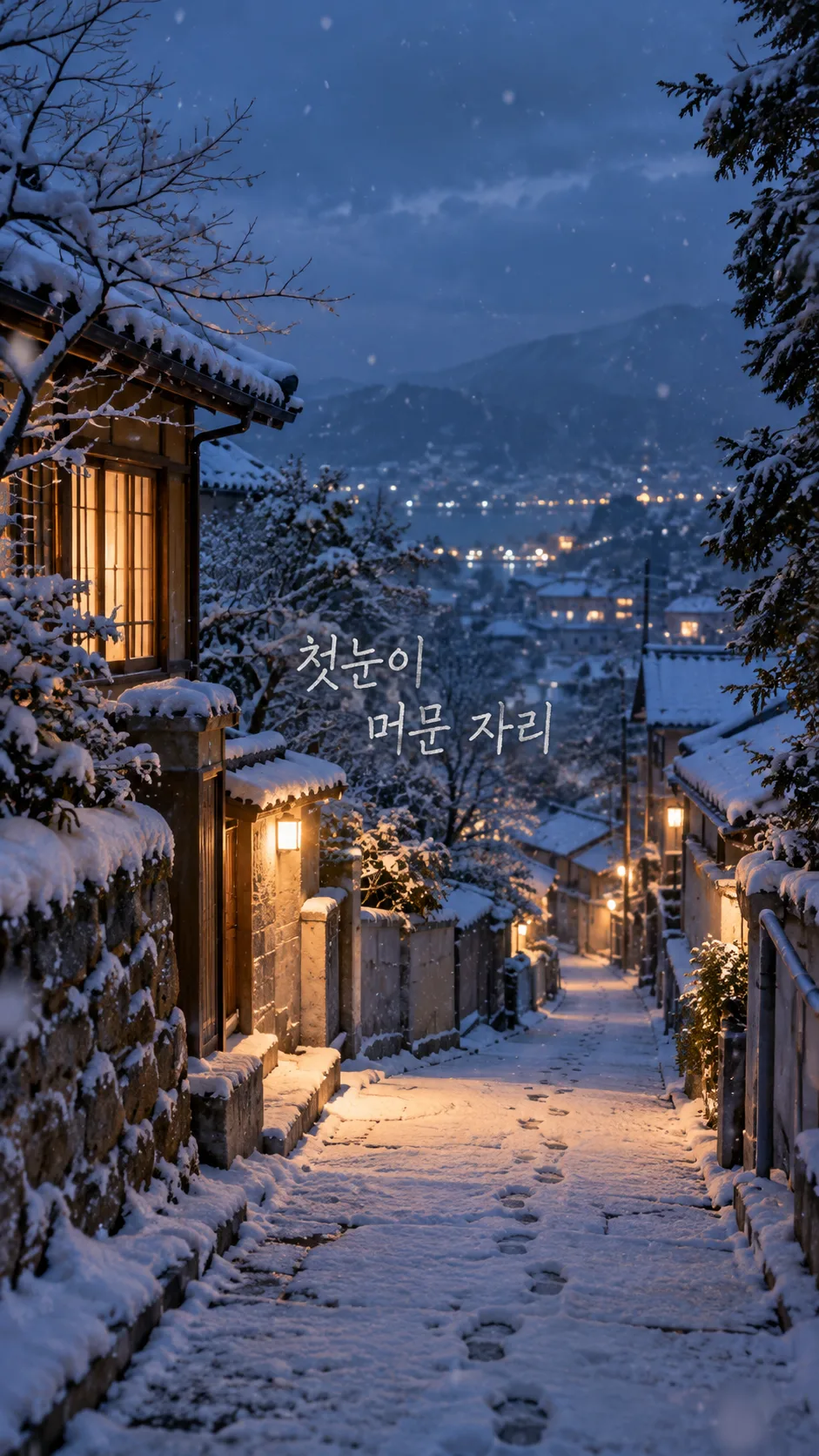
1. 첫눈 골목: a quiet narrow lane receiving its first light snow, believable irregular footprints and warm window light; no readable signs.
2. 눈 덮인 숲: a gently receding forest path, varied snow-laden evergreens and dark trunks, soft distance; no identical repeated trees.
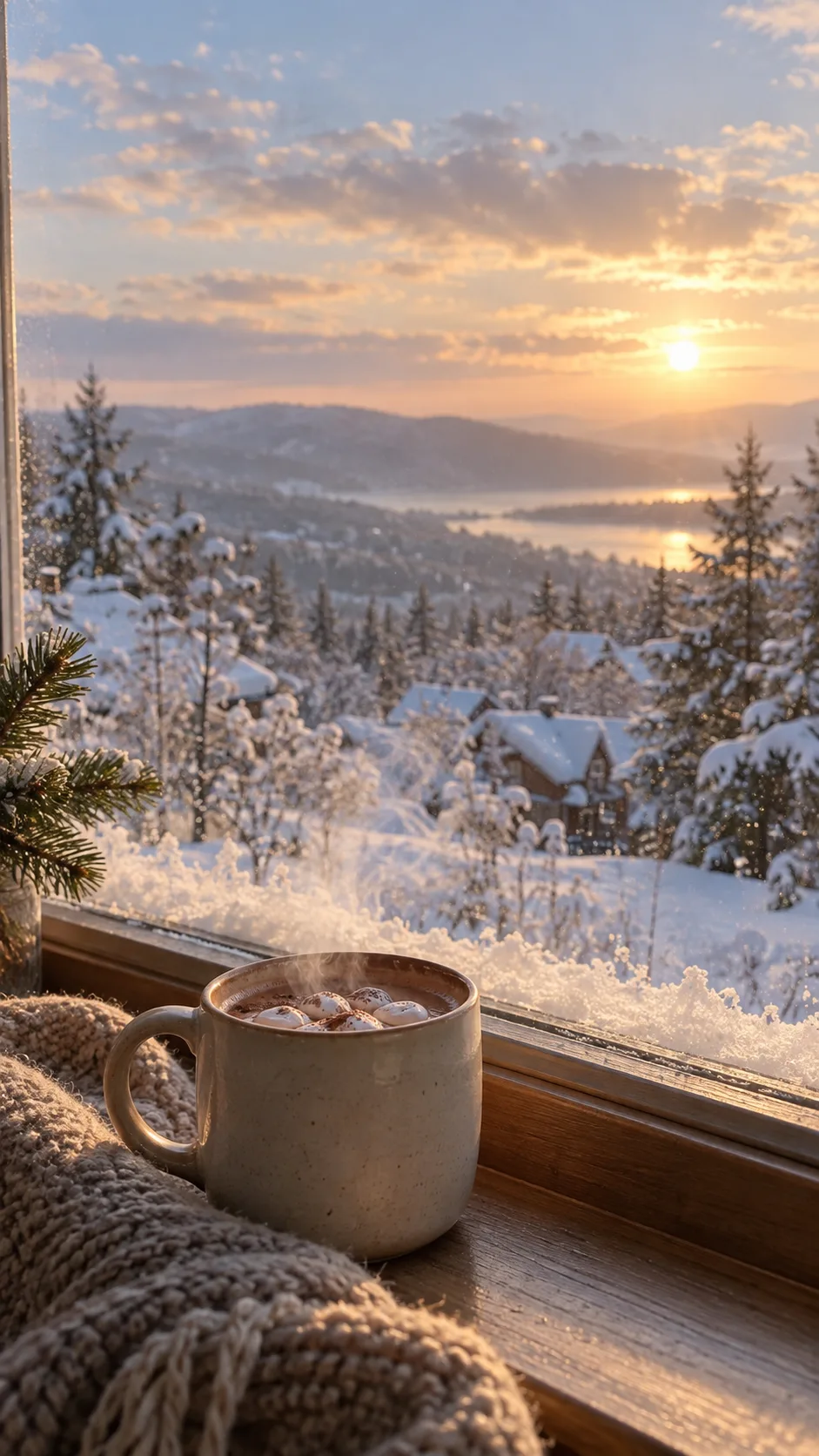
3. 창가 코코아와 눈: one plain ceramic cocoa mug grounded on a windowsill, restrained steam, snow visible outdoors through credible glass; no labels or branding. Keep the mug below the clock zone and avoid a sharp window frame across the upper band.
4. 크리스마스 불빛 거리: an original anonymous street with restrained Christmas bulbs and light snow; local warm lights against winter dusk, no recognizable landmark, shop lettering or giant foreground ornaments. Do not add Christmas decoration to the other scenes.

Mood: "【느낌】". 차분한 흐린 낮 means soft cool overcast winter light with gentle contrast. 포근한 햇살 means subtle warm low-angle winter sunlight against cool snow. 고요한 푸른 저녁 means quiet blue-hour light with restrained amber windows or distant lights. These are photographic lighting moods, not illustration styles. Snow stays textured, not blown-out white, glitter or plastic. Use a limited ice-blue, gray, deep evergreen and warm ivory palette, believable depth and natural fine grain. Avoid excessive HDR, artificial glow, repeated snowflake stamps or a synthetic composite appearance.

Compose for actual phone use. Top 0–25% is calm sky, softly distant scenery or low-detail wall for the real clock and camera area. No focal object, bright light, sharp branch or lettering there. Bottom 80–100% is quiet snow, subdued pavement or tabletop for the dock and gestures. Main subject sits within 30–70%. Continue the scene to every edge: no pasted blank bars, empty paper margins or blurred rectangles. Adapt safe zones to verified screen geometry and leave crop tolerance near edges. Dense environmental detail belongs in the middle, not behind clock digits.

Optional sentence: "【한 줄 문구】". If empty, render absolutely no words and keep the composition complete. If "알아서 골라줘", invent one short original Korean winter sentence and render only that sentence. Otherwise reproduce the supplied sentence exactly once in Korean, preserving characters, spacing and punctuation. Put it in a naturally quiet pocket within 42–68% height, with generous side margins and no overlap with the subject. Graphite pencil on light background or warm ivory pencil on dark background; visible pencil grain, natural handwritten strokes, complete legible characters around 4–5% of canvas height. Use one line, or at most two balanced lines at natural phrase boundaries. No box, sticker, outlines, heavy shadow, tiny lettering or extra title. Check each character. Never print 알아서 골라줘 or instructions. No signature, year, date, season label or subtitle.

No attached photo is required or supported as an identity-preserving transformation: invent the scene from the fields. Return the finished wallpaper only. Do not require code, cropping, compositing or another step from the user.
FINAL OUTPUT CHECK: The requested optional sentence is "【한 줄 문구】". When this value is nonempty, the finished image MUST visibly contain it exactly once (or its generated Korean line when set to 알아서 골라줘). Do not omit requested lettering. Give EACH character a height of at least 4% of the full image height, not merely a 4% total line box. For phrases longer than six characters, use two balanced lines near the image center so lettering remains large and readable; do not use a tiny one-line caption. When empty, the finished image MUST contain no lettering.

[Final output format]
Output size 1080x1920 pixels, 9:16 portrait story. Keep all text inside the central 80% of the height: compress every zone percentage below into the 10-90% range.
This selected output format takes priority over any fixed canvas size or aspect ratio elsewhere in this template. Adapt the composition, text zones and margins to the selected canvas without stretching or cropping essential content. Device safe areas apply only when a device is selected. Never print these format instructions on the image.
결과 어땠어요?
이 카드도 많이 사용해요
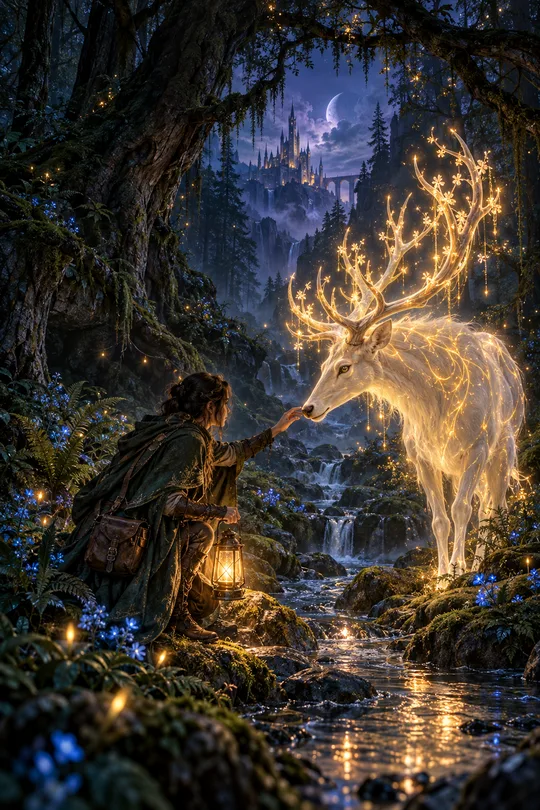
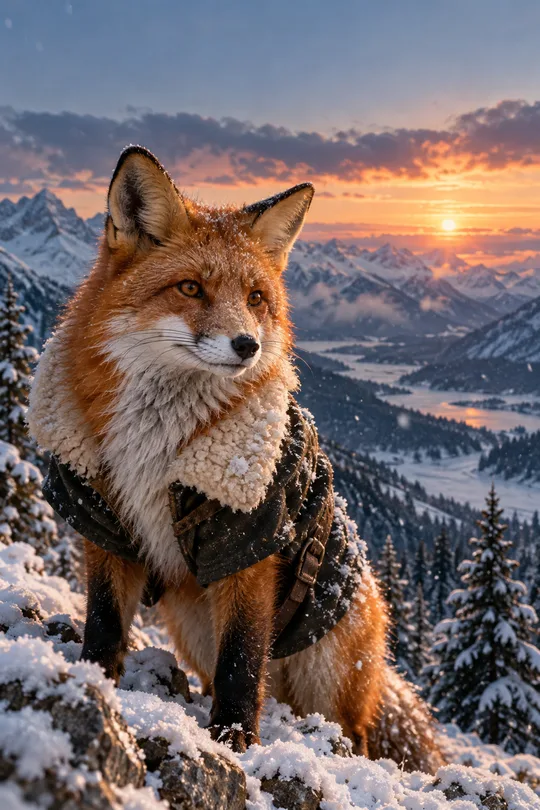
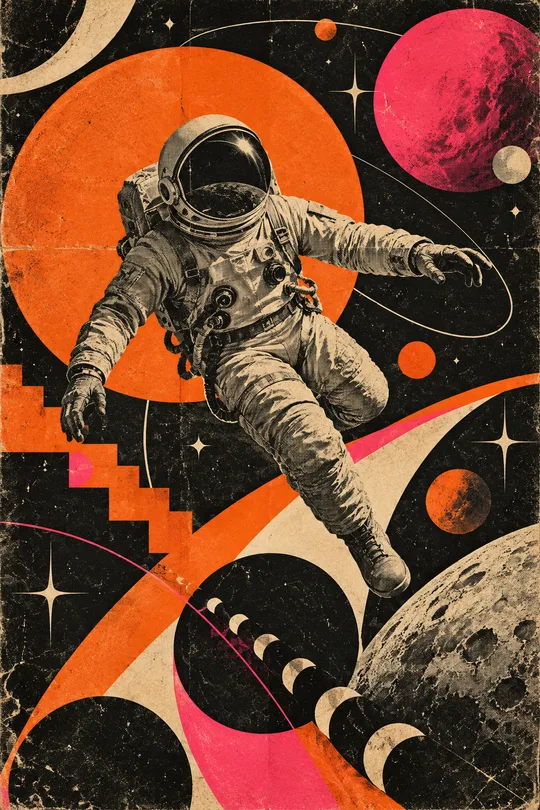
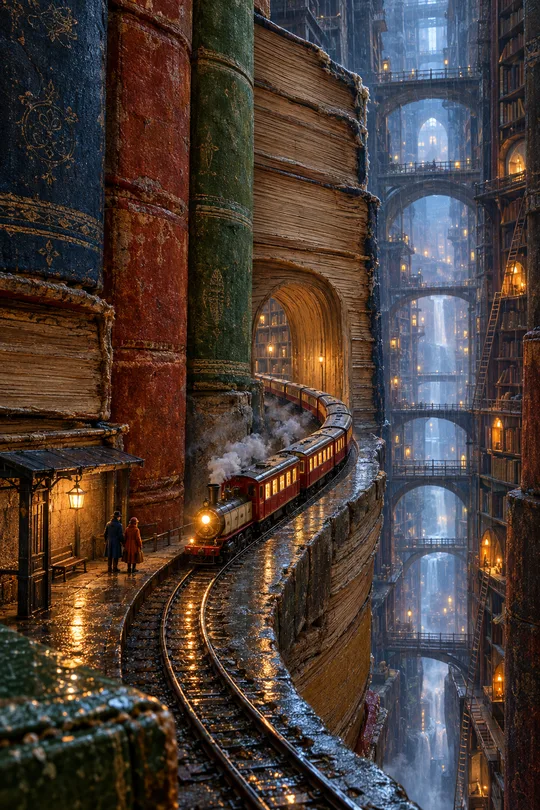
쓰는 법 · 자주 묻는 것
11월부터 2월까지, 폰 안의 작은 겨울
가을 배경을 쓰다가 첫눈이 오면 같은 기종·장면·느낌·한 줄 문구 순서로 겨울 화면을 만들어 보세요. 눈 덮인 숲의 깊이, 골목 창문의 온기, 코코아 너머의 눈발을 사진 같은 한 장에 담습니다. 이 카드는 사진 질감을 고정하고 빛의 분위기를 바꿉니다. 문구를 넣어도 홍보 포스터가 되지 않도록 연필 손글씨를 가운데 조용한 자리에 얹어요. 크리스마스 불빛은 해당 장면을 골랐을 때만 들어가므로 1~2월에도 다른 장면으로 이어 쓸 수 있습니다.
칸 채우기
꼭 칸은 기종·장면·느낌, 3개입니다. 기종에는 실제 모델을 적고 폴더블은 메인·커버를 구별하세요. 모델을 모르거나 일반 세로 화면이 필요하면 9:16을 고릅니다. 모델 정보를 확인하지 못한 경우에는 정확한 해상도를 지어내지 않고 여유 있는 세로 구성을 요청합니다. 기종에 비율을 넣었을 때는 공통 비율 선택이 적용됩니다. 휴대폰용은 9:16을 고르세요. 목록 표지의 2:3과 폰용 예시는 비율이 다릅니다.
장면은 첫눈 골목·눈 덮인 숲·창가 코코아와 눈·크리스마스 불빛 거리 중 하나입니다. 알아서 골라줘는 네 장면 중 하나를 고르며 여러 장면을 합치지 않습니다. 느낌은 차분한 흐린 낮·포근한 햇살·고요한 푸른 저녁 중 하나로, 빛과 색이 바뀌고 사진 표현은 유지됩니다. 가을 카드의 사진·일러스트·수채화 선택과 달리 겨울판은 표지와 같은 사진 결로 만듭니다.
한 줄 문구는 선택입니다. 겨울은 포근히처럼 짧게 적거나 알아서 골라줘를 누르세요. 비우면 제목·날짜·서명까지 없는 그림만 나옵니다. 자동 문구는 겨울 장면에 맞는 한국어 한 줄이며 입력 안내를 그대로 찍지 않습니다. 별도 사진이나 가게 이름은 필요 없습니다. 예시에는 상호·인명을 출력하지 않습니다.
만들고 적용하기
프롬프트를 한 번 복사해 그림 AI에 붙여 넣으면 배경 한 장을 요청합니다. 외부 서비스의 요금·약관은 해당 서비스에서 확인하세요. 파일을 저장하고 잠금화면에서 시계, 홈 화면에서 앱 이름과 독이 읽히는지 살펴보세요. 위 25%와 아래 20%는 장면이 이어지는 조용한 영역이며 흰 띠로 비운 공간이 아닙니다. 휴대폰의 확대·자동 자르기 설정과 위젯 배치에 따라 보이는 부분은 달라질 수 있습니다.
겨울 그림에서 확인할 것
눈이 하얀 덩어리로 뭉개지지 않고 나무마다 쌓인 모습이 다른지, 골목의 원근과 발자국이 자연스러운지 확인하세요. 창가 컵은 창틀이나 공중에 떠 있지 않아야 하며 눈은 실외에 보여야 합니다. 불빛 거리에는 뜻 모를 간판 글자가 없어야 합니다. 문구는 원문과 한 글자씩 대조하고 시계와 겹치지 않는지 보세요. 글자 없는 예시는 빈 문구 동작을 보여 줍니다.
자주 묻는 것과 고치는 법
- 수채화도 되나요? 이 카드는 사진 같은 겨울 풍경으로 고정되어 있습니다. 느낌은 빛의 분위기를 바꿉니다.
- 시계도 그려 주나요? 시계와 아이콘은 폰에서 표시하므로 그림에는 넣지 않습니다.
- 글씨가 틀리면? 같은 대화에 정확한 문구를 다시 넣고 그 글자만 고쳐 달라고 요청하세요. 후보정 없이 다시 생성한 결과를 쓰세요.
- 눈이 너무 밝거나 시계와 겹치면? 느낌을 차분한 흐린 낮으로 바꾸고 위쪽 25%의 눈부신 불빛·나뭇가지를 줄여 달라고 요청하세요.
- 크리스마스 이후에도? 숲·골목·창가로 장면만 바꾸면 연말 장식 없이 겨울을 이어 쓸 수 있어요.