
All · Ads & posters · Hours & closures
397Apartment Work and Moving Courtesy Notice
One polite printable apartment notice with dates, working hours and contact details.
ChatGPT Free OK
Fill in the fields
- 1Fill in the fields
- 2Copy the prompt
- 3Paste it into a GPT chat
- 4Send it as is and you get an image like the thumbnail example
- 5Attach a real photo that fits the card and it is used in the result: a background photo for background cards, a person or food photo for those cards Optional
Full prompt 2,982 characters
Generate this image now. Return one finished flat full-canvas printable apartment courtesy notice, no explanation or code.
Output exactly one finished 2:3 portrait image, 1024x1536 pixels. Leave the top 12% and bottom 15% free of essential text.
Use English lettering only. One fixed hierarchy: apartment, title, unit courtesy sentence, dates, hours, optional contact, apology and thanks, unit signature. Portrait A4 printable composition adapted to selected ratio. No mockup, collage or photograph upload.
TYPE: "【Notice type】"
UNIT: "【Building and unit】"
DATES: "【Dates】"
HOURS: "【Work hours】"
CONTACT: "【Contact】"
MOOD: "【Atmosphere】"
Apartment name is "Haru Apartments". The default signature is "From Unit 1203"; derive the signature from supplied unit number, never invent a personal name.
Resolve TYPE once: the first option means renovation, second moving, third minor repairs. Empty TYPE uses first option. Set title and date/hour labels appropriately in the output language. Write a polite sentence asking neighbors for understanding for the selected activity at UNIT. For renovation and repairs, add the localized equivalent of "No weekend work" only if HOURS explicitly says weekdays. Moving can be on Saturday: never append a no-weekend condition to moving. Never invent permissions, elevator reservations or work restrictions.
Preserve supplied UNIT, DATES, HOURS and CONTACT exactly. UNIT, DATES and HOURS are required: if missing, omit the missing line rather than invent data. Empty CONTACT removes the whole contact row. Check weekdays against the actual calendar, using web verification when available; correct a wrong weekday only after verification, otherwise omit weekday. Do not invent dates. Single-day moving dates stay single-day.
Use a short localized apology for noise during renovation/repairs or elevator use during moving, followed by warm thanks. No other claims.
MOOD changes palette and small original house/tool/flower illustrations only, maintaining the same readable notice hierarchy: first option clean formal navy on white; second warm watercolor terracotta on cream; third minimal forest green on ivory; fourth cute original hand-drawn pastel illustrations. Empty MOOD uses first. Never print option labels.
Keep essential lettering inside 12%–85% height, safe side margins, largest title and large readable dates/hours/contact. Small decorative illustration must not compete with dense text. Background fills all edges. No real brands, logos, recognizable people, branded products, watermarks, verification notes or example labels. Proof every letter, numeral, punctuation and weekday against resolved inputs. One paste yields one complete image; no retouching or separate text overlay.

[Final output format]
Output exactly one finished 2:3 portrait image, 1024x1536 pixels. Leave the top 12% and bottom 15% free of essential text.
This selected output format takes priority over any fixed canvas size or aspect ratio elsewhere in this template. Adapt the composition, text zones and margins to the selected canvas without stretching or cropping essential content. Device safe areas apply only when a device is selected. Never print these format instructions on the image.
How did it turn out?
You may also like




How to use it · FAQ
Make a courteous notice to post in an apartment elevator or on a shared bulletin board before renovation, moving or minor repairs. Paste the filled prompt into an image AI once to receive a complete portrait image with readable lettering and small original illustrations. No photo or separate text overlay is needed.
Three fields are required: Building and unit, Dates, and Work hours. Include the year in dates, and use a single date for a one-day move. State weekdays explicitly when work is limited to weekdays. Notice type defaults to Renovation, and Atmosphere defaults to Clean formal notice. An empty Contact removes its entire row. Missing required values are omitted rather than invented, so complete them before printing.
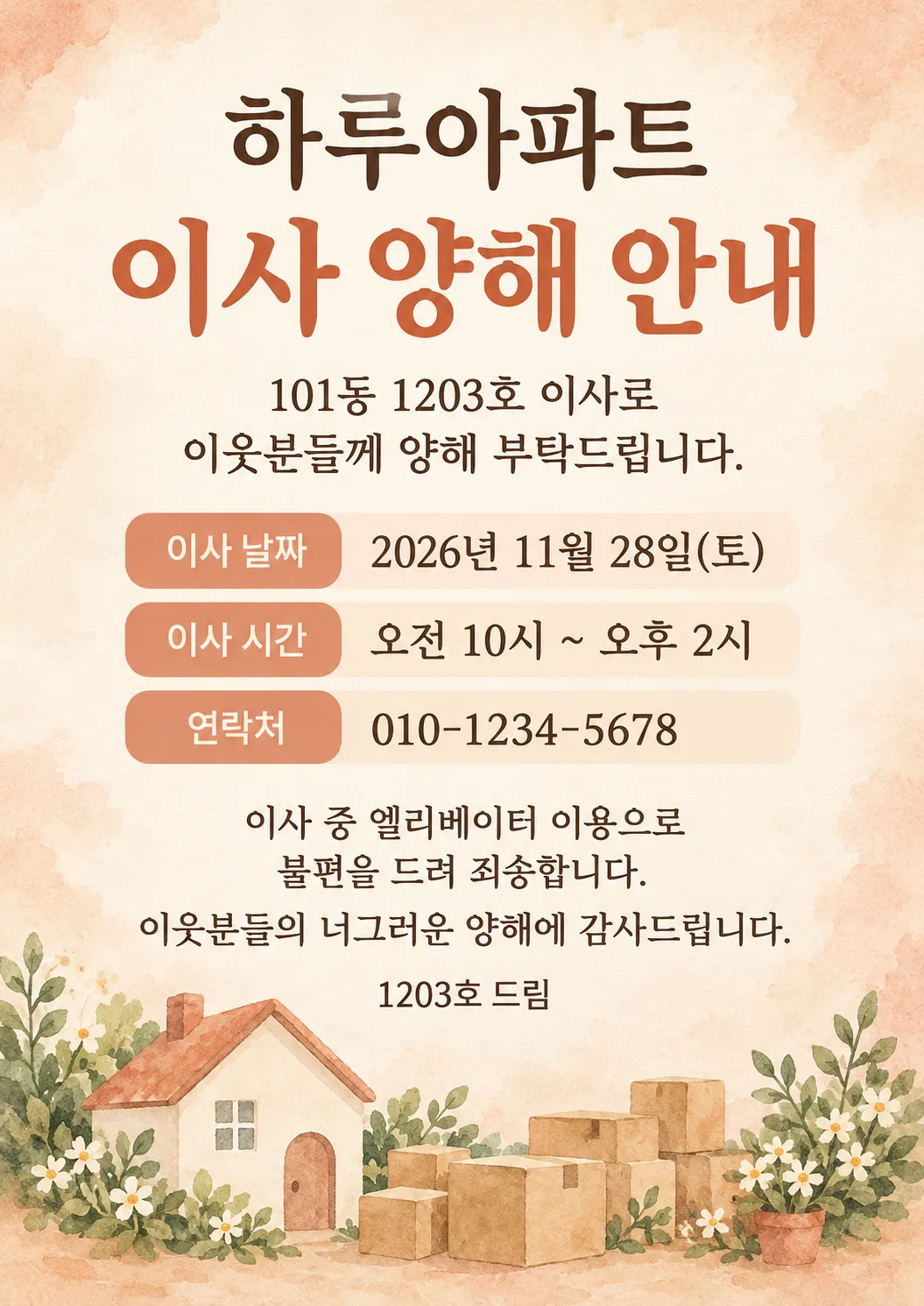
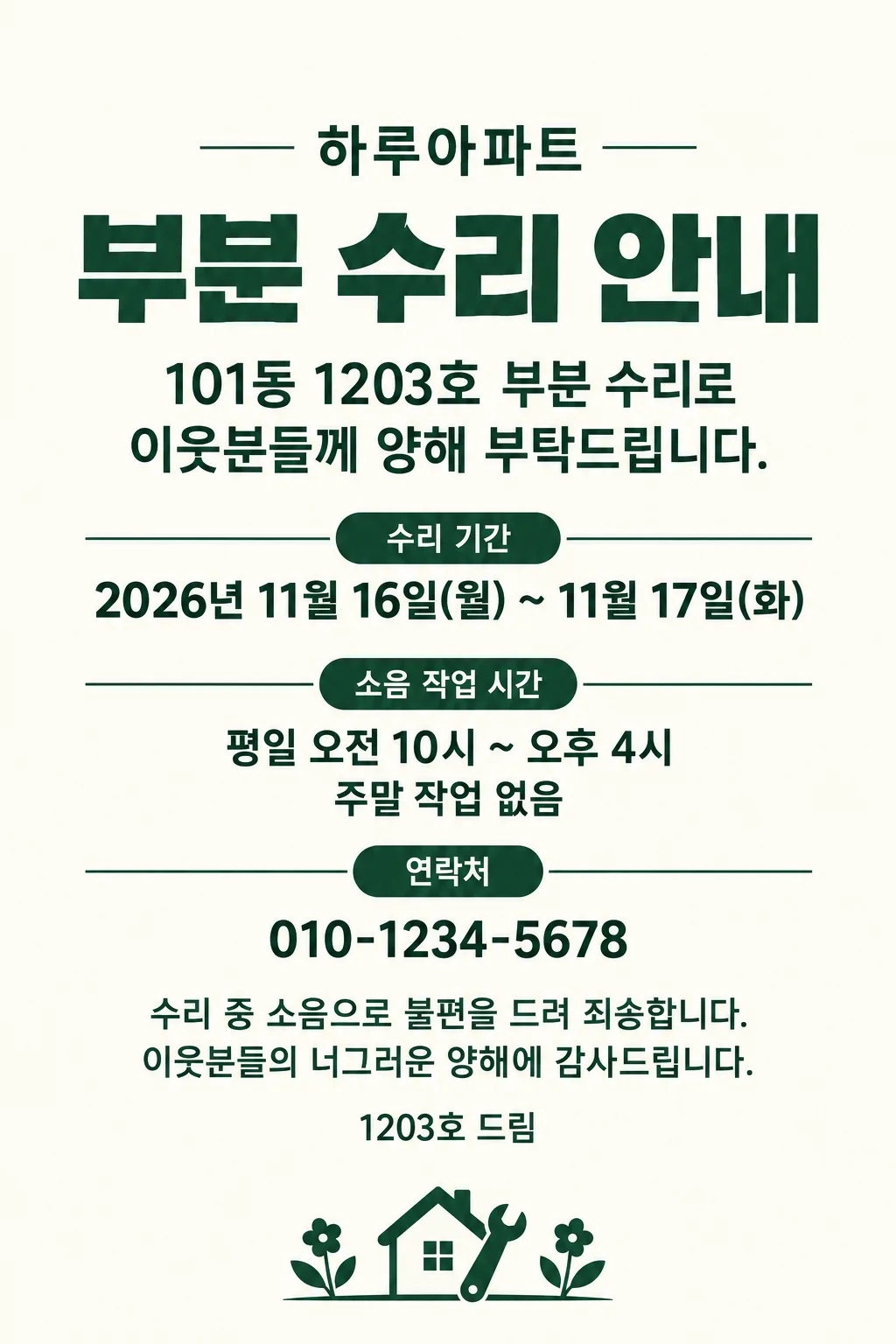
The cover shows formal renovation, the first gallery example a warm illustrated move, and the second minimal minor repairs. Cute hand drawing uses pastel decorations while keeping the same information hierarchy. The fictional apartment name is Haru Apartments; edit that fixed name in the copied prompt for actual use. The sign-off uses the unit number rather than a personal name. Gallery images demonstrate the Korean version; the English prompt outputs English lettering.
Only weekday renovation or repairs receive the no-weekend-work line. A Saturday move does not. Check every digit in the unit, dates, hours and contact, and verify the weekday with a calendar. Confirm the permitted hours with building management. If a letter is wrong, specify the wrong and correct strings and regenerate before posting. Print on portrait A4 with fit-to-page and inspect for clipped text. Contact is optional. A one-day move does not need an end date. External service fees and usage conditions should be checked with that service.