

All · Wallpapers · Quotes & mood
554Dreamscape Neon Text
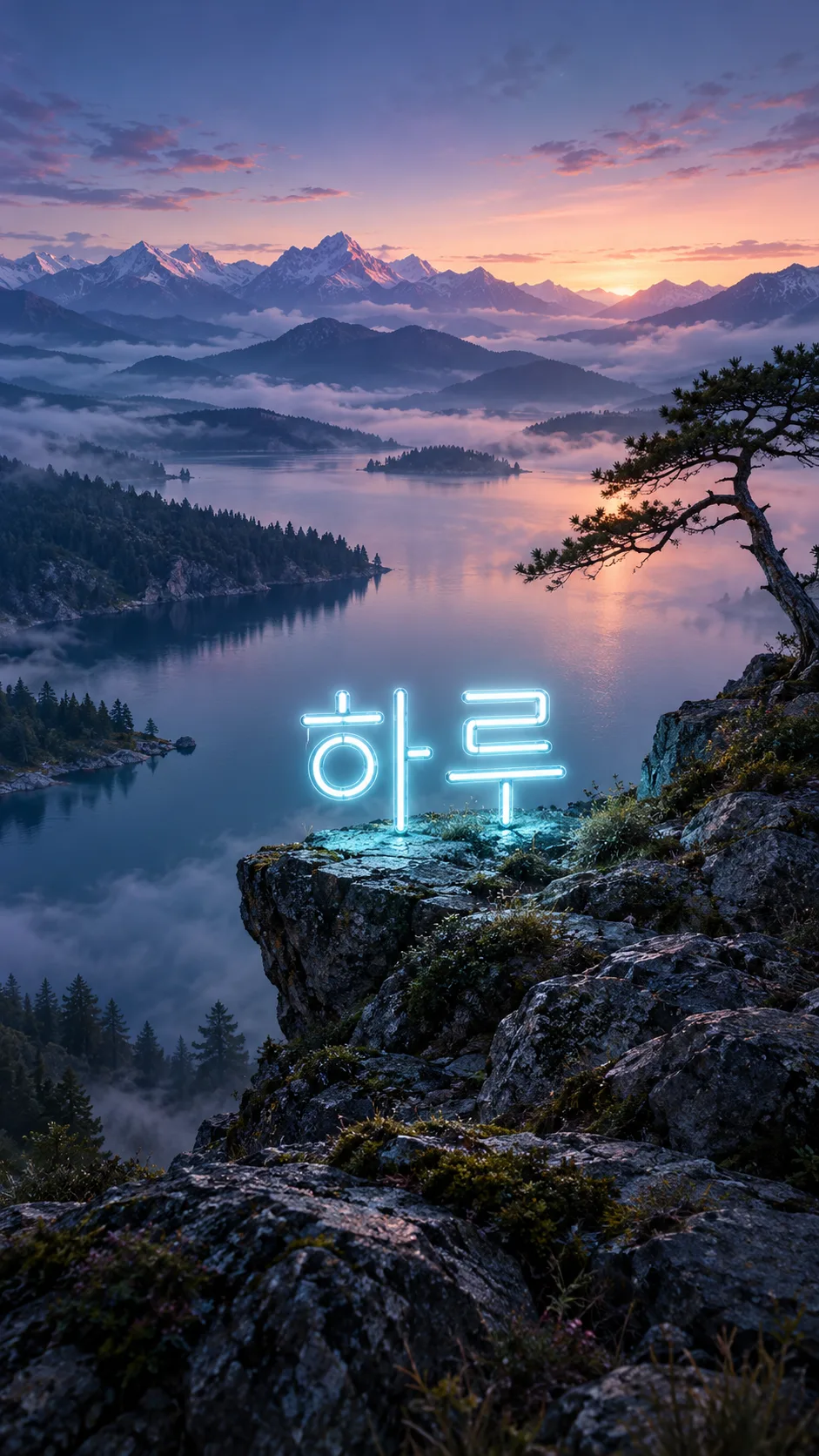
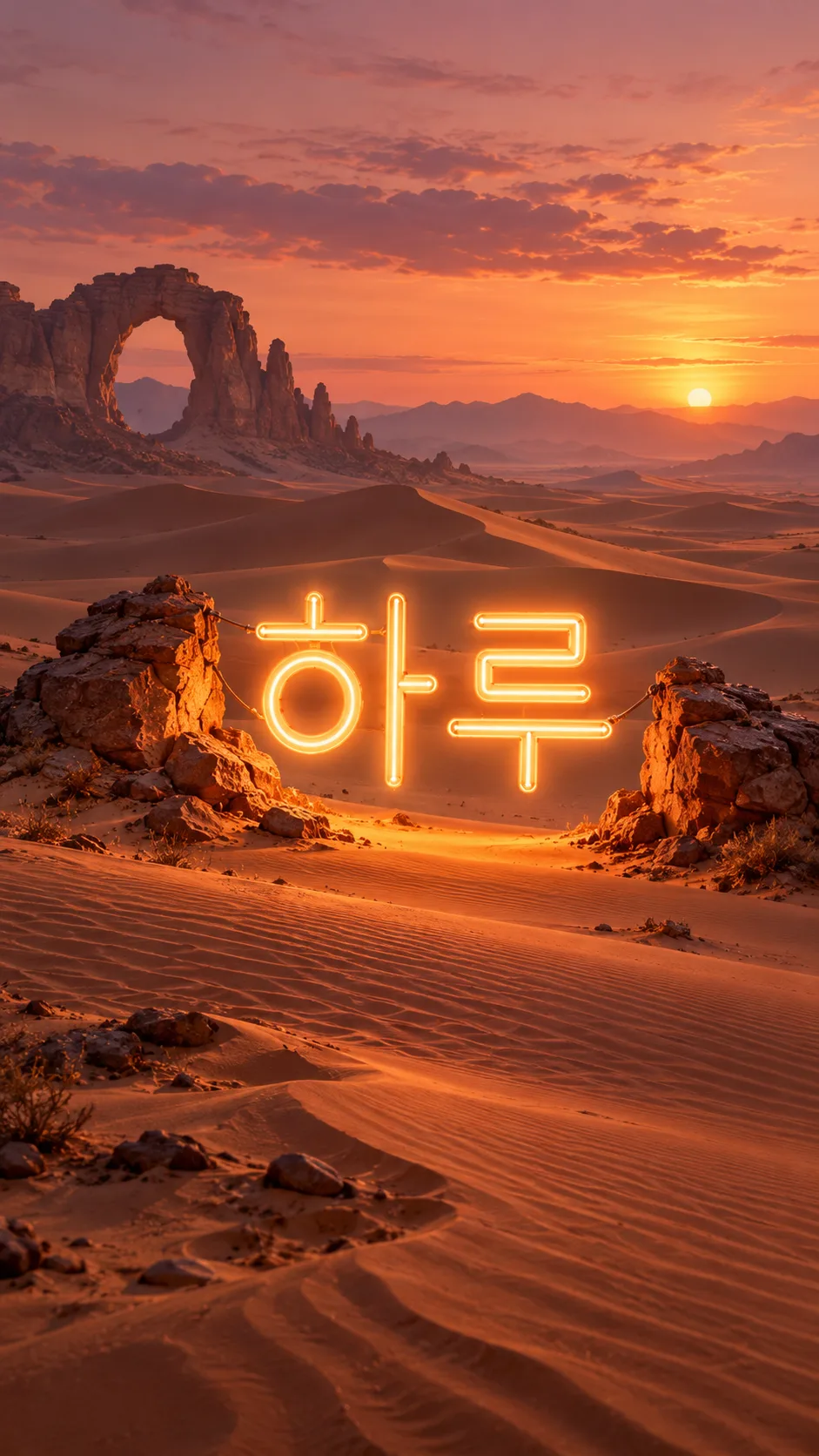
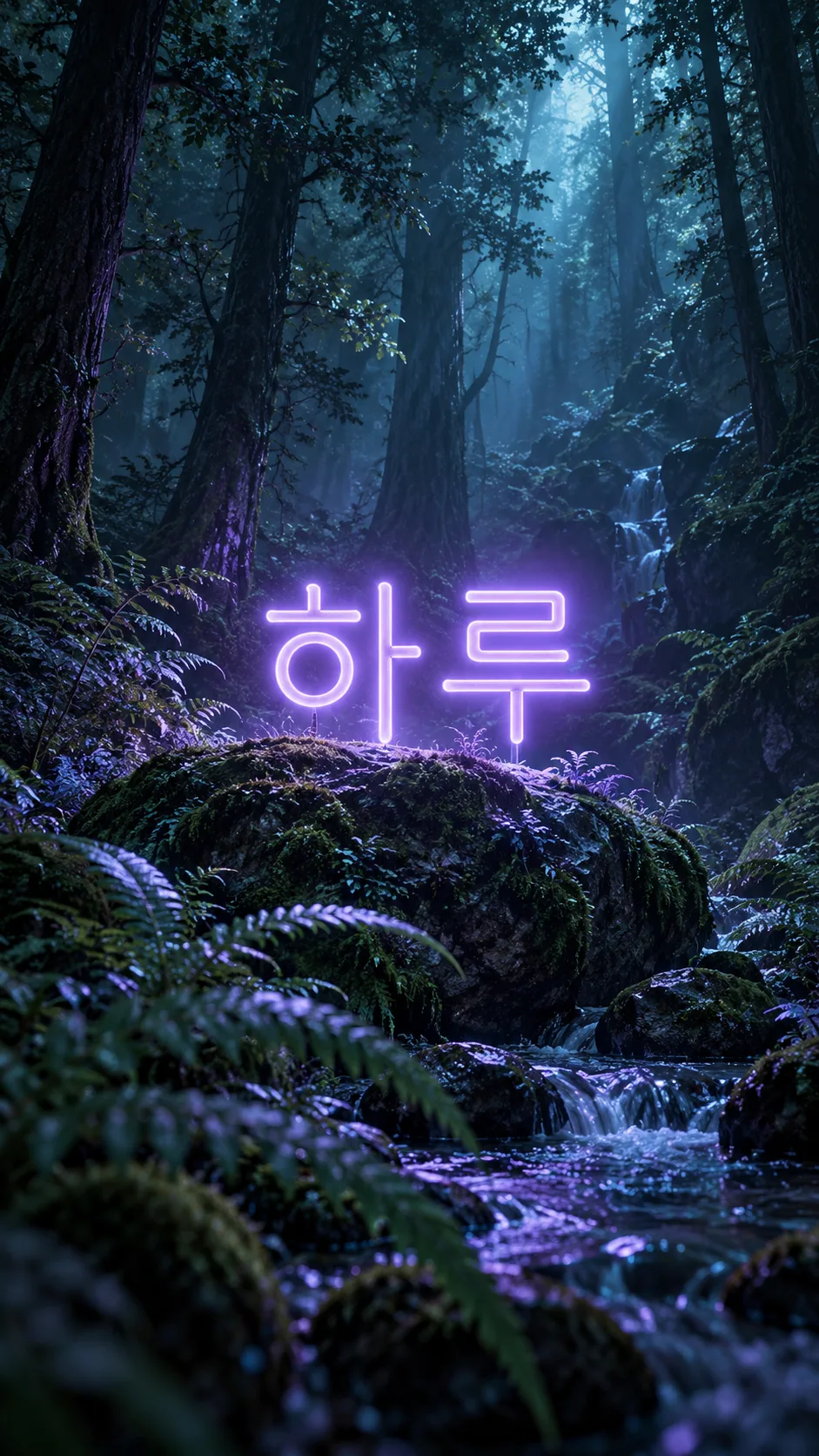
Set your short text in glowing neon within a lake, desert or forest wallpaper.
Fill in the fields
- 1Fill in the fields
- 2Copy the prompt
- 3Paste it into a GPT chat
- 4Send it as is and you get an image like the thumbnail example
- 5Attach a real photo that fits the card and it is used in the result: a background photo for background cards, a person or food photo for those cards Optional
Tested by us
- Test date
- 2026-10-29
- Tool
- ChatGPT image model (run in Codex) — same model as free ChatGPT, only limits differ
- Result
- Pass
- What worked
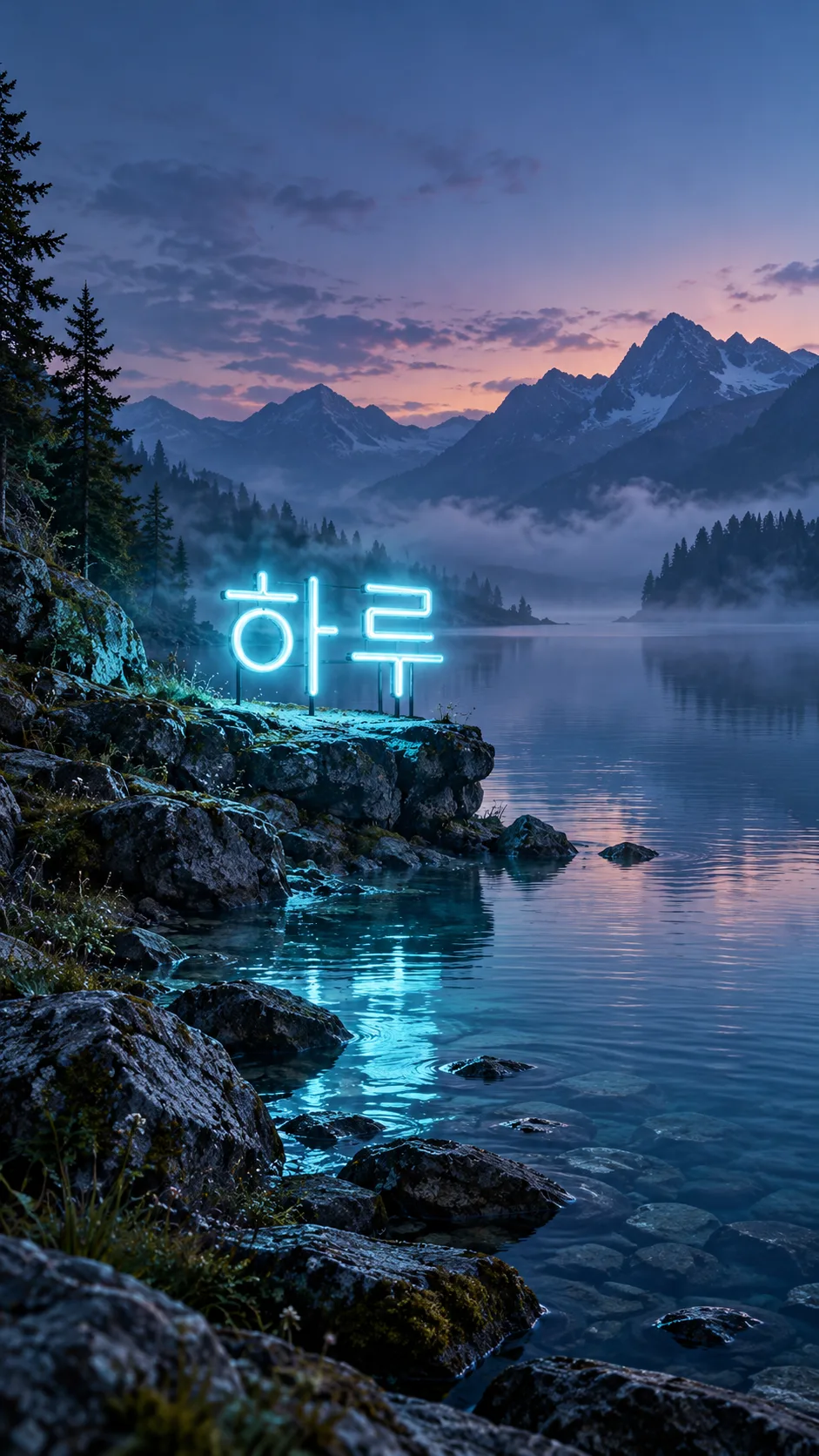
- The syllables and order of "하" and "루" are accurate, and the neon text appears only once. Cyan neon stands right above the lakeside rocks, casting light on surrounding rocks and water. Water reflections appear as broken light with no legible text duplication. Blue hour lake, overlapping mountains, light water mist, and asymmetrical stone base are confirmed. The text is roughly at 27-54% horizontally and 39-48% vertically, fitting within the specified area. The top is the sky, bottom is dark rocks and water with no important text, resulting in a single vertical wallpaper with no borders, phone frames, clocks, icons, or additional phrases.
- What did not work
- None
- How to improve
- No additional modified sentences were tested. This time, the example "하루", "호수", and recommended 9:16 were used as-is and passed. Other texts and landscapes were not tested.
Full prompt 3,561 characters
Generate this image now. Draw it directly - do not describe it, explain it, or ask questions.
Output size 1080x1920 pixels, 9:16 portrait story. Keep all text inside the central 80% of the height.
Create exactly ONE full-bleed dreamlike landscape wallpaper with one luminous neon word physically integrated into the scenery. No collage, border, poster mockup, phone, caption or interface. No reference photograph is needed.
Resolve TEXT="【Text】" and LANDSCAPE="【Landscape】" before drawing. TEXT accepts 1–8 visible characters, including spaces and digits. Preserve the user's exact script, spelling, capitalization, spacing and punctuation; never translate it. If blank or the control value "Choose for me", use "Haru". For longer input, use the first eight visible characters without rewriting them. If LANDSCAPE is empty use Lake. Control values are instructions, never visible lettering.
Render only the resolved TEXT, once, inside quotation marks here as the exact lettering specification; quotation marks themselves must not be visible. Keep every glyph complete, correctly ordered, readable and separated. Use simple upright custom sans-serif neon tube letterforms with a sharp pale core, a restrained colored halo and physically plausible light spill. Preserve Hangul syllable blocks and all digit shapes. Glow must not close counters, merge strokes or resemble extra letters. Never create a second readable copy in reflections.
For Lake: quiet blue-hour alpine water, asymmetric dark stone shore, distant layered mountains, fine silver mist, pale cyan neon held just above a small shore ledge. Cinematic photographic realism with delicate natural texture and deep atmospheric perspective; faint broken reflected light without readable mirrored lettering.
For Desert: warm peach dusk, wind-carved dunes, one sculptural eroded sandstone arch off-center, apricot neon suspended between two modest rock outcrops. Tactile surreal matte-painting treatment, broad velvety sand planes and fine wind ripples; optimistic warm amber and dusty rose, a different silhouette and viewpoint from the lake.
For Forest: mysterious midnight fern ravine, towering uneven trunks, teal atmospheric shafts, subtle violet neon floating over a mossy boulder. Detailed volumetric digital illustration, rich layered foliage and cool jewel-toned depth; no firefly dots arranged like letters. Give this scene a distinct close low viewpoint.
Keep the landscape expansive and detailed to all edges, with natural irregularity rather than repeated assets. Keep the top 18% and bottom 15% low-contrast for wallpaper use, without painting a clock or icons. Place all lettering within x=12–88%, y=38–62%, at an optically large scale; shrink eight-character text enough to preserve side clearance. Use one line unless legibility requires two balanced lines with unchanged reading order. Neon belongs in the scene and illuminates nearby material; no opaque signboard, logo or promotional layout.
Invent all scenery. No real brands, logos, recognizable people, characters, products, artist signatures, watermarks or imitation of a named artist. Before finishing inspect each enlarged glyph against TEXT individually, including every Hangul block and numeral, correct any mismatch, and return only the completed image.

[Final output format]
Output size 1080x1920 pixels, 9:16 portrait story. Keep all text inside the central 80% of the height.
This selected output format takes priority over any fixed canvas size or aspect ratio elsewhere in this template. Adapt the composition, text zones and margins to the selected canvas without stretching or cropping essential content. Device safe areas apply only when a device is selected. Never print these format instructions on the image.
How did it turn out?
You may also like
How to use it · FAQ
When to use it
Create one phone wallpaper that turns a short personal word into light inside a landscape. Paste the completed prompt once into an image generator; no photo is needed. The default is 9:16, with other ratios available in the shared size control.
Fill the two fields
Text accepts 1–8 visible characters, including spaces and digits. Haru is the example. Exact spelling, script and spacing stay unchanged. Blank text or Choose for me uses Haru. Longer input uses only its first eight visible characters, so shorten it beforehand. Landscape offers Lake, Desert and Forest; blank means Lake. Lake uses quiet blue-hour photographic texture, Desert warm apricot surreal matte painting, and Forest cool mysterious volumetric digital illustration. The surface treatment and lighting follow the landscape, while the result remains one neon-text wallpaper.
Check the result
Enlarge the lettering and compare H, a, r and u individually with Haru. For numbers, check every digit and its order. Look for missing strokes, merged letters and excessive bloom. Water should not repeat readable lettering. Important text stays clear of the top clock area and bottom controls. If the word is too small, shorten it and keep the same landscape when generating again. Use personal wording rather than real trademarks or people's names. Check the image service's pricing and terms there.