

All · Wallpapers · Quotes & mood
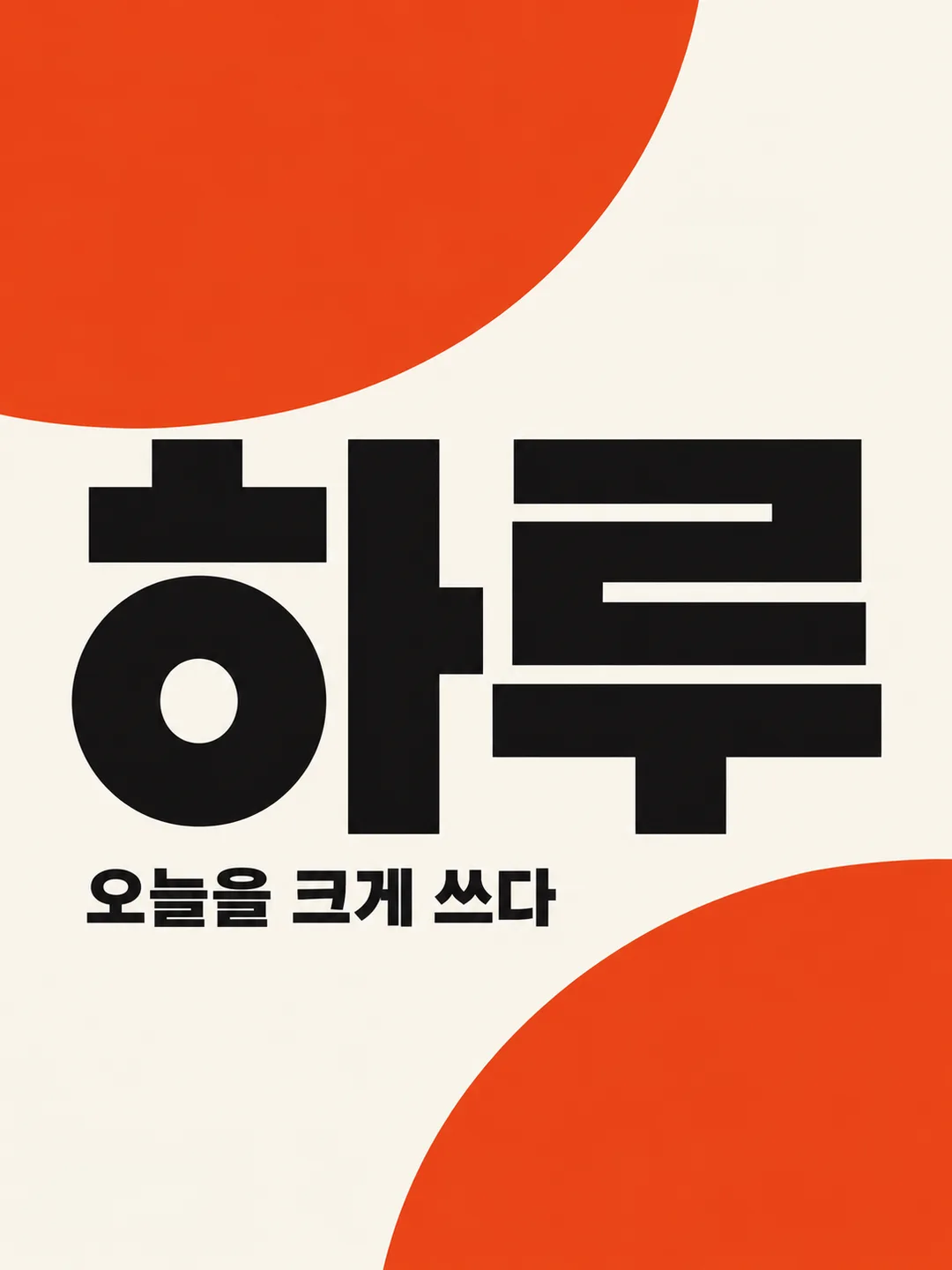
578One-word Swiss typography poster
Turn one word and two or three colors into a bold grid-based poster.
What you get
- One large-word typography poster
- A grid-based two or three color composition
- Your short sentence or no subtitle
ChatGPT Free OK
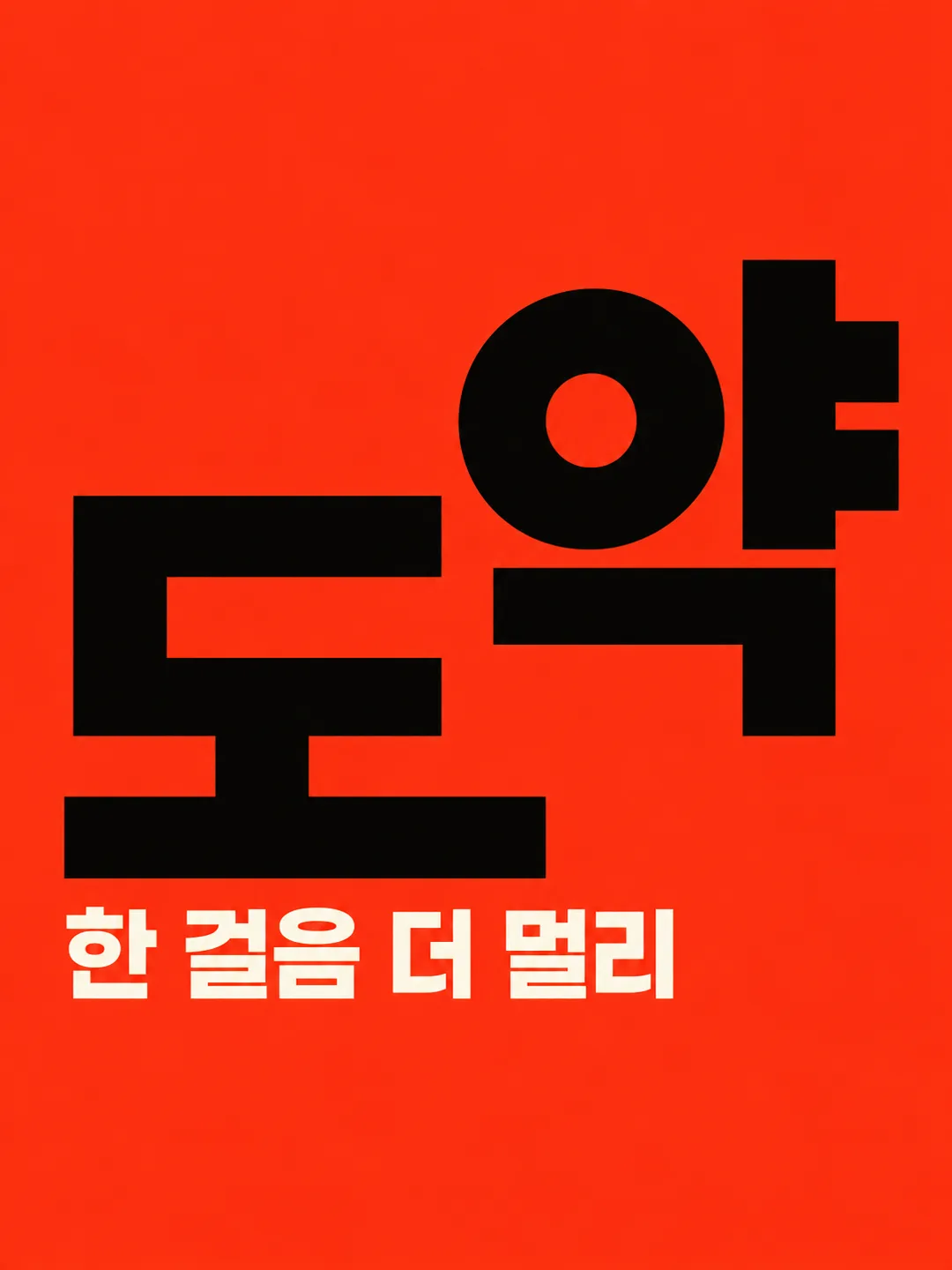
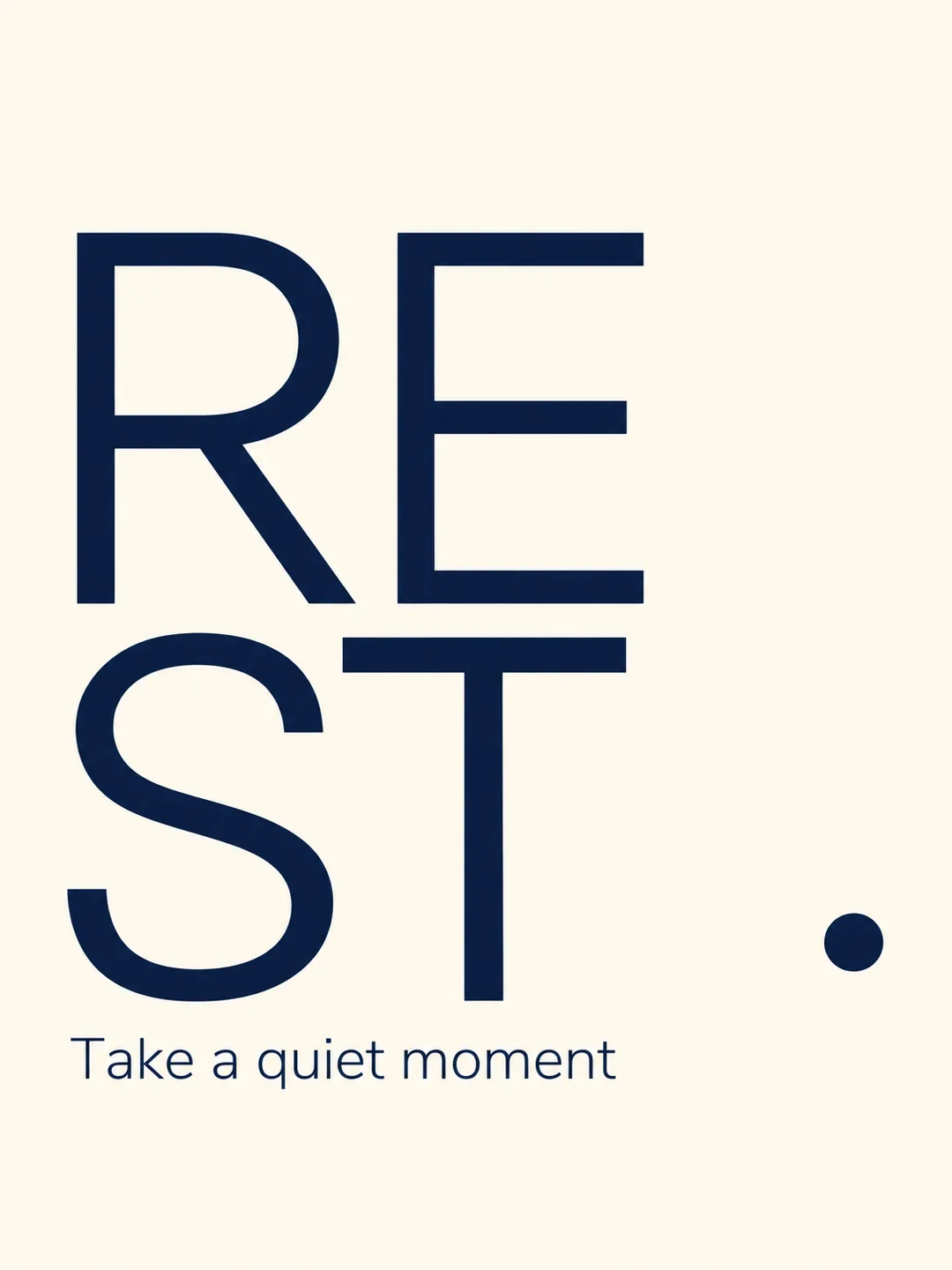
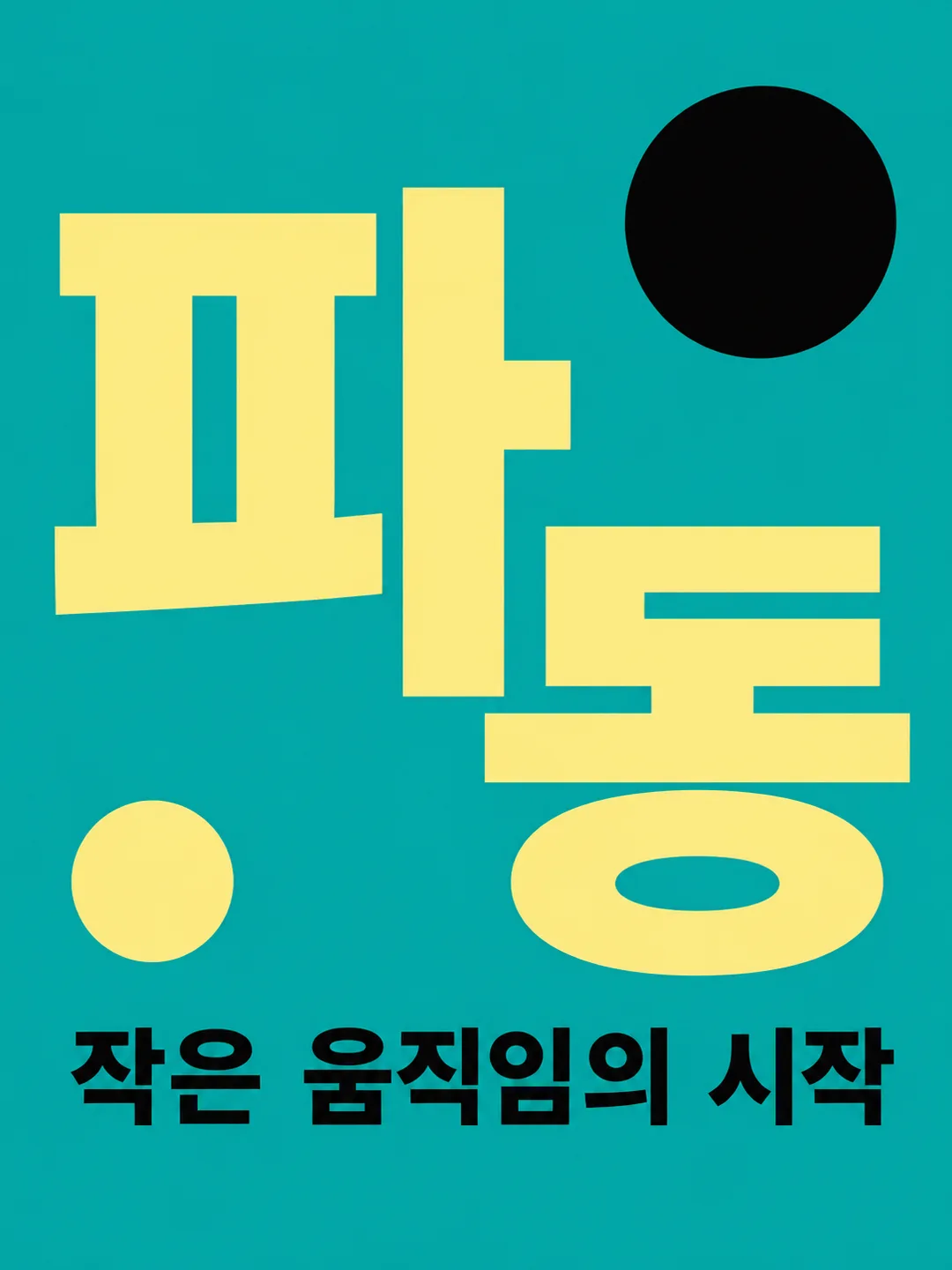
Fill in the fields
- 1Fill in the fields
- 2Copy the prompt
- 3Paste it into a GPT chat
- 4Send it as is and you get an image like the thumbnail example
- 5Attach a real photo that fits the card and it is used in the result: a background photo for background cards, a person or food photo for those cards Optional
Tested by us
- Test date
- 2026-10-29
- Tool
- ChatGPT image model (run in Codex) — same model as free ChatGPT, only limits differ
- Result
- Pass
- What worked
- All four results accurately feature the large word "하루" and the small sentence "오늘을 크게 쓰다", with the small sentence appearing only once. Placed large black sans-serif text, an ivory background, and two orange circles on a single poster. No color names, extra phrases, logos, dates, or prices are visible, and the letter strokes are not cut off. Maintained the vertical 3:4 aspect ratio.
- What did not work
- None
- How to improve
- Changing the text placement sentence to "Place all text within the horizontal 12-88% and vertical 20-75% area, scale down until it fits" and testing resulted in the second outcome securing the existing 6% left-right safety margin. However, since the designated area and pixel size were not precisely met, please check the actual size and margins before printing.
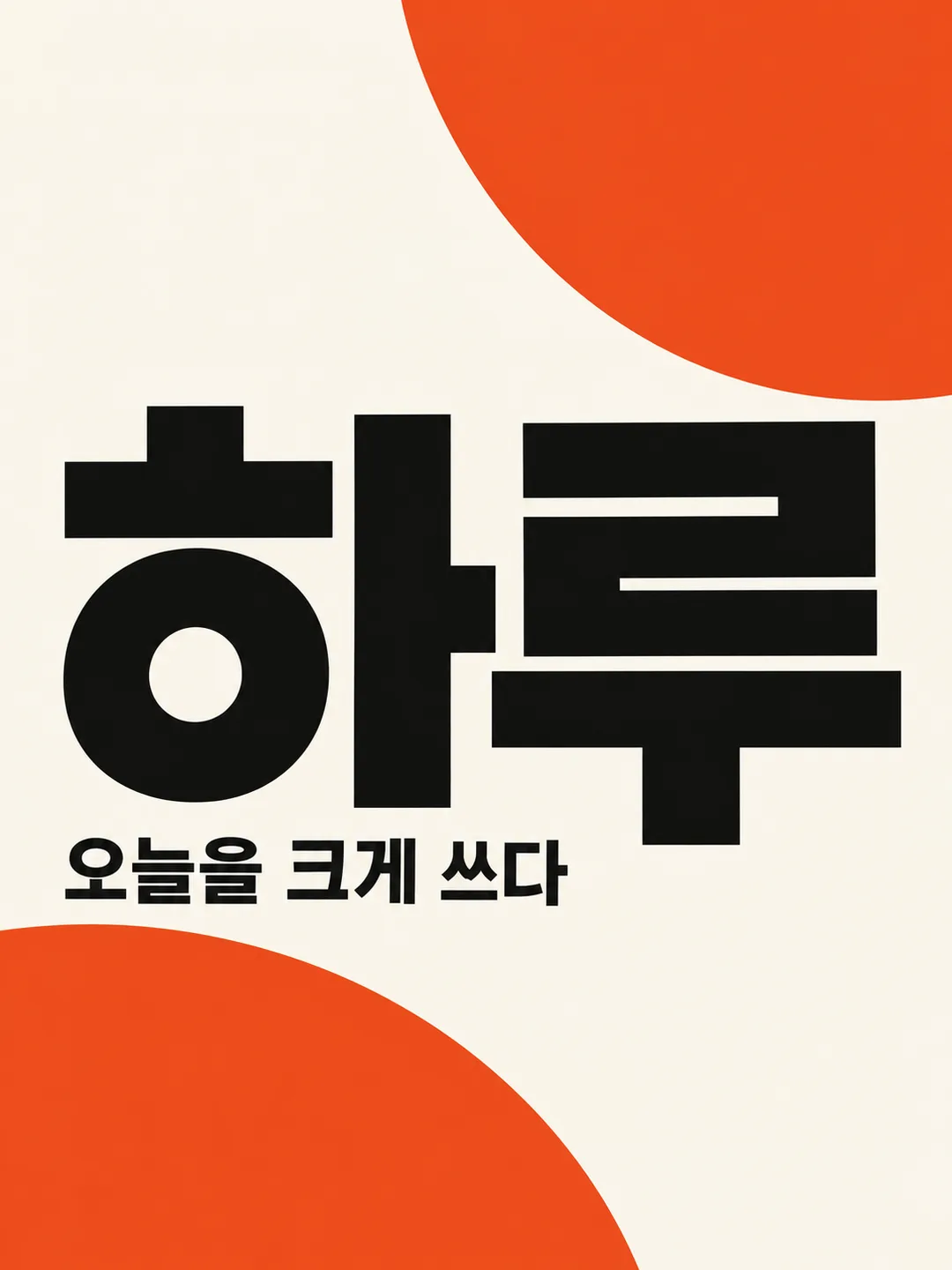
Full prompt 2,837 characters
Generate this image now. Draw it directly without explanations or questions.
Output size 1080x1440 pixels, 3:4 portrait, social media post.
Create exactly ONE original Swiss typography poster. Default portrait 3:4; obey the supplied shared size if different. Flat full-bleed artwork itself, no mockup, frame, paper on a table, collage or extra panels. Ignore attached photos.
WORD: "【Word】". Empty means "Haru". Treat this as one headline, preserve every character, case and order. Use crisp large geometric sans-serif letters, complete and readable; shorten nothing and shrink only if needed to fit. Support the supplied script with correct letterforms.
COLORS: "【Colors】". Empty means "Vermilion, black, ivory". Use only two or three flat colors including background. If more than three are supplied use the first three. Preserve strong text/background contrast. Never print palette names.
SMALL SENTENCE: "【Small sentence】". Empty means OMIT the subtitle completely. The special value "Choose for me" means invent one brief English sentence suited to the word; never print that instruction. Otherwise print the supplied sentence exactly once without translation or additional copy.
DESIGN: invisible six-column grid, asymmetrical alignment, large scale contrast, disciplined baseline and generous intentional negative space. Headline dominates the central 65% of the canvas; place the compact subtitle below it on the same grid. Place the entire headline and subtitle inside a text box from 12% to 88% canvas width and from 20% to 75% canvas height. Reduce the headline size until every stroke fits this box, leaving at least 6% clear side margins. Keep decorative shapes behind and away from all letterforms. Use at most two simple geometric shapes as counterweights. Interpret the word and palette to tune density and atmosphere: energetic words feel forceful, rest-related words feel quiet, wave-related words feel rhythmic and experimental. Maintain Swiss typography throughout, not a selectable alternative art style. No gradients, shadows, distressed textures or ornamental illustrations.
TEXT CHECK: compare each headline and subtitle character against the resolved input before returning. Preserve spaces, punctuation and complete strokes. Do not add any other words, digits, dates, prices, weekdays, author names or labels. Original abstract design only: no real brands, trademarks, logos, famous people, products, characters, artist imitation, signatures or watermarks. Return only the finished single poster.

[Final output format]
Output size 1080x1440 pixels, 3:4 portrait, social media post.
This selected output format takes priority over any fixed canvas size or aspect ratio elsewhere in this template. Adapt the composition, text zones and margins to the selected canvas without stretching or cropping essential content. Device safe areas apply only when a device is selected. Never print these format instructions on the image.
How did it turn out?
You may also like

How to use it · FAQ
Turn one word into a Swiss typography poster for a personal wall, a fictional campaign concept or a reflective social post. Large sans-serif letters, an invisible grid and two or three flat colors define one finished image. No photo is needed; attachments are ignored. Paste the completed prompt into an image AI once. The default ratio is portrait 3:4; change it through the shared size selector.
No fields are required. Empty Word uses Haru and empty Colors uses Vermilion, black, ivory. Short words work best; longer words shrink without changing spelling or letter order. Write two or three colors including the background, or select a suggested palette. If more than three colors are supplied, only the first three are used. Color names are never printed.
Small sentence is a single supporting line. Choose for me asks for one brief English sentence suited to the word; the instruction itself is never printed. An empty sentence removes the subtitle entirely. Explicit text such as Make today bold is printed exactly. An energetic word and vermilion produce tension; REST with navy and cream feels quiet; WAVE with teal feels experimental. Density and scale respond to meaning and color while the Swiss grid and typography remain consistent.
Enlarge the result and compare every letter, capital, space and punctuation mark against your input. Check that strokes remain complete. If text is wrong, specify the exact faulty letter and correct sentence and regenerate with the same settings. Dates, prices, weekdays and numbers are never added automatically. Use ordinary words you have the right to use rather than real brands or people. This card supplies a prompt; check external service fees and usage terms with that service.