
All · Comics & illustration · Characters · People
417Family chat character avatar
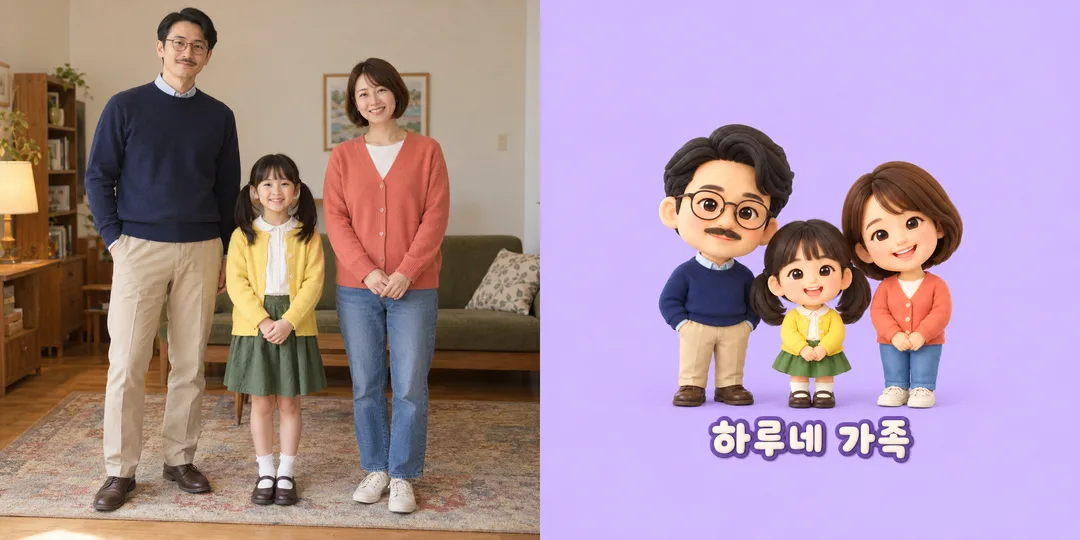
A family photo becomes a cute group avatar that preserves everyone’s order and identifying details.
What you get
- One family character avatar
- Original headcount, order and identifying features
- Circle-safe faces and an optional caption
ChatGPT Free OK
Fill in the fields
- 1Fill in the fields
- 2Copy the prompt
- 3Paste it into a GPT chat
- 4Send it as is and you get an image like the thumbnail example
- 5Attach a real photo that fits the card and it is used in the result: a background photo for background cards, a person or food photo for those cards Optional
Full prompt 3,710 characters
Generate this image now. Draw it directly, do not explain or ask questions.
Output size 1080x1080 pixels, 1:1 square post. Keep all text fully readable.
Create ONE finished family group-chat character avatar. Default square 1:1, full-bleed background, no mockup or comparison panels. Cute 2.5-head body proportions, warm expressions, clear individual identities.
FAMILY PHOTO / fictional group: "【Family photo】"
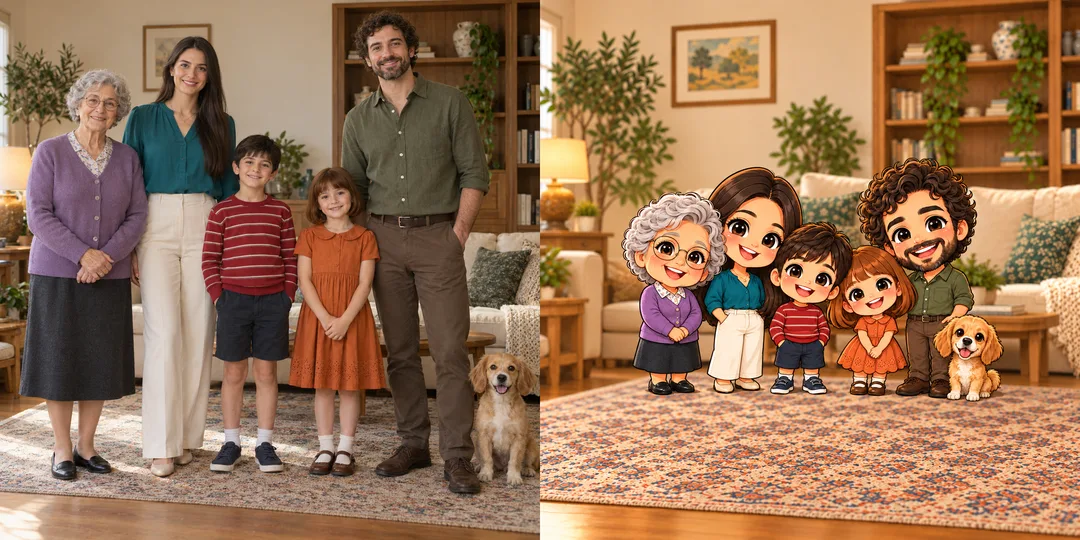
PHOTO RULE: when a photo is attached, use it as the identity and composition reference. Count every person and pet before drawing. Preserve exact headcount, left-to-right standing order, hairstyle and hair color, glasses, beard or moustache, clothing colors, relative height differences, skin tone and approximate age. Keep each pet's species, coat, ears and position. Do not add, omit, duplicate or merge people or pets. Simplify facial features without making everyone look identical. Keep all faces unobstructed.
When no photo is attached, create the fictional group described above. If this field is empty or only requests an attachment that is absent, create three entirely fictional people: tall father with side-part hair, thin glasses, small moustache and navy sweater; short daughter with two pigtails and yellow cardigan; mother with brown bob and coral cardigan, in that order. No pets unless specified in the fictional group. Never request a photo before finishing.
STYLE: "【Style】"
- Rounded hand drawing: Rounded hand drawing, soft colored-pencil and gouache texture, clean gentle outlines, expressive original characters.
- Soft 3D: Soft squishy 3D clay characters, rounded matte materials, delicate lighting, no plastic glare.
- Webtoon line art: Webtoon line art, crisp varying line weight, restrained cel shading, bright readable silhouettes.
If empty use Rounded hand drawing. Use only the chosen style.
BACKGROUND: "【Background】"
- Solid pastel: One soft pastel color behind the group, no scenery.
- Our living room: Simplify the room and furniture visible in the attached photo; if none is visible use a cozy generic fictional living room.
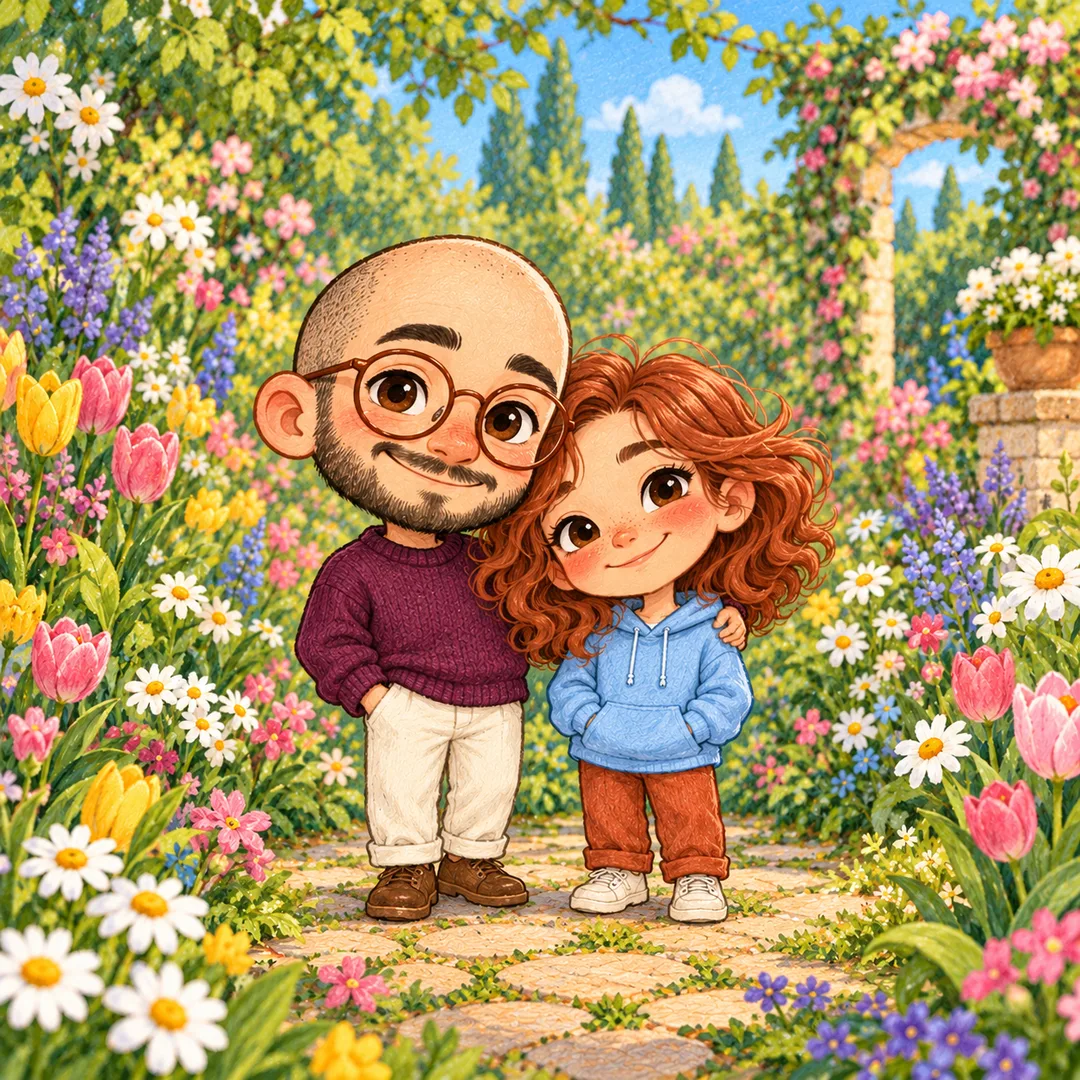
- Flower garden: A soft flower garden, small varied flowers behind the group, no faces hidden by plants.
If empty use Solid pastel. Use only the chosen background.
CAPTION: "【Caption】"
If empty, render NO text. If exactly "Choose for me", use "Our Family". Otherwise render the supplied caption verbatim once, never add names or greetings. Use clean readable lettering below the faces inside the safe circle; keep it short and subordinate to the family. Check every character before finishing.
CIRCLE SAFETY: all faces, complete hair, glasses and pet head must fit inside an invisible centered circle whose diameter is 85% of the shorter canvas side. Keep the compact group around x17–83% and y23–80% on a square, with all head tops below 23% of canvas height, and group close together with adults behind children only as needed without changing left-to-right order. Keep the characters large and fill the canvas with background. Prefer full bodies with relative height differences visible, while keeping every head safely inside the circle. Do not draw a circle border. Avoid extra large empty margins.
No real-person celebrity likeness, existing characters, brands, logos, watermarks or signatures. Clothing and room decor must be unbranded original designs. Do not print field labels or instructions. Return only one finished avatar.

[Final output format]
Output size 1080x1080 pixels, 1:1 square post. Keep all text fully readable.
This selected output format takes priority over any fixed canvas size or aspect ratio elsewhere in this template. Adapt the composition, text zones and margins to the selected canvas without stretching or cropping essential content. Device safe areas apply only when a device is selected. Never print these format instructions on the image.
How did it turn out?
You may also like


How to use it · FAQ
Turn a family group photo into a cute avatar for your family group chat. The default is a square image, with every face and all hair kept within a centered circle measuring 85% of the canvas. Hairstyles, glasses, facial hair, clothing colors, relative heights and left-to-right order help each person remain recognizable.
Use Family photo to describe the attached photo or a fictional family. Attach the photo in your image AI conversation and paste the copied prompt into the same message. A clear photo of 2–6 people works best. The image keeps every person and pet shown in the photo. Without a photo it creates a fictional family of three, unless you describe another group; it does not invent pets.
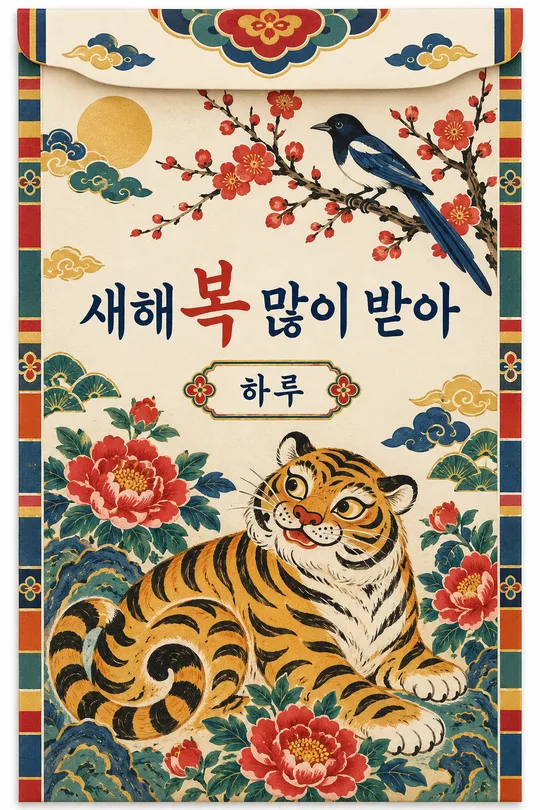
Choose Rounded hand drawing, Soft 3D or Webtoon line art. Background offers Solid pastel, Our living room or Flower garden. The living-room option simplifies visible furniture; when the photo has no room information, it uses a generic fictional living room. Caption is optional: try “Haru Family”, or leave it empty for no text. “Choose for me” becomes “Our Family”. Empty style and background use Rounded hand drawing and Solid pastel.
Each comparison shows a fictional source on the left and its result on the right. One uses three people in soft 3D; the other uses five people and a dog in webtoon line art. A separate hand-drawn result and the independently generated cover use different families. The shared example artwork shows the original Korean caption, while your caption is rendered exactly as entered in your language.
Check headcount, order, clothing, glasses, facial hair and pets. Preview a circular crop to check all faces and hair remain visible. If someone is missing, send the same photo and ask to restore that person while keeping the count and order. Check the caption character by character and request a corrected render if needed. Replace a photo with hidden faces with a clearer one. Obtain permission to share family and child photos and names; exclude personal contact details. This card supplies a prompt; the image is produced by the image AI where you paste it.