
All · Ads & posters · New products · Cafés & desserts
313Menu photo headline ad — your product on a pedestal as an editorial ad poster
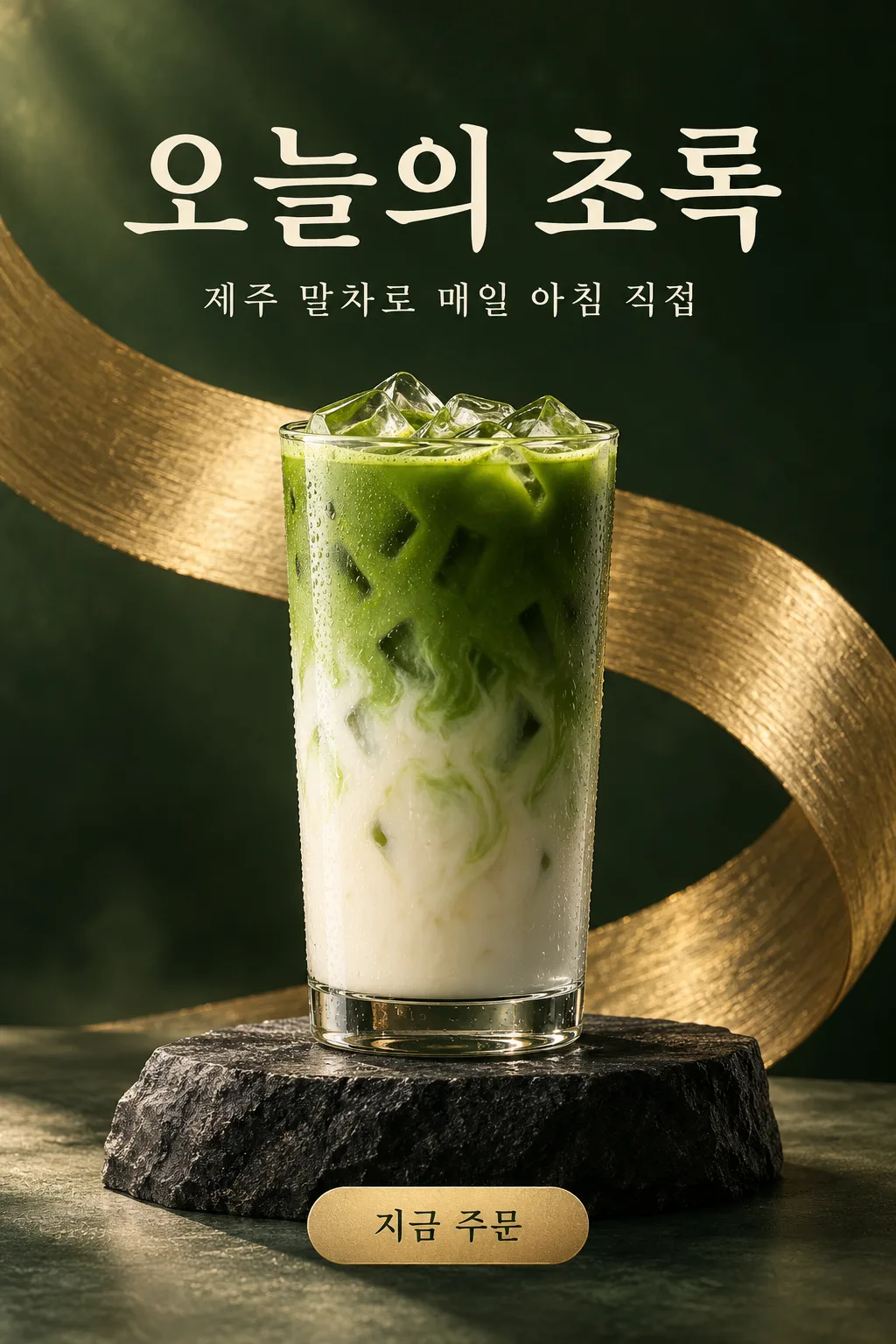
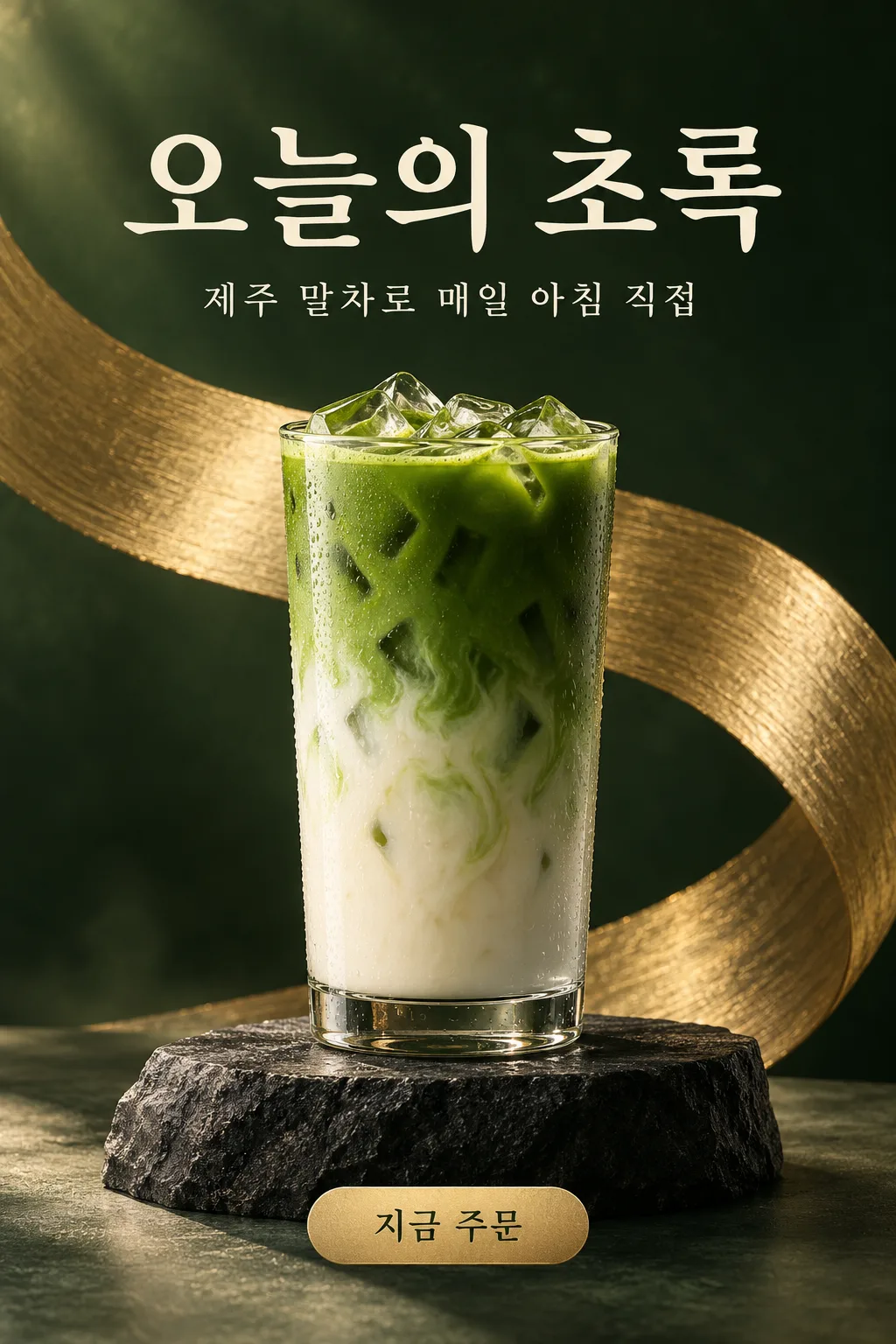
A product photo and a headline become an editorial ad poster with a soft solid background, a pedestal, a big headline, a subline and a button.
What you get
- One ad poster with your product on a pedestal
- A big headline and a small subline
- A small button label and a solid background
ChatGPT Free OK
Fill in the fields
- 1Fill in the fields
- 2Copy the prompt
- 3Paste it into a GPT chat
- 4Send it as is and you get an image like the thumbnail example
- 5Attach a real photo that fits the card and it is used in the result: a background photo for background cards, a person or food photo for those cards Optional
Full prompt 3,287 characters
Generate this image now. Draw it directly - do not describe it, explain it, or ask questions.
Output size 1080x1350 pixels, 4:5 portrait, Instagram standard.
Create one finished editorial advertising poster for a menu item or retail product. If no size is supplied, use portrait 4:5.

PRODUCT description: "【Product】"
Treat this value as the subject description, not an additional caption. If it is missing or empty, use the attached subject when available; otherwise invent a suitable unbranded fictional cafe drink.

HEADLINE, exact visible text: "【Headline】"
If the headline line is missing or empty, leave the headline area free of text; never invent a headline.

SUBCOPY, exact visible text: "【Subline】"
If the subcopy line is missing or empty, omit the subcopy and rebalance the layout; never invent replacement wording.

BUTTON TEXT, exact visible text: "【Button text】"
If the button-text line is missing or empty, omit both the button and its text; never invent a call to action.

BACKGROUND selected: "【Background】"
Interpret only the selected choice:
- Cream and peach: Cream and peach studio palette, translucent glass or pale stone pedestal, warm soft light, and delicate watery reflections.
- Deep green and gold: Deep forest-green backdrop, charcoal stone pedestal, brushed-gold sculptural accent, and warm directional light.
- Sky and white: Airy sky-blue and white backdrop, white sculptural pedestal, soft daylight, and clean translucent accents.
- Black and gold: Rich black backdrop, dark polished pedestal, restrained gold accent, and precise dramatic highlights.
If this selection line is missing or empty, use Cream and peach only.

[Attached photo]
When a photo is attached, isolate and use its main menu item or product as the hero subject. Preserve its recognizable shape, proportions, ingredients, colors, packaging structure, and distinctive physical details. Improve lighting, background, and staging without changing what is being sold. Remove unrelated surroundings and people. Remove trademarks, watermarks, and incidental packaging text without replacing them with invented branding.
PHOTO RULE: if a photo is attached, use it as described; if no photo is attached, never ask for one and never stop — invent a fitting fictional subject and finish the image.

Place the subject on a visually appropriate pedestal in the lower-middle area. Use convincing material textures, controlled shadows, a sculptural background accent, and premium editorial lighting. Put the large headline above the subject, smaller subcopy below the headline when provided, and a small visual button near the bottom when provided.

Print supplied text exactly as quoted, preserving punctuation, spacing, and every English letter. No additional product captions, prices, claims, brands, existing characters, or watermarks. Deliver the poster directly, without a device or wall mockup.
The choice names in this prompt are internal labels only; never print them as text.

[Final output format]
Output size 1080x1350 pixels, 4:5 portrait, Instagram standard.
This selected output format takes priority over any fixed canvas size or aspect ratio elsewhere in this template. Adapt the composition, text zones and margins to the selected canvas without stretching or cropping essential content. Device safe areas apply only when a device is selected. Never print these format instructions on the image.
How did it turn out?
You may also like
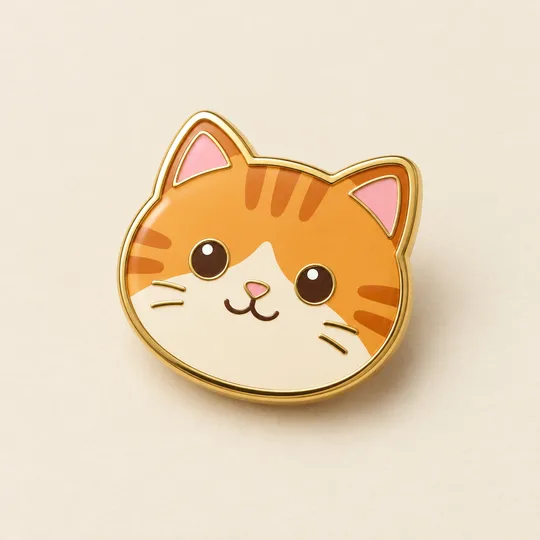
- 340Enamel pin mockup — your character or pet as a gold-rimmed pin
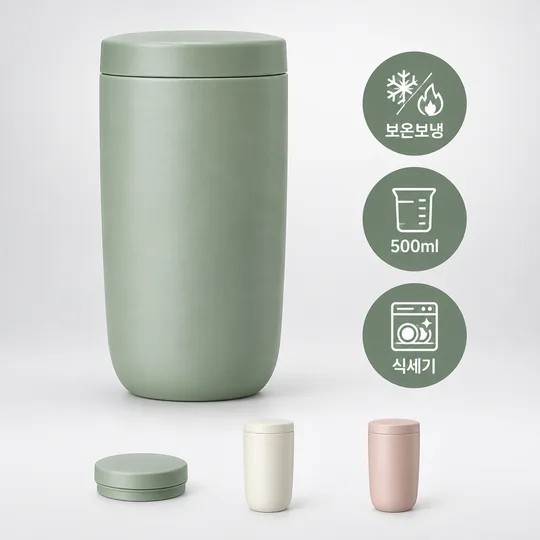
- 339Online store main image — product on white, three feature badges and option previews
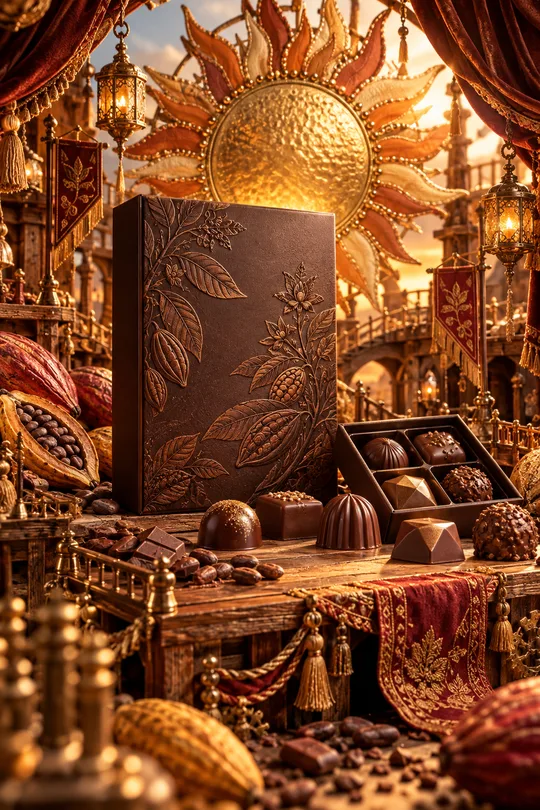
- 331Miniature craft world product ad — your product at the heart of a handmade metal, textile and stage world
- 325Food line icon — clean line icons for menus, stickers and signs
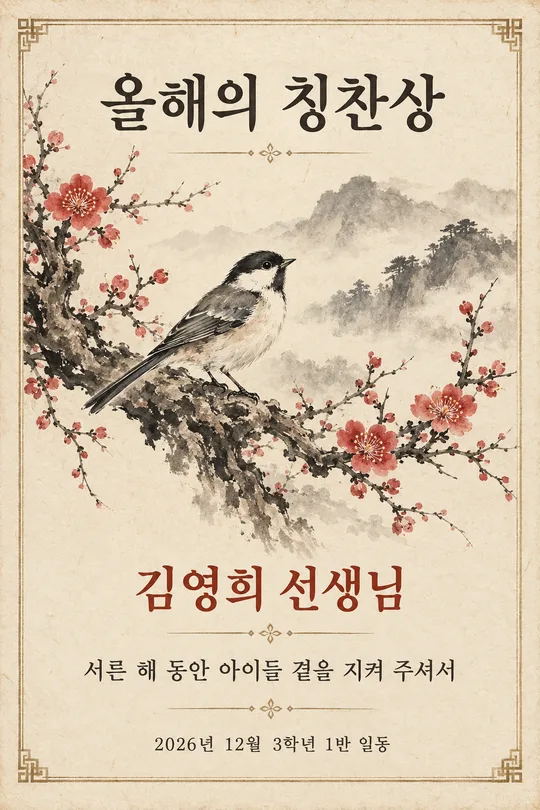
- 320Ink painting award — a printable certificate with plum, bamboo or crane painting and a name
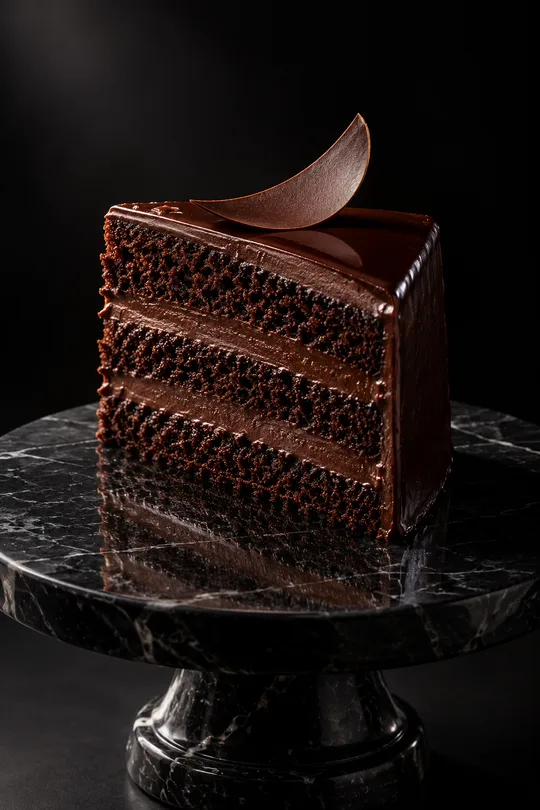
- 319Dark luxury product photo — dessert, wine or perfume in a single beam of light
How to use it · FAQ
When to use it
Announce a new item as one magazine-style ad: a soft solid background, your product on a stone or glass pedestal, a big headline, a small subline and a button label.
Filling in the fields
Product and headline. Short, emotional headlines and specific sublines work best.
Using your product photo
① Upload the photo — do not send yet ② paste the prompt ③ send when both are there.
Check the result
- Is the copy exact? Does the product match? Avoid health or skin claims.
A photo-to-image example
The first image compares the original on the left with the result on the right; the second is the existing example. The comparison uses fictional photos made with a subscription image tool.
The straight transparent glass, layers and marbling of matcha and milk, ice, and the thick bottom of the glass carried over. The cafe counter photo changed to a cream and peach background with a circular pedestal advertisement, incorporating Korean captions 'Today's Green', a sub-phrase, and 'Order Now'.
The three phrases are correct, but matcha leaves and flowers were added, resulting in more decoration than the solid background, and the drink looks a brighter green. The Jeju origin phrase is a card example value and not an actual product fact.
"Keep the phrases, glass, and ice, but reduce the flower and leaf decorations to match the solid background and original matcha color."