
All · Ads & posters · New products
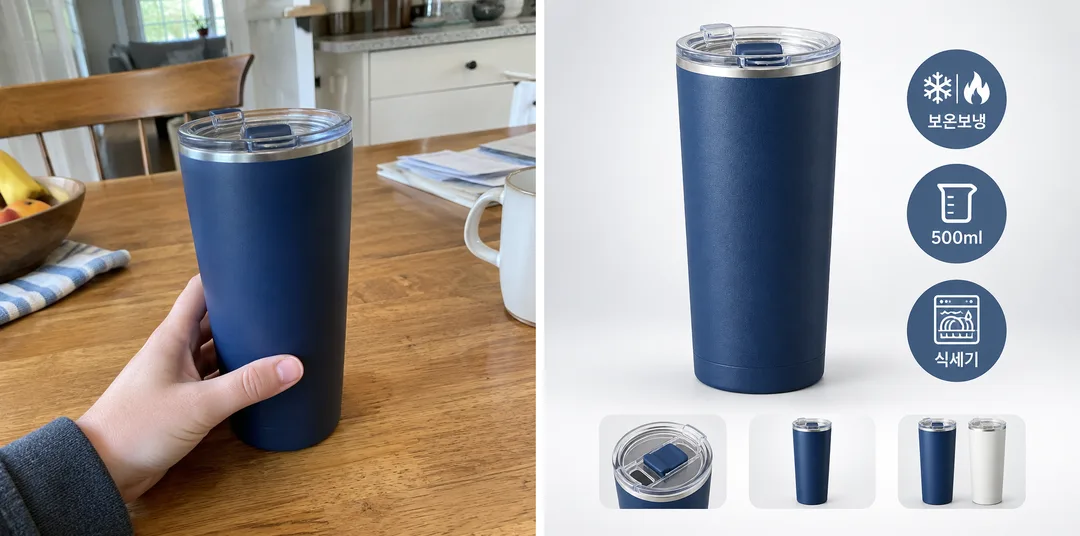
339Online store main image — product on white, three feature badges and option previews
Add one product photo and three features to create a main image with a large product, three feature badges beside it and color or component previews below.
What you get
- One square product main image
- Three feature badges with icons and short text
- Color or component previews along the bottom
ChatGPT Free OK
Fill in the fields
- 1Fill in the fields
- 2Copy the prompt
- 3Paste it into a GPT chat
- 4Send it as is and you get an image like the thumbnail example
- 5Attach a real photo that fits the card and it is used in the result: a background photo for background cards, a person or food photo for those cards Optional
Full prompt 3,204 characters
Generate this image now. Draw it directly - do not describe it, explain it, or ask questions.
Output size 1080x1080 pixels, 1:1 square post. Keep all text fully readable.
The intended card format is 1:1; use the requested canvas size.

Create one polished online store main image with realistic studio product photography and compact ecommerce graphics. The hero product visibly fills roughly 60 percent of the canvas, with a large crisp silhouette. Use a bright light-gray gradient background and floor with a soft grounded contact shadow. Place exactly three round feature badges beside the product, each containing one simple icon and one short English label of 2–4 characters. Along the bottom, add 2–3 small unlabeled previews of included components and/or color options. These are supporting elements within one listing image; the hero stays dominant. Make the full composition balanced and readable at thumbnail size.

SELECTION selected: "【Layout】"
Interpret only the selected choice:
- Product on the left: Hero product at left; three round badges in a vertical column at right; previews along the bottom.
- Product in the center: Hero centered slightly left of canvas center, leaving room for three round badges beside it; previews along the bottom.
- Product on the right: Hero product at right; three round badges in a vertical column at left; previews along the bottom.
If missing or empty, use Product on the left only.

FEATURES written by the seller: "【Features】"
Split this line at · or , into exactly three short labels and print each label exactly as written, once, under a simple matching icon inside its round badge (e.g. Hot & cold → snowflake and flame, 500ml → measuring cup, Dishwasher-safe → dishwasher). If the line is empty, use three unlabeled icon badges that match the product. No prices, ratings, sale stickers or certification marks. The three badge labels are the only visible words; no preview captions or product lettering.

[Attached photo]
Preserve the attached product geometry, color, texture, components and quantity. Preview only components and color options supported by the supplied photos. If no options or separate parts are supported, use 2–3 unlabeled detail previews of the same item instead. Never imply invented accessories or variants are included or available. Remove source lettering and logos. Without a photo, never ask or stop: use a generic unbranded tumbler, a common retail product. Show its fitted lid and two small fictional color-option previews of the same design as illustration examples.

Produce exactly one finished image. All artwork is original and unbranded. No company references, logos, recognizable commercial designs, existing fictional characters, watermarks or interface elements. Selection labels are instructions only. Render only the visible text explicitly authorized above. Keep hands, posture and animal anatomy natural.

[Final output format]
Output size 1080x1080 pixels, 1:1 square post. Keep all text fully readable.
This selected output format takes priority over any fixed canvas size or aspect ratio elsewhere in this template. Adapt the composition, text zones and margins to the selected canvas without stretching or cropping essential content. Device safe areas apply only when a device is selected. Never print these format instructions on the image.
How did it turn out?
You may also like
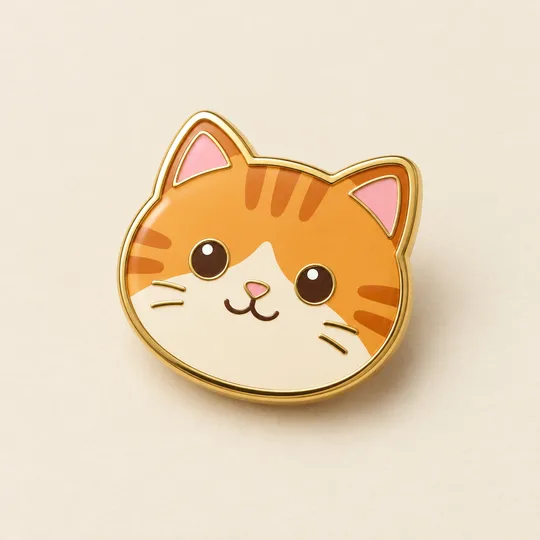
- 340Enamel pin mockup — your character or pet as a gold-rimmed pin
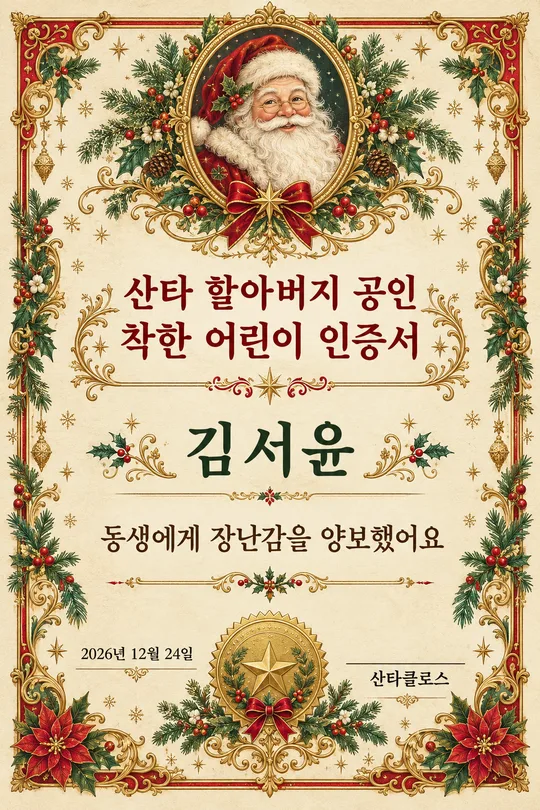
- 312Santa's nice list certificate — a printable Christmas award with your child's name
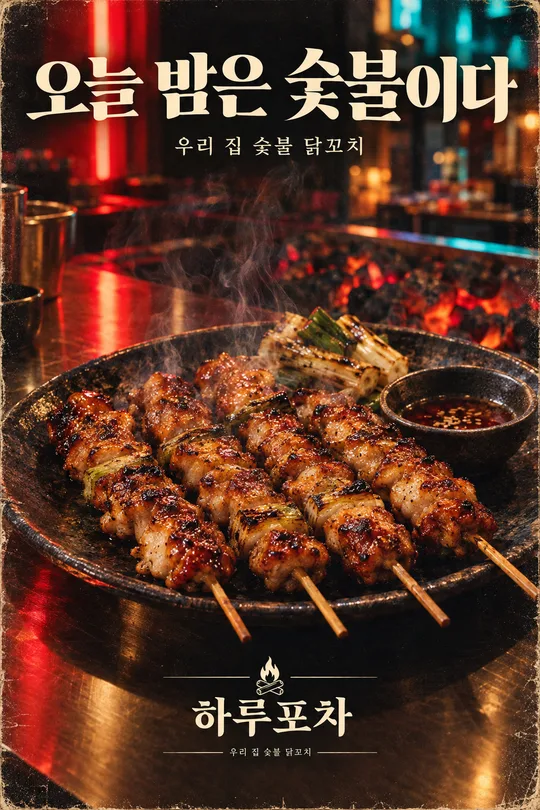
- 30780s-90s retro magazine ad — your product as a grainy full-page ad
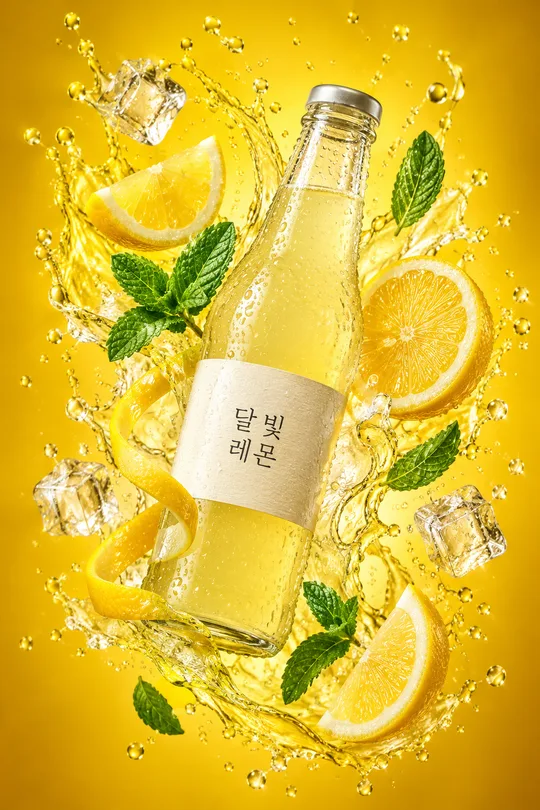
- 301Drink splash ad photo — your bottle floating with fruit and droplets
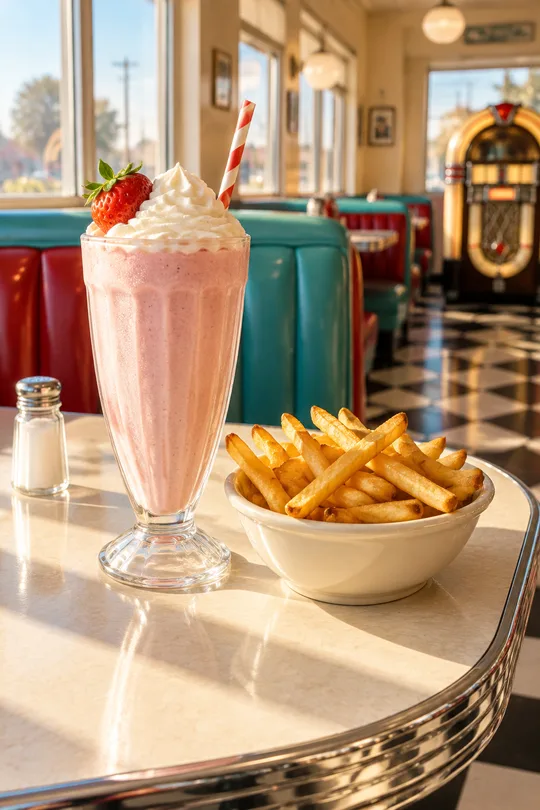
- 29550s diner table photo — your menu at a retro American diner window seat
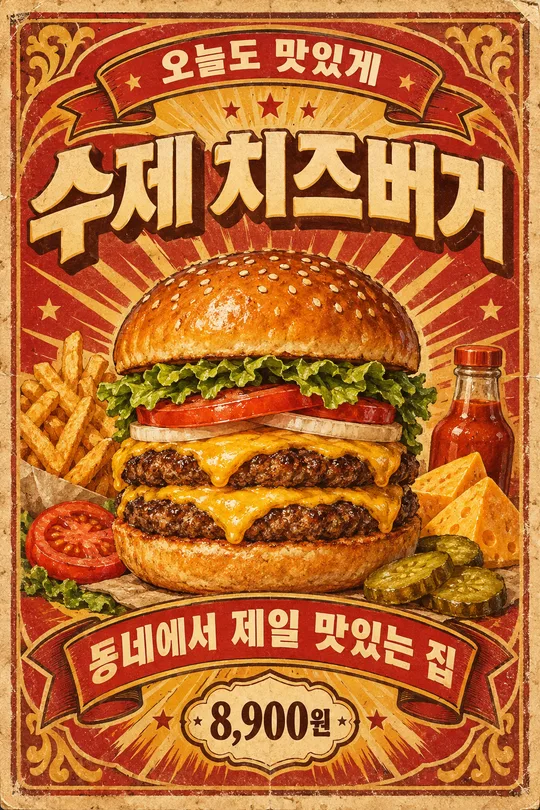
- 289Vintage food poster — your menu as a 1950s-60s diner sign
How to use it · FAQ
When to use it
For shop owners who want to quickly create a main product image for Smart Store or Coupang. This ecommerce product-image format comes from overseas prompt marketplaces.
Filling in the fields
Write three short features, separated by “·”, using only facts about your product (e.g. Hot & cold · 500ml · Dishwasher-safe). Incorrect features can misrepresent the product. Short labels of 2–5 characters render more clearly.
Using your photo
① Upload one product photo — do not send yet ② paste the copied prompt in the same input box ③ send when both are there.
Check the result
- Check that the shape, color and components match the actual product. If extra colors or components appear, say “Use only what is in the photo.”
Viewing the example
The listing cover was generated from the prompt without a photo. You can use it with or without your own photo.