
전체 · SNS/카드뉴스 · 가게 이야기 · 할인·이벤트
329세로 큰 글자 포스터 — 거대한 단어 속이 사진 창이 되는 모던 그래픽 (가게 · 행사 홍보)
단어 하나와 장면을 적으면 화면을 꽉 채운 세로 글자 안으로 장면 사진이 비치고, 옆에 작은 제목 · 정보가 정리된 모던 포스터가 나와요.
받는 것
- 세로 큰 글자 그래픽 포스터 한 장
- 글자 안으로 비치는 장면 사진
- 옆에 작은 제목과 정보 블록
ChatGPT 무료 OK
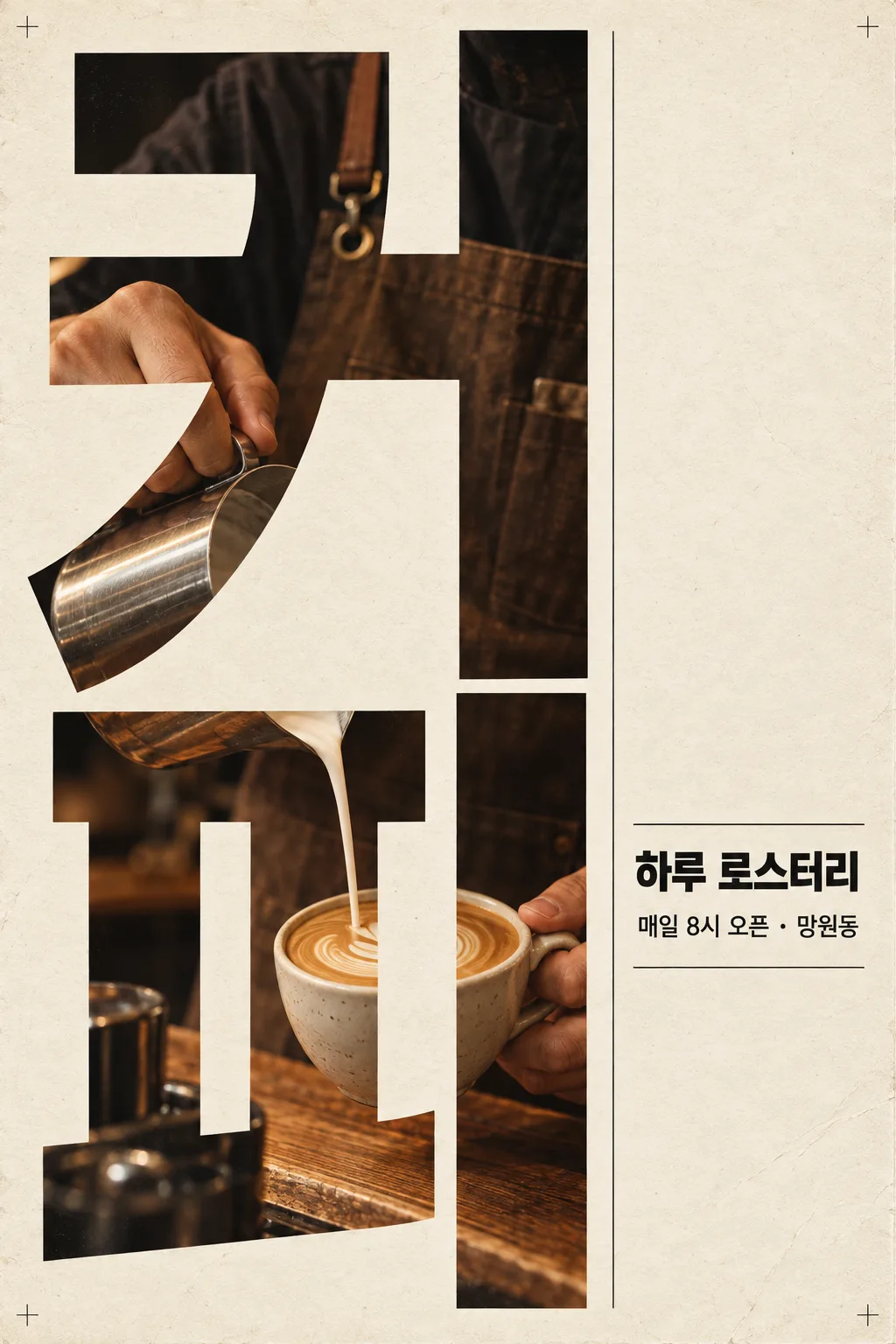
칸 채우기
- 1칸을 채워요
- 2복사 버튼을 눌러요
- 3GPT 채팅창에 붙여넣어요
- 4그대로 보내면 썸네일 예시처럼 나와요
- 5카드에 맞는 실제 사진을 같이 넣으면 그 사진이 반영돼요 — 배경 카드는 배경 사진, 인물 · 음식 카드는 그 사진 선택
프롬프트 원문 보기 3,065자
Generate this image now. Draw it directly - do not describe it, explain it, or ask questions.
Output size 1080x1440 pixels, 3:4 portrait, social media post.
If the size line is missing or empty, use a vertical 2:3 canvas.

Create one finished modern photographic typography poster. Fill approximately the left two-thirds of the canvas with a giant word arranged vertically, with one character per row. Use extremely heavy, condensed lettering with correctly formed strokes and open counters. Make the word nearly fill the height of the poster.

GIANT WORD:
"【큰 단어】"
Print this exact string once as the giant photographic typography. Preserve its spelling, punctuation, and character order. For Hangul, render every syllable and final consonant correctly.

SCENE INSIDE THE LETTERS:
"【안에 보일 장면】"
Invent a realistic photographic composition of this scene. Reveal the photograph inside the giant letter strokes only. Arrange the subject, hands, objects, and environmental details into a visually connected scene across the stacked characters. Keep counters and inter-letter gaps as the plain poster background. Do not substitute rectangular photographs for the letterforms. Keep the word immediately readable.

SMALL TITLE:
"【작은 제목】"
If the small-title line is missing or empty, omit the title completely. Do not invent replacement wording.

INFORMATION LINE:
"【정보 줄】"
If the information-line entry is missing or empty, omit it completely. Do not invent dates, addresses, slogans, or replacement wording.

PALETTE selected: "【색】"
Interpret only the selected choice:
- 크림 · 검정: warm cream paper, black editorial typography, and warm photographic tones.
- 흰색 · 빨강: clean white paper, vivid red editorial typography, and neutral photographic tones with controlled red accents.
- 베이지 · 남색: textured beige paper, deep navy editorial typography, and muted warm photographic tones.
If this selection line is missing or empty, use 크림 · 검정 only.

Reserve the right third for the supplied small title and information line, using a carefully aligned editorial column, strong type hierarchy, and fine rules. If either text field is absent, rebalance the remaining elements without adding text. If both are absent, use quiet space and thin graphic rules only.

Use subtle paper fibers, light printing wear, tiny nonverbal registration marks, crisp typography, cinematic photographic detail, and precise margins. Preserve the dense photographic interior and dramatic scale of the giant word. Print supplied text exactly as quoted; do not translate, paraphrase, or add characters. No additional text, logos, trademarks, real public figures, existing characters, signatures, or watermarks.
The choice names in this prompt are internal labels only; never print them as text.

[Final output format]
Output size 1080x1440 pixels, 3:4 portrait, social media post.
This selected output format takes priority over any fixed canvas size or aspect ratio elsewhere in this template. Adapt the composition, text zones and margins to the selected canvas without stretching or cropping essential content. Device safe areas apply only when a device is selected. Never print these format instructions on the image.
결과 어땠어요?
이 카드도 많이 사용해요
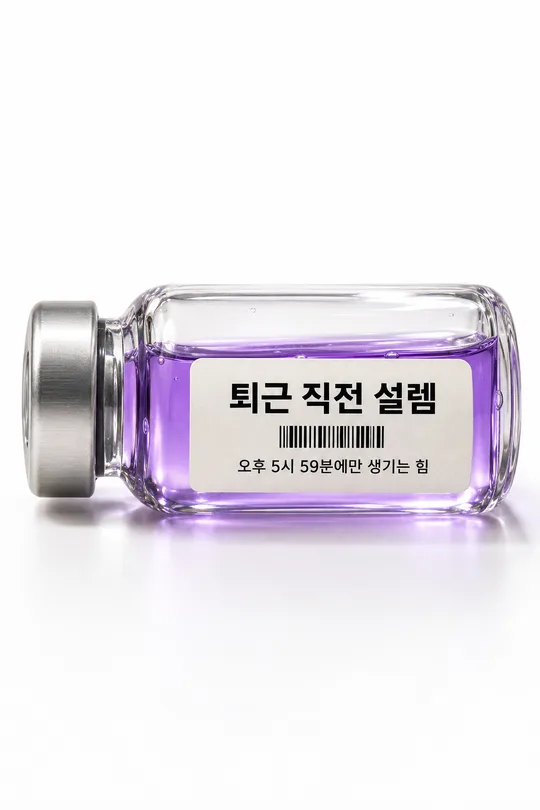
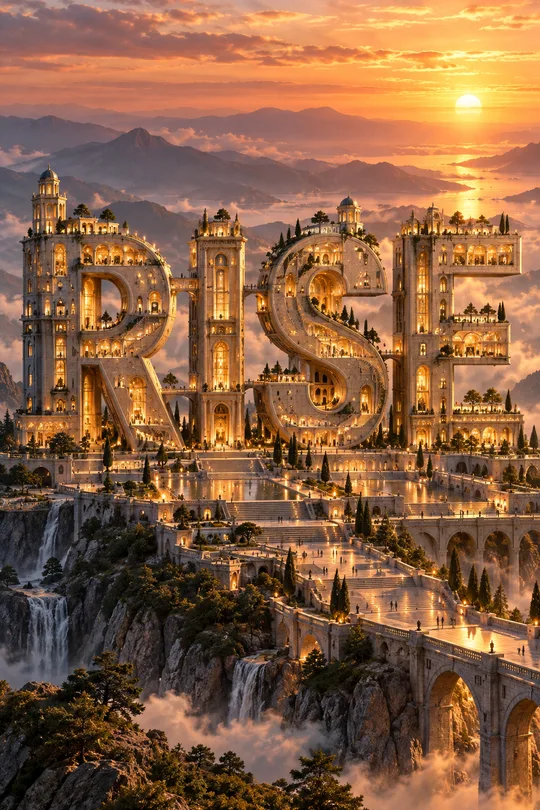
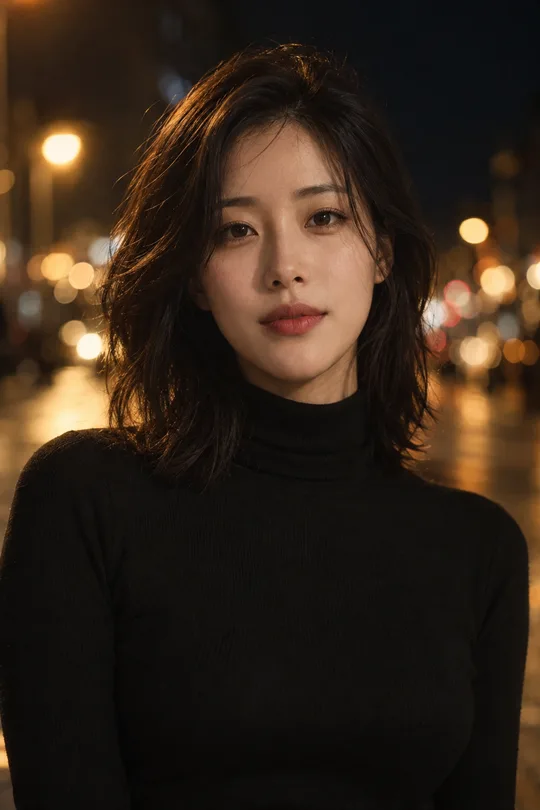
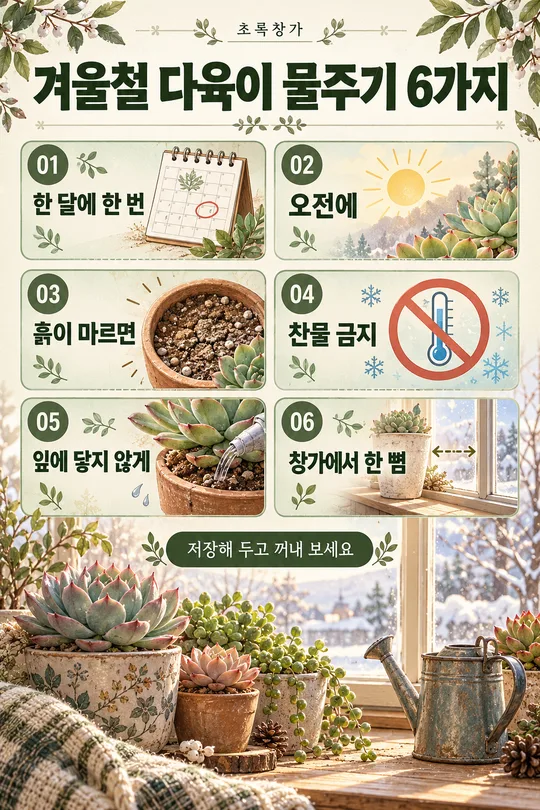
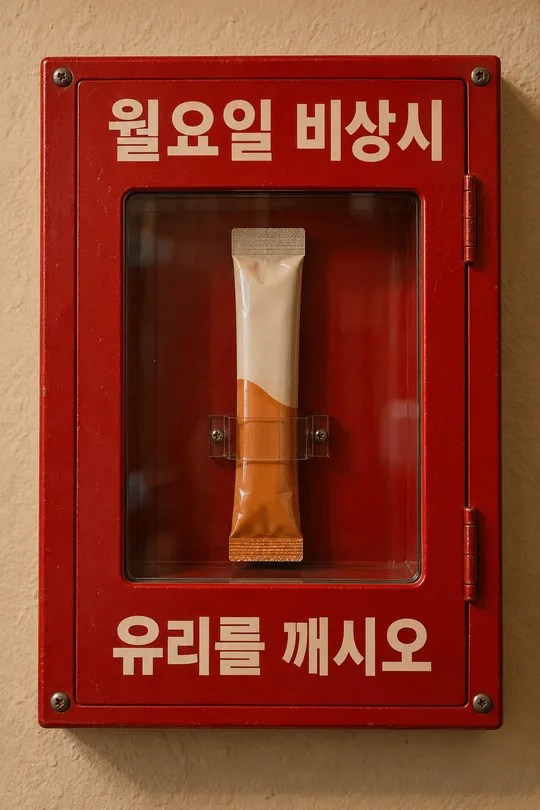
쓰는 법 · 자주 묻는 것
이런 때 쓰세요
가게 · 행사 · 브랜드를 디자이너가 만든 듯한 모던 포스터로 보여 주고 싶을 때 쓰세요. 화면 한쪽을 꽉 채운 거대한 세로 글자 「커피」, 그 글자 획 안으로 바리스타가 라떼를 붓는 장면이 비치고, 옆에는 작은 제목과 날짜 · 장소 정보가 잡지처럼 정리돼요. 인스타 피드에서 눈에 확 띄는 형식이에요.
해외 프롬프트 판매 사이트에서 돈을 받고 파는 「아웃 오브 바운드 타이포 포스터」 형식이에요. 여기서는 무료입니다.
칸 채우는 법
큰 단어와 안에 보일 장면만 적으면 됩니다. 큰 단어는 2~4자가 가장 시원하게 나와요. 작은 제목 · 정보 줄은 비우면 빠져요. 날짜 · 시간 같은 정보는 정확하게 적으세요.
그림이 나오면 꼭 볼 것
- 큰 단어 글자 모양이 정확한가요?
- 정보 줄의 숫자 · 날짜가 정확한가요?